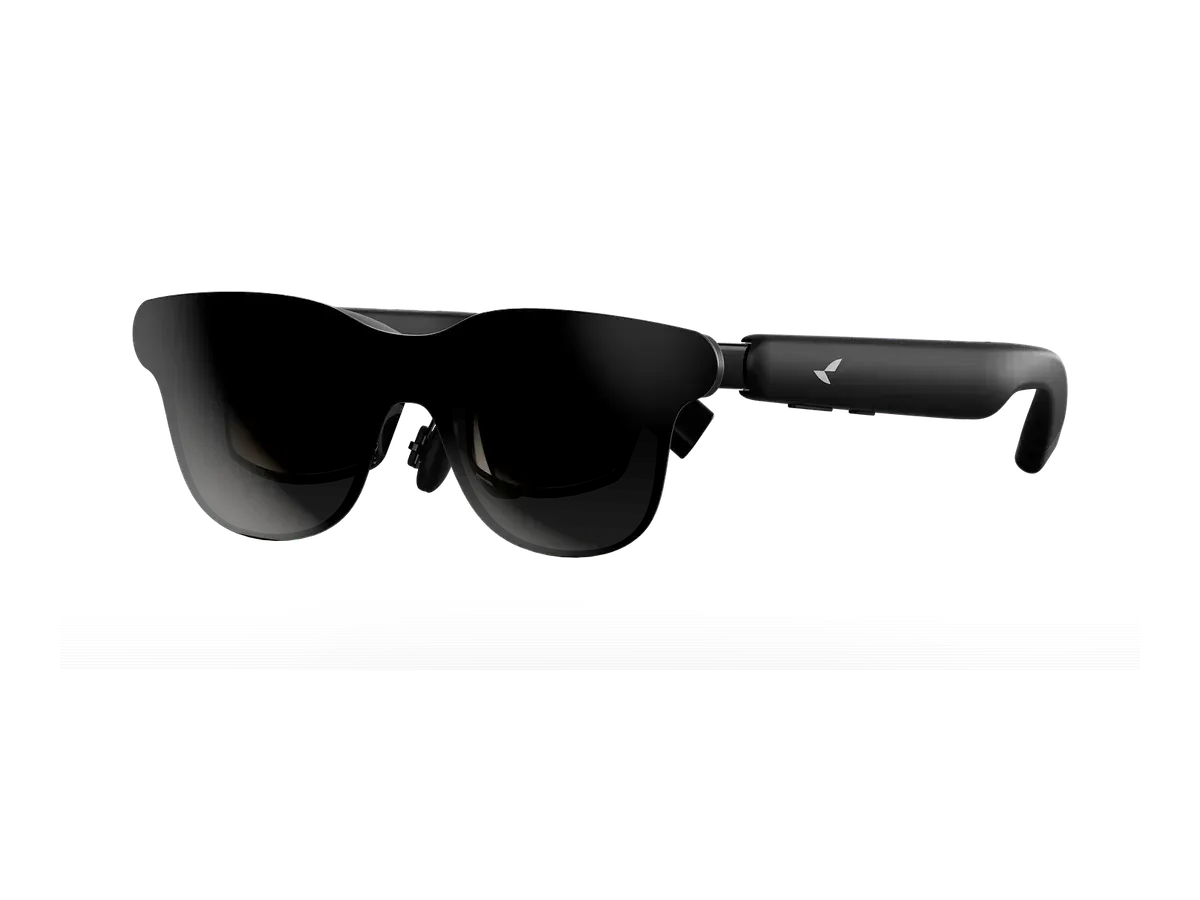
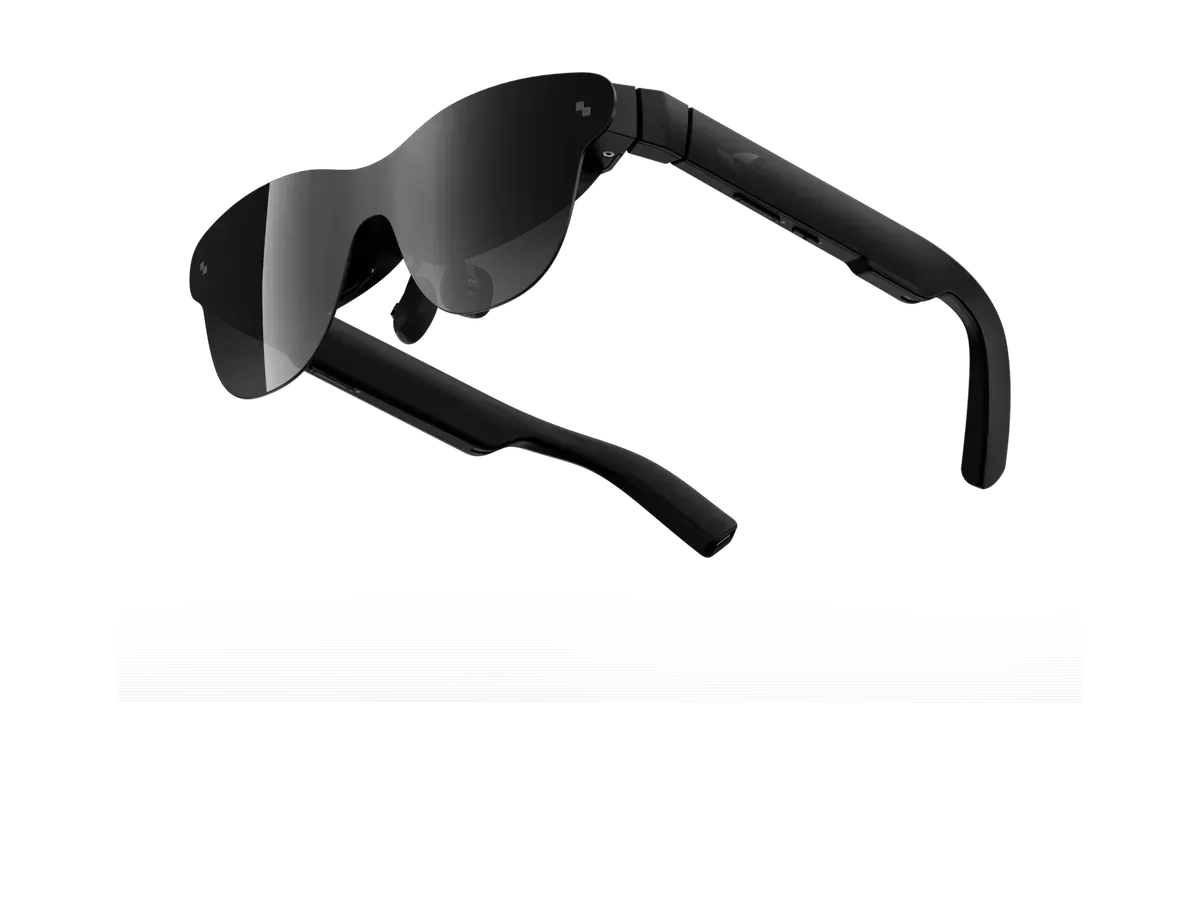
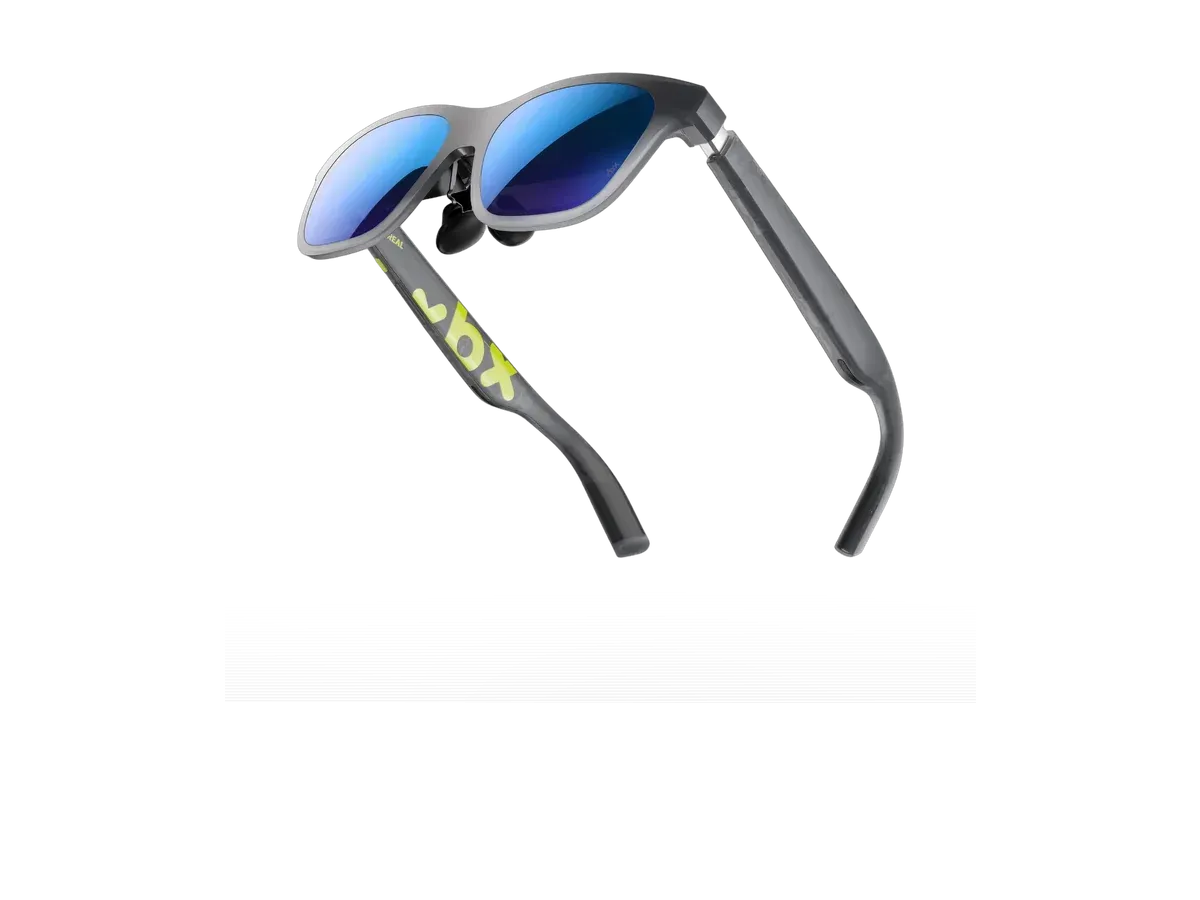
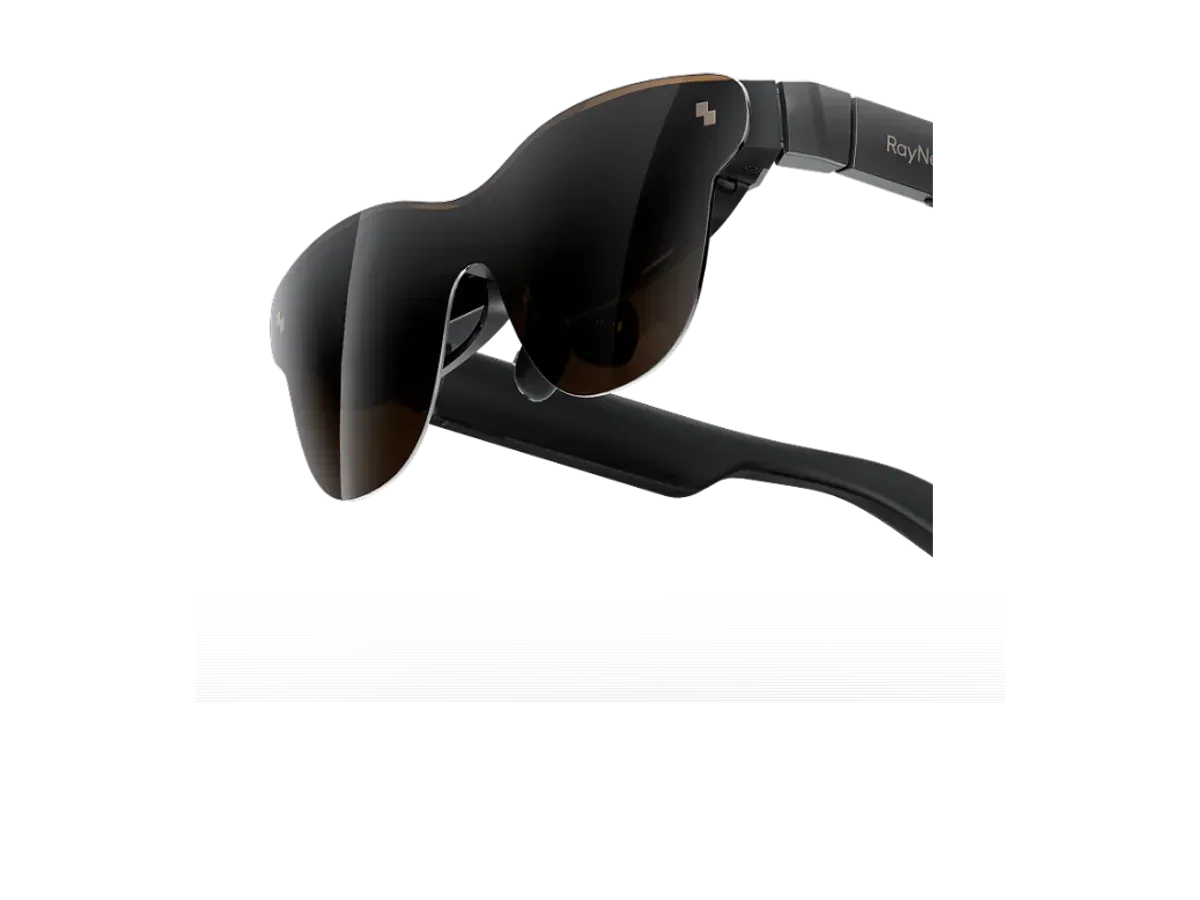
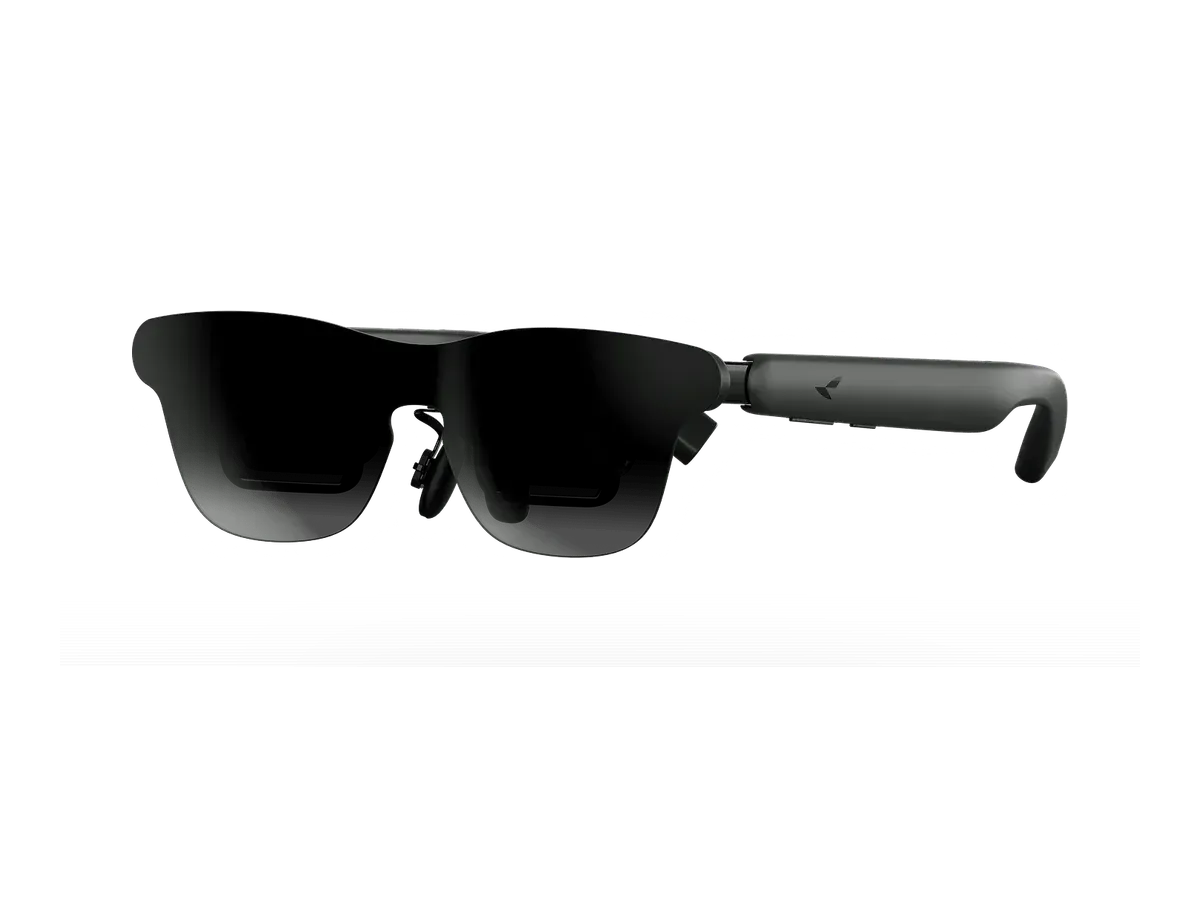
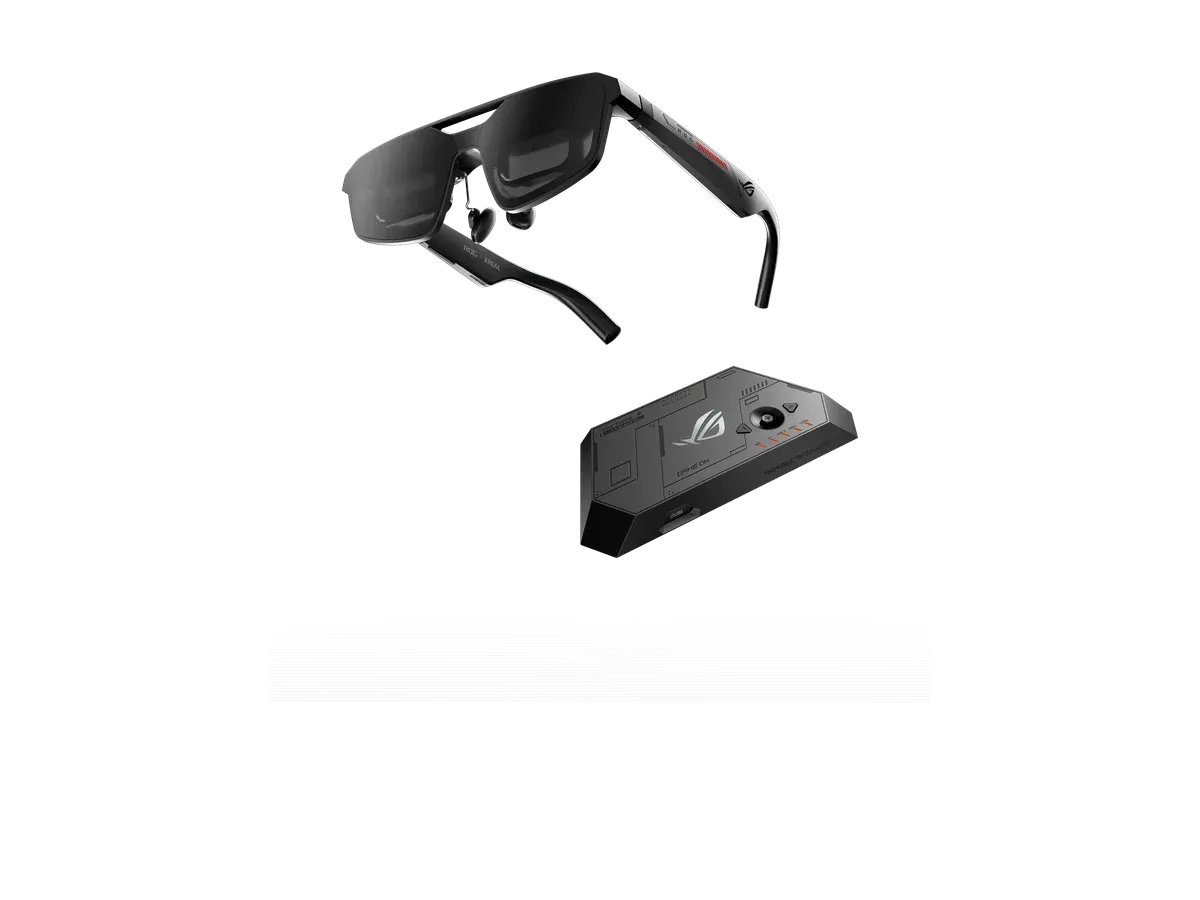
A display is what separates these smart glasses from the audio-and-camera frames you wear like sunglasses: instead of only talking to an assistant, you look at a screen. Two very different kinds of screen share this page. Tethered display glasses plug into a phone, laptop, or handheld over USB-C and project a large virtual screen — a private cinema on a plane, a floating monitor at a desk — but carry no battery or processor of their own, so the optics behind that picture are worth understanding before you buy: see birdbath vs waveguide. Heads-up display frames take the opposite tack, floating a compact panel of notifications, directions, or live translation in the corner of your eye while staying light enough to wear all day.
Because those two jobs pull in opposite directions, the ranking scores each pair on the specs its own job demands — field of view and brightness for the big-screen crowd, weight and clarity for the all-day crowd — a field the lightest smart glasses ranking sorts by the gram. If a camera or an AI assistant matters more to you than a screen, the smart glasses with a camera guide and the best AI smart glasses hub re-rank the catalog around those features instead. Shopping to a budget? The best budget picks hub sorts the affordable end cheapest-first, and you can always compare any two models side by side before you commit.
Field of view is the spec that decides how big the screen feels
Every marketing page in this category promises a giant screen; the recorded field-of-view number is what actually delivers or doesn’t. Field of view is the angle the picture occupies in your vision, and the difference between the ends of this catalog is dramatic. At the glanceable end, a heads-up panel under 30 degrees sits politely in your periphery — that class has its own HUD glasses ranking, scored for its own job. The big-screen class starts in the 40s, and each step up from there changes what the glasses are for: the low 40s feels like a large TV across a room, the 50s starts to resemble sitting close in a cinema, and the catalog’s widest recorded fields push beyond that. The number is worth trusting over the marketing precisely because it is comparable: an advertised “200-inch screen” depends entirely on how far away the maker pretends the screen is, while degrees are degrees on every spec sheet. That is why field of view carries the heaviest weight in this ranking, and why the recorded value for every pick links back to its full spec record.
Brightness decides where you can use them
A display you cannot see in daylight is a nighttime gadget, and the spread of recorded brightness across this category is wider than most buyers expect — from a few hundred nits to four figures. Indoors, in a dim room or an aircraft cabin, almost anything in the catalog is comfortable. Near a window, in a bright office, or outdoors, the difference between the dim and bright ends of the class is the difference between watchable and washed out. Two recorded specs work together here: raw nits, and whether the glasses ship with lens dimming — an electrochromic tint that darkens the world behind the picture so the display needs less power to win. Dimming effectively multiplies whatever brightness the panel has, which is why a dimming-equipped mid-brightness pair can beat a brighter pair with clear lenses in real rooms. If your watching happens in dim rooms and evening flights, brightness can rank low on your list; sunlit cabins, daytime trains, and anywhere-you-like ambitions push it — and lens dimming — toward the top, alongside field of view.
Sharpness is pixels per degree, not resolution
Resolution numbers transplant badly from monitors to glasses. A 1080p panel stretched across a huge apparent screen can look softer than the same panel across a smaller one, because what your eye experiences is pixel density per degree of vision, not total pixels. That is the pixels-per-degree figure recorded in this ranking, and it is the spec that predicts whether text is comfortable — the difference between glasses you can read a document on and glasses you would only watch video through. Video is forgiving; motion hides softness. Text is merciless. If reading is any part of your plan, weight pixels per degree and refresh rate — a higher recorded refresh makes scrolling and cursor movement feel like a screen rather than a slideshow — above raw screen size, and check both values on each product’s record rather than the box.
Tethered power: what plugging in really means
Most big-screen glasses in this catalog are tethered: one USB-C cable carries video and power from a phone, laptop, tablet, or handheld, and the glasses themselves have no battery to charge or die. The practical consequences run both directions. Nothing to charge means the glasses weigh less and never quit before the movie ends; drawing from the host means your phone is spending its battery on the screen, and a long session shows up in the host’s battery graph. The compatibility question is the one to settle before buying, not after: the host device must output video over its USB-C port — a capability recorded per product in the compatible-devices field, and one that varies across phones far more than across laptops. The standalone heads-up frames sidestep all of this with onboard batteries measured for all-day glanceable use rather than continuous video — a different contract entirely, covered in the HUD ranking.
Matching the spec sheet to what you actually want
The honest way to shop this category is to name your main use first and let it pick your specs. Movie and series watching wants field of view first, brightness second if you roam, and the movies and travel ranking weighs exactly that trade, dimming and spatial audio included. Play on a handheld or console? Latency and refresh matter more — the gaming ranking re-scores the same catalog for that job. Working in them is its own discipline of text sharpness and window space, ranked on the productivity page. All-day glanceable information is the HUD class. Prescription wearers should treat the recorded lens path as a gating spec before any of the above — the prescription hub covers that decision across the catalog. And if you are still deciding whether any of this fits how you live, the what-are-AR-glasses explainer maps the whole territory in plain terms. The ranking below is the category-wide view — every display-carrying pair in the database, scored on the recorded specs that make a screen worth wearing — and each pick links onward to its record, its price history, and its head-to-head comparisons, so the next click is always the same data at higher magnification.