#1
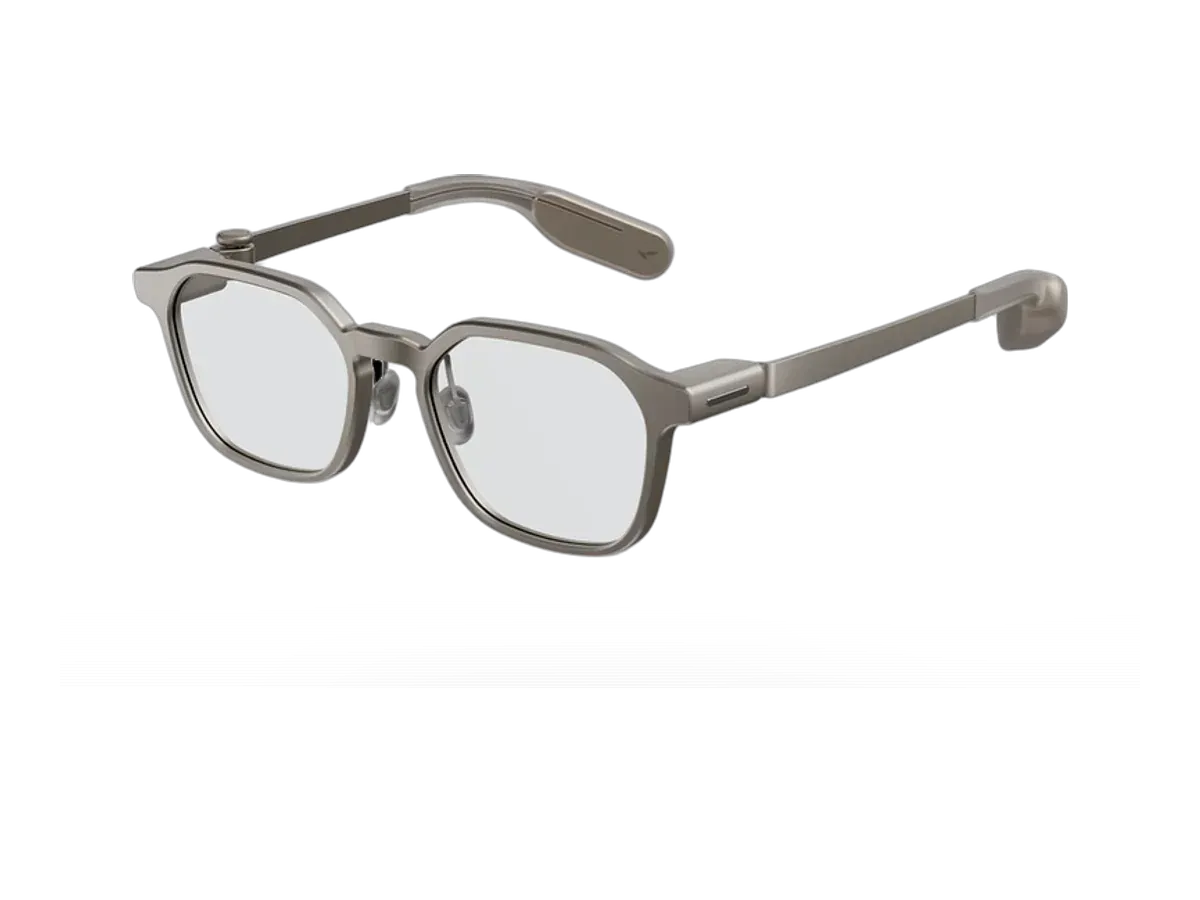
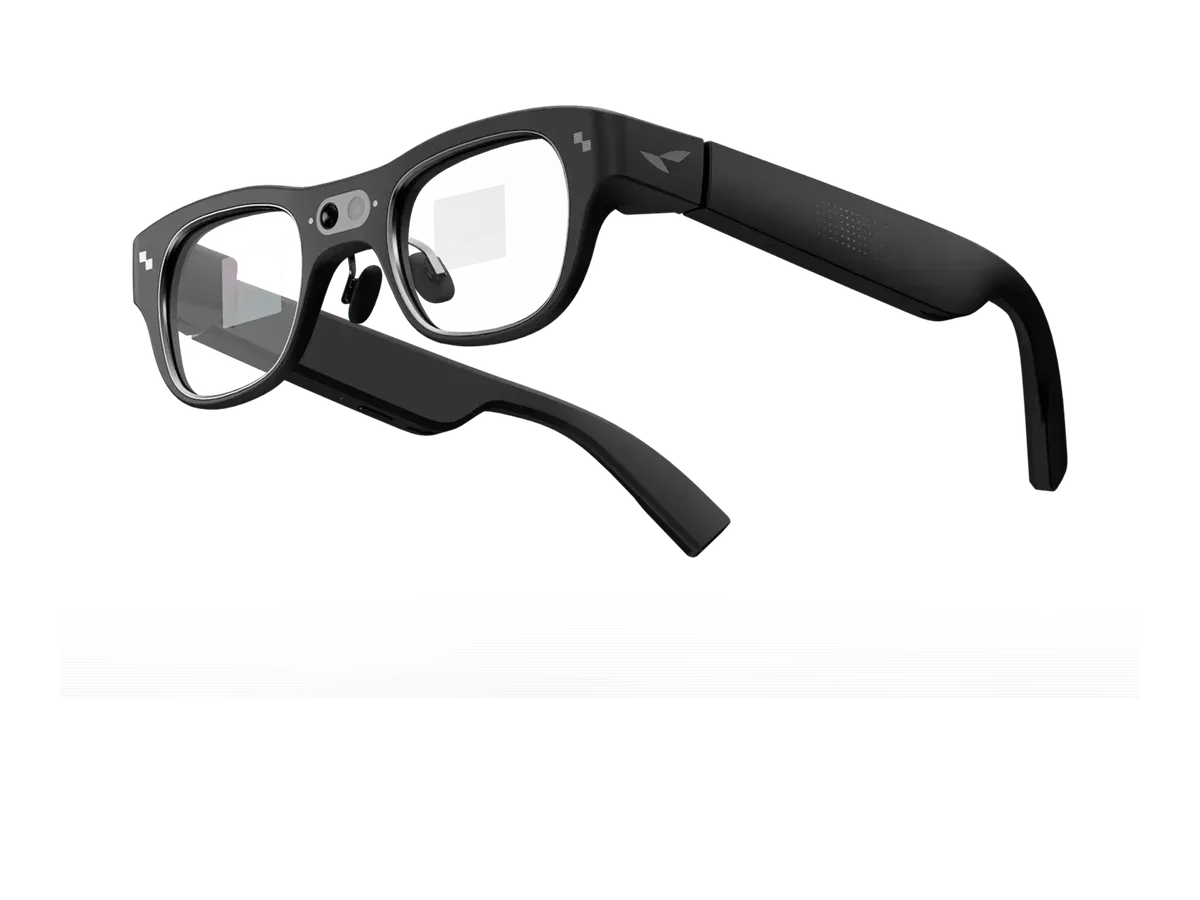
RayNeo
Why it ranks here:
- glanceable HUD use recorded (notifications, navigation, or teleprompter) (+15)
- 48-hour battery (+25)
- 33g weight (+20)
- 1300 nits brightness (+6)
- prescription support recorded (+10)
- camera-free frame recorded (+6)
Best of
The glanceable sub-30° display class, ranked by battery, weight, brightness, and prescription path.
Product data last updated
HUD glasses put a small heads-up display in the corner of your vision — glanceable text, navigation arrows, and captions rather than an immersive screen. We define the class by recorded specs, not marketing: a display with a field of view of 30 degrees or less, small enough to stay out of your way all day. Every available, priced model below is ranked on the specs that decide whether a HUD earns a place on your face: multi-day battery, everyday weight, outdoor-readable brightness, and a real prescription path.
Our top pick for HUD glasses is the RayNeo iO at $449.
Heads-up display glasses are the quiet branch of the smart-glasses family. Instead of a cinema screen floating in front of you, they place a small transparent readout in the corner of your vision — the time, a notification, a turn arrow, a line of live captions — and then get out of the way. If you have ever glanced at a car windshield display and wished your glasses did the same thing, this is the category that does exactly that, and the ranking below scores every model you can actually buy on the recorded specs that decide whether a heads-up display works in daily life: battery, weight, brightness, and a real prescription path. If what you actually want is a big private screen for movies and games, that is the other branch of the family — start with the display glasses ranking instead, or read what smart glasses are for the full category map.
The line we draw is a spec, not a vibe: a built-in display whose recorded field of view is 30 degrees or smaller. That number is the practical boundary between a readout you glance at and a screen you watch. Below roughly 30 degrees, the display sits in the periphery of one or both lenses, small enough that your brain files it with the dashboard instruments rather than the road; above it, the image starts occupying the center of your vision and the glasses become a private monitor that wants your full attention. Every model in the ranking clears three further gates before it scores a single point: it must be a shipping product, it must have a recorded price, and it must actually have a display — no audio-only frames, no camera-only frames, no vaporware. The gates and the scores are recomputed from the product database on every build, which is why this page never quietly disagrees with a spec sheet.
The honest answer is: short text, at the right moment. The recorded use cases across this class cluster around a handful of jobs. Notifications are the anchor — seeing who is calling or what a message says without taking out a phone, which sounds trivial until you count how many times a day you do it. Navigation is the second: walking or cycling directions as a glanceable arrow beat a phone held in front of your face in every way that matters. The third family is text-on-demand — live captions of a conversation, translated speech rendered as subtitles (a job with its own ranked comparison), or a teleprompter script that scrolls while you look at the camera or the audience. That last one has quietly become a professional niche of its own; if it is your main use, the dedicated teleprompter glasses ranking weighs the specs for it specifically. What a glanceable HUD is not for is media. Nobody watches a film on a sub-30-degree readout, and models that try to be both a HUD and a home cinema tend to compromise the battery and weight that make a HUD wearable in the first place.
A heads-up display only pays for itself if the glasses are on your face when the information arrives, and that means wearing them all day — which makes battery the spec that splits the category cleanly in two. The physics is straightforward: a small, often monochrome readout lighting up a fraction of a lens for a few seconds at a time draws a tiny fraction of the power of a full-color panel rendering video. Frames built around that restraint record batteries measured in days. Frames that add a camera, brighter full-color projection, or heavier on-board processing record run times in single-digit hours, and you charge them the way you charge a phone. Neither is wrong, but they are different products: one replaces your everyday glasses, the other is a device you put on for a purpose. Battery carries the heaviest weight in the ranking below for exactly that reason, and the recorded battery figure for every model comes straight from each product’s spec record.
Most long-battery HUD glasses render their readout in a single color — usually green, occasionally amber — using a microLED projector and a waveguide etched into the lens. Monochrome is not a cost-cutting embarrassment; it is the trade that buys multi-day battery and lenses that look like ordinary glass. Text, arrows, and captions genuinely do not need color to be readable. Full-color heads-up displays exist and they are striking — richer notification cards, photos in the corner of your eye — but the brighter, denser projection costs battery and usually adds weight, and under sunlight a dim full-color panel can be harder to read than a bright green one. That is why raw recorded brightness, in nits, earns points in this ranking: outdoors, brightness is legibility. The optics behind all of this — how a waveguide pipes an image across a clear lens, and why it beats the birdbath optics used in big-screen glasses for this job — are explained in our birdbath vs waveguide guide.
Some models in this class carry a camera and some pointedly do not, and the split is worth understanding before you buy. A camera adds real capability — photo capture, visual search, the ability for an assistant to answer questions about what you are looking at — but it also adds weight, drains battery, and changes how the glasses are received socially: camera frames come with an LED indicator and a conversation you will eventually have in a locker room, a meeting, or a bar. Camera-free HUD glasses trade those features away and get to be boring in the best sense — nothing to explain, nothing to disable, nowhere for footage to go. Our ranking awards a small number of points to a recorded camera-free design for that reason: in a class whose whole promise is all-day, everywhere wear, having nothing to apologize for is a feature. If a camera is the point for you — capture first, display second — that is a different category, covered by the camera glasses buying guide.
For most buyers this is the gating question, because HUD glasses are meant to replace your everyday frames, not sit awkwardly on top of them. The good news is that the class has largely converged on supporting it: most current models record a prescription path, either through magnetic or clip-in lens inserts made to your prescription, or by fitting prescription lenses directly into the frame. The practical differences are cost and range — inserts are usually cheaper and swappable, direct fitting looks cleaner, and coverage varies by model, so check the maker’s supported prescription range before ordering if your prescription is strong. The ranking scores a recorded prescription path explicitly, and the prescription smart glasses hub goes deeper on exactly this decision across the whole database.
Buy in this order and the category becomes simple. First, decide the camera question — it splits the class in half and it is the one choice you cannot change later. Second, check the prescription path against your actual prescription, because a display you cannot focus on is worthless. Third, weigh battery against display ambition: days of battery with a modest green readout, or hours with a richer display — pick the trade you will actually live with, and be honest about whether you will charge glasses nightly. Fourth, look at weight: anything close to an ordinary pair of glasses disappears on your face, while every gram past that is something you will notice by evening; the weight column in the ranking is recorded, not estimated. Brightness matters most if you live outdoors — commuters and cyclists should treat it as a top-three spec, desk workers can relax about it. And if you get to the end of the list still torn between two models, compare them side by side — every spec on this page links back to the same database, so the comparison is the same truth in a different layout.
Two forces are pulling heads-up displays forward. The component story keeps improving: waveguides are getting clearer and cheaper, microLED projectors brighter and smaller, and every generation moves the class closer to a display hiding in an entirely ordinary pair of glasses. And the assistant story is converging on it: as voice AI moves onto your face, a glanceable display is the natural place for its answers to land — reading a reply beats having it whispered into your ear in most rooms. The practical read for a buyer in 2026: this is no longer an early-adopter category with one usable model. There is a real field to choose from, the trade-offs are stable and legible, and the recomputed ranking below reflects the state of it every time the database changes.
Every eligible product is scored on the recorded specs below. Missing data scores zero — we never guess a value. Points shown next to each pick add up to its total score.
RayNeo
Why it ranks here:
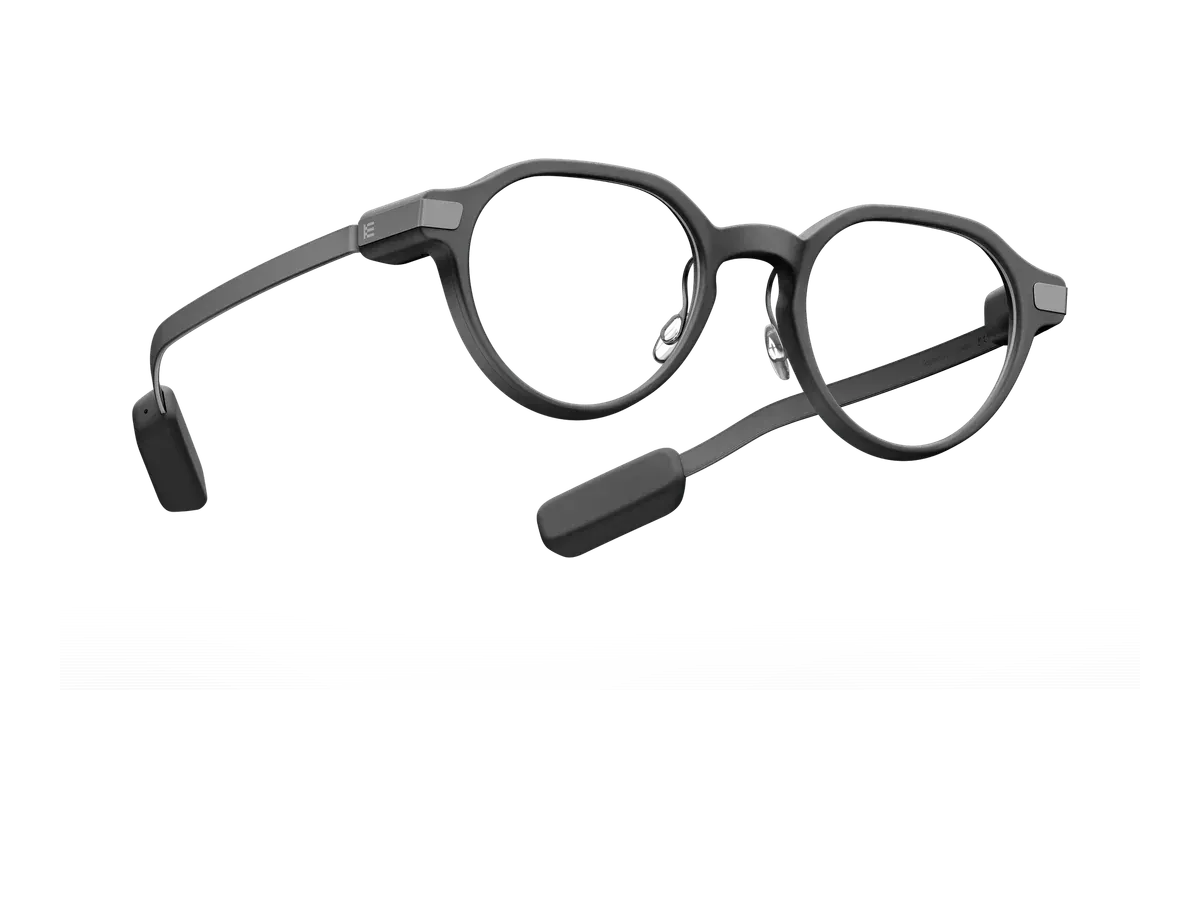
Even Realities
Why it ranks here:
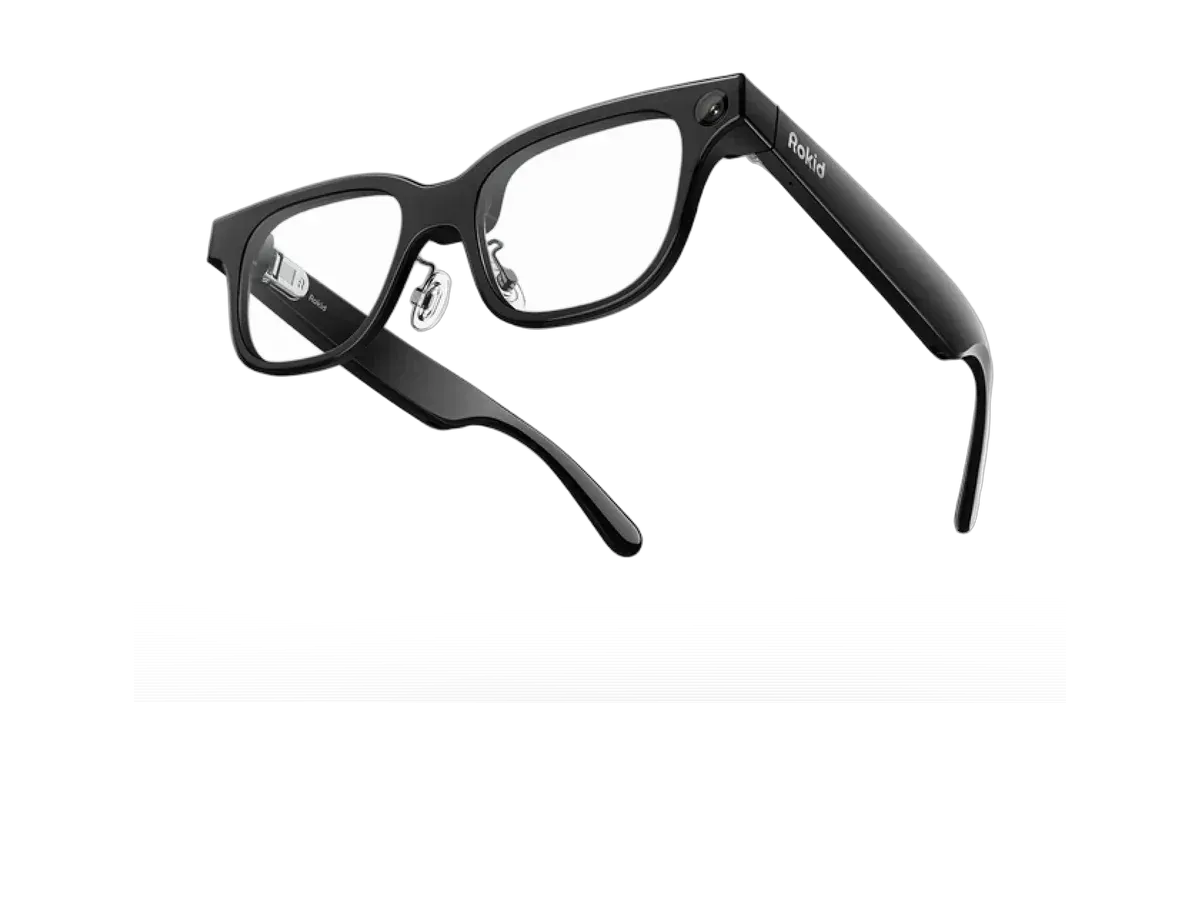
Rokid
Why it ranks here:
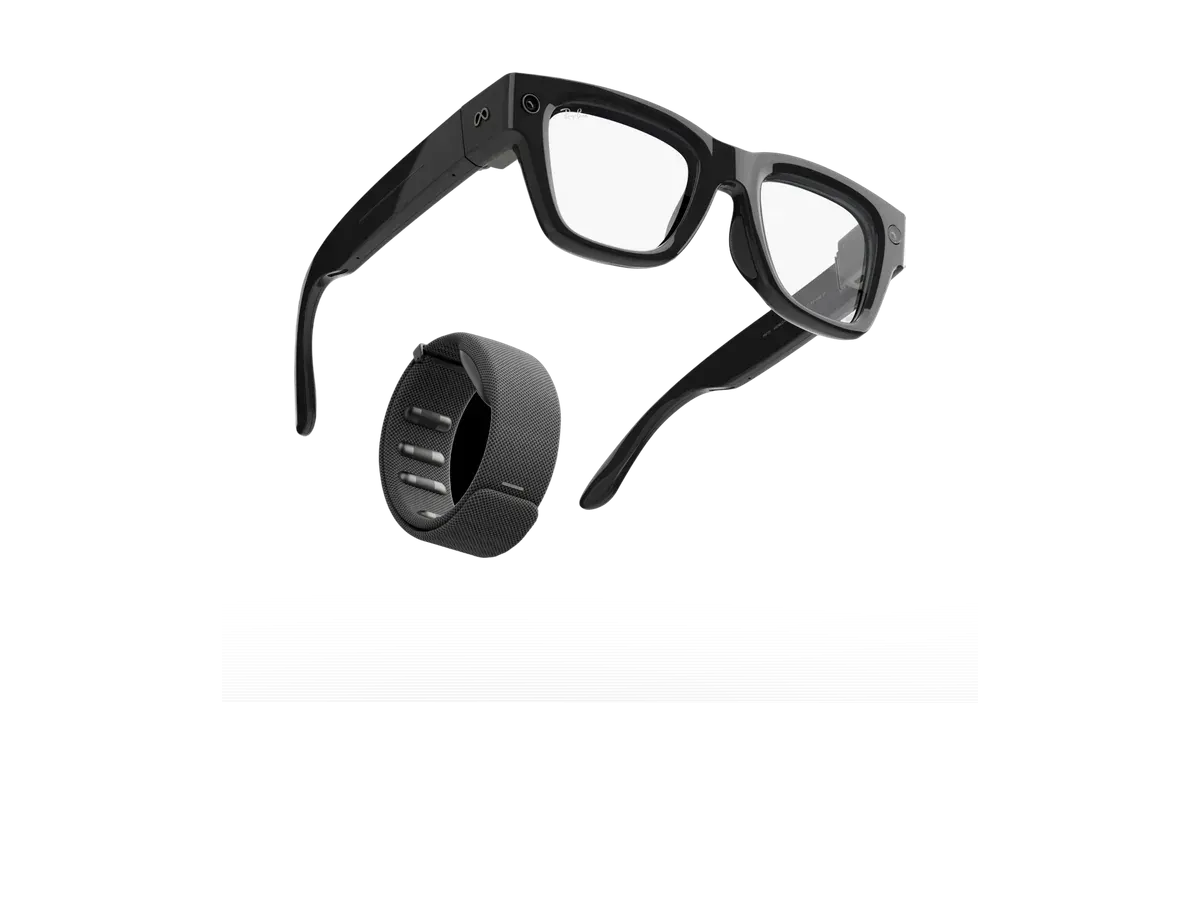
Meta
Why it ranks here:
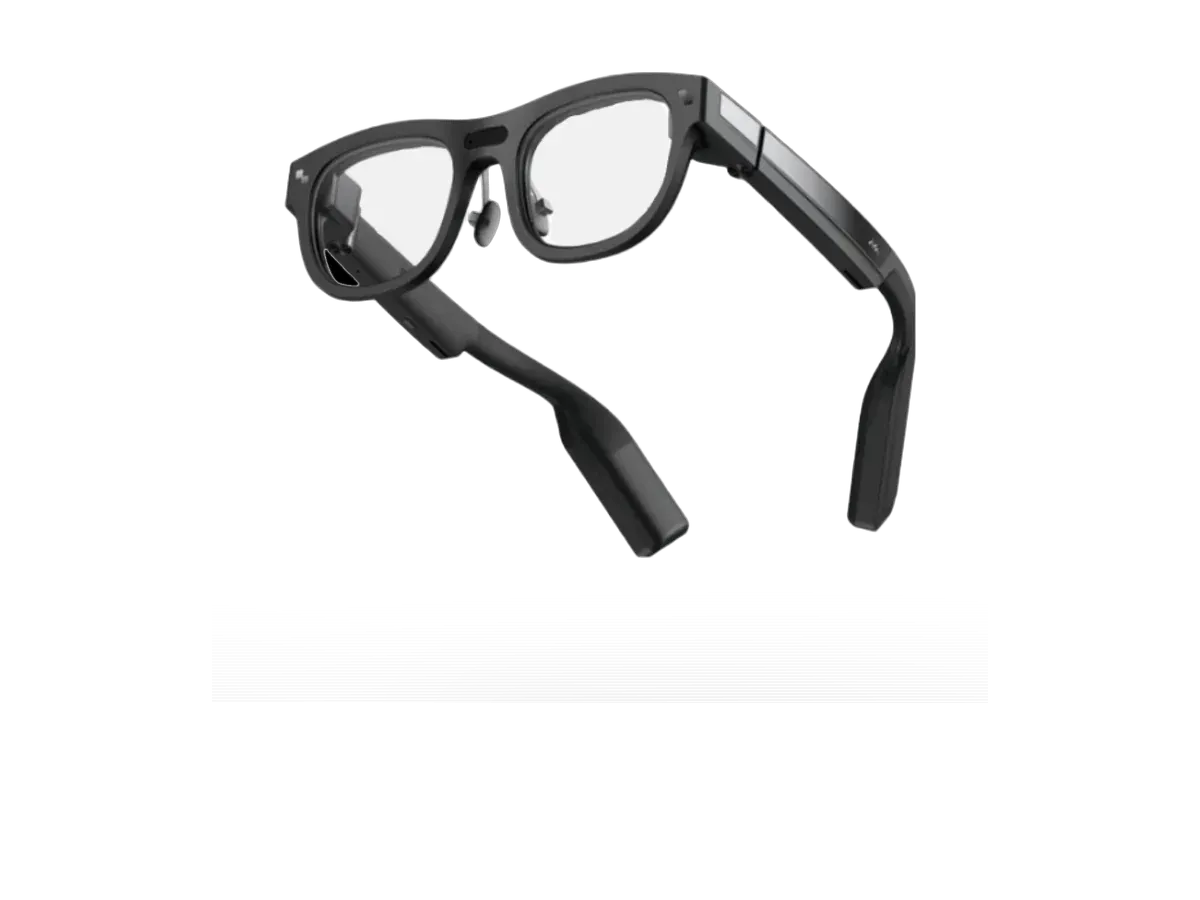
RayNeo
Why it ranks here:
RayNeo
Why it ranks here:
Buy the Even Realities G2 if…
Buy the Even Realities G2 if you want the wider 27.5° field of view (vs 23.5°) and you want adjustable lens dimming.
Buy the RayNeo iO if…
Buy the RayNeo iO if you want to spend $150 less ($449 vs $599) and you need the brighter 1300-nit display (vs 1200 nits).
HUD stands for heads-up display: a small, usually see-through display in the corner of one or both lenses that shows glanceable text — notifications, navigation arrows, live captions, translation, or a teleprompter script — while you keep looking at the real world. The class is defined by restraint. The display deliberately covers a small slice of your vision, under about 30 degrees, so it can stay switched on all day without blocking what is in front of you, and most consumer models are built to pass as ordinary glasses. The same glanceable-display shape also exists in rugged industrial forms, which is why weight is scored, not assumed, in this ranking.
They solve opposite problems. Big-screen display glasses tether to a phone, laptop, or console and place a large virtual monitor in front of you for movies, games, and work — an immersive screen you sit down with. HUD glasses are the standalone, walk-around class: a small always-available readout for information you glance at and then ignore. The tell in the spec sheet is field of view — glanceable HUDs sit at or under roughly 30 degrees, while immersive display glasses run into the 40s and 50s.
Usually, yes — and it matters more in this class than any other, because HUD glasses are meant to replace your everyday frames rather than sit over them for a session. Most current models offer a prescription path, either through lens inserts or by fitting prescription lenses directly, and our ranking scores a recorded prescription path explicitly. If you wear glasses full time, treat this as a gating spec, not a nice-to-have.
Battery is the spec that splits the class in two. Frames built around a low-power glanceable display can record batteries measured in days rather than hours, because a small text readout draws a fraction of what a full-color immersive panel needs. Models that add cameras, brighter full-color projection, or heavier processing record run times in single-digit hours instead. That is why battery life is the heaviest-weighted criterion in this ranking — it is the difference between glasses you charge like a phone and glasses you charge like a watch.
Provenance: use case derived from our heads-up-display buyer profile (glanceable information, all-day wear, everyday-looking frames). Rankings are computed from recorded product specs only.