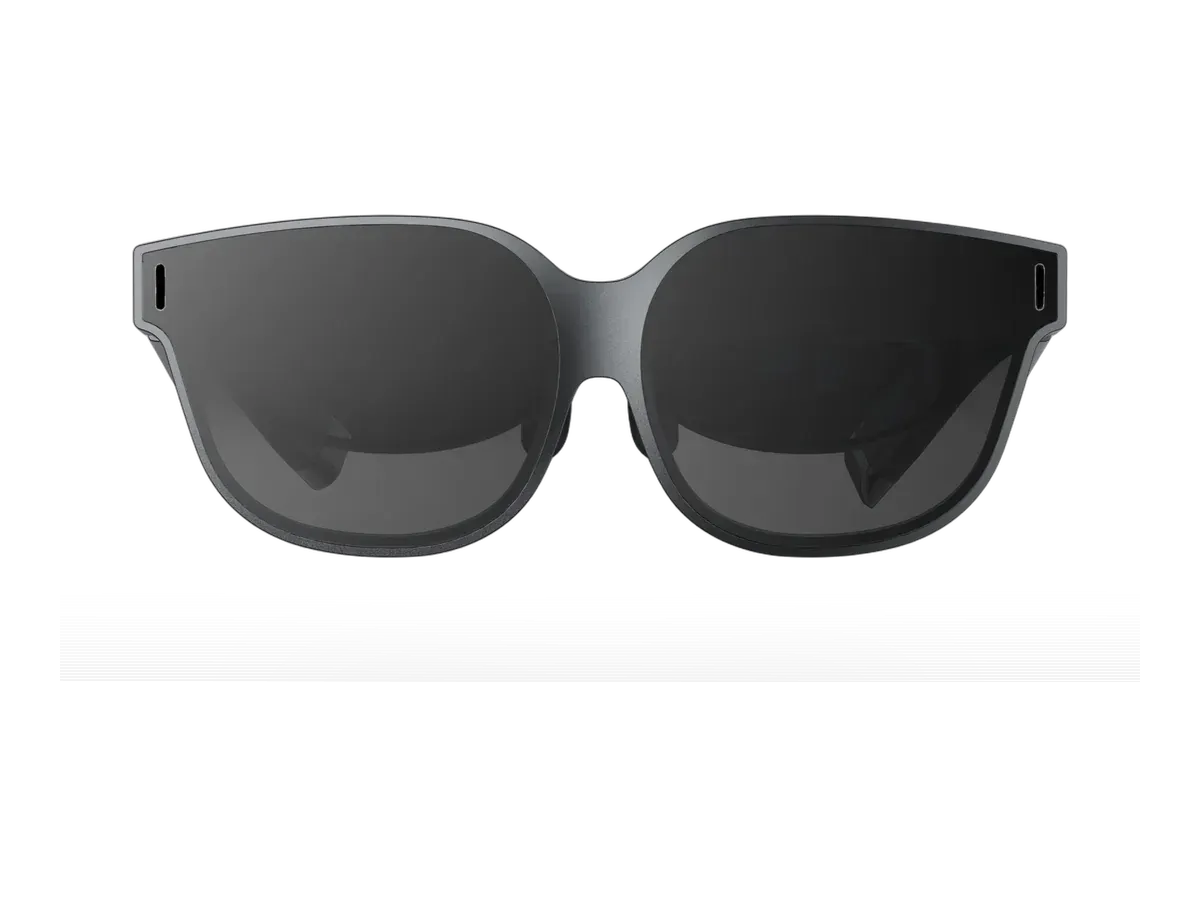
At a glance
- Display type
- Micro-OLED
- Resolution
- 3840x1080
- Field of view
- 46°
- Refresh rate
- 120 Hz
- Brightness
- 500 nits
- Weight
- 80 g
- Electrochromic dimming with swipe-to-adjust transparency control
- 49 PPD edge clarity for sharp text and fine detail rendering
- 500 nits brightness is modest compared to VITURE Pro XR (4000 nits) and RayNeo Air 4 Pro (1200 nits)
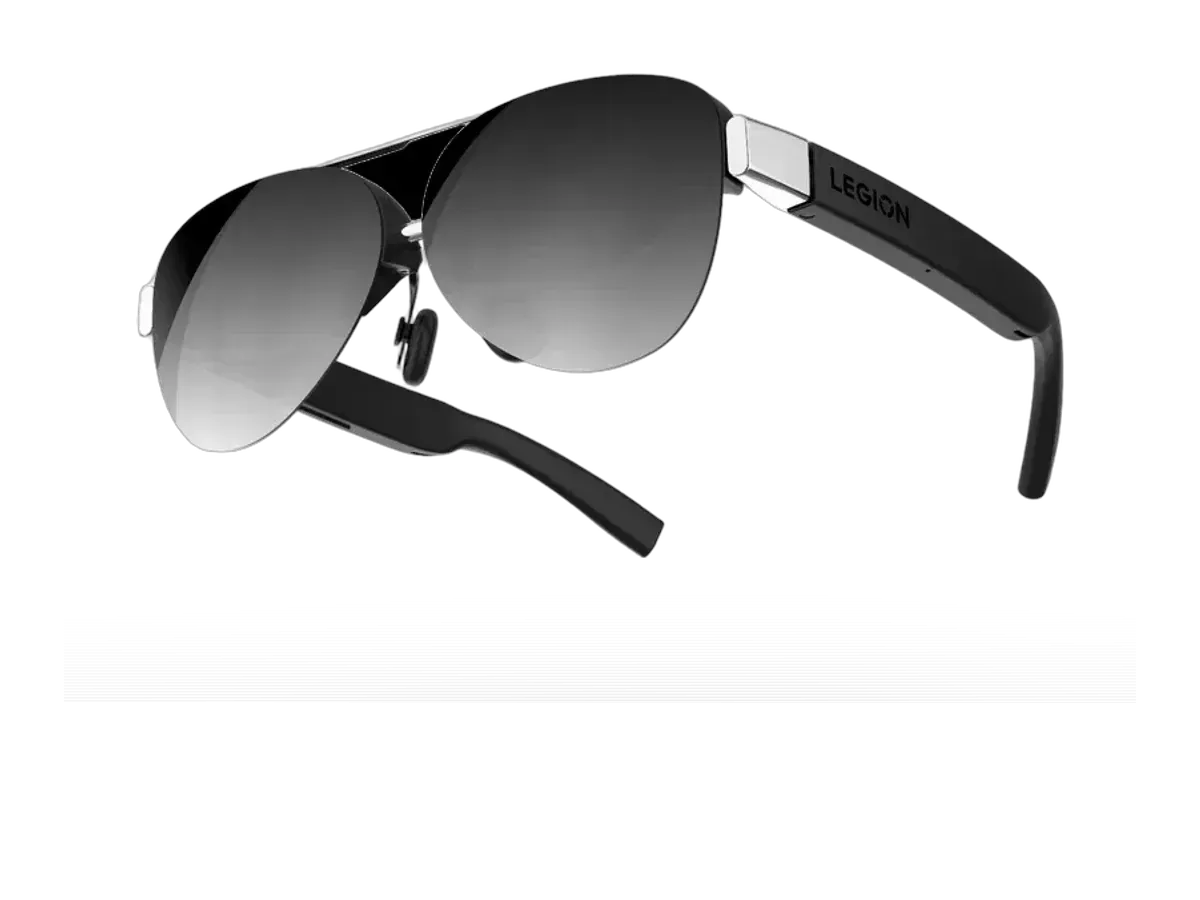
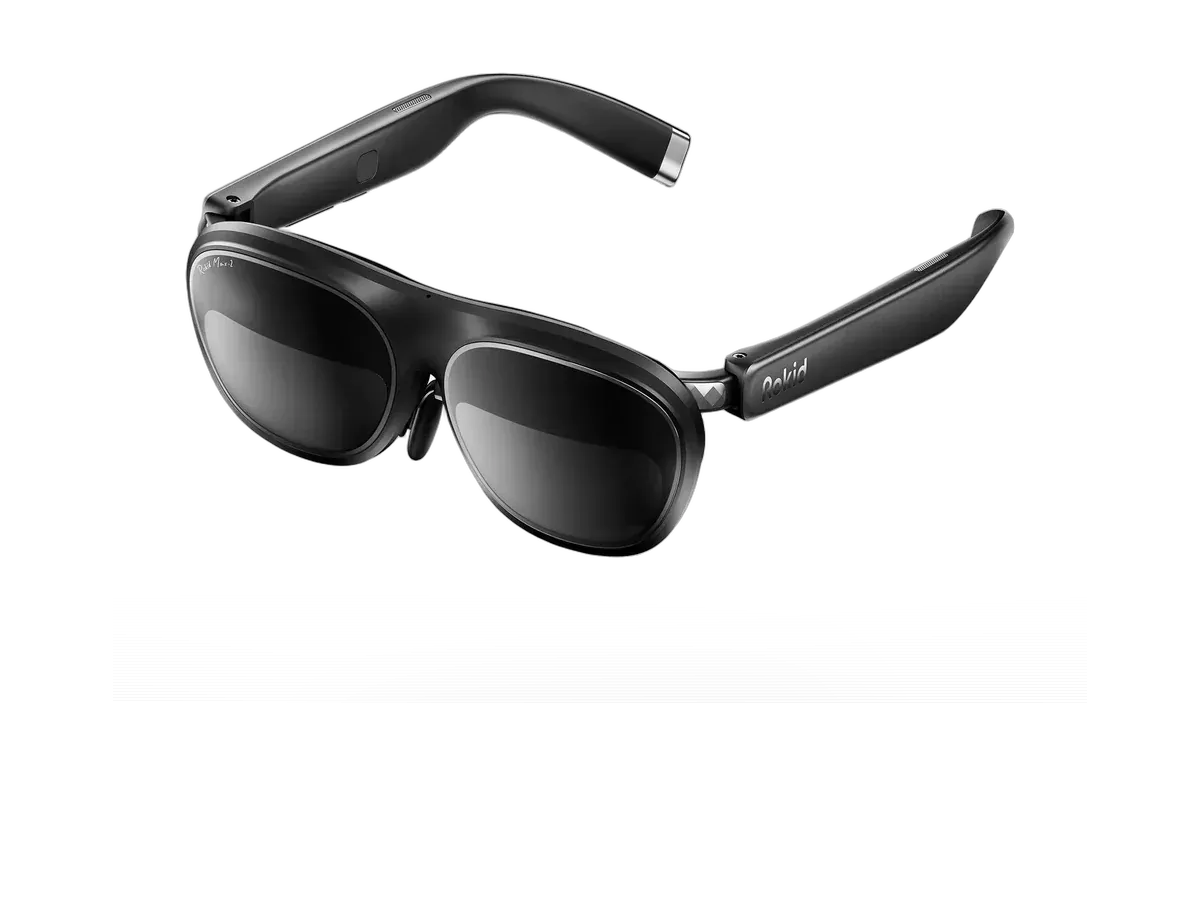
- 80g weight is heavier than lightest competitors (Lenovo 65g, Rokid 75g)
INAIR 2 Pro
INAIR
Read the full overview$470 typical · $469 at Amazon
Check price at Amazon- Field of view
- 46°
- Weight
- 80 g
- Brightness
- 500 nits
The INAIR 2 Pro is a display glasses offering from INAIR featuring dual Micro-OLED panels with 49 PPD edge clarity, real-time 2D-to-3D conversion, and advanced electrochromic dimming that adjusts transparency from near-opaque immersive mode to 16% light transmission. Certified Swiss SGS A+ 2.0 for visual comfort with a fatigue index of 2.5 or below, it projects a 135-inch 120Hz virtual screen at 1080p per eye.
Editorial overview
By AR Compare Team ·
Compiled from AR Compare's verified catalog record and cited coverage — AR Compare has not tested this device.
The INAIR 2 Pro distinguishes itself with electrochromic dimming technology that lets users swipe along the temple to adjust transparency from near-complete light blocking (immersive mode) to 16% VLT (transparent mode) — a feature shared by few competitors outside of the XREAL and VITURE lines. The 49 PPD edge clarity is the record’s standout figure for sharp text rendering, and its Swiss SGS A+ 2.0 certification for visual comfort (fatigue index 2.5 or below) is unique in the catalog and matters for extended-use scenarios. The real-time 2D-to-3D conversion feature adds entertainment value on top of the 135-inch, 120Hz virtual screen.
At $469.99, it sits in the mid-range of display glasses pricing, with custom prescription lenses available directly from INAIR from $49. The 80g weight is reasonable though heavier than the lightest competitors — the record notes the Lenovo Legion Glasses 2 at 65g — and the 500-nit brightness is modest next to the brightest rivals in the catalog. As a relatively new brand, INAIR also brings a less established ecosystem and support record than the category’s incumbents, so the 2 Pro’s case rests on its optics: dimming, certification, and pixel density that few glasses at this price put together.
Pros & cons
Pros
- Electrochromic dimming with swipe-to-adjust transparency control
- 49 PPD edge clarity for sharp text and fine detail rendering
- Real-time 2D-to-3D conversion for movies and video
- Swiss SGS A+ 2.0 certified for visual comfort during extended use
- Optional prescription lenses available from manufacturer
Cons
- 500 nits brightness is modest compared to VITURE Pro XR (4000 nits) and RayNeo Air 4 Pro (1200 nits)
- 80g weight is heavier than lightest competitors (Lenovo 65g, Rokid 75g)
- No built-in diopter adjustment -- requires custom prescription inserts at extra cost
- Relatively new brand with less established ecosystem and support
- Right arm can get warm during extended use sessions
Full specifications
Specs last verified
| Display | |
|---|---|
| Display type | Micro-OLED |
| Resolution | 3840x1080 |
| Pixels per degree | 49 |
| Field of view (°) | 46 |
| Refresh rate (Hz) | 120 |
| Brightness (nits) | 500 |
| Virtual screen size (in) | 135 |
| HDR support | ✕ No |
| Color support | Full color |
| Optics | |
| Optics type | birdbath |
| Dimming control | ✓ Yes |
| Transparency level | 0.1% to 16% VLT (electrochromic) |
| Prescription support | ✓ Yes |
| Prescription options | Inserts / lens frame, from $49.00 USD (INAIR direct) |
| Physical | |
| Weight (g) | 80 |
| Frame style | wraparound |
| Color options | Black |
| Foldable | ✓ Yes |
| Not published: IP rating | |
| Battery & power | |
| Charging method | USB-C (powered by connected device) |
| Not published: Battery life, Charging time | |
| Connectivity | |
| Connectivity | USB-C |
| Tethered | ✓ Yes |
| Compatible devices | iPhone 15, iPhone 16, iPad, Android, PC, Mac, Steam Deck, ROG Ally |
| Computing | |
| Processing type | tethered |
| Not published: Operating system, Chipset | |
| Sensors & input | |
| Camera | ✕ No |
| Microphones | 2 |
| Speakers | directional |
| Tracking | 3DoF |
| Not published: Gesture control, Voice control | |
Prescription options
The documented prescription routes for the INAIR 2 Pro, from the maker and named-partner documentation recorded in our database.
- Inserts / lens frame, from $49.00 USD (INAIR direct) — range not published by the maker Source: inairspace.com documentation
Maker documentation as recorded 2026-09-17. Ranges are the maker's published limits, not medical advice — confirm your exact prescription with your optician before ordering.
Where to buy
INAIR 2 Pro specs: quick answers
- What is the INAIR 2 Pro's field of view?
- The INAIR 2 Pro has a 46-degree field of view.
- What is the INAIR 2 Pro's display resolution?
- The INAIR 2 Pro's recorded per-eye display resolution is 3840x1080.
- How bright is the INAIR 2 Pro's display?
- The INAIR 2 Pro has a rated peak brightness of 500 nits.
- How much does the INAIR 2 Pro weigh?
- The INAIR 2 Pro's glasses weigh 80g according to the manufacturer specification.
- How much does the INAIR 2 Pro cost?
- The INAIR 2 Pro costs $470.
INAIR 2 Pro: FAQs
How much does the INAIR 2 Pro cost?
The INAIR 2 Pro costs $470 (USD). It is available from 2 retailers listed on this page.
What field of view does the INAIR 2 Pro have?
The INAIR 2 Pro has a recorded field of view of 46 degrees.
How much does the INAIR 2 Pro weigh?
The INAIR 2 Pro weighs 80g according to the manufacturer specification.
Can I use the INAIR 2 Pro with prescription lenses?
Yes, the INAIR 2 Pro supports prescription lenses. The recorded diopter range is Custom prescription lenses available.
What devices work with the INAIR 2 Pro?
The INAIR 2 Pro lists compatibility with: iPhone 15, iPhone 16, iPad, Android, PC, Mac, Steam Deck, ROG Ally.
What resolution does the INAIR 2 Pro have?
The INAIR 2 Pro has a recorded per-eye resolution of 3840x1080. It refreshes at 120Hz.
Are the INAIR 2 Pro good for gaming?
The INAIR 2 Pro runs at a recorded 120Hz refresh rate with a 46-degree field of view -- the display specs that matter most for gaming. It is tethered, drawing video from a connected phone, PC, or console rather than running games on its own.
Is the INAIR 2 Pro worth it?
The INAIR 2 Pro is priced at $470 (USD). For that you get a 46-degree field of view, 500 nits of brightness, and a 3840x1080 per-eye resolution. It weighs 80g. It is tethered, so it needs a connected phone, PC, or console to run rather than working on its own. The full spec breakdown on this page shows what the price includes.
Similar products
What shoppers cross-check with the INAIR 2 Pro — from our navigation records and closest spec matches.
Ranked in these buying guides
Where the INAIR 2 Pro lands in our recorded-spec rankings.
- Best AR Glasses for Gaming
- Best AR Glasses for Steam Deck
- Best AR Glasses for Movies & Travel
- Best AR Glasses for Productivity & Multi-Monitor Work
- Best AR Glasses for iPhone Users
- Prescription Smart Glasses
- The Best Smart Glasses of 2026
- Smart Glasses With a Display
- Lightest Smart Glasses
- Monitor Glasses: AR Glasses That Replace a Screen
- Best AR Glasses for Mac & MacBook
- Best AR Glasses for PC & Windows
- Best AR Glasses for Android Phones & Samsung DeX
- Best AR Glasses for ROG Ally & Ally X
- Widest FOV AR Glasses
- Brightest Smart Glasses
Related Comparisons
INAIR 2 Pro vs XREAL One
INAIR vs XREAL
INAIR 2 Pro vs VITURE Pro XR
INAIR vs VITURE
INAIR 2 Pro vs ASUS AirVision M1
INAIR vs ASUS
INAIR 2 Pro vs Lenovo Legion Glasses 2
INAIR vs Lenovo
INAIR 2 Pro vs Rokid Max 2
INAIR vs Rokid
INAIR 2 Pro vs VITURE Luma XR
INAIR vs VITURE
INAIR 2 Pro vs TCL NxtWear S
INAIR vs TCL
INAIR 2 Pro vs VITURE Luma Ultra XR/AR Glasses
INAIR vs VITURE
INAIR 2 Pro vs XREAL One Pro
INAIR vs XREAL
INAIR 2 Pro vs ASUS ROG XREAL R1
INAIR vs ASUS
INAIR 2 Pro vs Dream Glass Flow
INAIR vs Dreamworld
INAIR 2 Pro vs GOOVIS G3 Max 3D Head Mounted Display
INAIR vs Goovis
INAIR 2 Pro vs RayNeo Air 2
INAIR vs RayNeo
INAIR 2 Pro vs RayNeo Air 3s
INAIR vs RayNeo
INAIR 2 Pro vs RayNeo Air 3s Pro AR/XR Glasses
INAIR vs RayNeo
INAIR 2 Pro vs RayNeo Air 4 Pro
INAIR vs RayNeo
INAIR 2 Pro vs RayNeo GT
INAIR vs RayNeo
INAIR 2 Pro vs RayNeo GT Max
INAIR vs RayNeo
INAIR 2 Pro vs Rokid Max
INAIR vs Rokid
INAIR 2 Pro vs Rokid Station 2 Spatial Computing Host
INAIR vs Rokid
INAIR 2 Pro vs Shadow Creator Honghu MR
INAIR vs Shadow Creator
INAIR 2 Pro vs TCL NXTWEAR S+ AR Glasses
INAIR vs TCL
INAIR 2 Pro vs VITURE Beast XR Glasses
INAIR vs VITURE
INAIR 2 Pro vs VITURE Luma Pro
INAIR vs VITURE
INAIR 2 Pro vs VITURE One XR Glasses
INAIR vs VITURE
INAIR 2 Pro vs VITURE One Lite
INAIR vs VITURE
INAIR 2 Pro vs VITURE Pro 2 XR Glasses
INAIR vs VITURE
INAIR 2 Pro vs XREAL 1S
INAIR vs XREAL
INAIR 2 Pro vs XREAL Air 2
INAIR vs XREAL
INAIR 2 Pro vs XREAL Air 2 Pro
INAIR vs XREAL
INAIR 2 Pro vs XREAL Air 2 Ultra
INAIR vs XREAL
INAIR 2 Pro vs XREAL Beam
INAIR vs XREAL
INAIR 2 Pro vs XREAL xbx a01+
INAIR vs XREAL