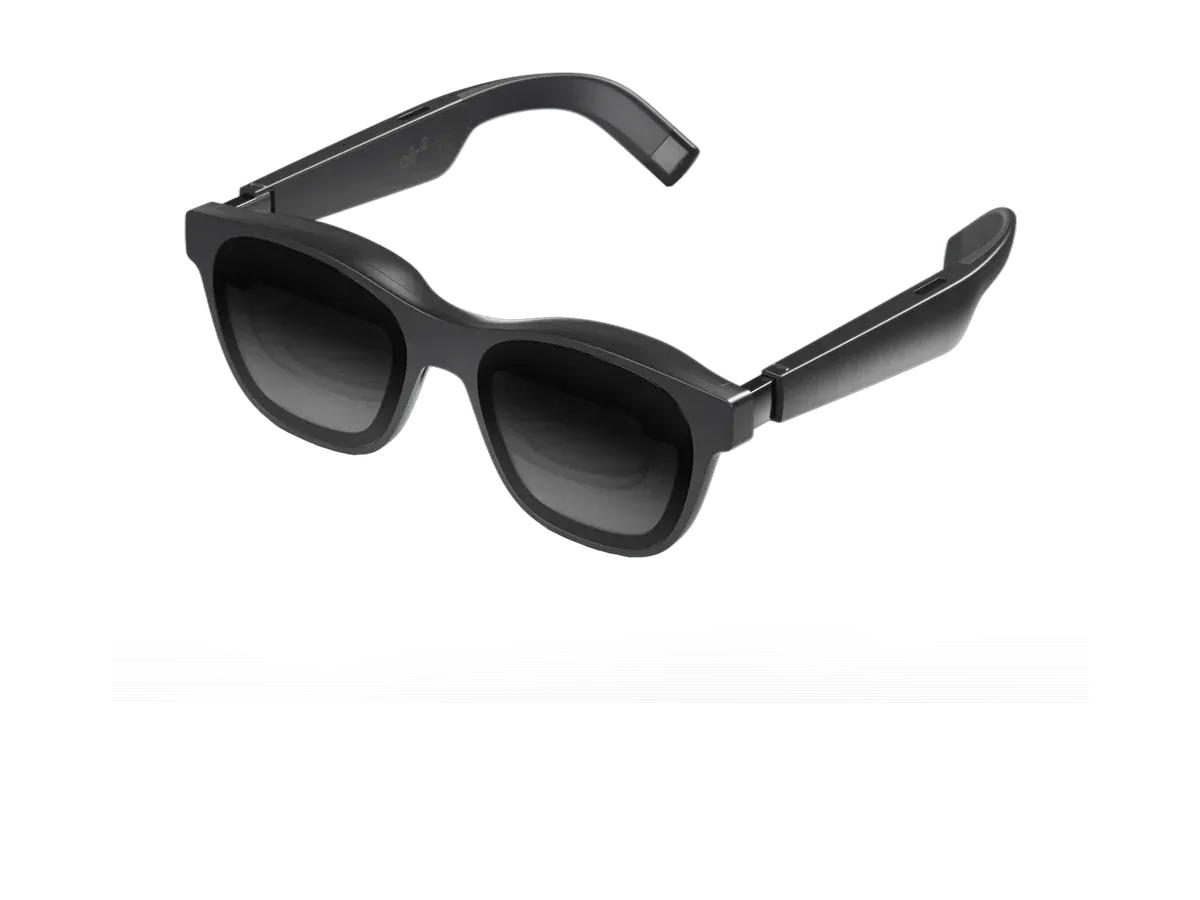
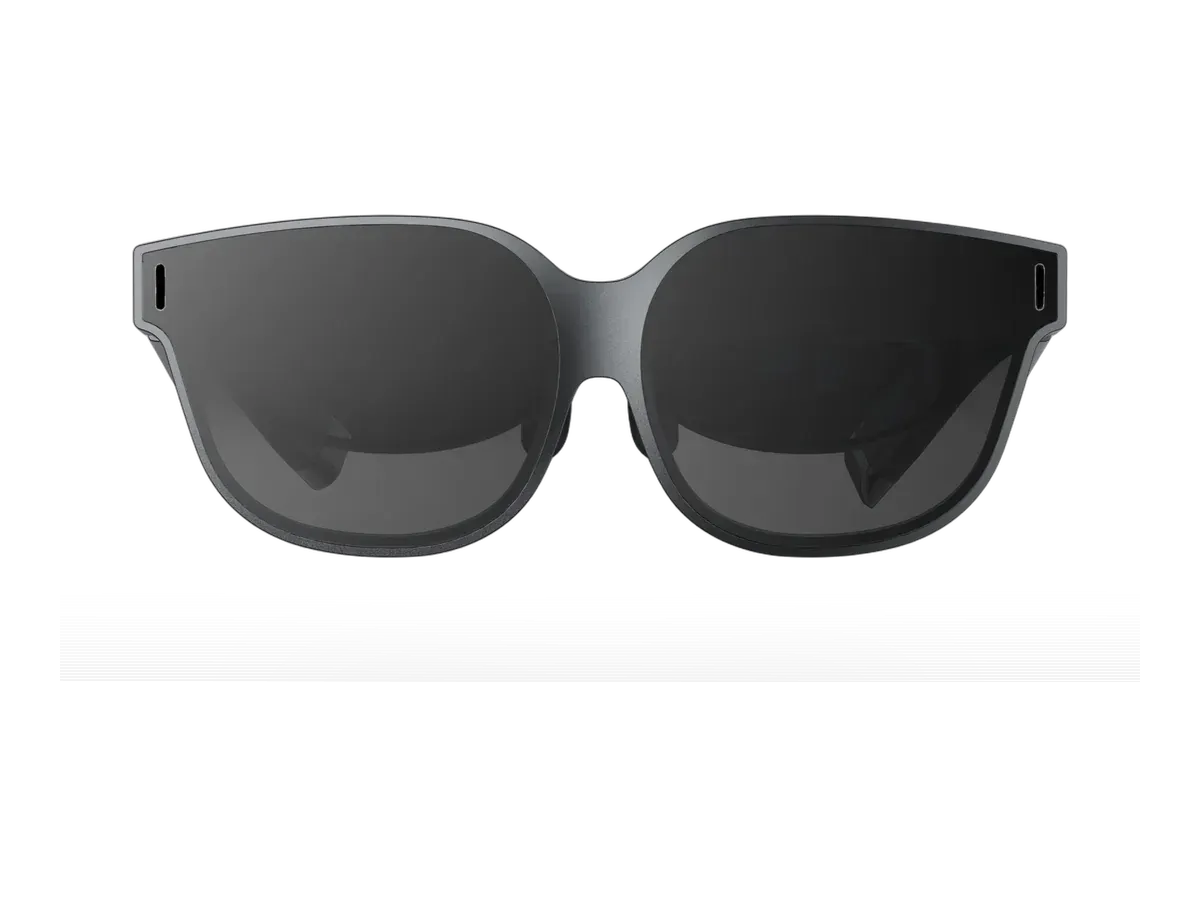
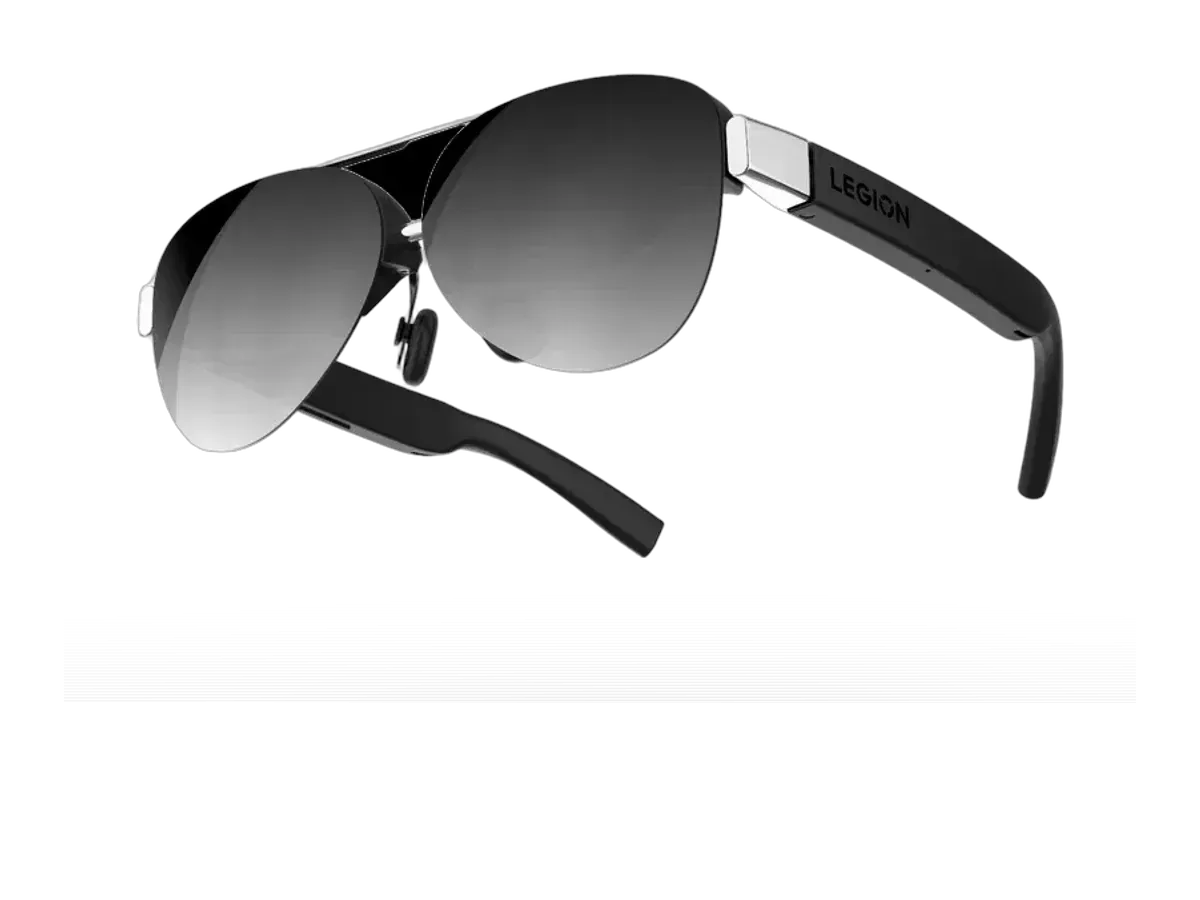
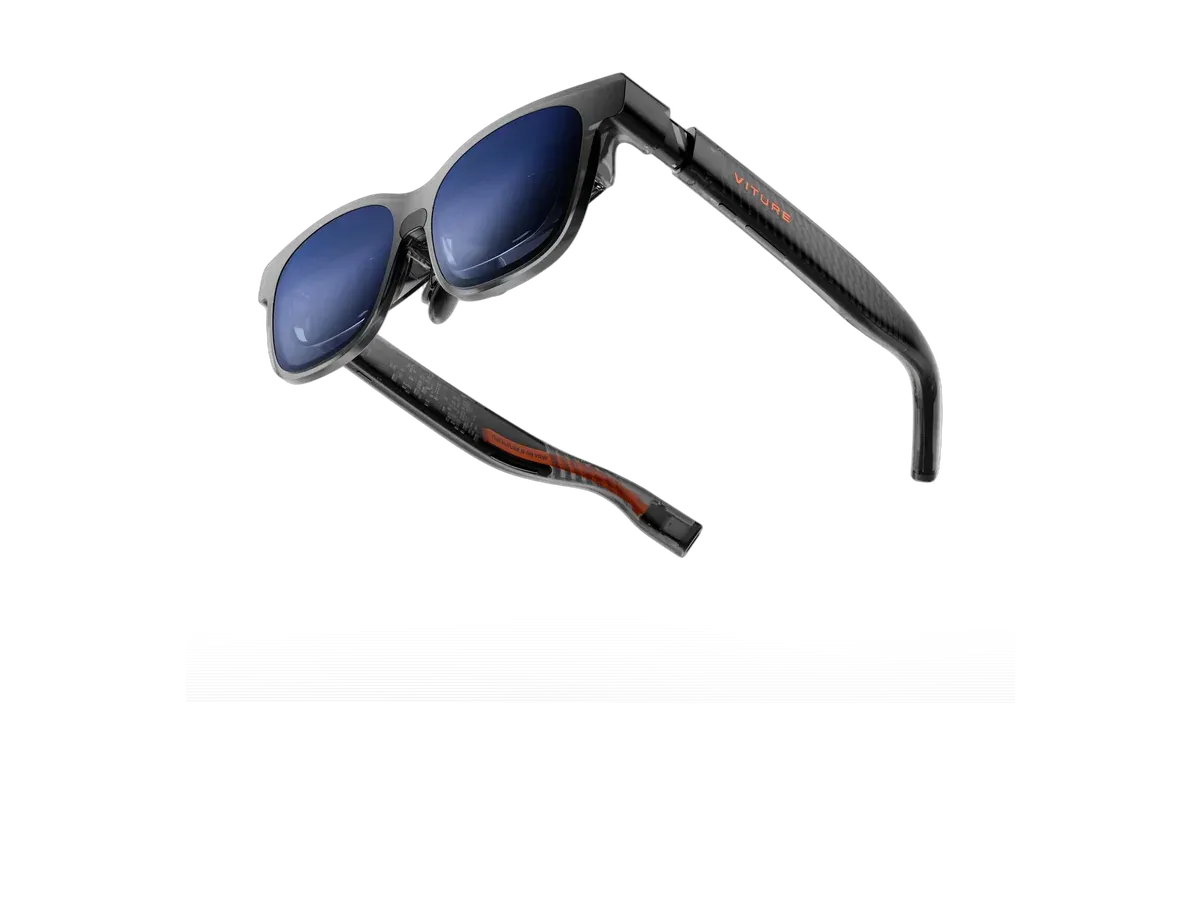
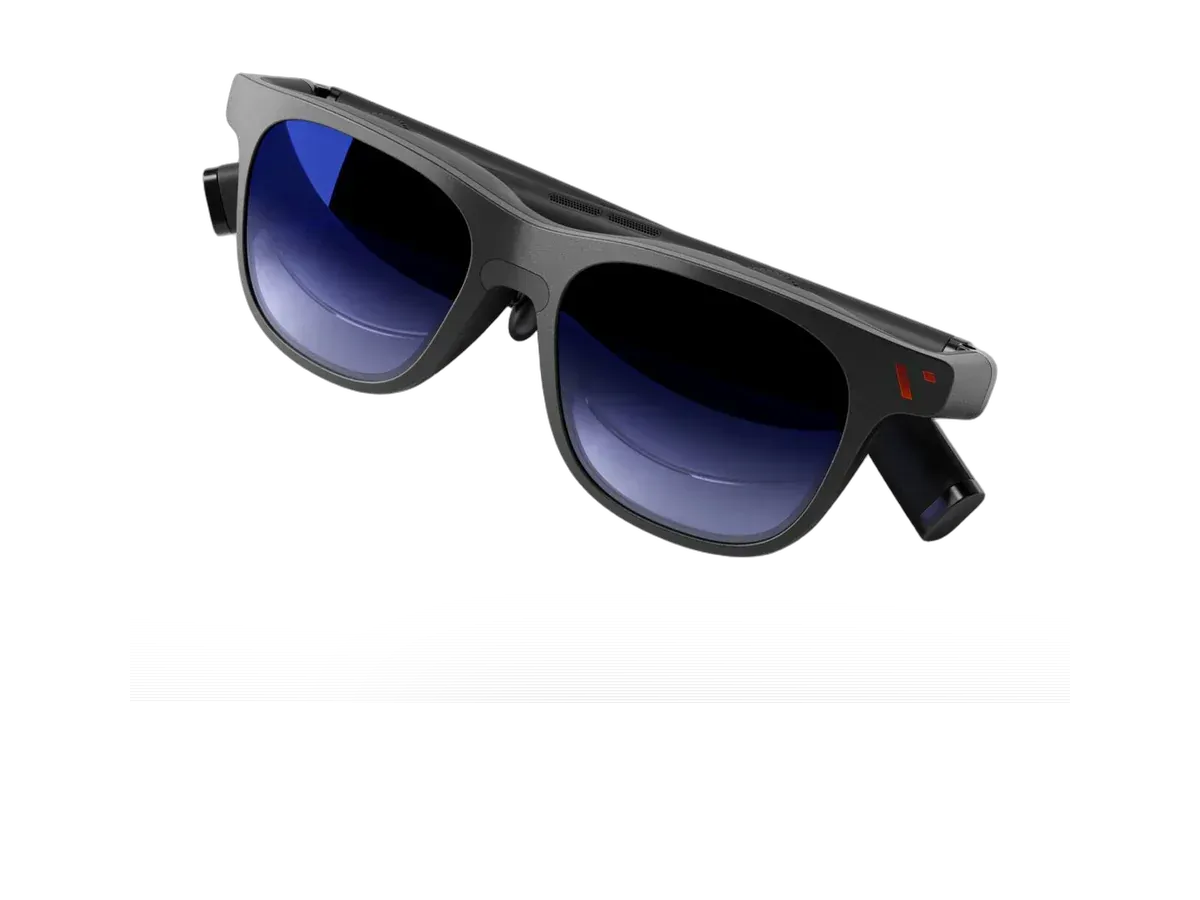
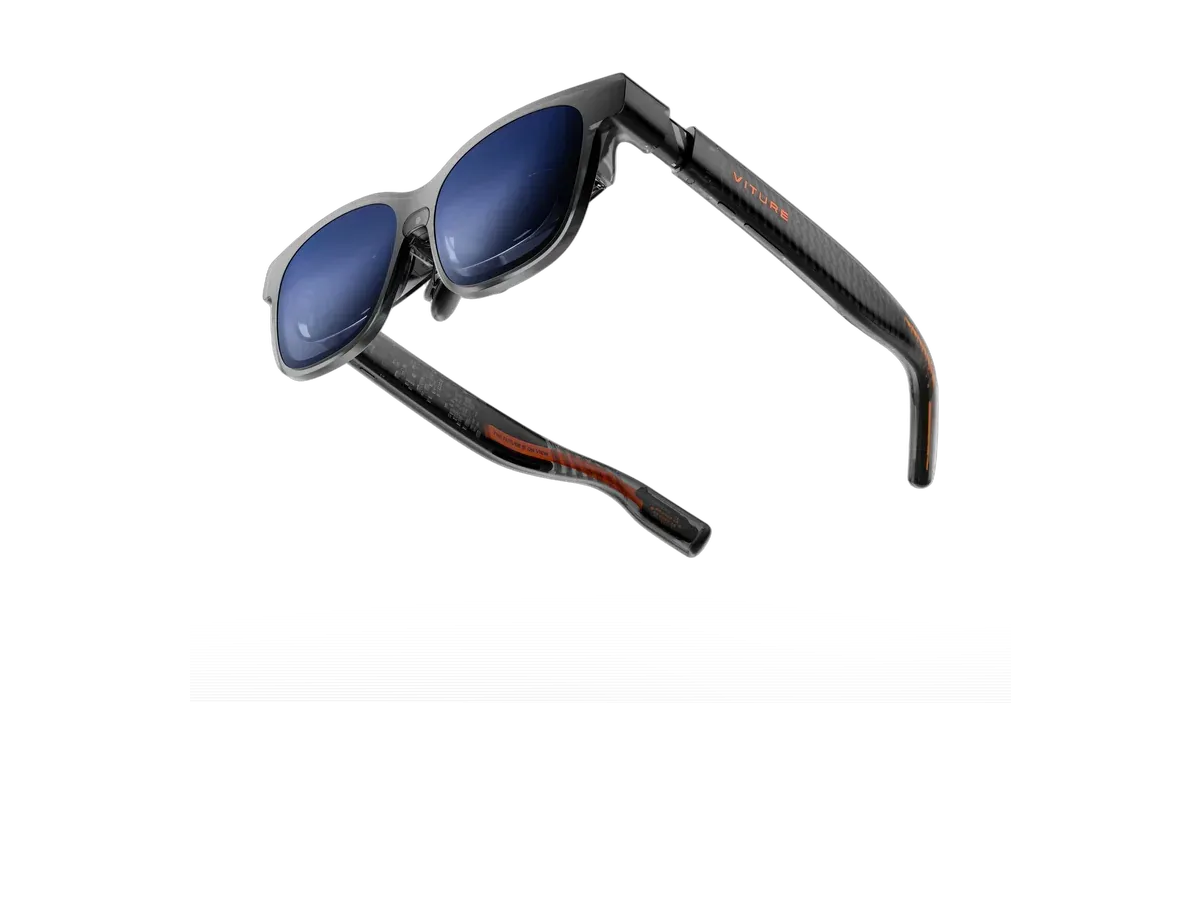
For knowledge work, display glasses work as a wearable computer monitor. Plug them into a laptop or phone through a USB-C port that carries video, and you get a large private screen for code, spreadsheets, writing, and video calls. This setup is useful on flights, in coworking spaces, and in open-plan offices where screen privacy matters. For connection requirements, screen anchoring, and multi-screen software, see virtual monitor glasses, explained.
Can glasses work as a computer monitor?
Yes. These are glasses with a computer display that appears in front of your eyes, not a computer built into the frame. Your laptop still runs everything; the glasses simply become its private external screen. Used this way, the glasses work best for focused sessions when a normal desk display is unavailable or too public.
Text readability is what separates a productivity pair from a movie pair. Sharpness per degree (pixels per degree) predicts how long you can read before eye strain, head-tracking keeps the virtual screen anchored while you shift position, and brightness determines whether white documents stay legible near a window. A different style of work assistance — glanceable notifications, calendar, and navigation in an all-day frame — comes from lightweight HUD glasses rather than display glasses, and both types appear in the ranking below according to their recorded specs.
Two practical notes before you choose: confirm your laptop or phone supports USB-C DisplayPort Alt Mode (tethered glasses draw display and power from the host), and plan for focused sessions with breaks rather than a full 8-hour stretch — position the virtual screen slightly below eye level, matching natural reading posture. Buying for field service, remote assistance, or managed fleets instead? That is a different tool: see the enterprise ranking, or compare any two models on the specs that matter to you.
The work use cases with their own dedicated pages are worth knowing before you choose from the ranking: working on a plane covers the travel-office setup where these glasses earn their keep fastest, AR glasses for coding answers the text-sharpness question programmers actually ask, and presenters reading from a script want the separate teleprompter glasses ranking, which serves a different hardware class entirely. iPhone-first workers have the iPhone compatibility hub with per-brand connection notes.