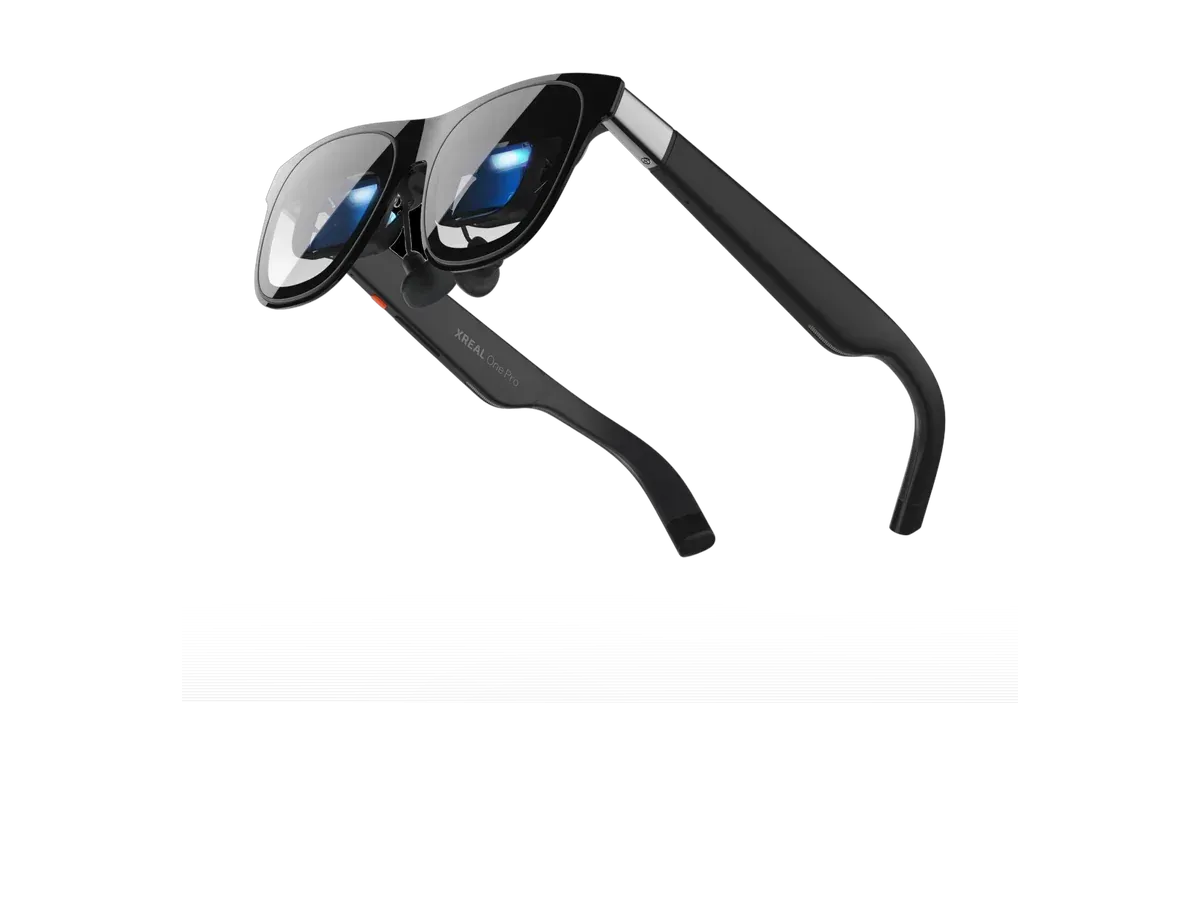
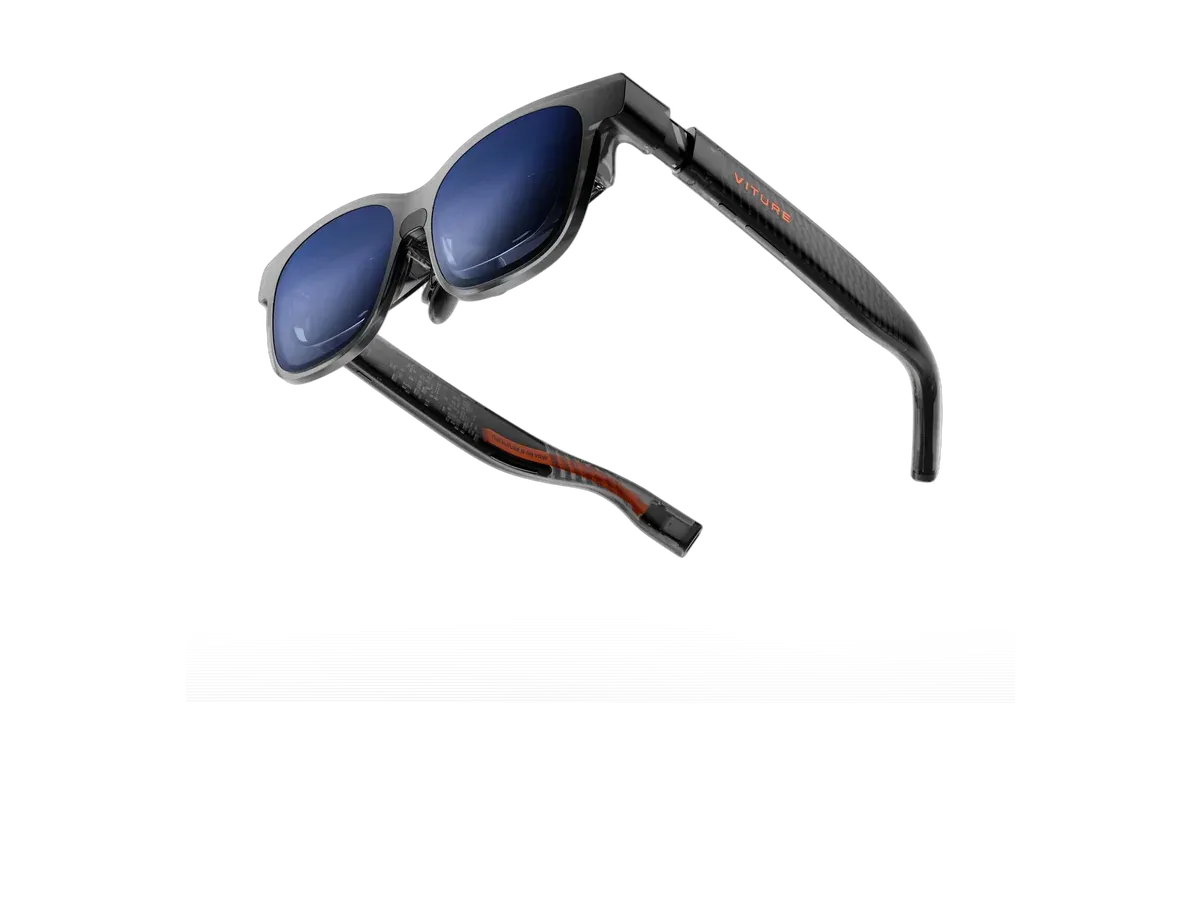
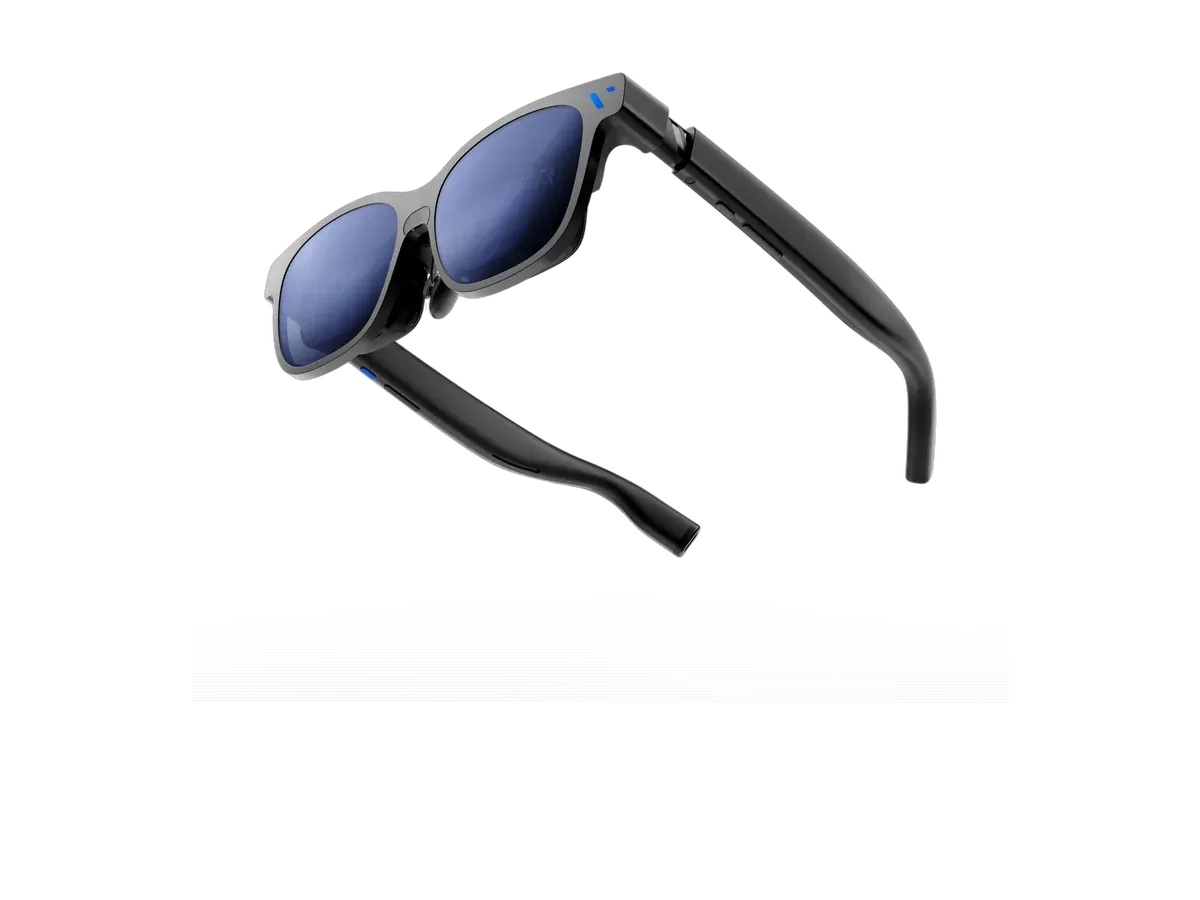
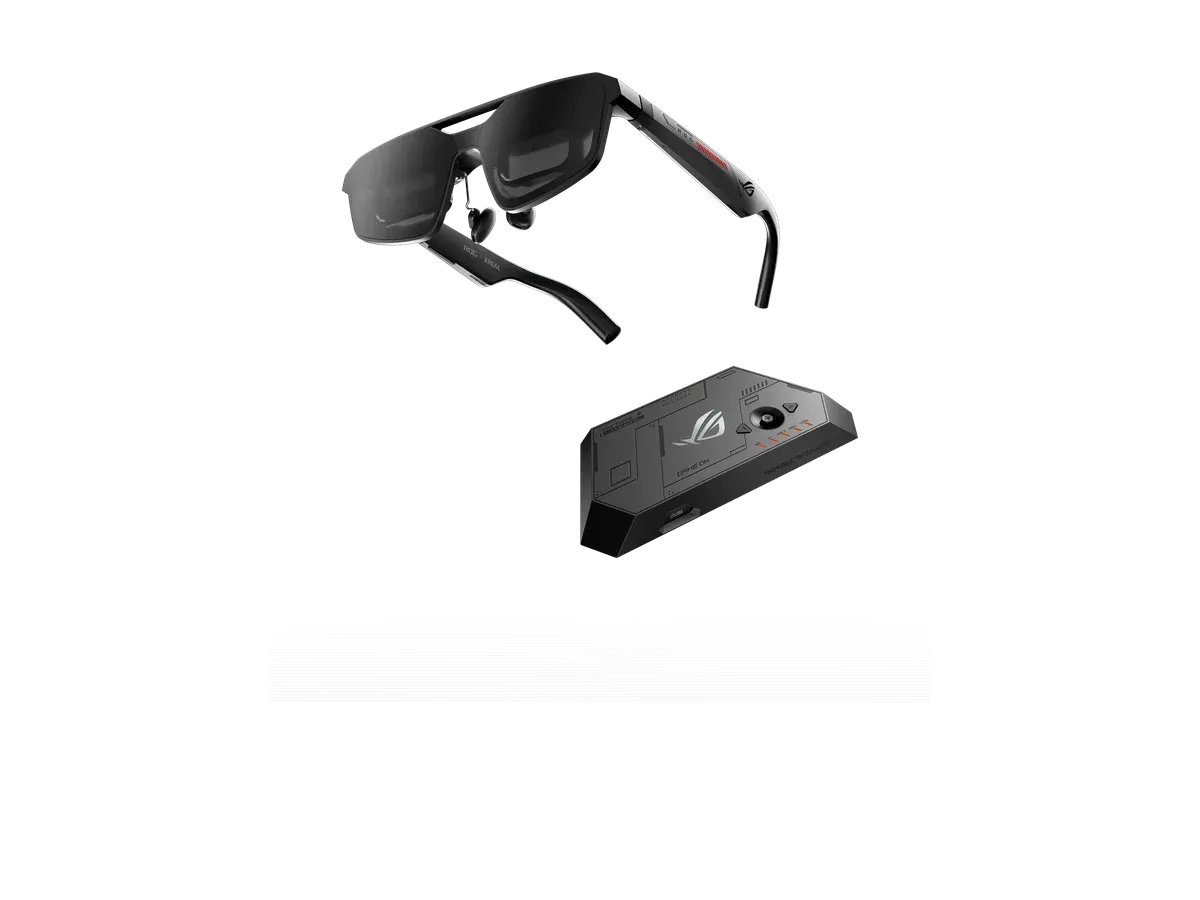
Display glasses have become one of the most compelling accessories for gamers: whether you play on a handheld, over PS5 Remote Play, through cloud gaming, or from a laptop, they give you a cinema-scale private screen that travels anywhere — no more squinting at a 7-inch handheld panel or packing a portable monitor. The ranking below scores exactly the recorded specs that matter for games: refresh rate first, then field of view, brightness and HDR, console and handheld support, and head-tracking. If what you actually want is room-scale immersion rather than a big flat screen, that is a different device category — see AR glasses vs VR headsets, the flagship-level glasses vs Quest 3 head-to-head, or the newest Android XR headset, or compare any two models side by side.
Can AR glasses work with a PS5?
Yes, with one adapter. The PS5 outputs video over HDMI only, while display glasses are USB-C monitors that expect a DisplayPort Alt Mode signal — so a powered HDMI-to-USB-C adapter has to sit between them, drawing its power from the console’s USB-A port (CABLETIME’s step-by-step PS5 guide walks through the wiring). If the picture stays black, disable HDCP under the PS5’s Settings, System, HDMI menu. One glasses brand also sells an official mobile dock that lists PlayStation support, so a first-party route exists. The no-adapter alternative is PS5 Remote Play on a phone that supports USB-C video output.
Do AR glasses work with Xbox?
The same way. The Series X and Series S are HDMI-only consoles, and display glasses take USB-C, so the identical powered HDMI-to-USB-C adapter setup applies — Lemorele’s connection guide explains why the HDMI signal must be converted into a USB-C DisplayPort stream rather than passed through a plain cable. One quirk worth knowing: some glasses must be switched into DisplayPort mode after each replug, usually with a brightness-key sequence described in the adapter vendors’ instructions.
What refresh rate do you need for gaming?
120 Hz, if you can get it. Refresh rate is the heaviest-weighted criterion in the ranking below because it is the spec you feel every second: a 120 Hz panel keeps fast motion readable where 60 Hz smears, which matters more in games than in any other use. Current-generation display glasses run 120 Hz panels, while older and budget pairs often stop at 60 Hz — the refresh rate entry in our spec glossary covers the difference in more depth. After refresh rate, weigh field of view (wider feels more immersive), brightness and HDR (dark game scenes live or die on contrast), and head-tracking (a screen locked in space prevents motion sickness during fast camera movement). Audio is worth checking too: open-ear speakers are convenient, but competitive players usually add earbuds.
Can you use AR glasses with a Steam Deck?
Yes, directly — this is the ideal case. The Steam Deck (and handhelds like it) outputs DisplayPort Alt Mode video over its USB-C port, so the glasses plug straight in with no adapter, and the handheld powers them. Our Steam Deck picks cover this pairing in depth, including battery-drain expectations. And if price is the constraint, start with the cheapest AR glasses right now — several current 120 Hz pairs sit well under flagship prices.
Which device guide should you read next?
The ranking below scores the whole catalog; the device pages go deeper on one host each, with the connection specifics and per-model modules this page can only summarize. Handheld players should start with the Steam Deck picks — the one host where glasses connect over a bare USB-C cable — or the Nintendo Switch 2 hub, where the maker docks that perform Nintendo’s handshake do the connecting. Console players deciding between glasses and a physical panel get the honest two-way comparison on the Xbox and PS5 portable-monitor pages, and the wiring behind every console setup lives in the adapter and dock guide. Gamers eyeing the category’s one gaming-branded flagship should read the ROG XREAL R1 guide — including the honest story behind its headline refresh number — and travelers taking any of this to seat 23C get the practical playbook in gaming on a plane.