#1
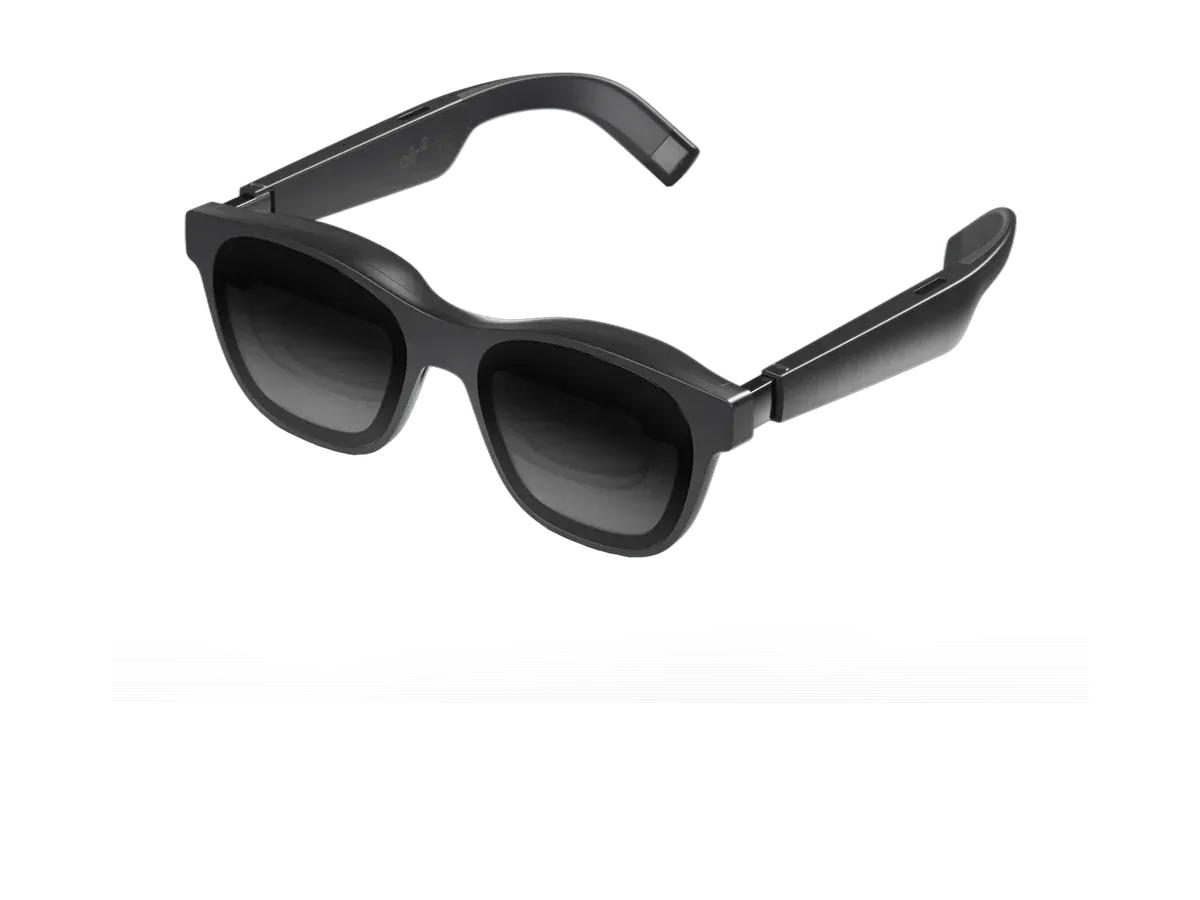
XREAL
Evidence confidence: 5 of 7 scoring inputs documented
Why it ranks here:
- iOS compatibility recorded (+20)
- 75g weight (+12)
- 46° field of view (+15)
- prescription lens support recorded (+10)
- built-in speakers (+10)
Best of
Every pick lists recorded iOS compatibility.
Product data last updated
Every product ranked here lists iOS or iPhone compatibility in its recorded specs -- no adapter guesswork. From there we rank on what daily iPhone pairing actually stresses: weight for all-day wear, battery life away from a charger, and display quality when you mirror your screen.
Our top pick for iPhone Users is the XREAL Air 2 Pro at $249.
The iPhone question in display glasses got a much cleaner answer the day Apple moved to USB-C: most iPhones from the iPhone 15 onward can drive a pair of tethered glasses over one cable, because their USB-C ports output DisplayPort video the same way a laptop’s does — with model exceptions that Apple and the glasses makers both flag, detailed below, which is why the exact model matters more than the port shape. The awkward years — Lightning ports, HDMI adapter chains, “works with Android, sorry” footnotes — are over for most current hardware, and the ranking above only lists pairs whose makers record iOS or iPhone compatibility. What remains genuinely different about pairing with an iPhone, and what the marketing still oversells, is what this page documents.
Three tiers of iPhone exist for glasses purposes, and knowing yours before buying prevents the classic return. Most USB-C iPhones (iPhone 15 and later) output video natively — plug in, the glasses light up as a screen, done — but not all of them, so treat the model list, never the port, as the spec. Lightning iPhones never output DisplayPort over their own port; the historical route chained Apple’s Digital AV Adapter into HDMI conversion hardware, and today the honest advice is that a Lightning iPhone is a mirror-only legacy setup that most makers no longer document — treat it as unsupported when you shop. And one modern exception the makers themselves flag: VITURE’s own compatibility material states the iPhone 16e and iPhone Air are not compatible — USB-C alone does not guarantee the video-output hardware, so the recorded per-model declarations on each product page are the thing to check, not the port shape.
One more honesty note that governs everything below: compatibility records in our catalog are maker-declared — collected from each manufacturer’s published device lists — not lab-tested by us. Where a maker documents a caveat, the module below repeats it; where a pair is merely “USB-C DP Alt Mode compatible” by category, no iPhone-specific claim is made.
Out of the box, every pair here behaves the same way: the iPhone mirrors its screen — apps, video, games — onto a large virtual display, in the phone’s aspect ratio with black pillars beside portrait content. Video apps that support landscape fill the screen properly, and DRM behaves by its own rules per app. The differences between brands live in their companion software: spatial multi-window apps from the makers run on iOS with documented version floors and model exceptions (one maker’s app requires iOS 17 or later and excludes specific models — again, per-model declarations beat category promises), and self-contained anchoring built into the glasses’ own chip works regardless of what iOS allows an app to do. Battery flows in one direction: the glasses draw from the phone, so a long session wants either a pair with its own efficient draw, a battery case, or a powered hub between phone and glasses feeding both — the same pattern our adapter and dock guide documents for consoles.
XREAL’s current line — the XREAL One and One Pro — records iOS compatibility with iPad named as well, and the maker’s accessory pages document USB-C iPhone support explicitly (its hub accessory quotes fast charging for an iPhone 15 while driving the glasses, and states that iPhone 14 and earlier Lightning models are not compatible). The One-generation’s screen anchoring runs on the glasses’ own chip, so head-anchored modes work with an iPhone exactly as with any host.
The Luma Pro, Luma Ultra, and Beast record iOS and iPad compatibility, with USB-C iPads documented to plug in directly. VITURE’s SpaceWalker app runs on iOS with documented exceptions (the iPhone 16e exclusion above), and its 3D mode has phone-model requirements the maker publishes — the honest summary is that the plain big-screen experience is universal on supported iPhones while the spatial extras are model-conditional. This pairing is searched often enough to have earned its own deep dive: the VITURE-with-iPhone setup page collects the cables, exclusions, and app fine print in one place.
RayNeo’s Air line — including the Air 3s Pro and Air 4 Pro — records iOS support, connecting to USB-C iPhones as plain displays. The maker’s HDMI adapter accessory also names iPhone among its sources for the conversion route. Its companion-app extras target Android more heavily; on an iPhone, buy these as excellent plain screens per their recorded display specs.
The Rokid Max 2 records iOS compatibility with its built-in diopter dials — recorded at 0.00 to -6.00 — making it the notable pick for mildly short-sighted iPhone owners who want no inserts. Connection is the standard USB-C display route.
Not everything ranked above is a tethered display. Camera-and-assistant frames pair with an iPhone over Bluetooth and the maker’s iOS app rather than a cable — no screen mirroring, different job entirely. If what you actually want is an assistant, camera, or audio on your face with iPhone integration, the AI glasses ranking and the camera glasses guide rank that category properly; this hub’s display-first criteria would undersell them.
Apply constraints in the order that eliminates fastest. Confirm your iPhone model against the pick’s recorded declarations first — USB-C era, and not one of the maker-flagged exceptions. Then decide plain-screen versus spatial-extras honestly: if your use is video, reading, and games mirrored large, every pick here does it and the recorded display specs (brightness, field of view, weight) decide; if a maker’s iOS spatial app is the draw, check its documented version floors and model exceptions before paying for it. Battery-anxious commuters should weigh the recorded weight and a powered-hub setup. And when two candidates survive, the productivity ranking shows their work credentials and a side-by-side comparison settles the specs line by line.
Every eligible product is scored on the recorded specs below. Missing data scores zero — we never guess a value. Points shown next to each pick add up to its total score.
These display glasses can show video from an iPhone. Check the maker-documented connection for your iPhone before buying.
XREAL
Evidence confidence: 5 of 7 scoring inputs documented
Why it ranks here:
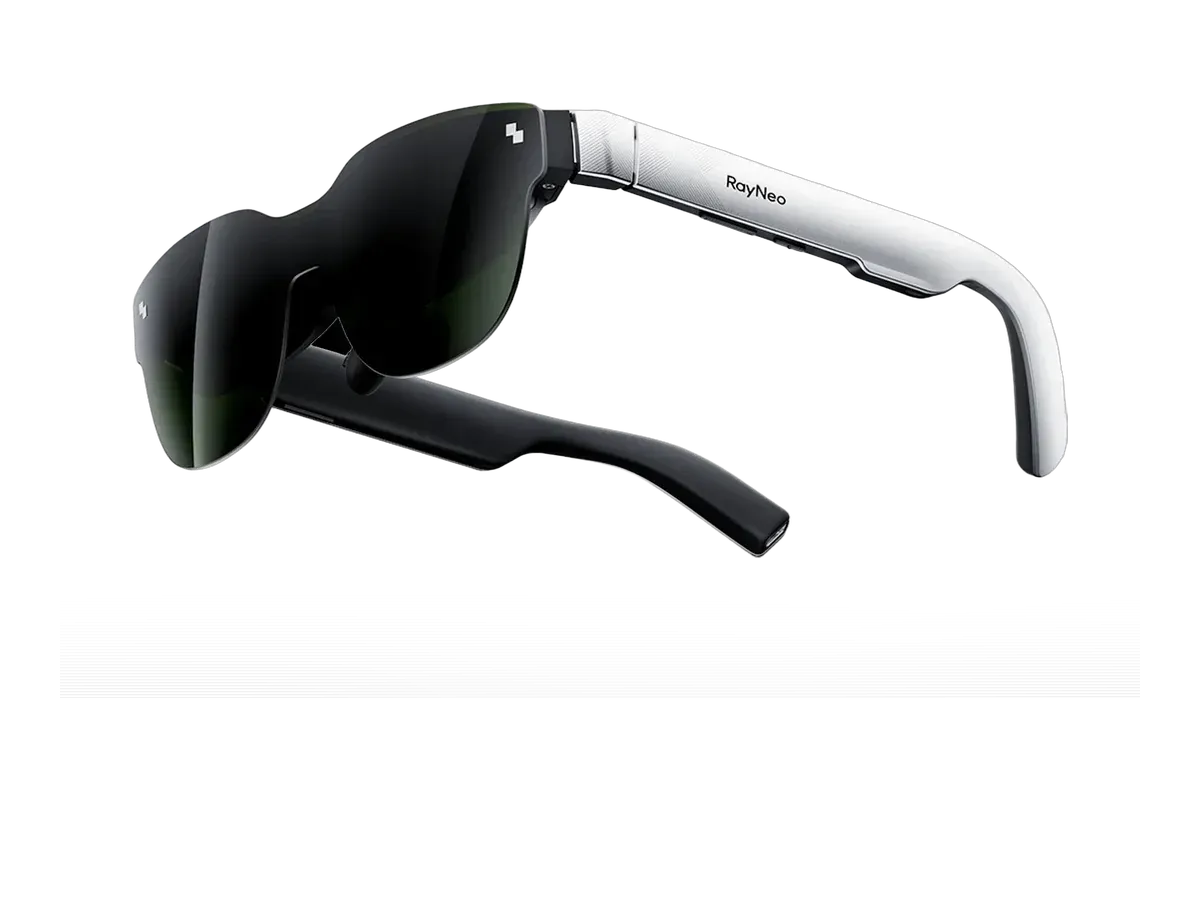
RayNeo
Evidence confidence: 5 of 7 scoring inputs documented
Why it ranks here:
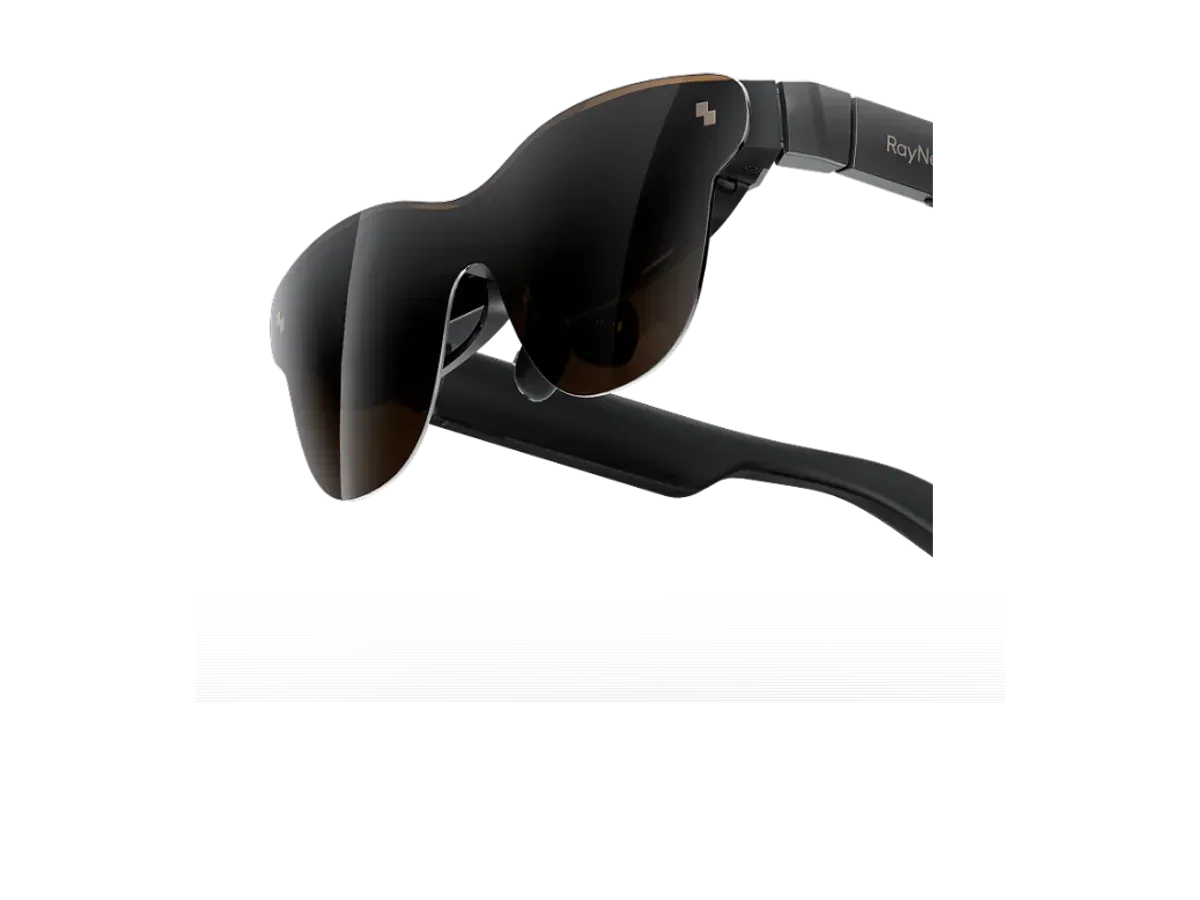
RayNeo
Evidence confidence: 5 of 7 scoring inputs documented
Why it ranks here:
These are connected smart glasses, not iPhone external-display recommendations. Some have their own small display, but this section does not recommend them for mirroring iPhone video.
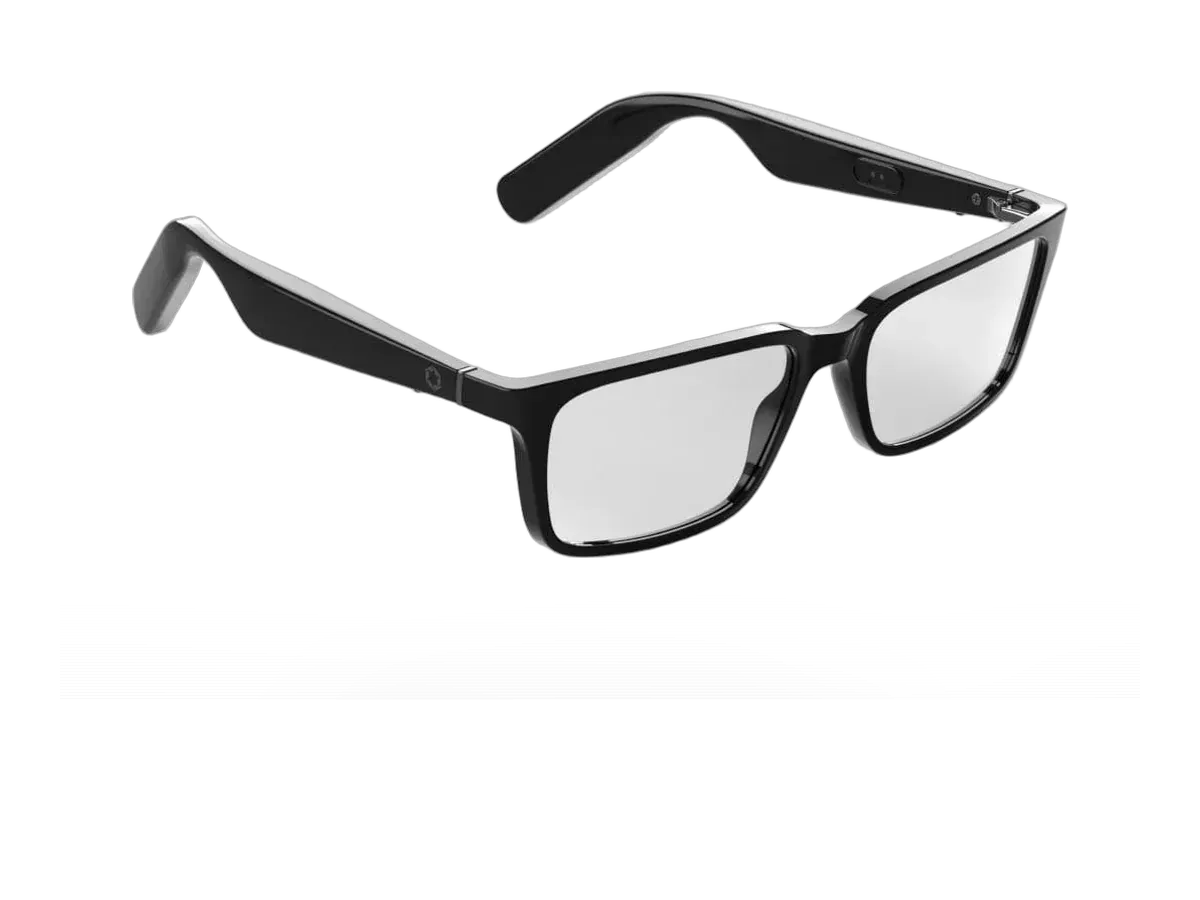
Lucyd
Evidence confidence: 6 of 7 scoring inputs documented
Why it ranks here:
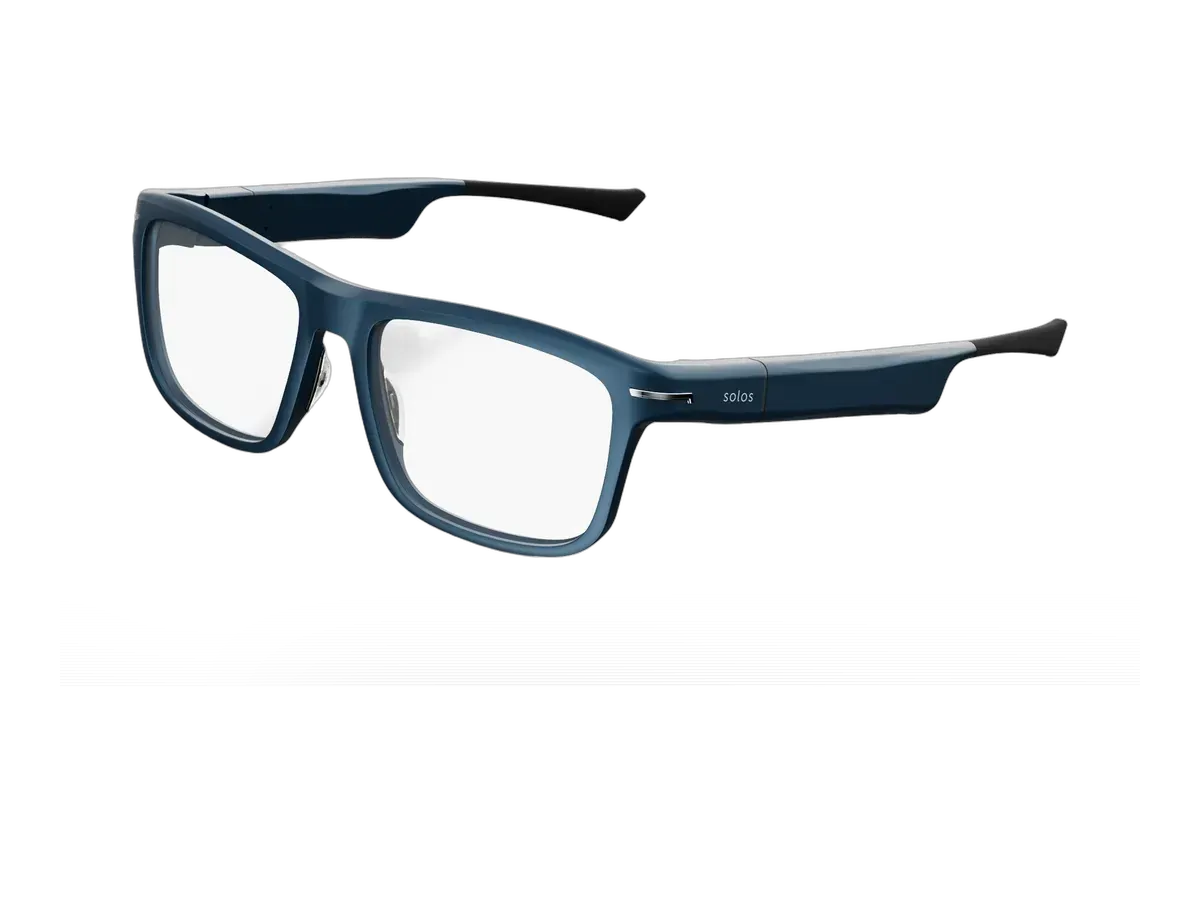
Solos
Evidence confidence: 6 of 7 scoring inputs documented
Why it ranks here:
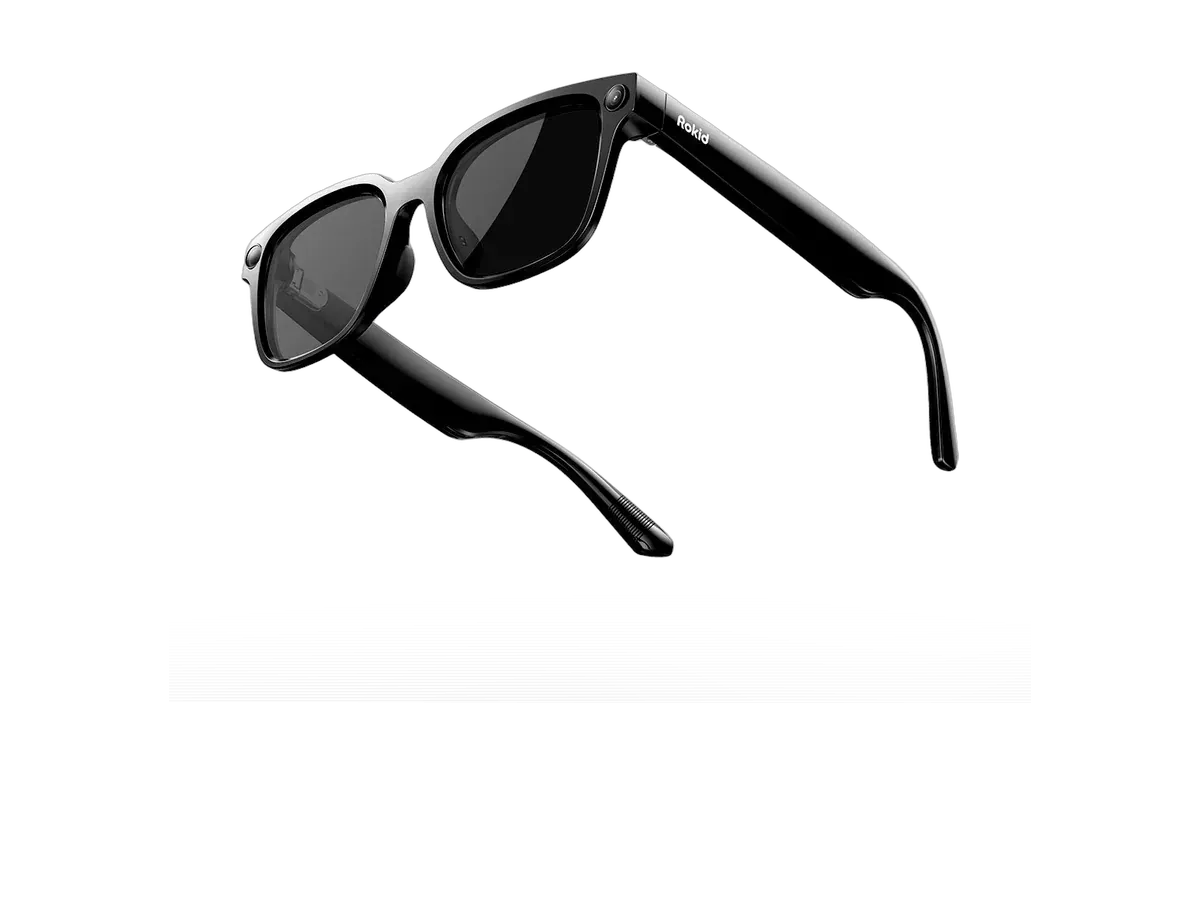
Rokid
Evidence confidence: 6 of 7 scoring inputs documented
Why it ranks here:
Buy the RayNeo Air 3s if…
Buy the RayNeo Air 3s if you need the brighter 650-nit display (vs 500 nits).
Buy the XREAL Air 2 Pro if…
Buy the XREAL Air 2 Pro if you want to spend $20 less ($249 vs $269), you want spatial audio, and you play on Xbox.
Provenance: use case derived from our everyday-consumer profile, narrowed to iPhone owners (recorded host-device compatibility). Rankings are computed from recorded product specs only.