#1
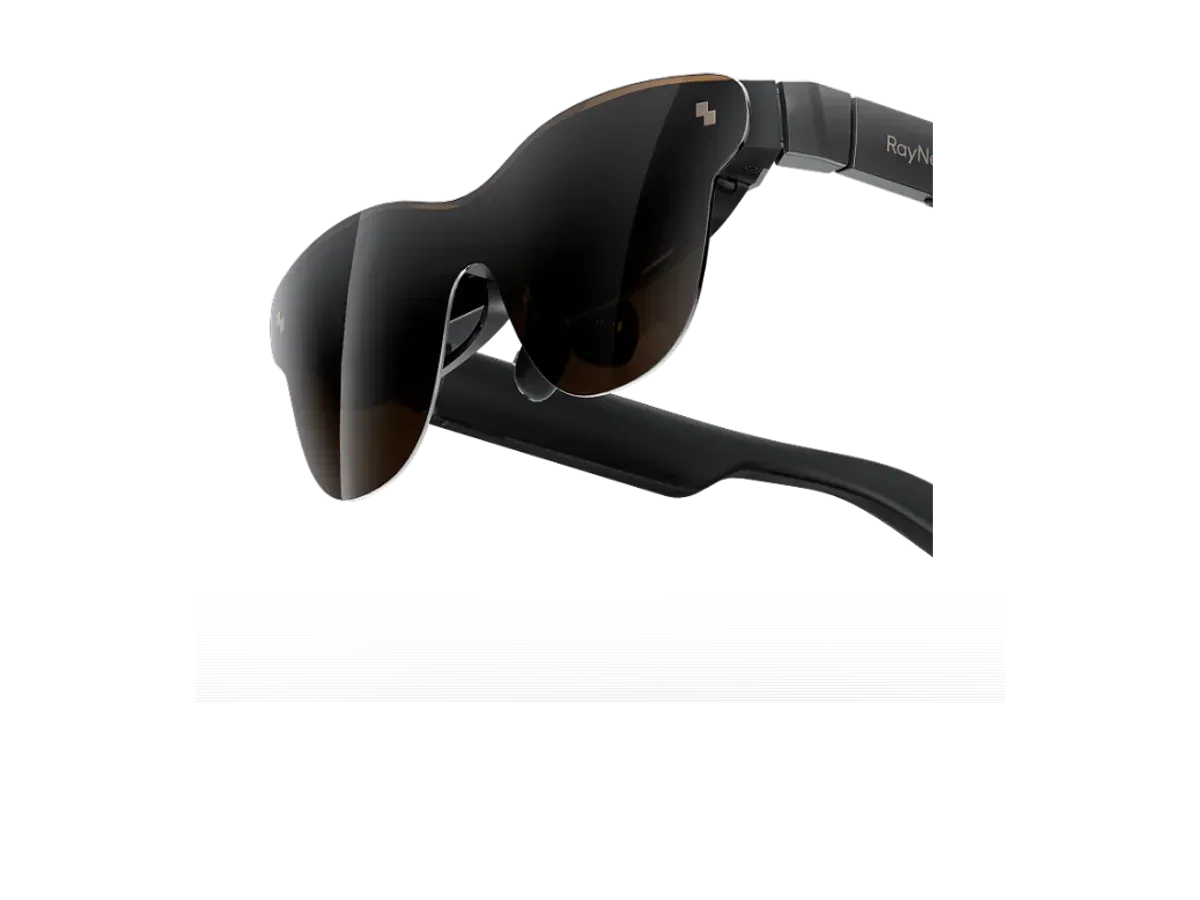
RayNeo
Why it ranks here:
- 42 pixels per degree (+18)
- 201-inch claimed virtual screen (+15)
- 1200 nits brightness (+20)
- 120Hz refresh rate (+10)
- works with PC, Mac (+6)
- 76g weight (+10)
- adjustable lens dimming (+8)
Best of
Display glasses ranked for monitor duty: text sharpness, screen size, brightness, and comfort.
Product data last updated
Monitor glasses are display glasses doing a monitor's job: plug one USB-C cable into your laptop and a large virtual screen hangs in front of you, no desk required. Whether that screen can genuinely stand in for a monitor comes down to recorded specs — pixels per degree for readable text, claimed virtual screen size, brightness that survives a lit room, and a frame light enough for long sessions. Every available, priced display model that records a virtual screen size is ranked on exactly those specs below.
Our top pick for monitor duty is the RayNeo Air 3s Pro AR/XR Glasses at $299.
Every eligible product is scored on the recorded specs below. Missing data scores zero — we never guess a value. Points shown next to each pick add up to its total score.
RayNeo
Why it ranks here:
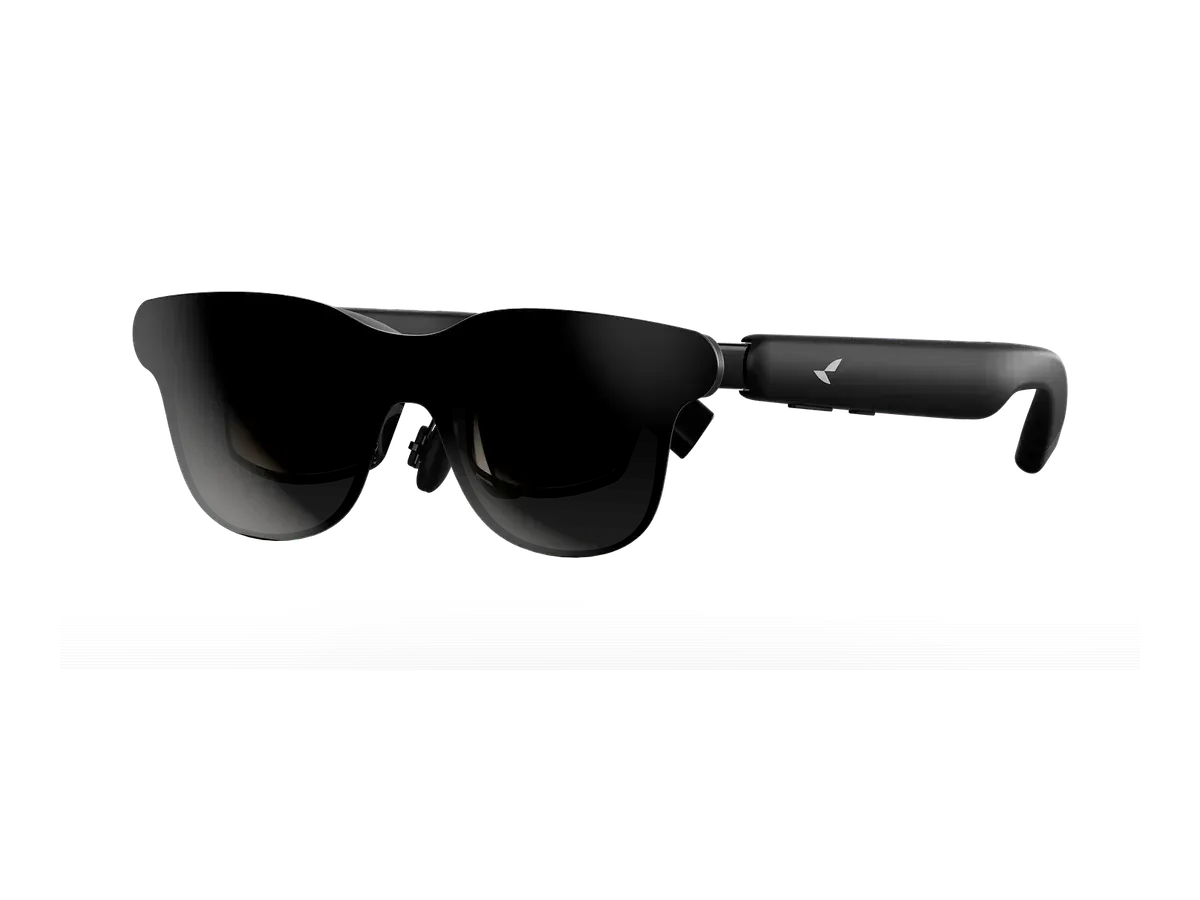
RayNeo
Why it ranks here:
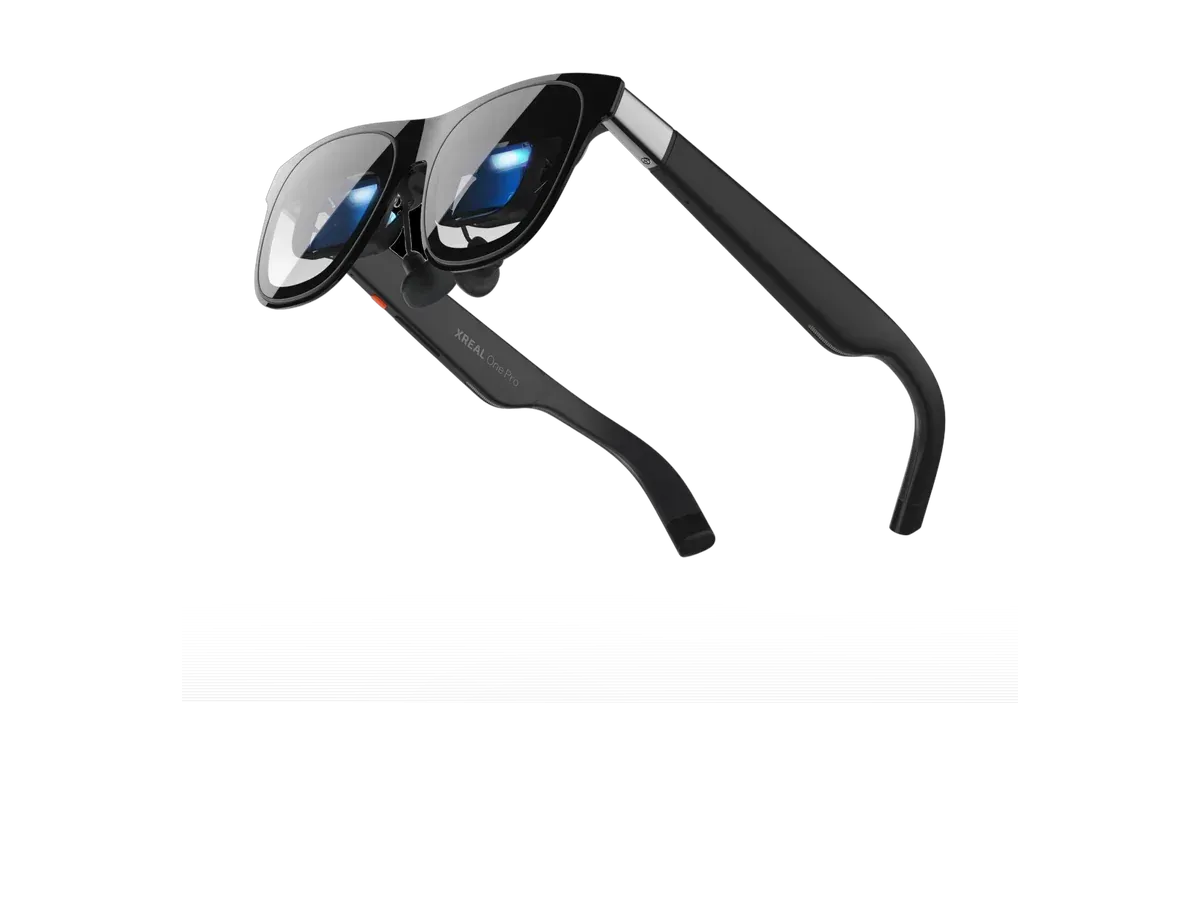
XREAL
Why it ranks here:
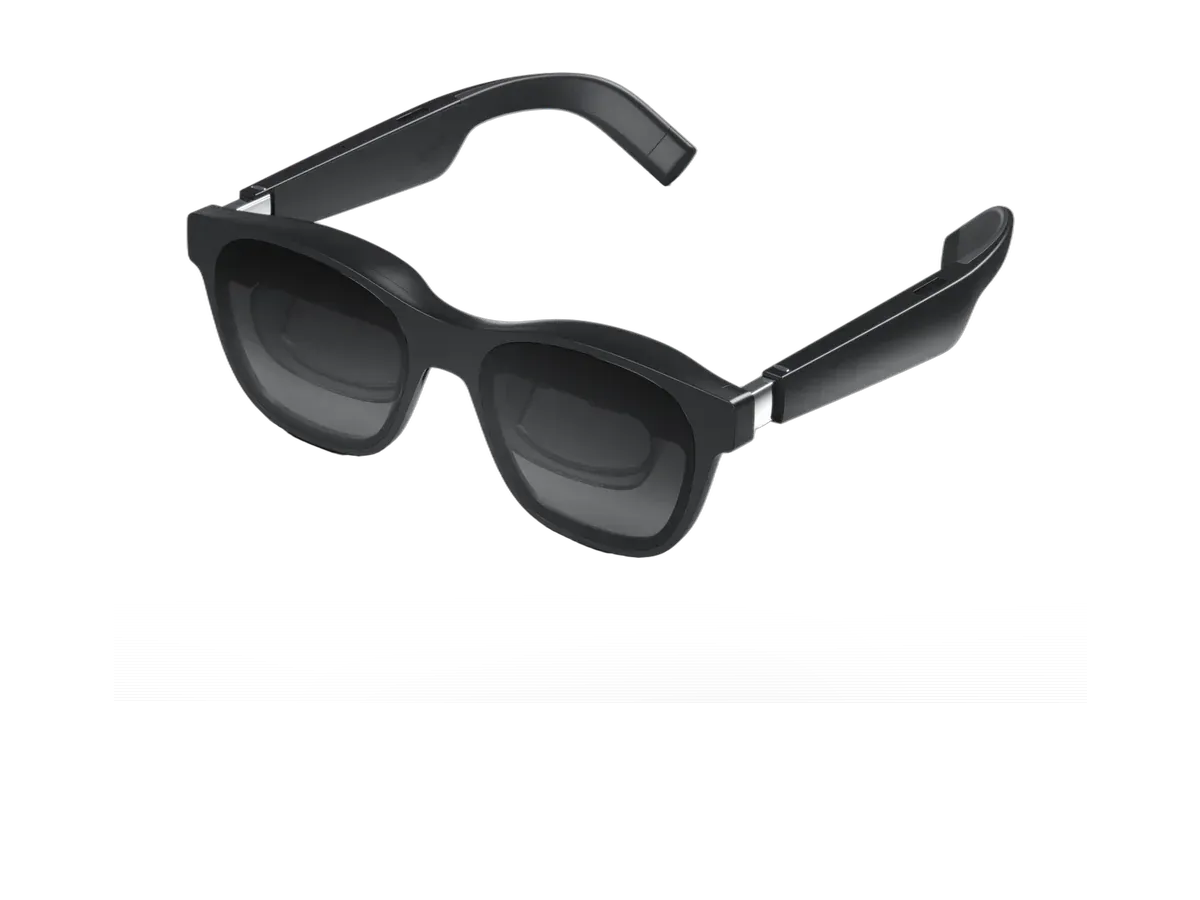
XREAL
Why it ranks here:

XREAL
Why it ranks here:
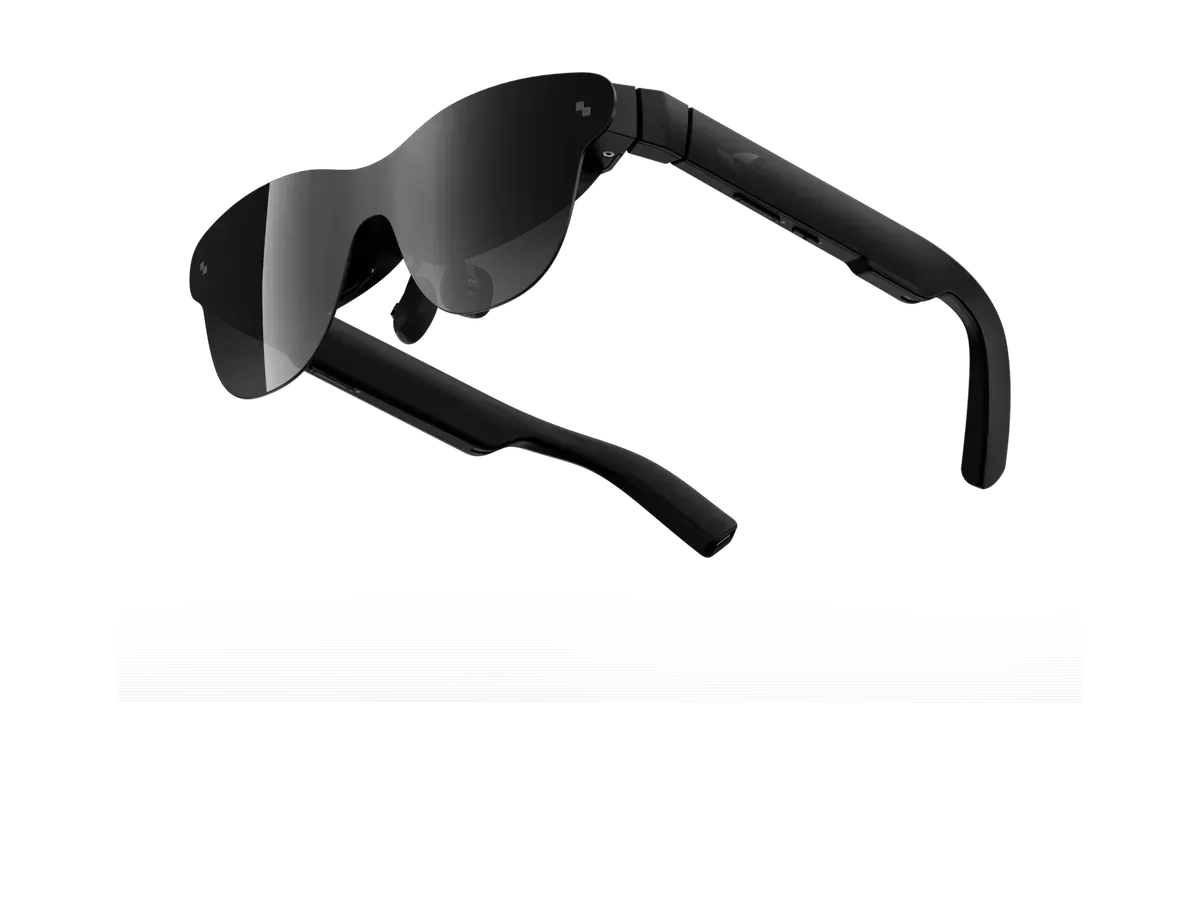
RayNeo
Why it ranks here:
A monitor is three promises: readable text, a screen big enough for your work, and no fuss when you plug in. Monitor glasses deliver those promises over one USB-C cable carrying DisplayPort Alt Mode video — the same signal a portable monitor uses — which is why a laptop treats them as just another display. The ranking above scores every priced display model that claims a virtual screen size in our database, and everything in it derives from recorded specs, not impressions: we have not lab-tested these pairs, and host-compatibility records are maker-declared lists, presented as exactly that.
Text sharpness is pixels per degree, and it is the least marketed, most decisive number in the category. A panel’s raw resolution says little on its own, because the same pixels can be stretched across a wide or narrow slice of your vision; PPD divides one by the other and predicts whether a spreadsheet reads like print or like a projector. Our specs guide explains how to read it, and the sharpness table on this page shows the recorded figure for every pick — with an honest “not recorded” where a maker publishes none.
Virtual screen size is a cinema-style equivalent, not a measurement you could tape. A quoted figure like the XREAL Air 2’s 330-inch claim describes the image at a stated distance; what your eyes experience is field of view. Two pairs quoting very different inch figures can span the same slice of vision, so treat the claimed size as shorthand and compare field of view when two picks are close.
Brightness and dimming decide where the screen survives. A dim panel that looks glorious in a dark bedroom washes out beside a window; frames with recorded electrochromic dimming can darken their own lenses instead of asking you to dim the room.
Where monitor glasses genuinely beat a physical panel is anywhere a panel cannot go: a plane tray table, a sofa, a hotel desk, a one-bag work trip. Our working on a plane guide walks the travel case end to end. Where the physical panel still wins is a shared desk — a colleague cannot glance at a screen that hangs in front of your eyes alone — and any workflow that needs color-critical accuracy on calibrated hardware.
For multi-monitor ambitions, the honest answer is that spreading work across several virtual displays is a host-software feature, not something the glasses do alone; our virtual monitor glasses guide documents which platforms each maker’s software actually supports, and the productivity ranking weighs the same catalog specifically for multi-screen work sessions.
The host matters as much as the glasses. Modern laptops with USB-C video are the no-friction case. Desktop towers usually need a powered HDMI-to-USB-C adapter — the accessory class our adapter guide inventories. Machine-specific rankings go deeper: the Mac and MacBook ranking narrows this catalog to recorded Mac support, the PC and Windows ranking does the same for Windows machines, and the Android ranking covers phones with USB-C video output, including Samsung DeX desktops.
If you are weighing glasses against a conventional portable monitor before committing either way, our AR glasses vs portable monitors comparison sets the two categories side by side on price, weight, and setup — the fairest way to decide whether a floating screen or a folding one fits your bag.
Readable text is the whole reason to work in glasses, and it comes down to pixels per degree (PPD) — how much detail lands in each degree of your view. Here is every ranked pick’s recorded PPD, the virtual screen size it projects, its brightness, and the work machines it plugs into. Where a maker publishes no PPD figure, the cell says “not recorded” rather than guessing. Planning a multi-monitor setup? Spreading work across several virtual screens is done by host software, not the glasses alone — our virtual monitor glasses guide walks through what each setup needs.
| Product | Sharpness (PPD) | Virtual screen | Brightness | Works with |
|---|---|---|---|---|
| RayNeo Air 3s Pro AR/XR Glasses | 42 | 201-inch | 1200 nits | MacPC |
| RayNeo GT | 49 | 201-inch | 1200 nits | MacPC |
| XREAL One Pro | 49 | 171-inch | 700 nits | MacPCDeXiPad |
| XREAL Air 2 | 49 | 330-inch | 500 nits | MacPC |
| XREAL Air 2 Pro | 49 | 330-inch | 500 nits | MacPC |
| RayNeo Air 4 Pro | 41 | 201-inch | 1200 nits | MacPC |
Buy the RayNeo Air 3s Pro AR/XR Glasses if…
Buy the RayNeo Air 3s Pro AR/XR Glasses if you want adjustable lens dimming, you play on Nintendo Switch, you play on PlayStation, and you play on Xbox.
Buy the RayNeo GT if…
Buy the RayNeo GT if you want the lighter 68g fit (vs 76g) and you want HDR support.
For focused solo work, travel, and small desks they can carry most of the load; for a shared desk or color-critical work they are better treated as a powerful supplement. The honest tradeoffs are fixed: you get a big private screen that fits in a pocket, and you give up the walk-up visibility of a physical panel. The recorded specs that decide whether the swap works for you are pixels per degree for text, brightness for lit rooms, and weight for how long the frame stays comfortable.
Over one USB-C cable, as long as the computer's port outputs video using DisplayPort Alt Mode — most recent laptops do, and the machine simply treats the glasses as an external monitor, no drivers needed. Desktop towers without USB-C video can still work through a powered HDMI-to-USB-C adapter that converts the graphics card's HDMI output into the signal the glasses expect. Each pick's product page records which host devices its maker actually documents.
The spec that predicts it is pixels per degree — how much panel detail lands in each degree of your view. From around 40 PPD, body text starts looking print-like; below the mid-30s you will notice softness in small fonts even when a movie looks great. That is why sharpness is the heaviest-weighted criterion in this ranking, and why the per-pick table on this page shows the recorded figure — or says plainly that a maker does not publish one — instead of guessing.
Makers quote virtual screens as cinema-style equivalents — the size the floating image would measure at a stated distance, not a panel you could touch. What actually changes between models is field of view: how many degrees of your vision the image spans. A wider field of view makes the screen feel genuinely bigger; a larger quoted inch figure at a longer stated distance can feel identical. Read the claimed size as marketing shorthand and the field-of-view spec as the truth.
Comfort splits into weight on your nose, brightness against your surroundings, and how your own eyes take to a fixed-focus image floating several feet away — which varies genuinely from person to person. The controllable parts are recorded in the ranking: lighter frames wear longer, adjustable dimming keeps a bright room from washing out the screen, and higher refresh panels keep scrolling smooth. Most people adapt within a few sessions; if you wear prescription lenses, check each pick's recorded prescription path first.
Provenance: use case derived from our remote-professional buyer profile, narrowed to the monitor-replacement question (recorded virtual-screen claims). Rankings are computed from recorded product specs only.