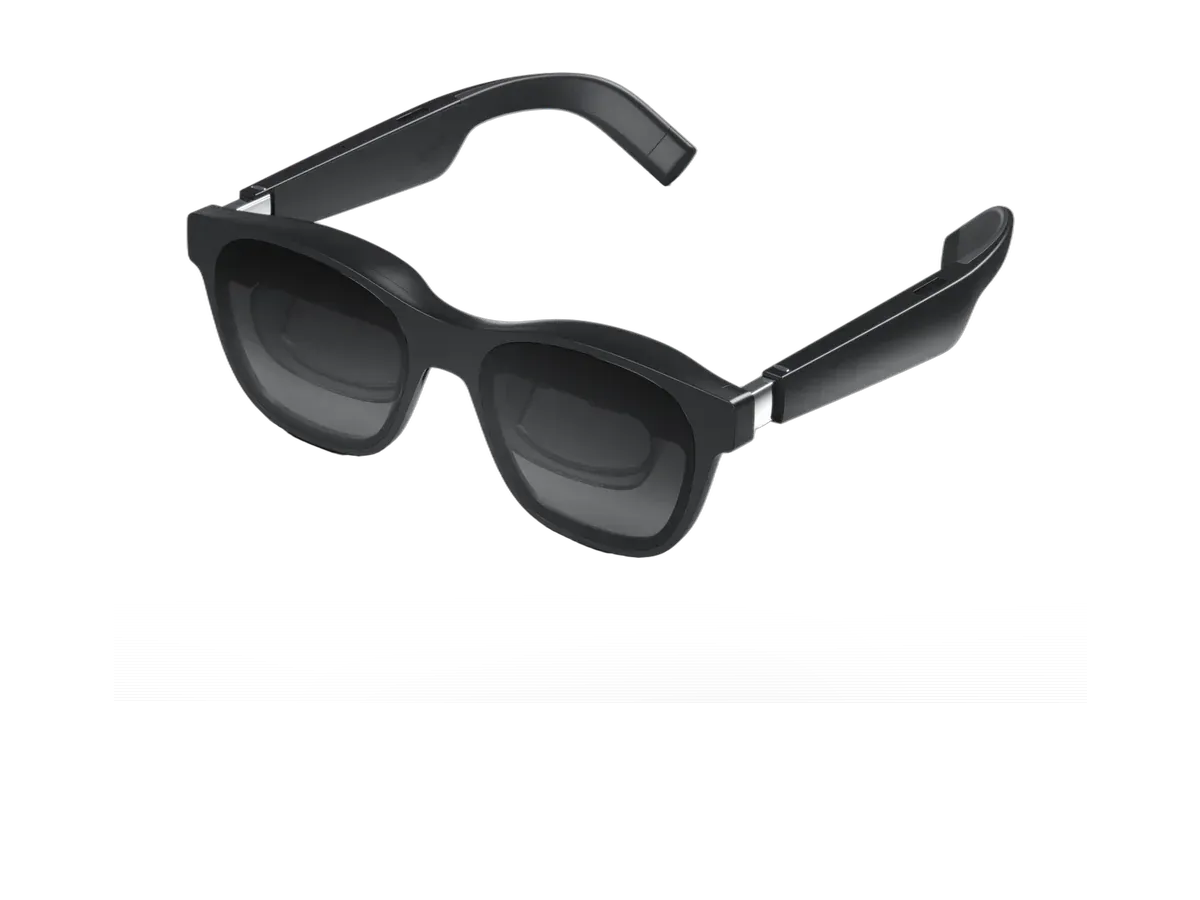
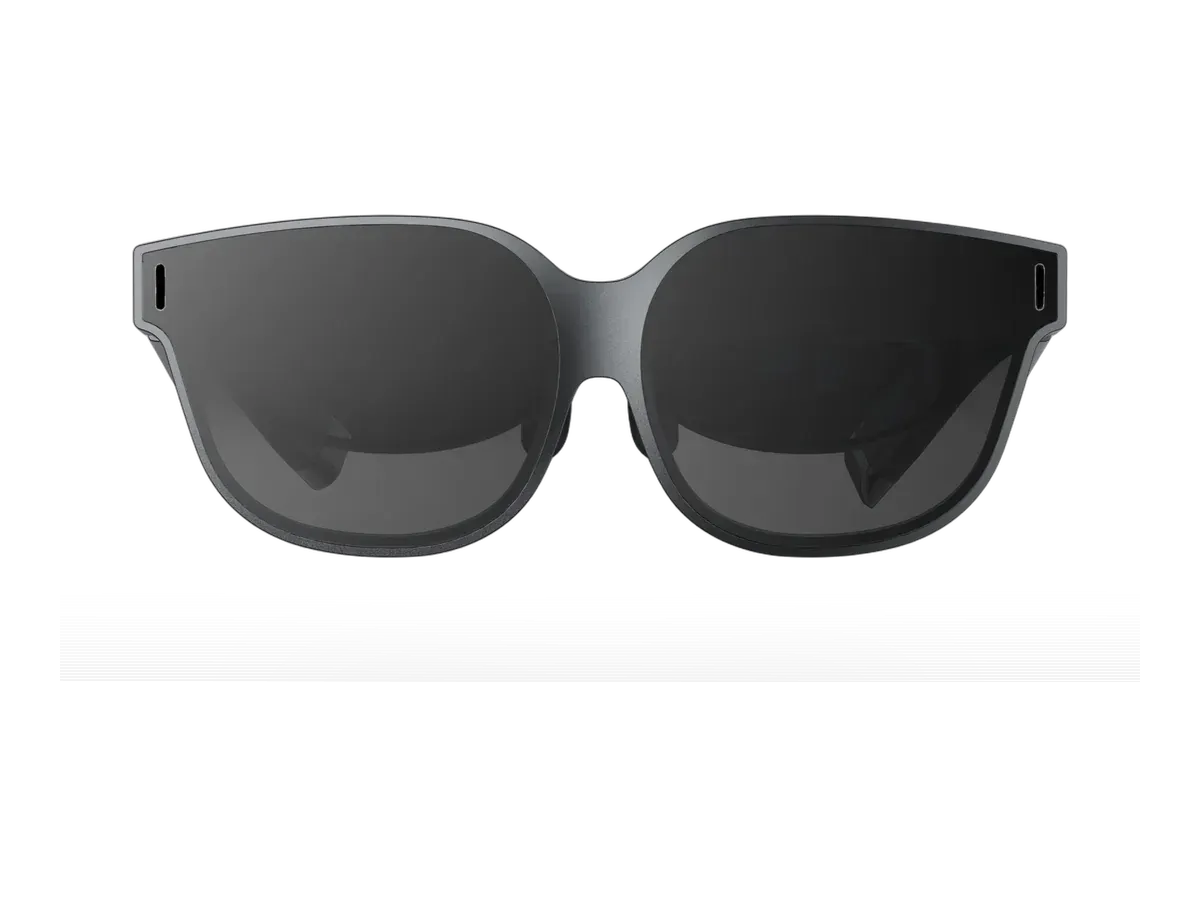
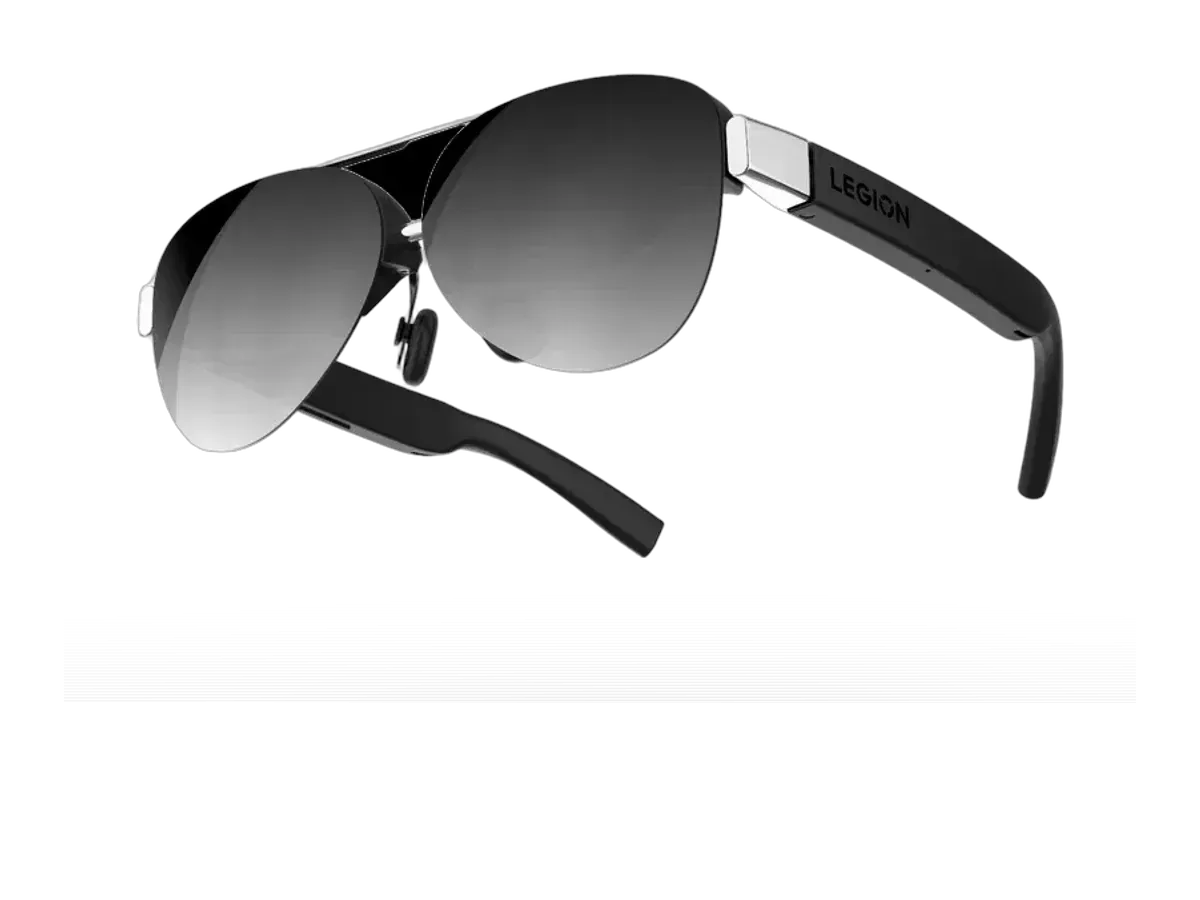
The Mac is a quietly excellent host for display glasses because Apple standardized the one thing the category depends on: USB-C and Thunderbolt ports that output DisplayPort Alt Mode video. Plug a ranked pair into a modern MacBook and macOS lists it in Displays like any external monitor — mirror it, extend it, scale it. Nothing on this page requires a driver for that basic experience. The compatibility records behind the ranking are maker-declared lists from each manufacturer’s published documentation, not lab-tested results, and each product page presents them as exactly that.
What macOS gives you, and what vendor apps add
Out of the box, glasses on a Mac are one large external display — for many people that is the whole product: a private widescreen for writing, code, and video that packs flat in a coat pocket. On top of that base, several makers ship macOS software that widens the screen into an ultrawide workspace or pins multiple virtual displays around you with head tracking. The support matrix is per-maker and per-model, and it moves faster than hardware does, so our virtual monitor glasses guide keeps the platform-by-platform picture, including what each maker’s published documentation says about macOS.
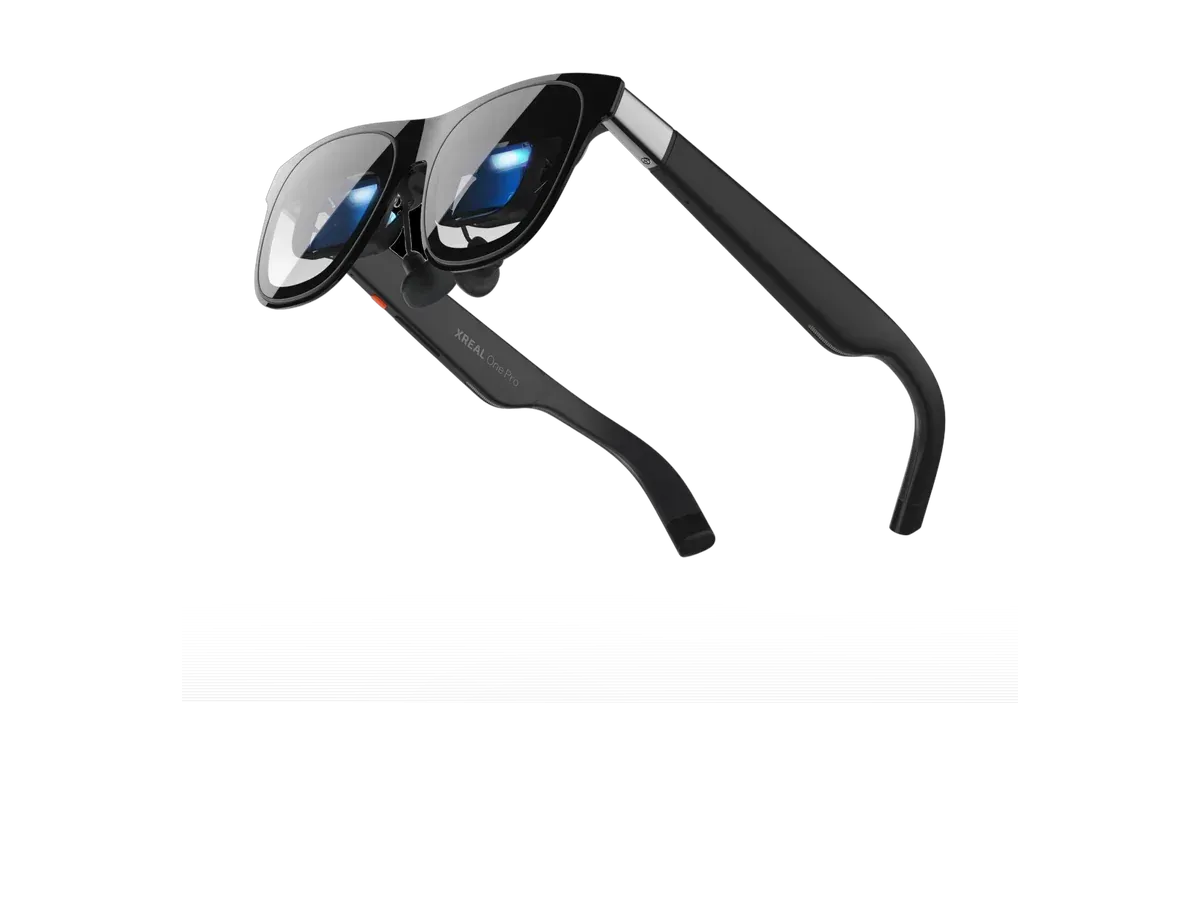
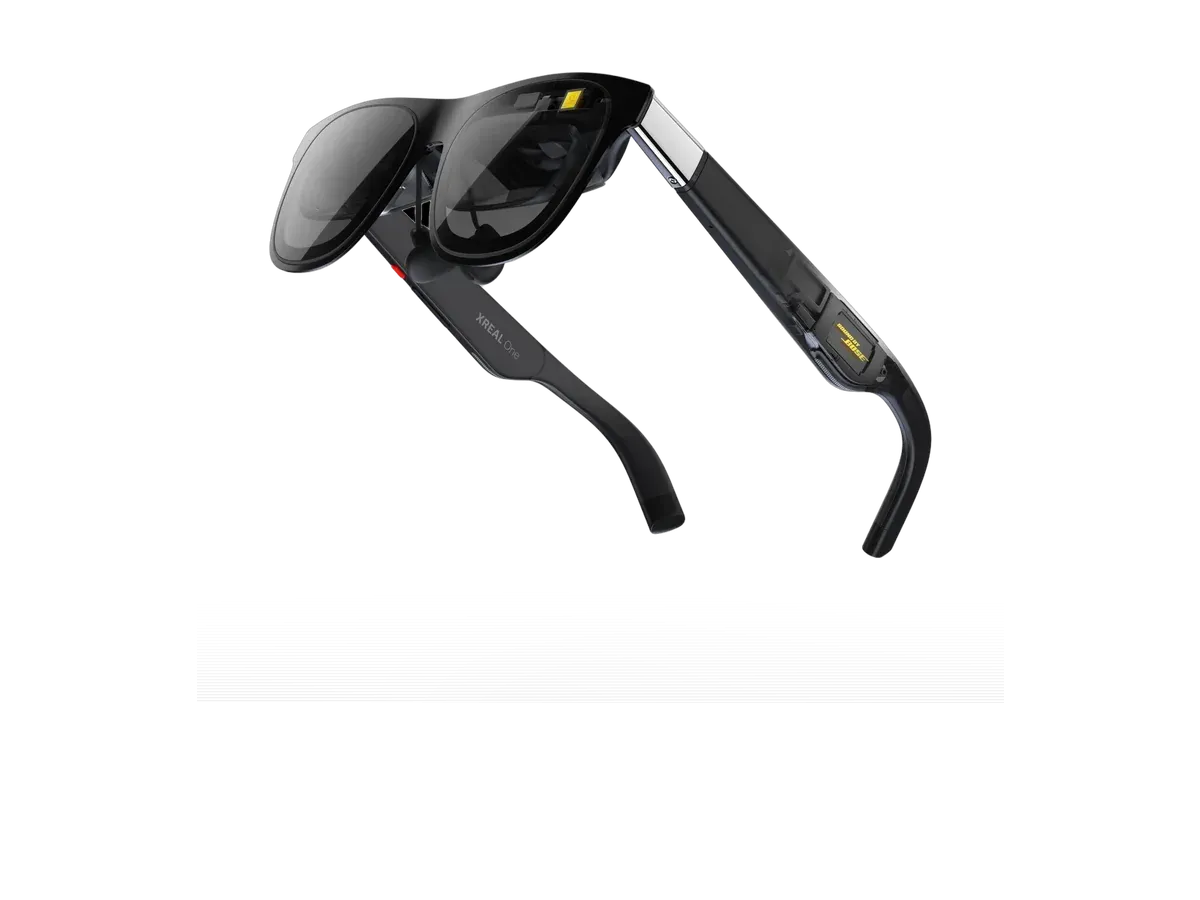
Glasses whose spatial modes run on their own chip rather than in a host app deserve a special mention for Mac owners, because self-contained anchoring works regardless of what software the platform gets: the XREAL One and XREAL One Pro record exactly that architecture, alongside recorded Mac support.
The iPad case
The same cable story extends to iPads with USB-C, and seven products in our catalog record iPad compatibility explicitly — among them the VITURE Luma Pro, the VITURE Beast, and the INAIR 2 Pro. An iPad plus glasses is a legitimately good travel setup: the tablet is the keyboard-equipped computer on the tray table, the glasses are the screen nobody else sees. Expect mirroring plus iPadOS’s own extended-display behavior rather than the richer multi-window apps that target macOS first; the iPad entries in each pick’s recorded device list are the honest starting point.
Reading the ranking like a Mac owner
Weight and sharpness deserve more attention than they get in gaming-first reviews. Work sessions run hours, so a frame in the 70-gram class earns its keep in a way a spec sheet undersells, and pixels per degree — covered plainly in our specs guide — predicts whether 11-point text is comfortable or fatiguing. Brightness matters if you work near windows; recorded dimming closes that gap. And if your real question is the broader monitor-replacement one — glasses versus a physical panel at a desk — the monitor glasses pillar takes that question head on, while the productivity ranking weighs this same catalog for multi-screen work.
One honest boundary: the iPhone is a different story from the Mac. iPhone support varies by model and by glasses — a few catalog records name recent USB-C iPhones explicitly, while older Lightning models sit outside the plugged-in-monitor story altogether — so treat it as a per-product record to check rather than an ecosystem guarantee. The iPhone ranking covers what actually works there, so you buy for the device you own rather than the one on the box art.