Skip to content

Best of

Best AR Glasses for Laptop Users

Plug-in display glasses for MacBooks and Windows laptops, ranked for sharpness, comfort and how well they suit a laptop setup.

Our top pick for laptop users is the RayNeo GT at $329.

RayNeo GT

Our top pick

RayNeo GT · $329 at RayNeo Store

Check price at Amazon See full ranking ↓

Product data last updated

Display glasses turn your laptop's screen into a big private screen that only you can see. They plug into one USB-C port and draw power from the laptop, so there is no separate battery to charge. The one thing to check first is that port. It has to send video, which spec sheets call DisplayPort Alt Mode or USB-C with video. Most recent MacBooks and many Windows laptops have one, but a charge-only port shows nothing. Every pick here lists a Mac or a Windows PC among the computers it works with, and we rank them on sharpness, weight, head tracking and lens dimming.

# Pick Price Best for
1 RayNeo GT $329 Top pick overall
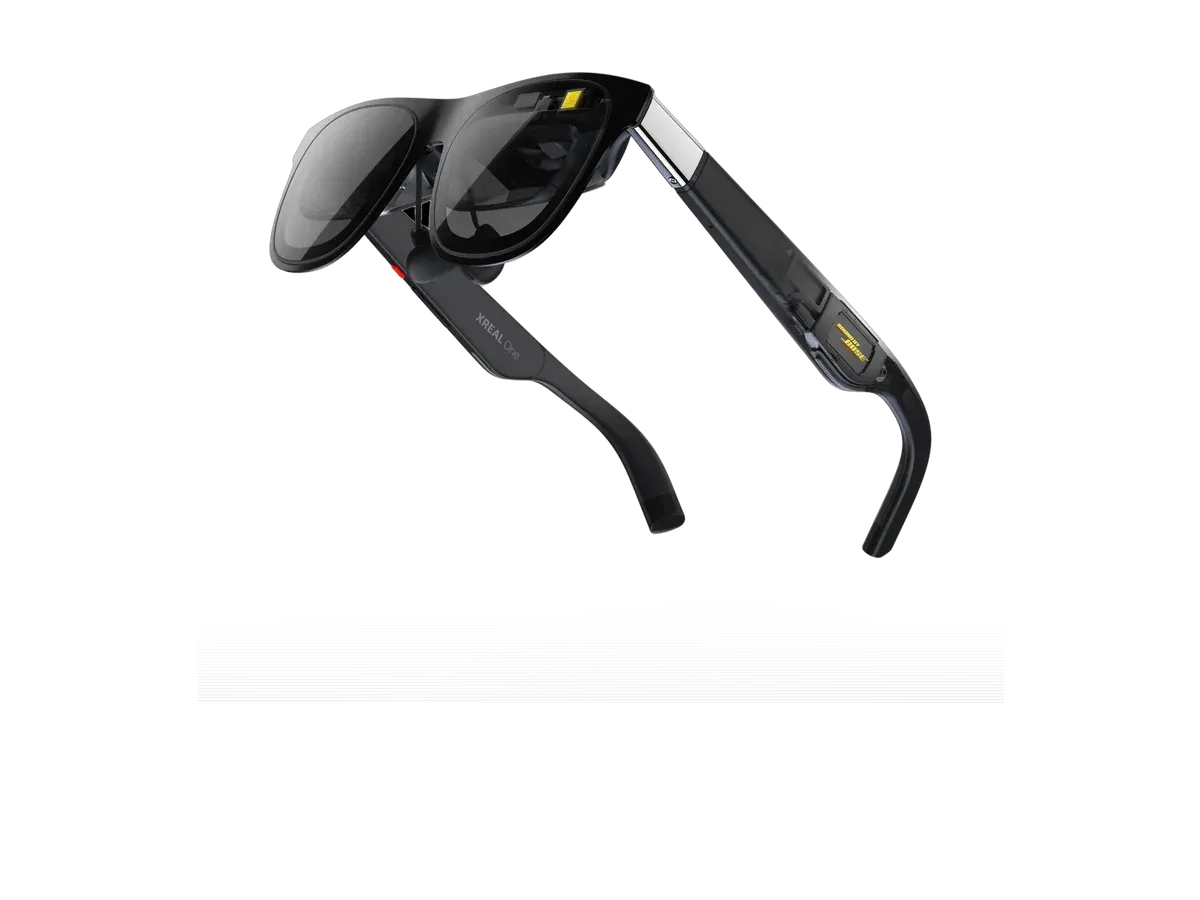
2 XREAL One $399 —
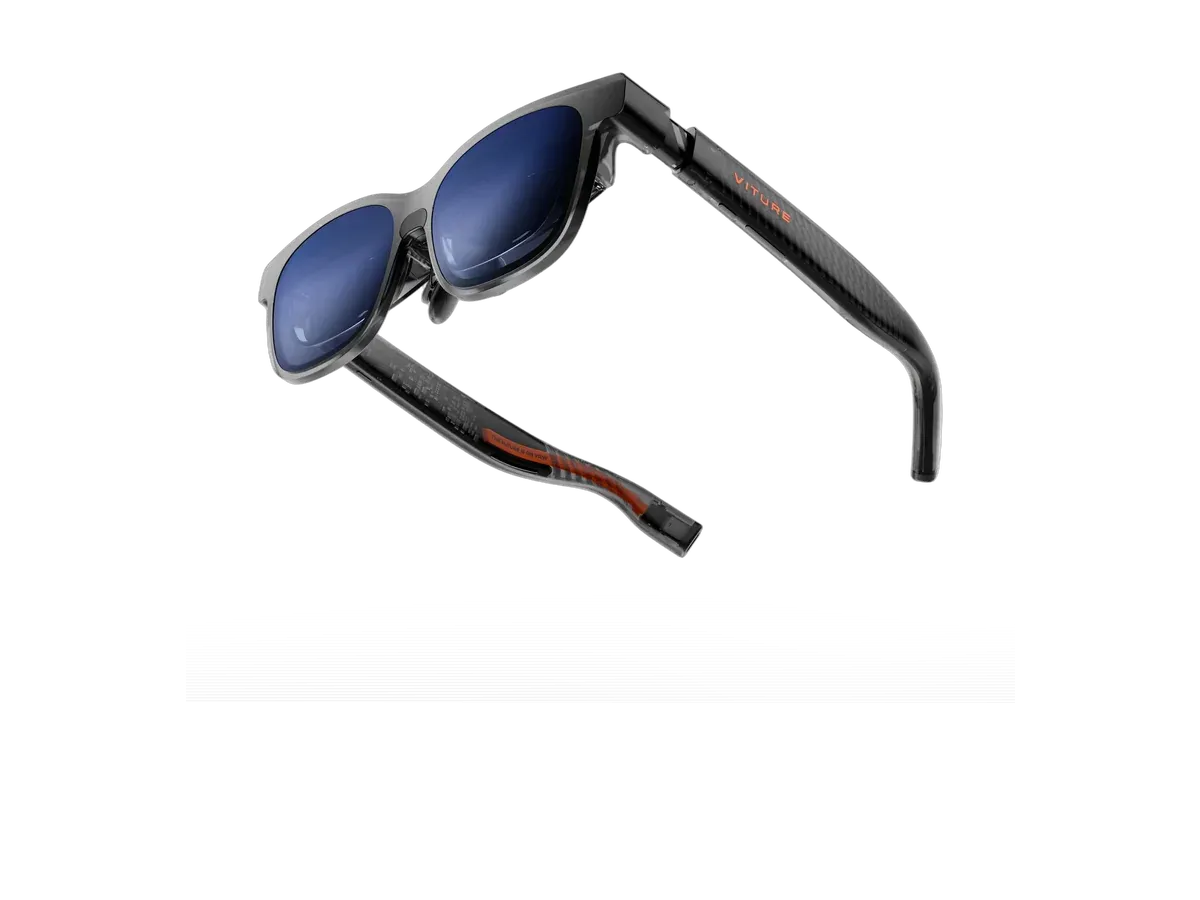
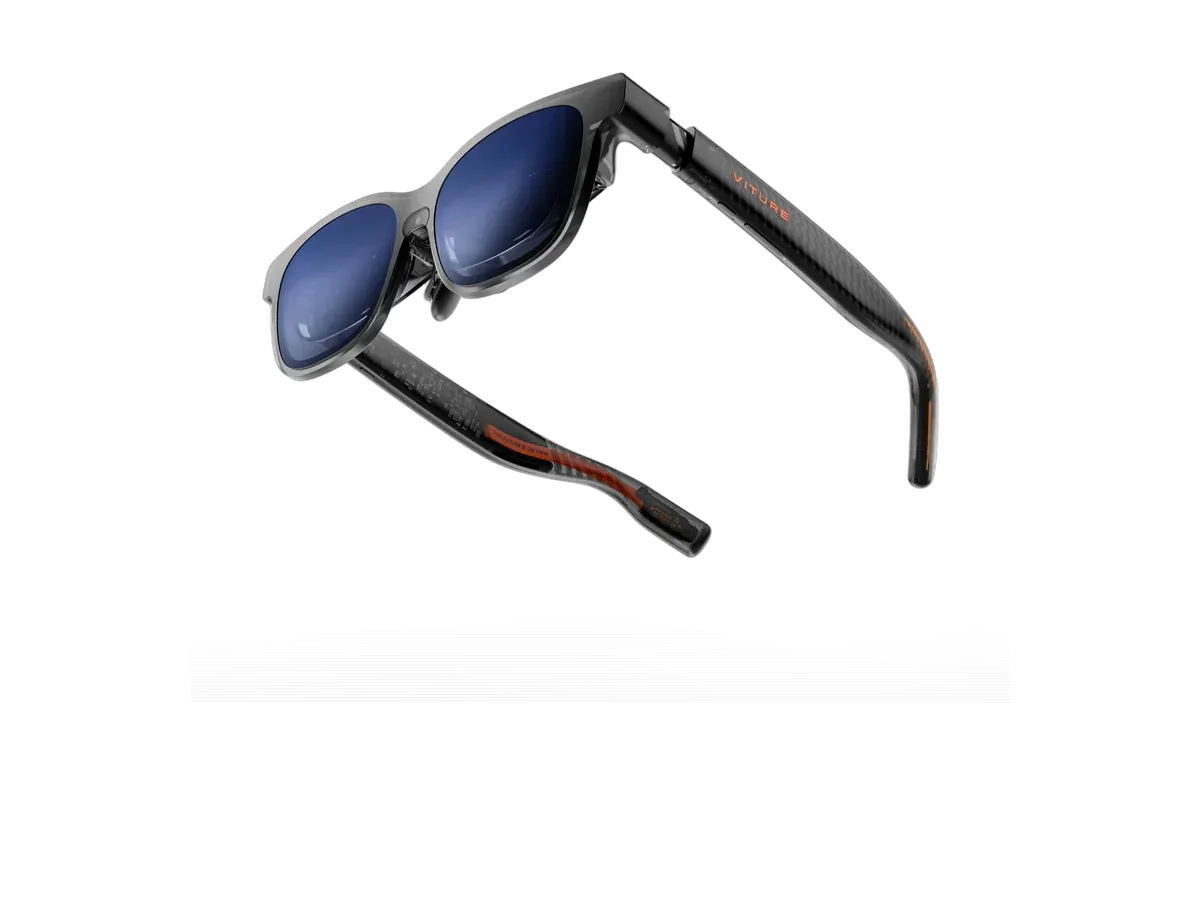
3 VITURE Luma XR $399 —
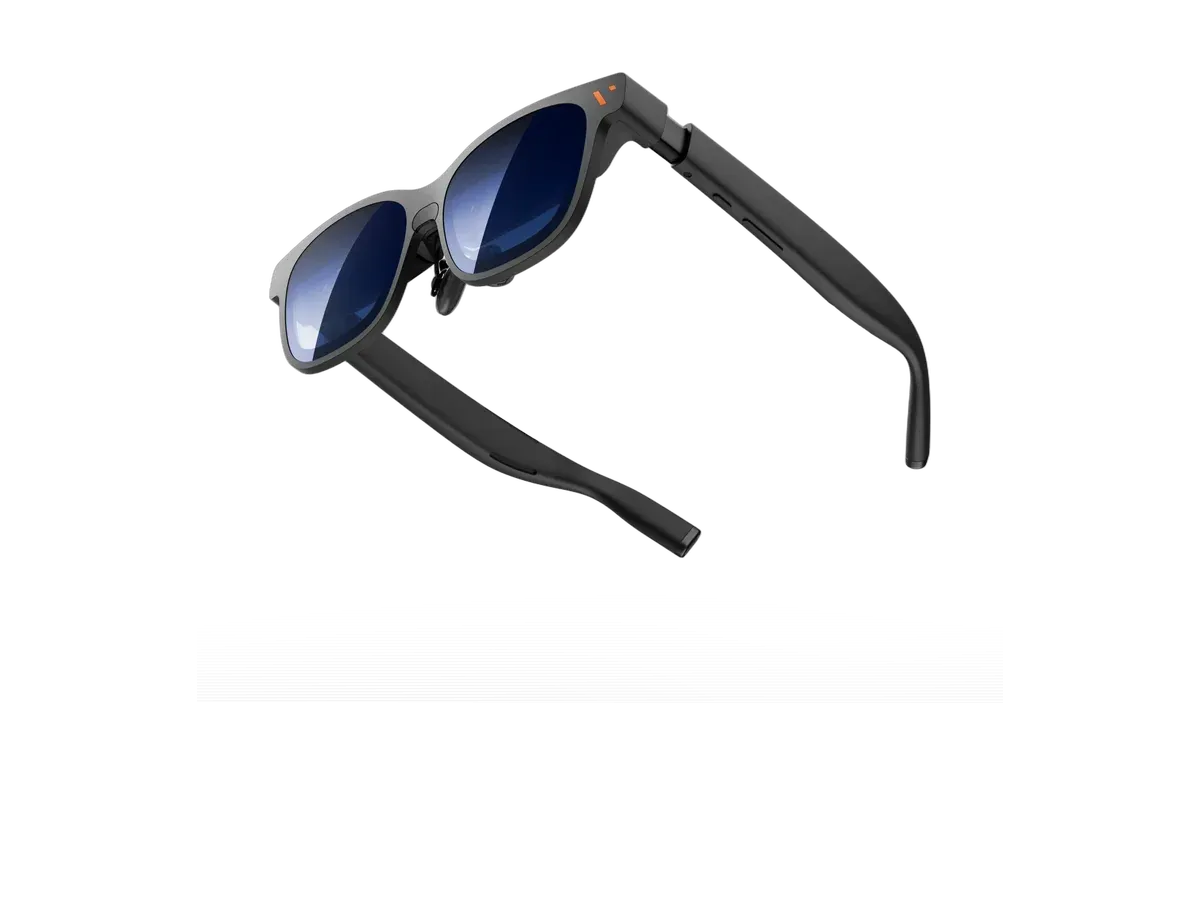
4 VITURE Pro 2 XR Glasses $299 Brightest display here
5 VITURE Luma Pro $499 Widest view here
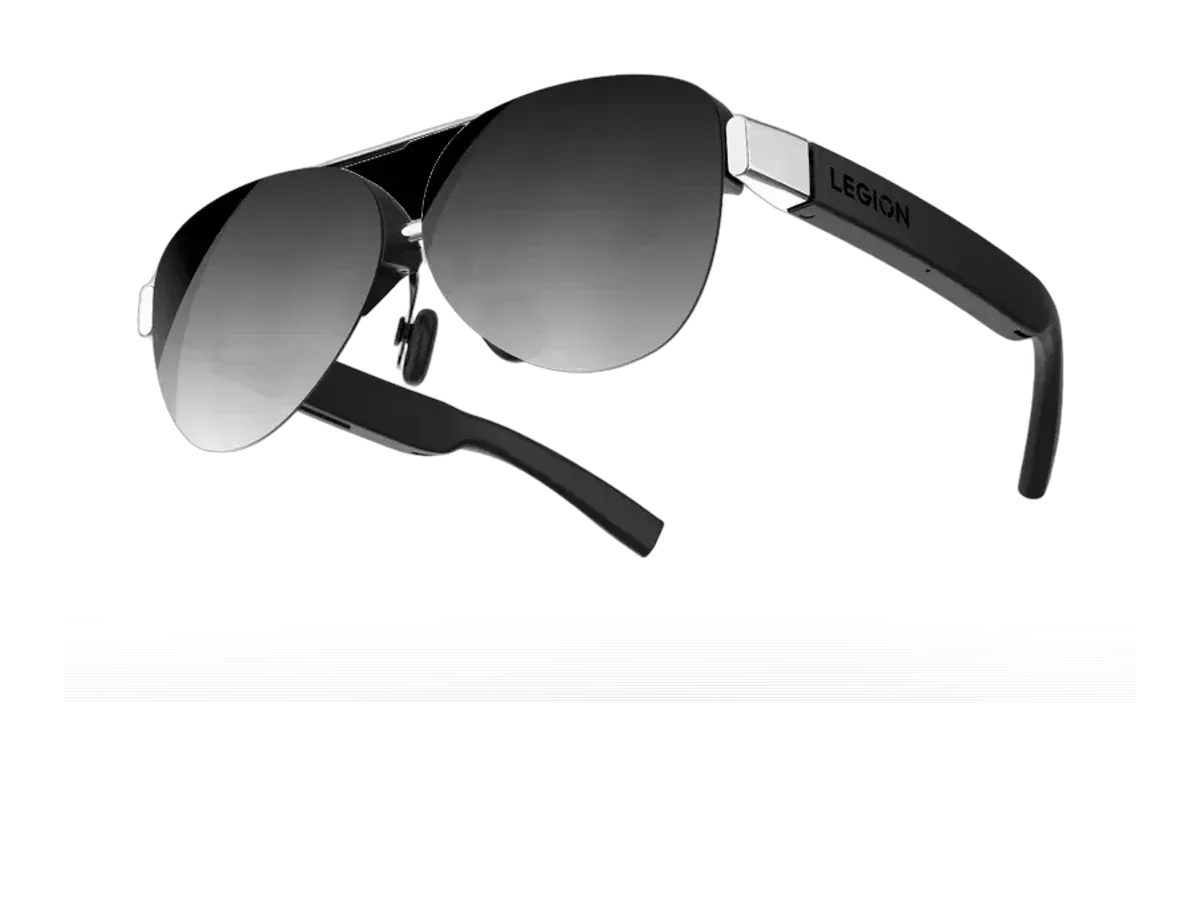
6 Lenovo Legion Glasses 2 $249.99 Lowest price here

Ranked by MacBook & Windows support · Text sharpness · Weight · Head tracking · Lens dimming · Brightness · Price. Prices verified at RayNeo Store, XREAL Store and 2 other stores.

Every pick is scored on the same criteria — a spec the maker doesn’t publish scores zero, and the Best for column marks where a pick leads this list. How we rank and check prices

Using glasses with a laptop is simple once the port is right. Plug the glasses into a USB-C port that sends video (often marked with a DisplayPort or Thunderbolt symbol), and the laptop sees a new monitor. You can mirror the laptop screen or extend the desktop onto the glasses, the same as with any external display. Most pairs take power from that same cable. The second-screen setup guide explains the port requirement in more detail.

If your laptop is a MacBook, the AR glasses for Mac ranking sorts the full list by Mac support; for a Windows machine, see the AR glasses for PC ranking. Deciding between glasses and a portable monitor? Our glasses versus portable monitors guide weighs the two. For a wider look at work glasses, including ones with multi-screen software, start with the AR glasses for work and virtual monitor ranking.

How we rank: 7 scored criteria

Every eligible product is scored on the recorded specs below. Missing data scores zero — we never guess a value. Points shown next to each pick add up to its total score. Our full method

  • MacBook & Windows supportup to 20 pts
  • Text sharpnessup to 20 pts
  • Weightup to 15 pts
  • Head trackingup to 15 pts
  • Lens dimmingup to 10 pts
  • Brightnessup to 10 pts
  • Priceup to 10 pts

RayNeo GT or XREAL One?

Buy the RayNeo GT if…

Buy the RayNeo GT if you want to spend $70 less ($329 vs $399), you need the brighter 1200-nit display (vs 600 nits), you want the lighter 68g fit (vs 84g), and you want HDR support.

Buy the XREAL One if…

Buy the XREAL One if you want the wider 50° field of view (vs 46°), you want adjustable lens dimming, you play on Nintendo Switch, and you play on PlayStation.

Also considered

Smart glasses FAQ

Can you use AR glasses with a laptop?

Yes. Display glasses work as an external monitor. You plug them into a USB-C port, the laptop sees a new display, and you can mirror your screen or extend your desktop onto the glasses. Most pairs take their power from the same cable, so they need no charging of their own.

How do I know if my laptop's USB-C port supports AR glasses?

Look for DisplayPort Alt Mode, a small DisplayPort or lightning-bolt-and-screen icon next to the port, or Thunderbolt support in the laptop's spec sheet. Those ports send video. A USB-C port that only charges or moves data will power nothing on the glasses. If your laptop has only HDMI, you need a powered adapter that converts HDMI to USB-C video.

Are AR glasses better than a portable monitor for a laptop?

They are smaller, lighter and private, and the screen looks much bigger. A portable monitor is sharper, easier to share with someone next to you, and nothing sits on your nose. If you work on planes, trains or in cafés, glasses usually win; at a fixed desk a monitor usually does.

Guides that go deeper

Plain-English explainers on the models and questions this ranking covers.

More guides on these picks

Related reading

  • To use glasses as a second screen for a laptop, see our picks for monitor glasses.

Keep researching

Provenance: use case derived from laptop owners who want a wearable second screen over USB-C. Rankings are computed from recorded product specs only.