Skip to content

Best of

Best AR Glasses for Android Phones & Samsung DeX

Display glasses for Android phones, ranked — with recorded Samsung DeX support called out.

Product data last updated

Every pair ranked here is a display-class model whose maker records Android compatibility: on a phone whose USB-C port outputs video, the glasses become a big private screen for that phone, and on Samsung phones DeX can turn that screen into a desktop. The catch worth knowing up front is that not every Android phone outputs video over USB-C — flagships mostly do, budget phones mostly do not. We rank on field of view, weight, brightness, and refresh rate, with recorded DeX support scored explicitly.

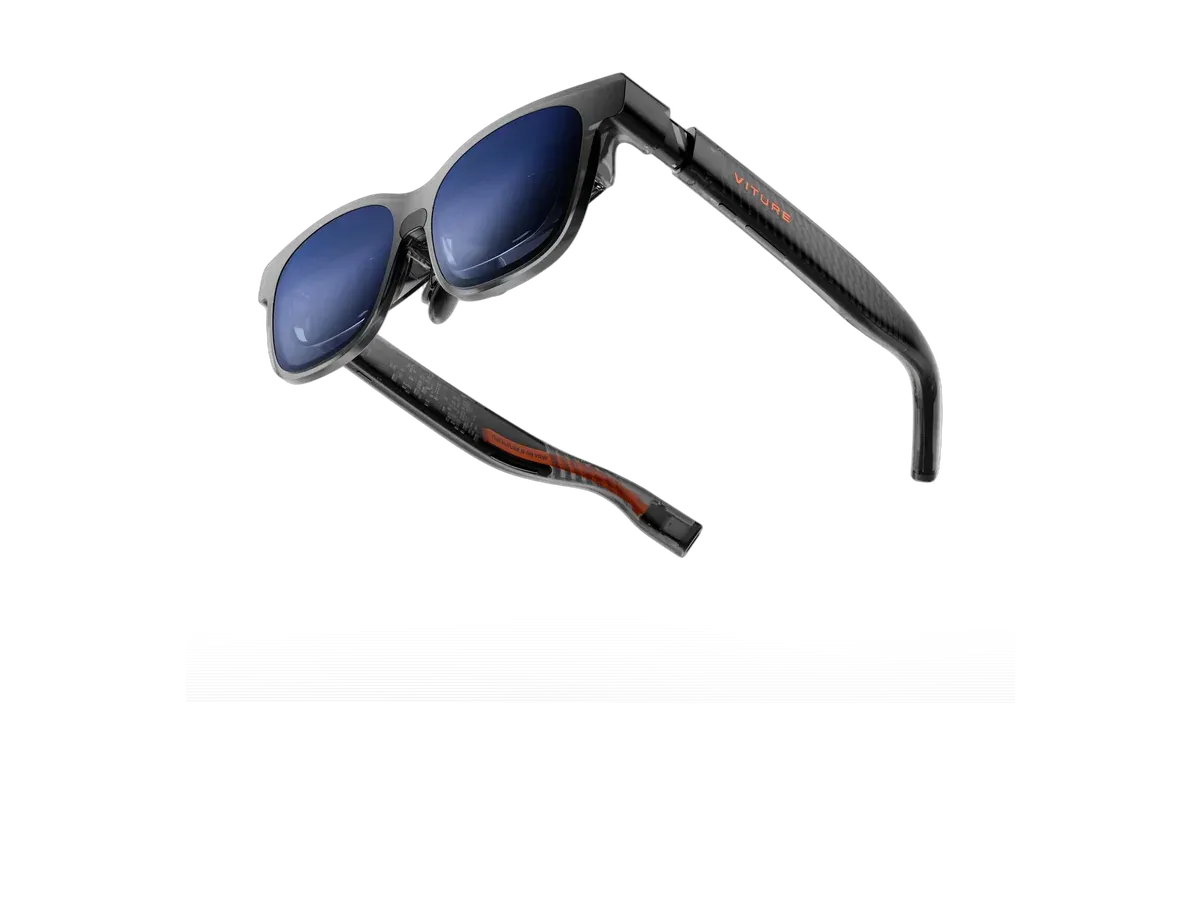
Our top pick for Android phones is the VITURE Beast XR Glasses at $549.

VITURE Beast XR Glasses

Our top pick

VITURE Beast XR Glasses · $549

Check price at Amazon See full ranking ↓
Jump to the picks ↓
How we rank: 9 scored criteria

Every eligible product is scored on the recorded specs below. Missing data scores zero — we never guess a value. Points shown next to each pick add up to its total score.

  • Android compatibilityup to 15 pts
  • Samsung DeX supportup to 10 pts
  • Field of viewup to 15 pts
  • Weightup to 15 pts
  • Brightnessup to 15 pts
  • Refresh rateup to 10 pts
  • Built-in audioup to 5 pts
  • Prescription supportup to 5 pts
  • Lens dimmingup to 10 pts

Android is the platform where display glasses either sing or refuse to make a sound, and the difference is one line on the phone’s spec sheet: whether its USB-C port outputs video over DisplayPort Alt Mode. Flagship lines from the major makers mostly do; budget and many mid-range phones mostly do not, because the video lanes cost money the segment competes away. Before any pick on this page, check your phone — search its model plus “DisplayPort Alt Mode”, or look for a video-output line in its official specs. If the phone qualifies, everything ranked above connects with one cable and turns it into a pocket cinema; the compatibility records behind the ranking are maker-declared device lists, presented honestly as declarations rather than lab results.

DeX turns the phone into the whole computer

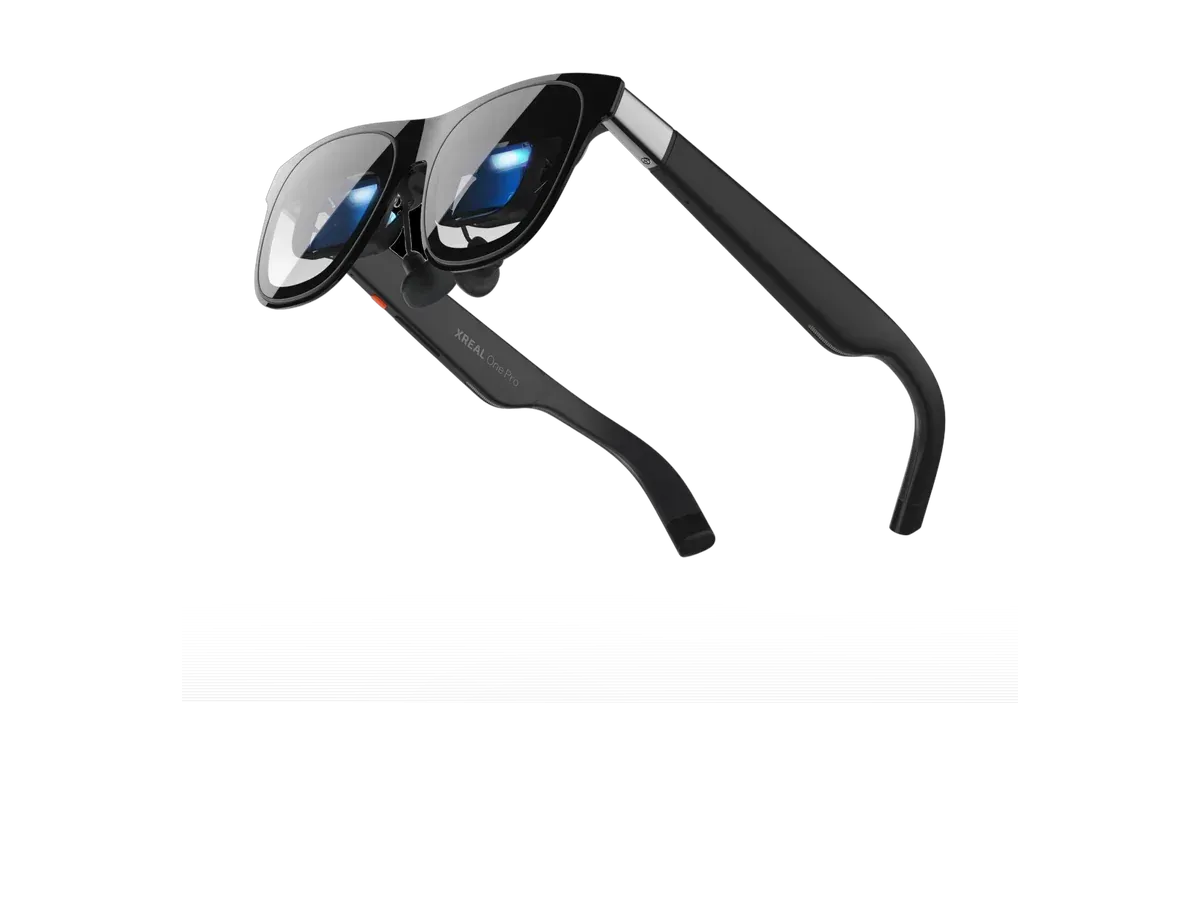
The most interesting Android story is Samsung’s DeX: plug a supported Galaxy phone into an external display and it draws a windowed desktop — resizable apps, a taskbar, keyboard and mouse support — rather than a mirrored phone screen. Pair DeX with glasses and the desk disappears entirely: the phone in your pocket is the computer, the glasses are the monitor, and a folding keyboard makes it a workstation that fits in a jacket. Three products in our catalog record DeX support explicitly — the XREAL One, XREAL One Pro, and VITURE Beast — and the ranking’s DeX criterion scores exactly that recorded support. For the broader desk-free-work question beyond Samsung phones, the monitor glasses pillar and the productivity ranking weigh the same catalog from the work side.

Mirroring, media, and the phones that miss out

On non-Samsung phones with video output, expect clean full-screen mirroring: your streaming apps, games, and camera roll at cinema scale, which is most of what a couch or a long flight asks for. Phones without video output are the honest disappointment of the category — no cable or setting adds missing hardware lanes. Some makers close the gap with companion accessories that take the phone’s screen by other means and feed the glasses; whether such a route exists for your model is documented per product, never assumed here. If your household is split across platforms, the iPhone ranking tells the Apple side of the story, where support is a per-model record rather than a rule.

What “Android XR” is, and what this page is not

Search results around Android glasses now mix two different products. Android XR is a platform for headsets and glasses that run their own apps and assistant on the device itself — a new category with its own hardware, covered in our Samsung Galaxy XR guide. The pairs ranked on this page are the other thing: tethered display glasses that let the Android phone you already own do all the computing while they act as its big private screen. They are cheaper, buyable today, and useful precisely because they add nothing to learn — if the phone can do it, the glasses can show it.

Reading the ranking through an Android lens: field of view and weight lead because phone sessions are couch and travel sessions; brightness with recorded dimming decides daylight use; and the recorded refresh figures — 120Hz on most current picks — keep scrolling and games smooth. When two picks tie in your shortlist, our comparison engine settles it spec by spec from the same recorded data this ranking runs on.
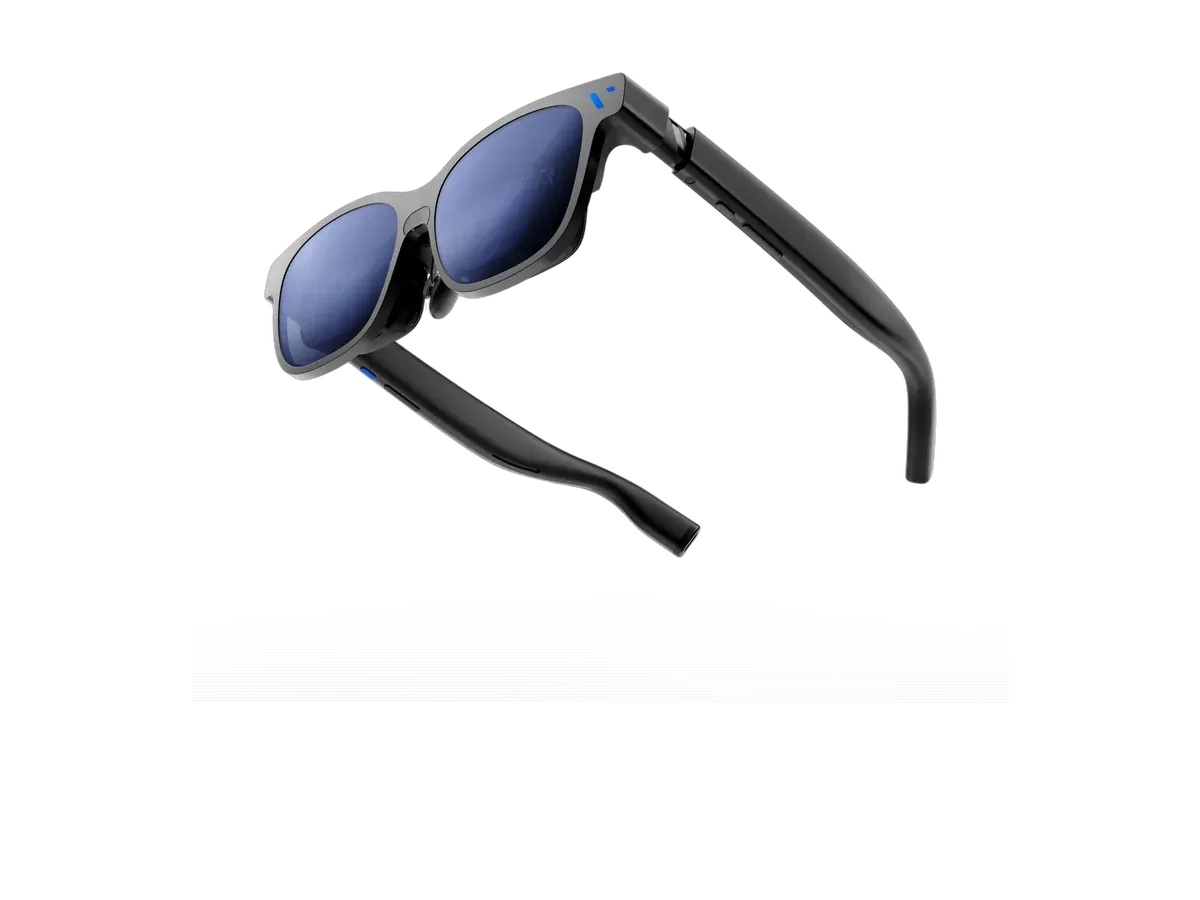
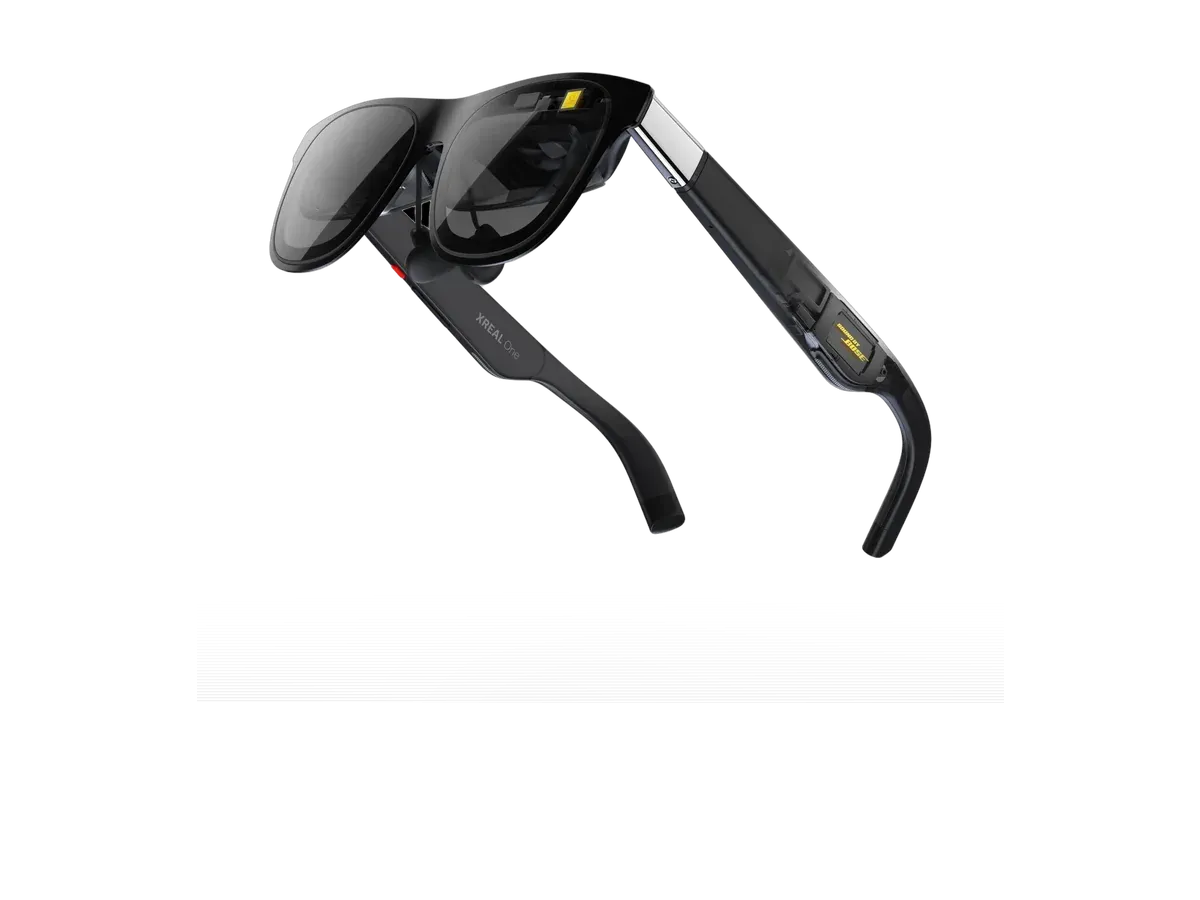
VITURE Beast XR Glasses or XREAL One?

Buy the VITURE Beast XR Glasses if…

Buy the VITURE Beast XR Glasses if you want the wider 58° field of view (vs 50°) and you need the brighter 1250-nit display (vs 600 nits).

Buy the XREAL One if…

Buy the XREAL One if you want to spend $150 less ($399 vs $549) and you want spatial audio.

Also considered

Show all 22 considered models

Smart glasses FAQ

Which Android phones work with AR display glasses?

The phone's USB-C port must output video over DisplayPort Alt Mode — that is the whole gate. Most current flagship lines do, many mid-range and budget phones do not, and the spec sheet line to look for is USB-C video output or DisplayPort support. If the phone qualifies, the glasses plug in with one cable and show the phone's screen at cinema scale; if it does not, no setting will add the missing hardware lanes, though maker adapters can bridge some gaps.

What does Samsung DeX add with AR glasses?

DeX is Samsung's desktop mode: plug a supported Galaxy phone into an external display and it draws a windowed desktop instead of mirroring the phone screen. Pair that with glasses and the phone in your pocket becomes a laptop-free workstation — desktop-style multitasking on a large private screen. Several picks in this ranking record DeX support explicitly, which is exactly what the DeX criterion scores; on phones without DeX you still get full-screen mirroring for video and games.

What if your phone has no USB-C video output?

You have two honest options. Some glasses makers sell companion adapters or pocket compute devices that accept the phone's screen wirelessly or via other protocols and then feed the glasses; whether one exists for a given model is recorded in that product's documentation, not a category guarantee. The alternative is to drive the glasses from a machine that does output video — a laptop, a handheld, a tablet — and keep the phone as the second screen it already is.

Are these the same thing as Android XR glasses?

No — and the distinction saves buyers real confusion. Android XR is a platform for headsets and smart glasses that run their own apps and assistant on the device. The products ranked on this page are tethered display glasses: the phone does all the computing, and the glasses are a wearable monitor for it. The display-glasses category is buyable today at ordinary prices; platform-native devices are a separate, newer category with its own tradeoffs.

Do AI and audio smart glasses also pair with Android?

Generally yes — camera and audio smart glasses connect over Bluetooth and a companion app rather than USB-C video, so they work with virtually any modern Android phone without the DisplayPort requirement that gates display glasses. They solve a different problem: hands-free capture, calls, and assistant use rather than a big screen. This page ranks the display class; if the ears-first kind is what you want, the audio-glasses ranking covers it.

Keep researching

Provenance: use case derived from our everyday-consumer profile, narrowed to Android phone owners (recorded host-device compatibility). Rankings are computed from recorded product specs only.