Skip to content

Best of

Best AR Glasses for Cloud Gaming

Stream games to your phone, plug in the glasses, add a controller.

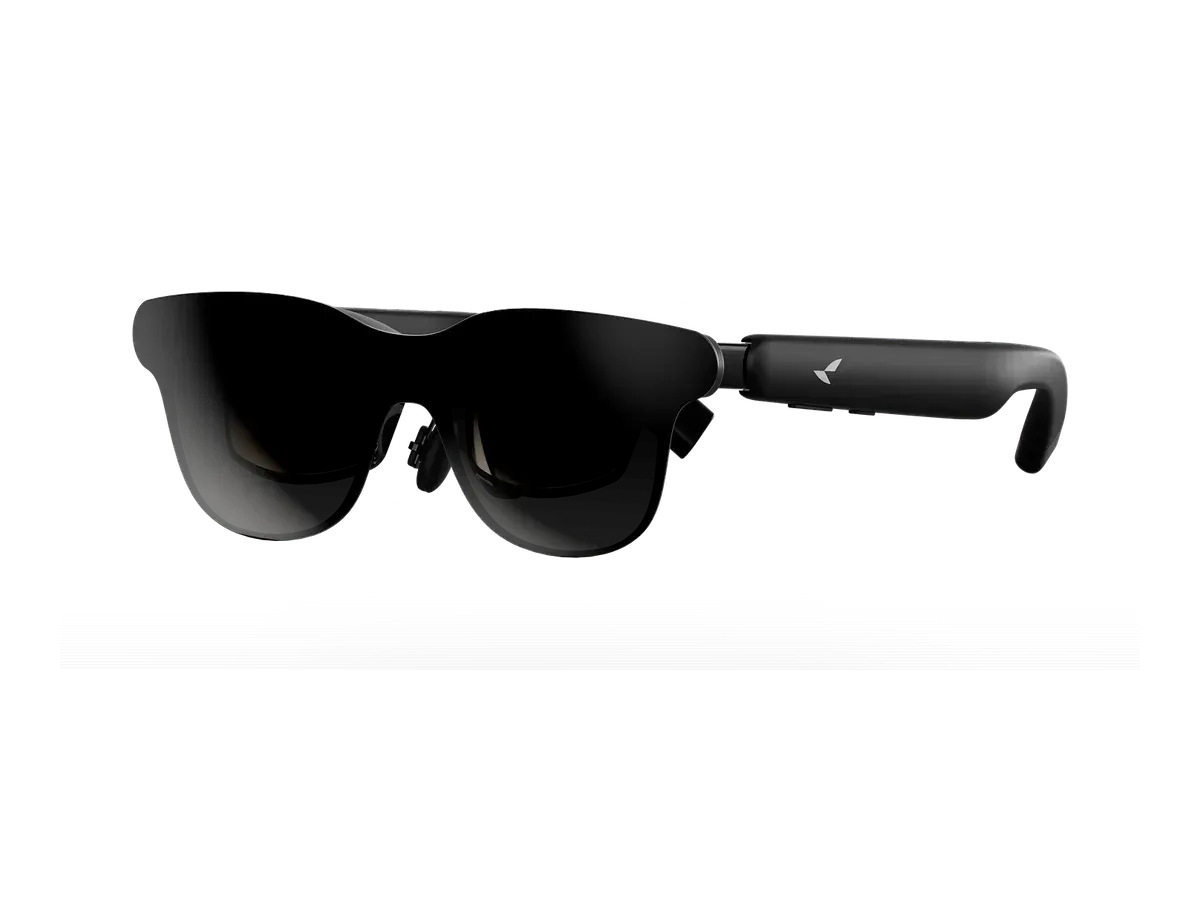
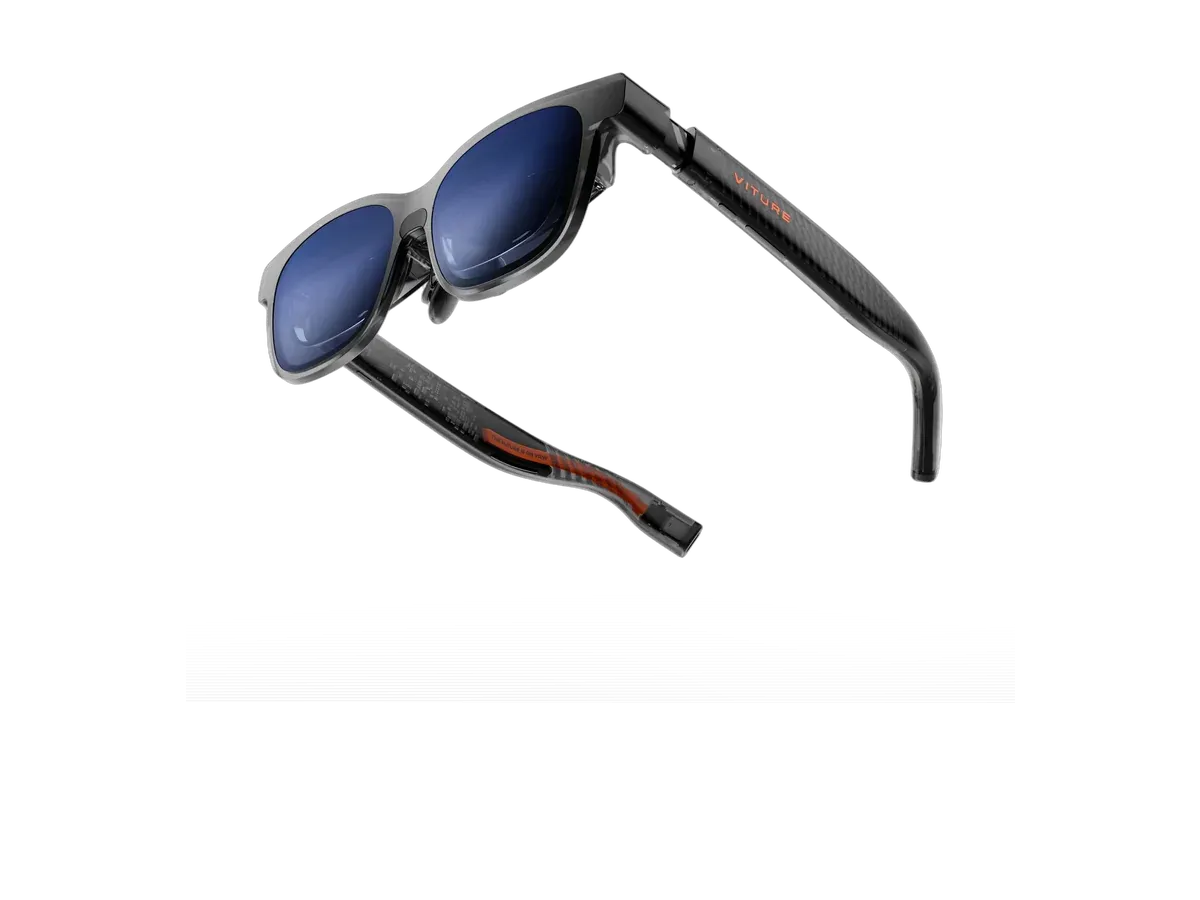
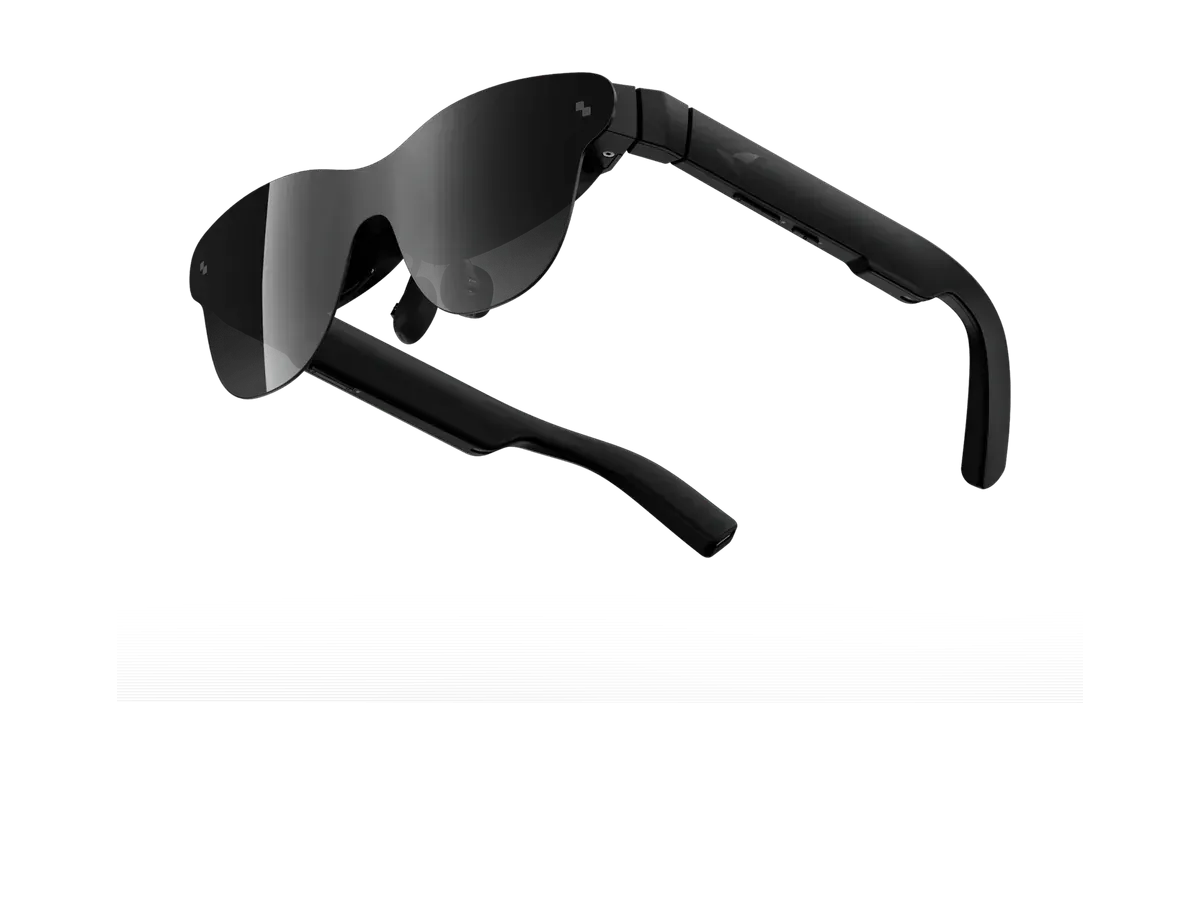
Our top pick for cloud gaming is the VITURE Pro 2 XR Glasses at $299.

VITURE Pro 2 XR Glasses

Our top pick

VITURE Pro 2 XR Glasses · $299 at VITURE Store

Check price at Amazon See full ranking ↓

Product data last updated

The best AR glasses for cloud gaming plug into your phone, so a streaming service such as Xbox Cloud Gaming or GeForce NOW shows up on a big screen in front of your eyes. You need three things: a phone whose USB-C port sends video, a Bluetooth controller, and a fast connection. On iPhone that means an iPhone 15 or newer, except the iPhone 16e and 17e. Apple's list doesn't mention the iPhone Air, and VITURE says the iPhone Air does not work with its glasses. On Android, check that your phone supports DisplayPort Alt Mode (video over USB-C). Every pair below works with both iPhone and Android, and the ranking scores field of view (how much of your vision the screen fills), refresh rate, weight and price.

# Pick Price Best for
1 VITURE Pro 2 XR Glasses $299 Top pick overall
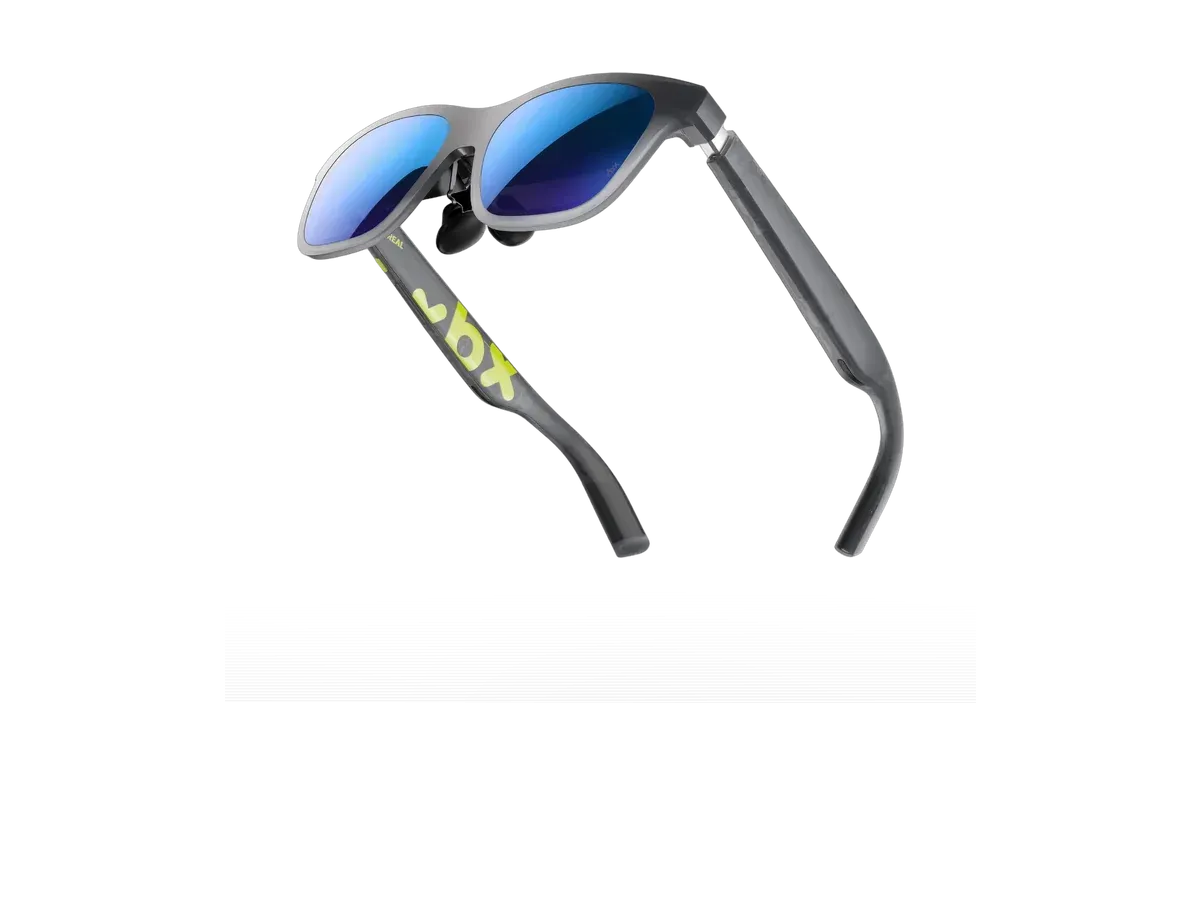
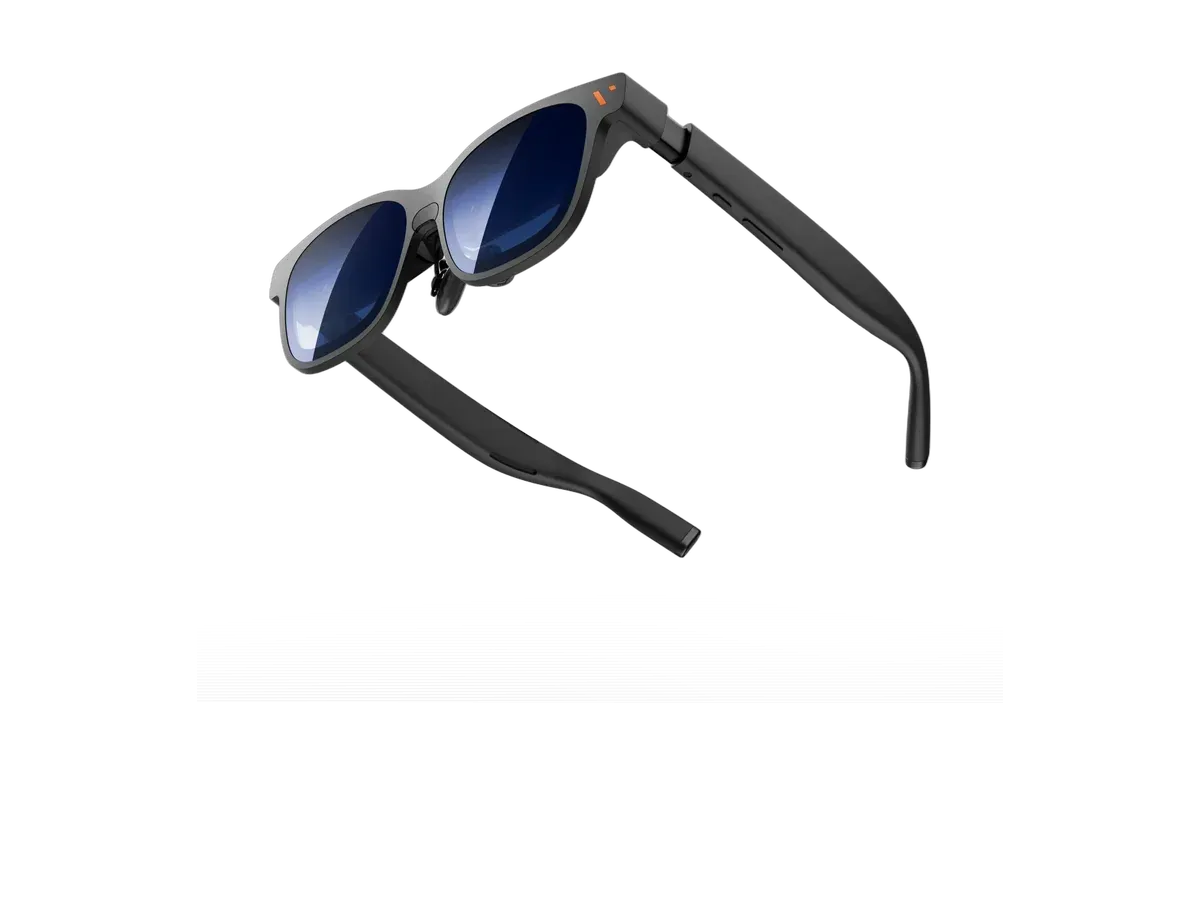
2 XREAL xbx a01+ $299 Lightest frame here
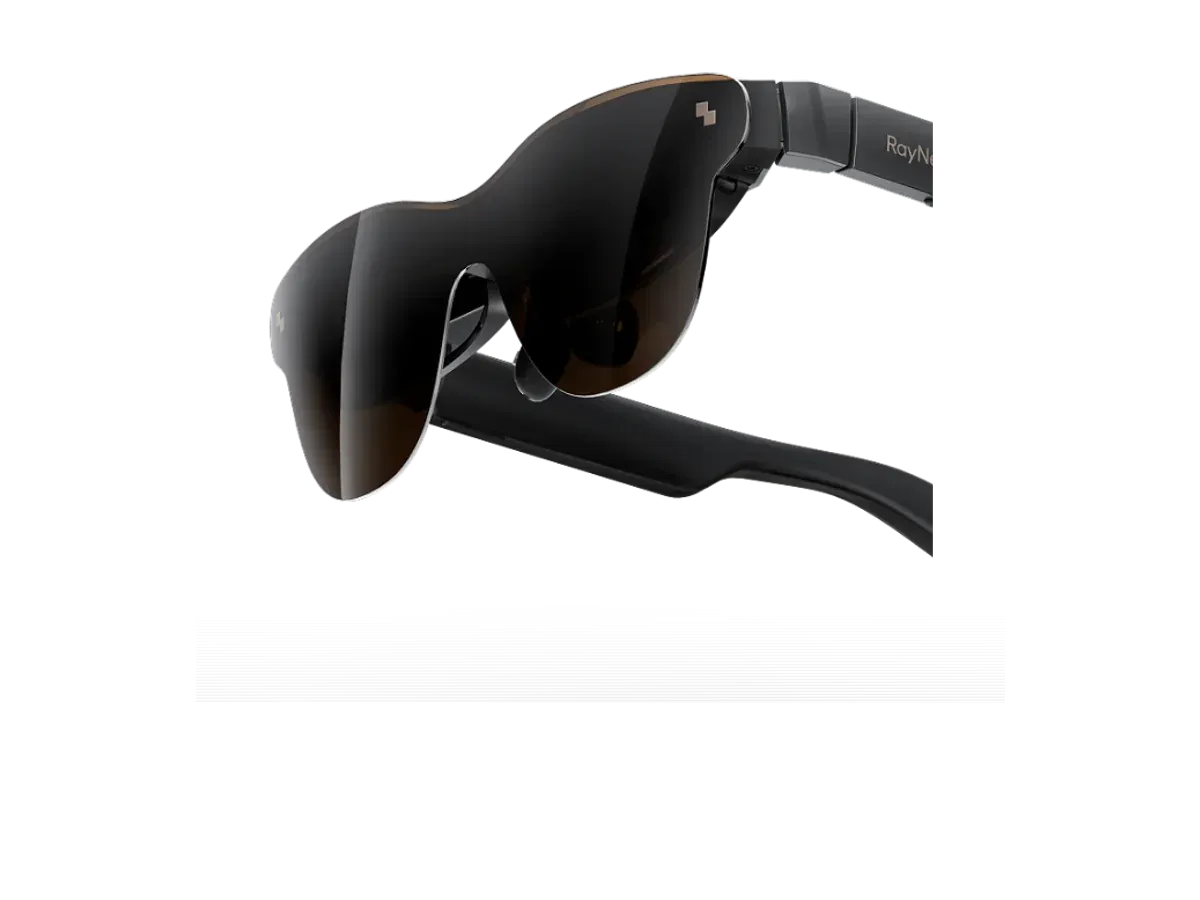
3 RayNeo GT $329 Sharpest text here
4 VITURE Luma XR $399 —
5 RayNeo Air 3s Pro AR/XR Glasses $299 —
6 RayNeo Air 4 Pro $299 —

Ranked by Field of view · Refresh rate · Weight · Price · Brightness · Screen anchoring · Lens dimming. Prices verified at VITURE Store, XREAL Store and RayNeo Store.

Every pick is scored on the same criteria — a spec the maker doesn’t publish scores zero, and the Best for column marks where a pick leads this list. How we rank and check prices

How we rank: 7 scored criteria

Every eligible product is scored on the recorded specs below. Missing data scores zero — we never guess a value. Points shown next to each pick add up to its total score. Our full method

  • Field of viewup to 20 pts
  • Refresh rateup to 15 pts
  • Weightup to 20 pts
  • Priceup to 20 pts
  • Brightnessup to 10 pts
  • Screen anchoringup to 10 pts
  • Lens dimmingup to 5 pts

VITURE Pro 2 XR Glasses or XREAL xbx a01+?

Buy the VITURE Pro 2 XR Glasses if…

Buy the VITURE Pro 2 XR Glasses if you play on Nintendo Switch and you play on PlayStation.

Buy the XREAL xbx a01+ if…

Buy the XREAL xbx a01+ if you want HDR support.

Also considered

Show all 12 considered models

Smart glasses FAQ

How do AR glasses work with cloud gaming?

The game runs on a server and streams to your phone over the internet. Your phone sends its screen to the glasses over the USB-C cable, and a Bluetooth controller does the rest. The glasses are just a big, private screen, so any cloud service that runs on your phone works.

Which phones work?

On iPhone, Apple lists the iPhone 15 and every newer model except the iPhone 16e and 17e as able to drive a USB-C display. Apple's list doesn't mention the iPhone Air, and VITURE says the iPhone Air does not work with its glasses. On Android, the phone needs DisplayPort Alt Mode on its USB-C port, which many Samsung Galaxy S phones have. Each glasses maker publishes a phone list.

Do I need a controller?

Yes, in practice. NVIDIA says you need a gamepad to play GeForce NOW on an iPhone, and recommends one on Android over the on-screen buttons. Xbox, PlayStation and other Bluetooth controllers work. A clip that holds the phone on the controller keeps everything in one hand-held piece.

What internet speed do I need?

NVIDIA asks for 25 Mbps for 1080p at 60 frames a second on GeForce NOW, over 5 GHz Wi-Fi or a wired connection, with low lag to its servers. Hotel and plane Wi-Fi rarely manage that, so cloud gaming suits home and good mobile data more than travel.

Guides that go deeper

Plain-English explainers on the models and questions this ranking covers.

More guides on these picks

Keep researching

Provenance: use case derived from phone-first gamers: display glasses listing both iPhone and Android hosts, for cloud streaming. Rankings are computed from recorded product specs only.