Skip to content

Best of

Best AR Glasses for Gaming Laptops

A big private high-refresh screen that packs into the same bag as your gaming laptop.

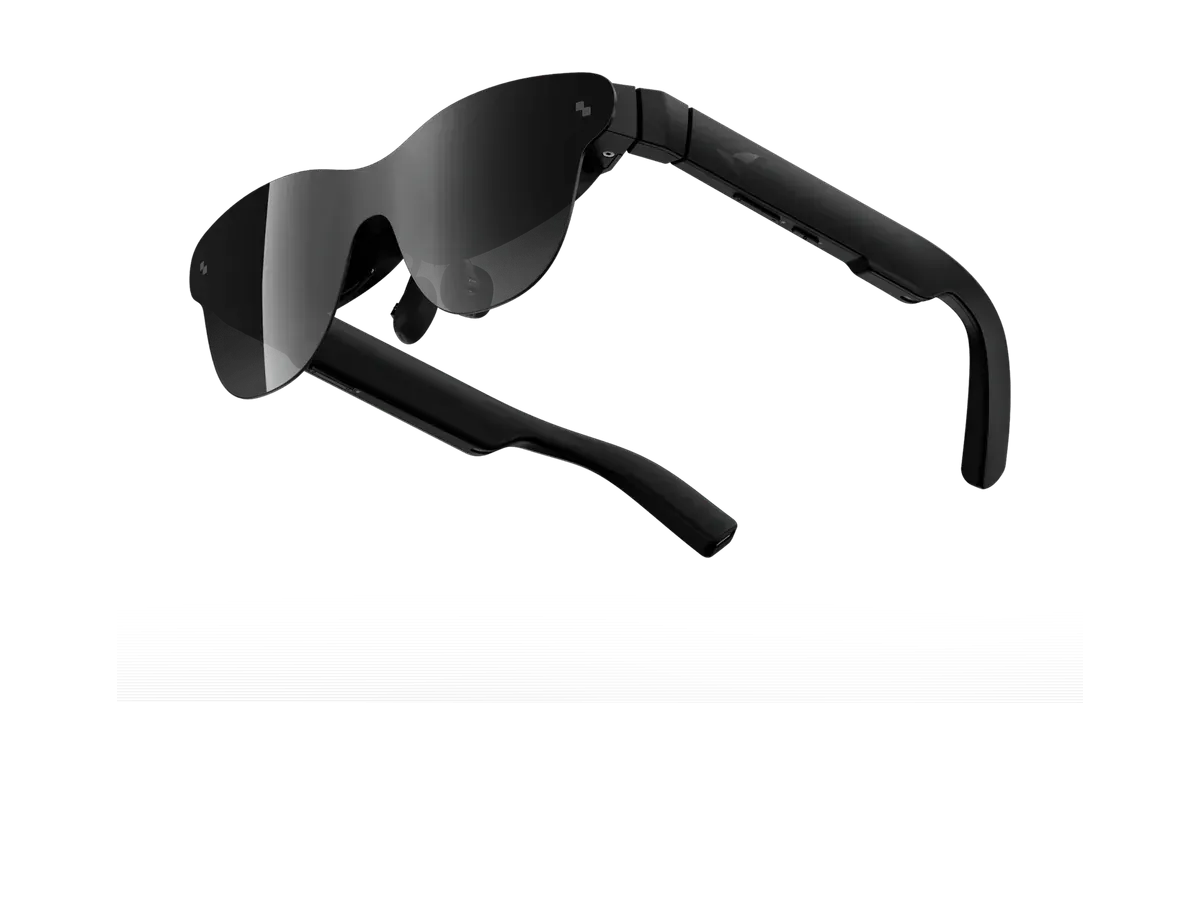
Our top pick for gaming laptops is the RayNeo GT at $329.

RayNeo GT

Our top pick

RayNeo GT · $329 at RayNeo Store

Check price at Amazon See full ranking ↓

Product data last updated

The best AR glasses for a gaming laptop give you a big, private, high-refresh screen that fits in the same bag. Every pair below works with Windows PCs and runs at 90Hz or faster. Check one thing on the laptop first: a USB-C port that carries video, usually marked with a DisplayPort or Thunderbolt logo, or listed as DisplayPort Alt Mode in the specs. Without one you need an HDMI adapter. The ranking scores refresh rate, field of view (how much of your vision the screen fills), sharpness, weight and price.

# Pick Price Best for
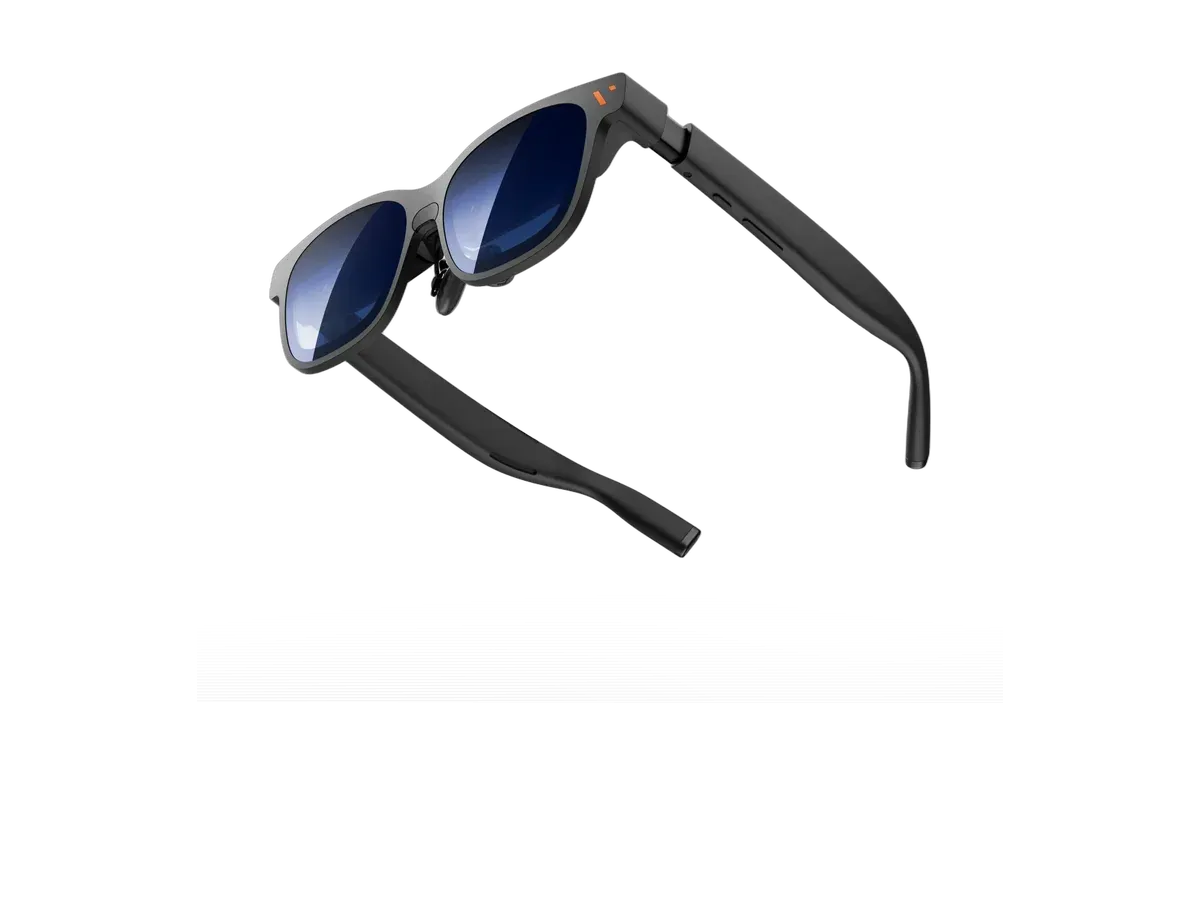
1 RayNeo GT $329 Top pick overall
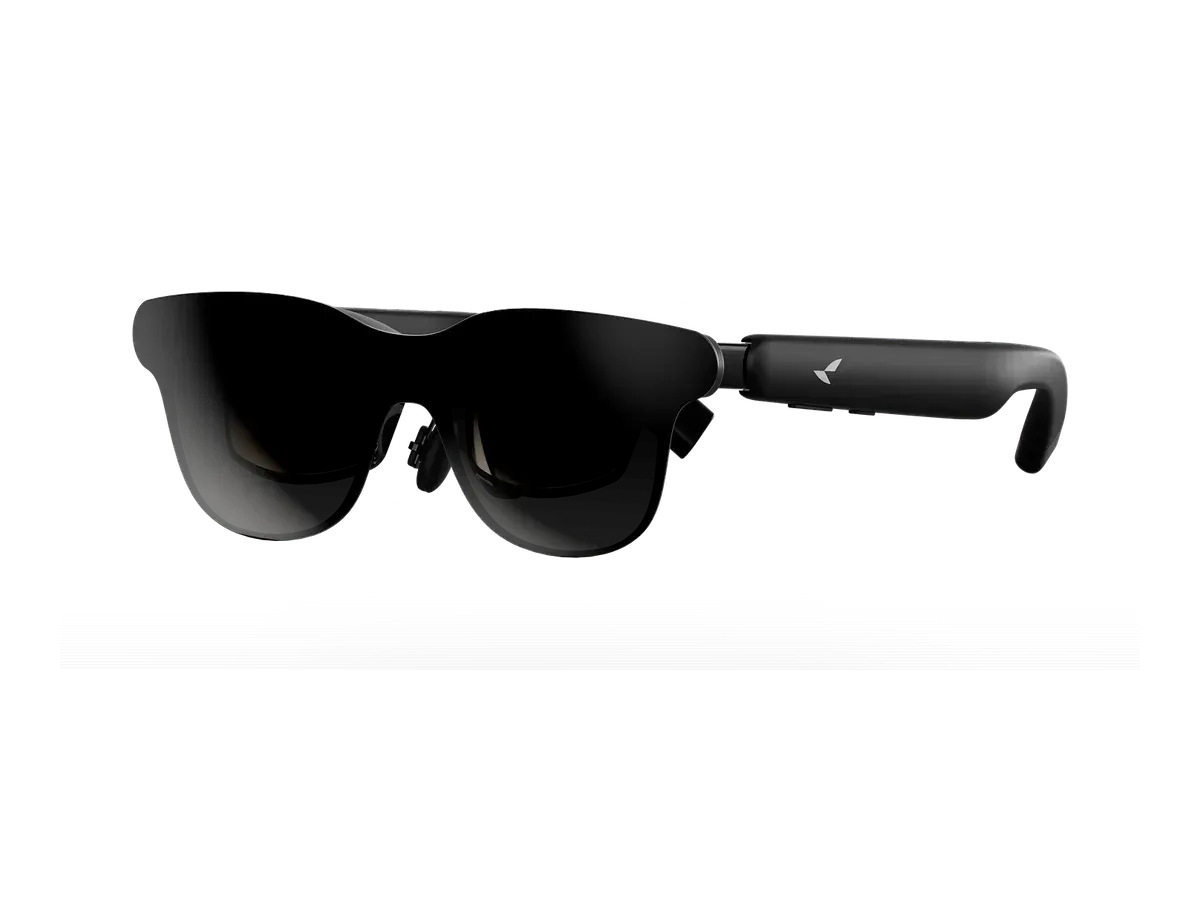
2 VITURE Pro 2 XR Glasses $299 Lowest price here
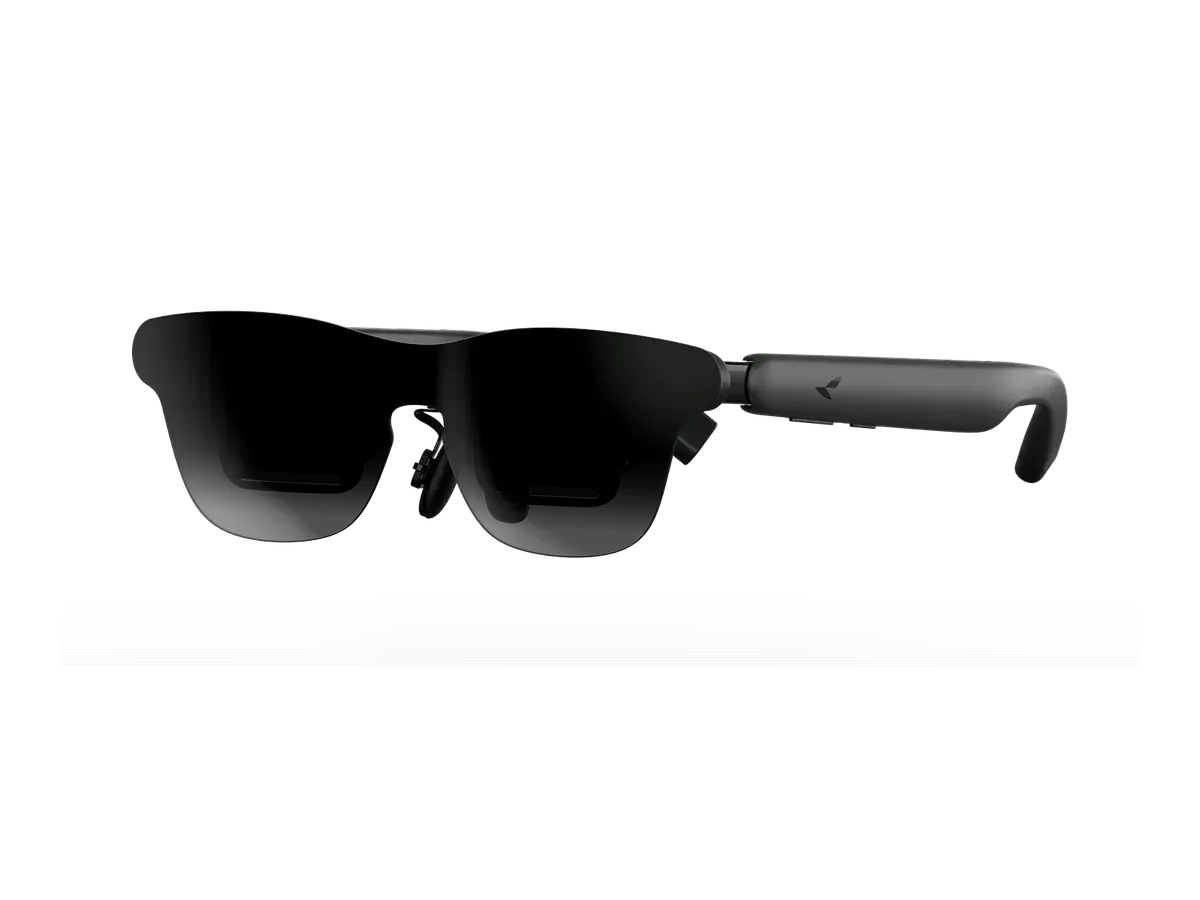
3 RayNeo GT Max $429 Widest view here
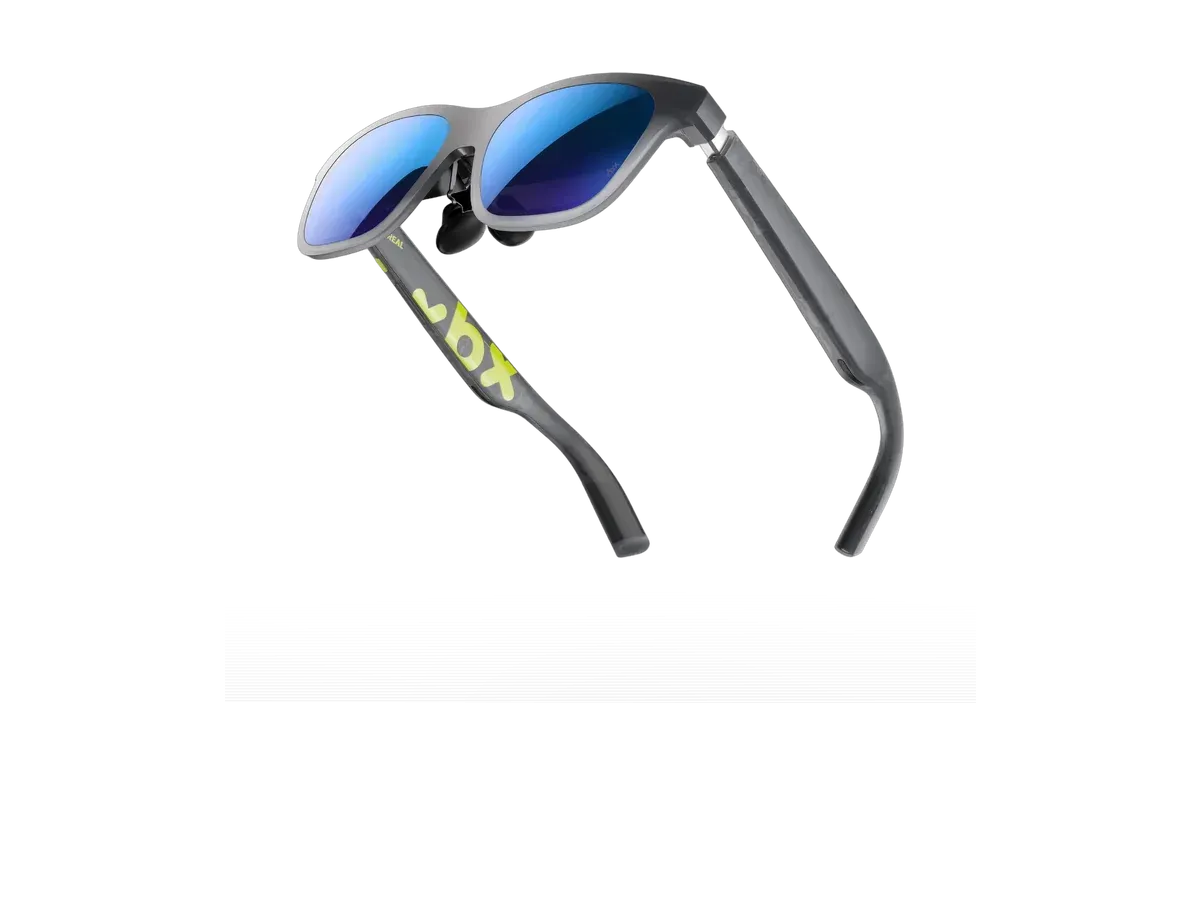
4 XREAL xbx a01+ $299 Lightest frame here
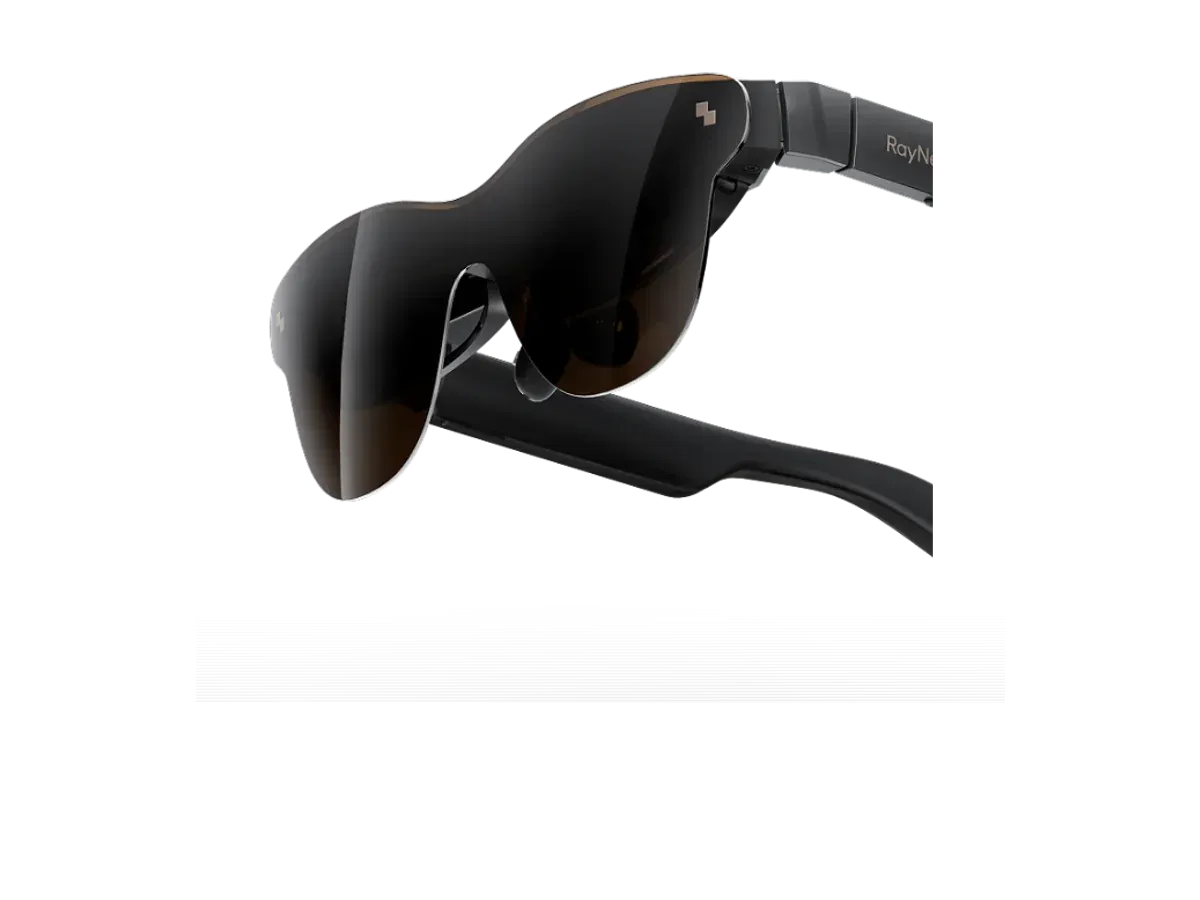
5 RayNeo Air 3s Pro AR/XR Glasses $299 —
6 RayNeo Air 4 Pro $299 —

Ranked by Refresh rate · Field of view · Sharpness · Brightness · Weight · Price · Screen anchoring. Prices verified at RayNeo Store, VITURE Store and XREAL Store.

Every pick is scored on the same criteria — a spec the maker doesn’t publish scores zero, and the Best for column marks where a pick leads this list. How we rank and check prices

How we rank: 7 scored criteria

Every eligible product is scored on the recorded specs below. Missing data scores zero — we never guess a value. Points shown next to each pick add up to its total score. Our full method

  • Refresh rateup to 20 pts
  • Field of viewup to 20 pts
  • Sharpnessup to 10 pts
  • Brightnessup to 10 pts
  • Weightup to 15 pts
  • Priceup to 15 pts
  • Screen anchoringup to 10 pts

RayNeo GT or VITURE Pro 2 XR Glasses?

Buy the RayNeo GT if…

Buy the RayNeo GT if you want HDR support and you want spatial audio.

Buy the VITURE Pro 2 XR Glasses if…

Buy the VITURE Pro 2 XR Glasses if you want to spend $30 less ($299 vs $329), you want the wider 50° field of view (vs 46°), you need the brighter 1600-nit display (vs 1200 nits), and you want the lighter 63g fit (vs 68g).

Also considered

Smart glasses FAQ

How do I know if my gaming laptop can drive AR glasses?

Look for a USB-C port that carries video. Laptop makers usually mark it with a small DisplayPort or Thunderbolt logo, or list DisplayPort Alt Mode in the port specs. If no USB-C port carries video, use the HDMI port with a powered HDMI-to-USB-C adapter, which several glasses makers sell.

Will games run on the laptop's main graphics card?

It depends on how the laptop is wired. On some laptops the USB-C port connects to the main graphics card, and on others to the processor's built-in graphics, with the main card's frames passed through. Windows lets you choose which graphics chip a game uses under Settings, System, Display, Graphics.

Do AR glasses add input lag?

The glasses connect by cable, with no wireless streaming step in between. Makers rarely publish latency figures, so this ranking does not score them. For casual and single-player games the glasses feel like any external screen; competitive players chasing every millisecond may still prefer a fast desk monitor.

More guides on these picks

Keep researching

Provenance: use case derived from laptop gamers: display glasses listing Windows PC support at 90Hz or faster. Rankings are computed from recorded product specs only.