Skip to content

Best of

Best AR Glasses for Multiple Monitors

Glasses whose makers support several virtual screens or an ultrawide desktop, ranked for sharpness, screen size and comfort.

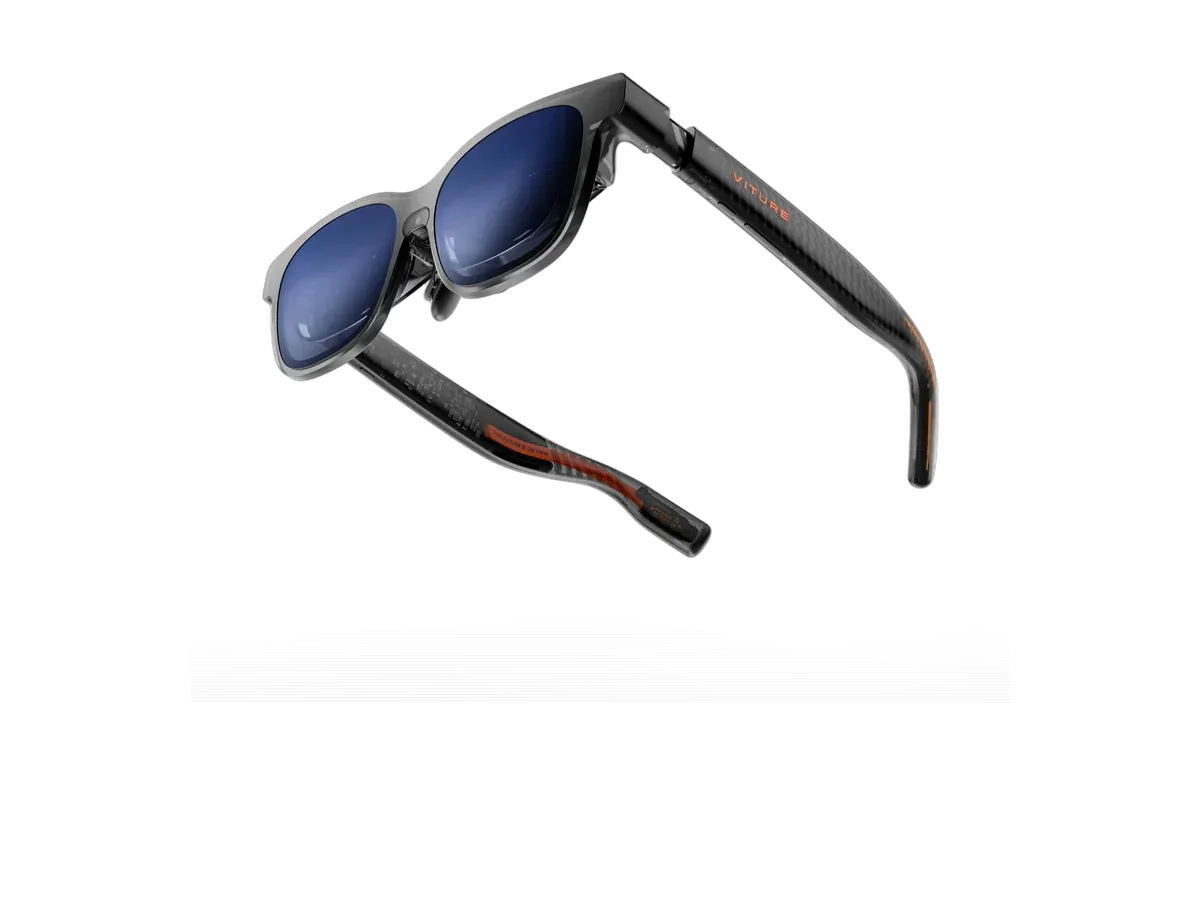
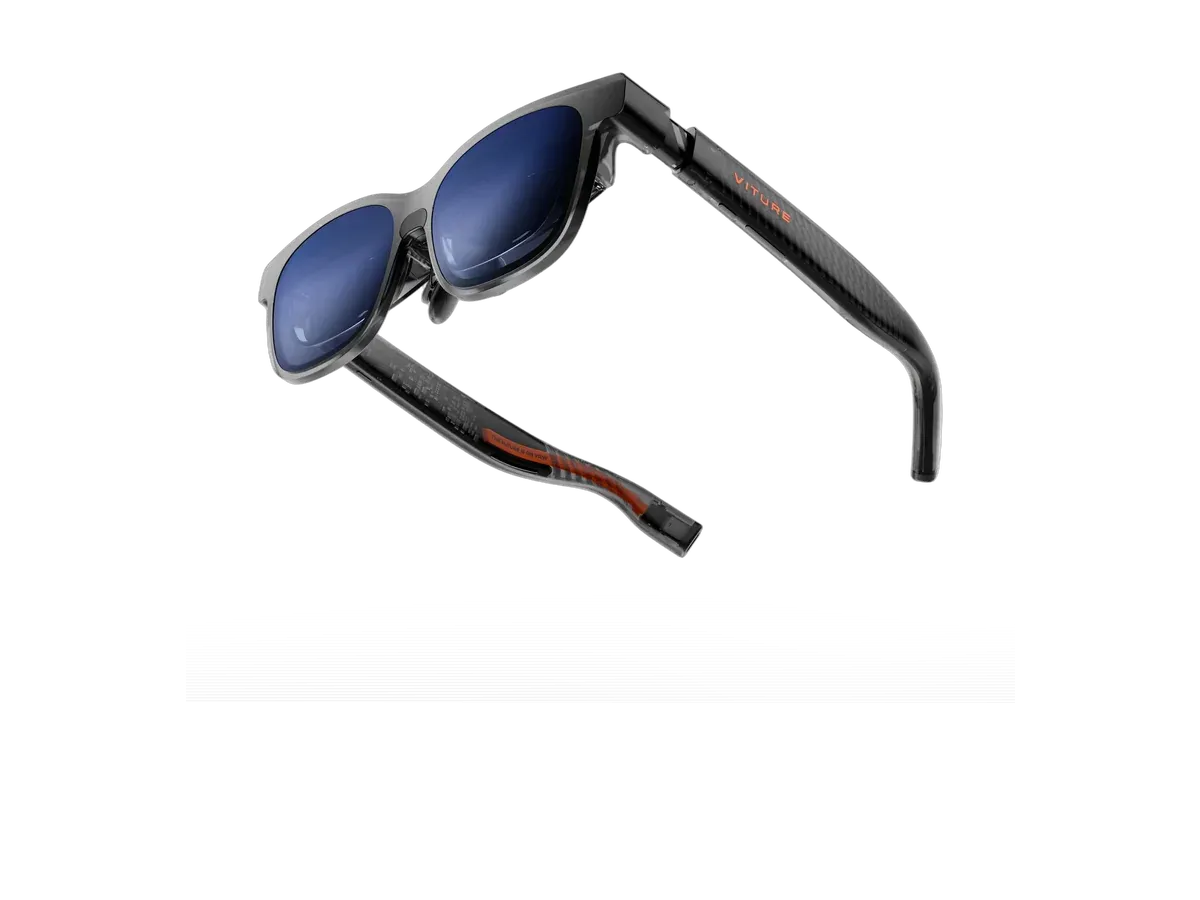
Our top pick for multiple monitors is the VITURE Beast XR Glasses at $549.

VITURE Beast XR Glasses

Our top pick

VITURE Beast XR Glasses · $549 at VITURE Store

Check price at Amazon See full ranking ↓

Product data last updated

Every pair of AR glasses gets one video signal from your computer, so the number of screens you see is set by software. Some makers give you several separate virtual monitors through their app, which VITURE does with SpaceWalker and ASUS does with its AirVision app. XREAL's One series takes a different route: the glasses can stretch the picture into one ultrawide screen, up to 32:9, which your computer treats as one very wide monitor. This page ranks only models with one of those routes, then sorts them by how sharp text looks, how big the screen is, and how heavy they are.

# Pick Price Best for
1 VITURE Beast XR Glasses $549 Top pick overall
2 VITURE Luma Pro $499 —
3 VITURE Pro 2 XR Glasses $299 Lowest price here
4 VITURE Luma XR $399 —
5 VITURE Luma Ultra XR/AR Glasses $599 —
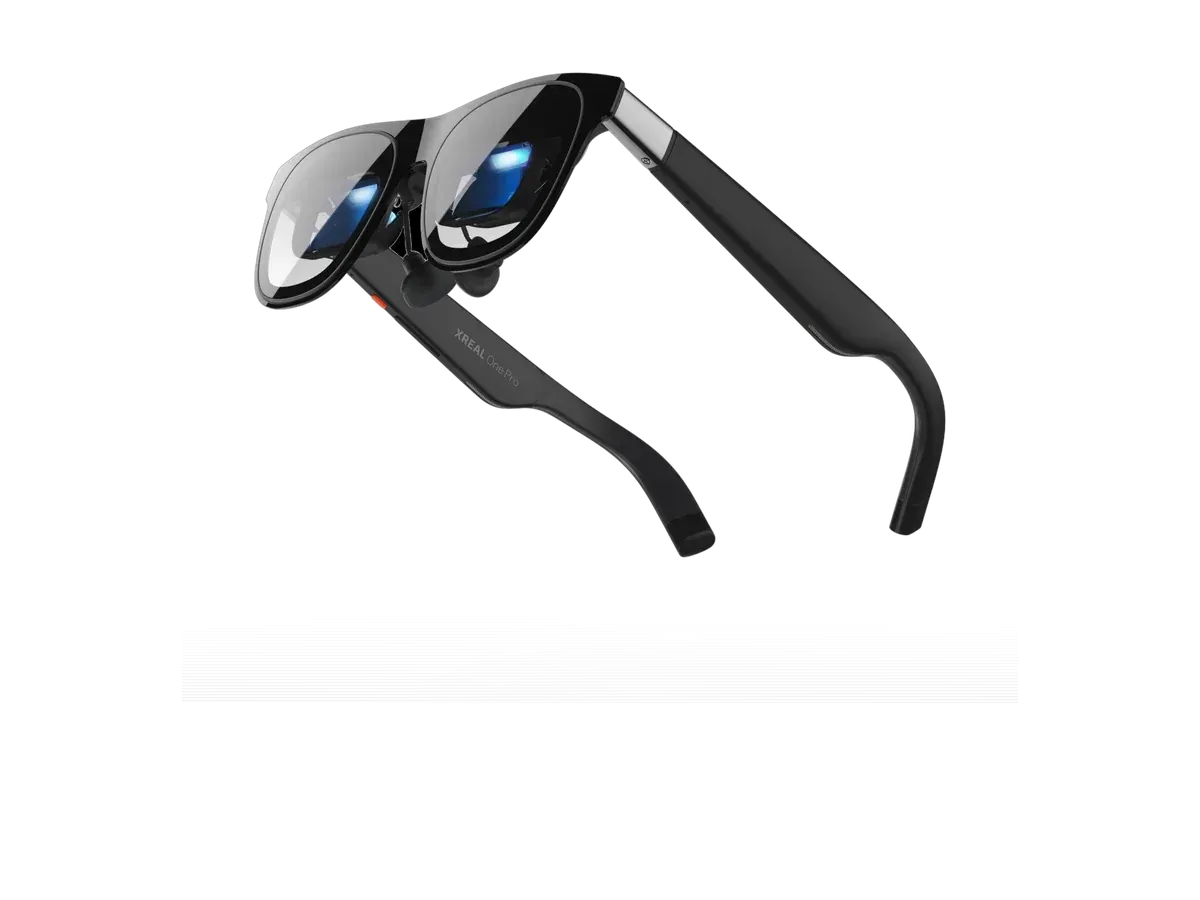
6 XREAL One Pro $599 —

Ranked by More than one screen · Text sharpness · Head tracking · Virtual screen size · Field of view · Weight. Prices verified at VITURE Store and XREAL Store.

Every pick is scored on the same criteria — a spec the maker doesn’t publish scores zero, and the Best for column marks where a pick leads this list. How we rank and check prices

A multi-monitor setup on glasses comes from software, so the first question is which software your computer can run. VITURE’s SpaceWalker app lists multi-screen support and runs on Windows, Mac, Android and iOS. XREAL’s One-series glasses do the work on the glasses instead: their UltraWide mode gives your computer one very wide display, and you arrange windows across it the way you would on two monitors side by side. If one large screen is all you need, the wider AR glasses for work and virtual monitor ranking covers every pair.

Before you buy, check two things. Your laptop needs a USB-C port that sends video, and for XREAL’s mode it has to treat the glasses as an extended display, not a mirror. The second-screen setup guide has a host-by-host table of which devices each route supports, and the SpaceWalker guide explains what VITURE’s app does once it is running. If you want the single widest desktop rather than separate screens, see the ultrawide AR glasses ranking.

How we rank: 6 scored criteria

Every eligible product is scored on the recorded specs below. Missing data scores zero — we never guess a value. Points shown next to each pick add up to its total score. Our full method

  • More than one screenup to 25 pts
  • Text sharpnessup to 20 pts
  • Head trackingup to 15 pts
  • Virtual screen sizeup to 15 pts
  • Field of viewup to 15 pts
  • Weightup to 10 pts

VITURE Beast XR Glasses or VITURE Luma Pro?

Buy the VITURE Beast XR Glasses if…

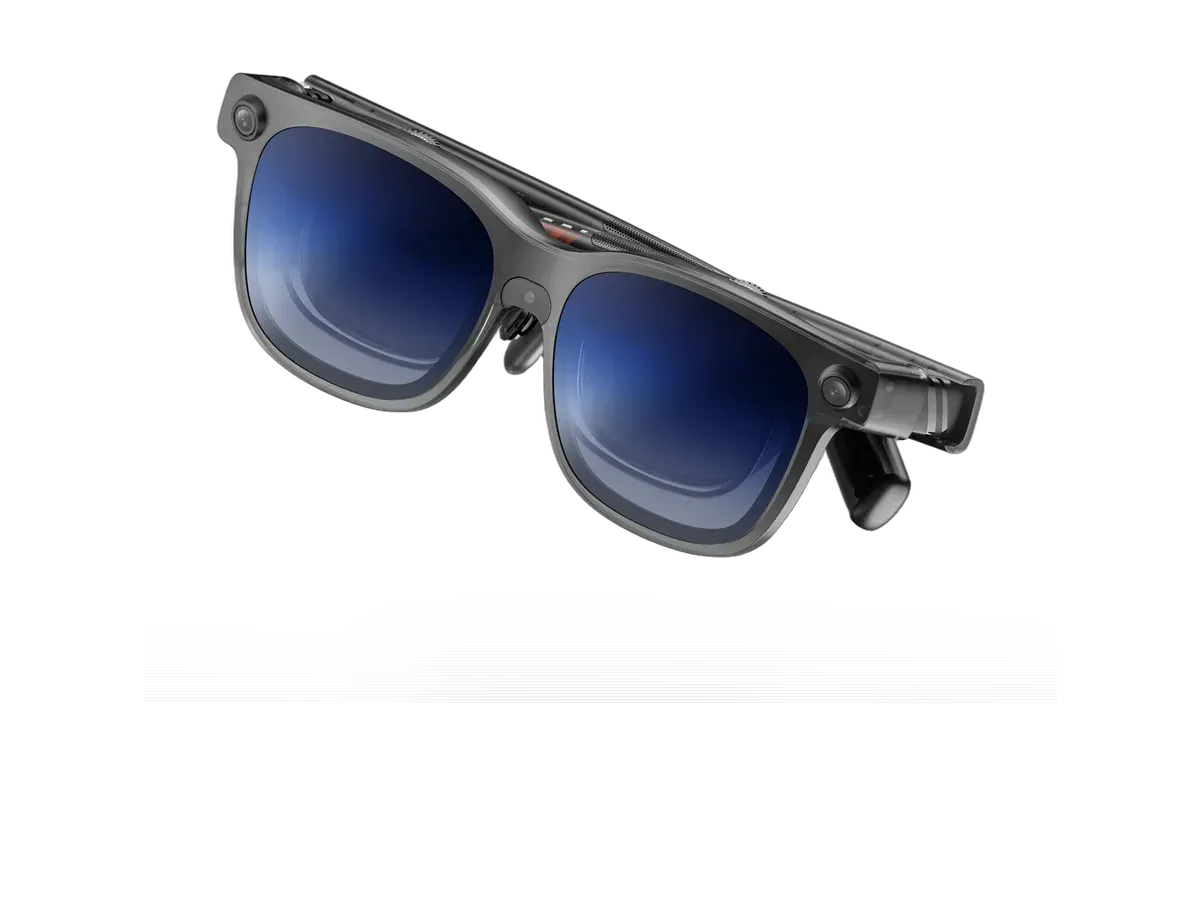
Buy the VITURE Beast XR Glasses if you want the wider 58° field of view (vs 52°), you need the brighter 1250-nit display (vs 1000 nits), and you want a built-in camera.

Buy the VITURE Luma Pro if…

Buy the VITURE Luma Pro if you want to spend $50 less ($499 vs $549) and you want the lighter 79g fit (vs 88g).

Also considered

Smart glasses FAQ

Can AR glasses show multiple monitors?

Yes, but the extra screens come from software, not from the glasses having more than one display. VITURE's SpaceWalker app for Windows, Mac, Android and iOS lists multi-screen support, and ASUS's AirVision app can place several virtual monitors at once. XREAL's One, One Pro and 1S have an UltraWide mode built into the glasses that gives you one 21:9 or 32:9 screen, which works like two monitors side by side.

Does the ultrawide mode work with a Mac or Windows laptop?

XREAL lists Mac computers, Windows PCs and handhelds, iPad, Steam Deck and Samsung DeX as supported for UltraWide mode. iPhone, standard Android phones, Nintendo Switch, Xbox and PlayStation are not supported. On a computer you have to set the glasses up as an extended display, not a mirrored one, or the picture keeps your laptop's shape.

Are several virtual screens as good as real monitors?

Not quite. Your field of view only covers part of the layout at once, so you turn your head to look at the side screens, and text is softer than on a good desk monitor. What you gain is a multi-screen setup that fits in a bag and stays private. Sharpness, shown here as pixels per degree, is the number that decides how long you can read comfortably.

Guides that go deeper

Plain-English explainers on the models and questions this ranking covers.

More guides on these picks

Keep researching

Provenance: use case derived from people who want a two- or three-screen desktop from one pair of display glasses. Rankings are computed from recorded product specs only.