Skip to content

Best of

Best AR Glasses for iPhone 17

Display glasses whose makers name the iPhone 17. The iPhone Air and iPhone 17e can't drive wired glasses.

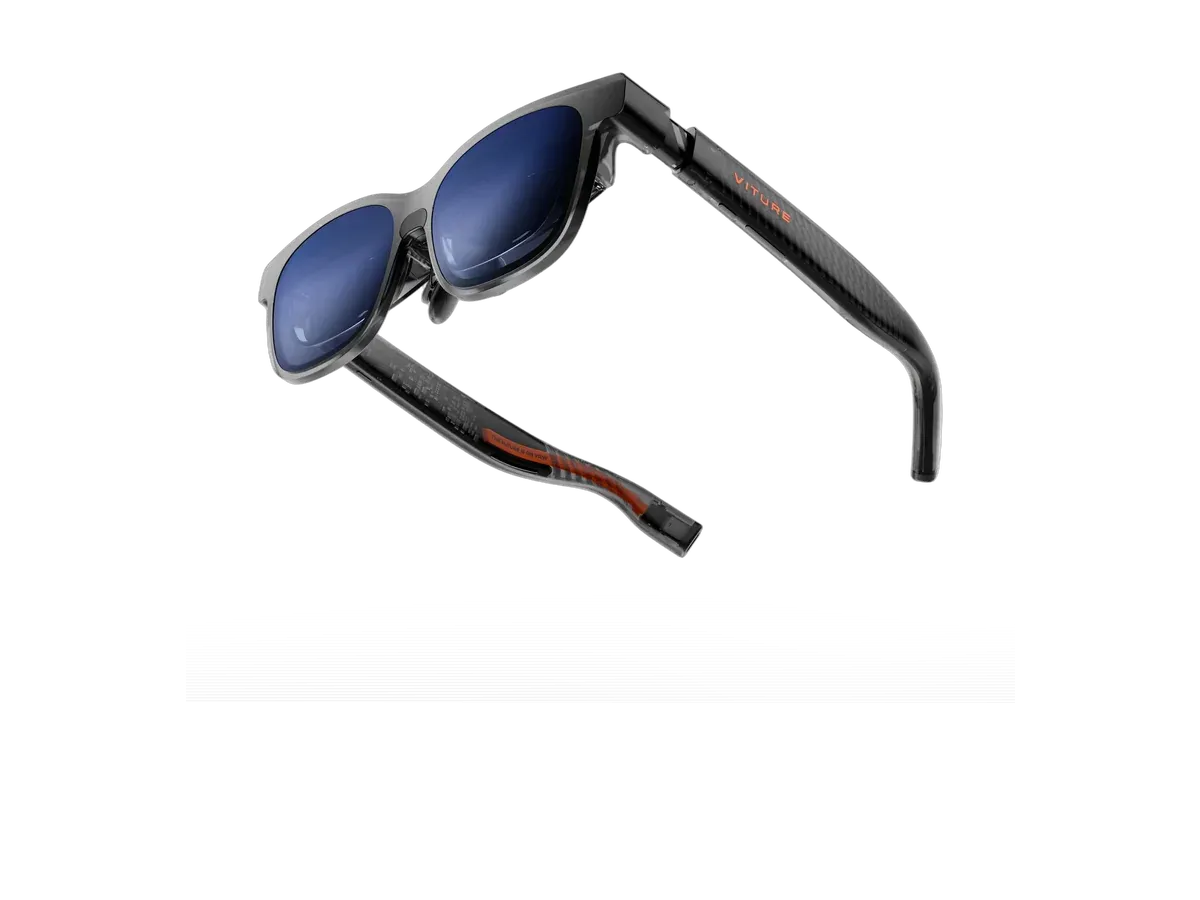
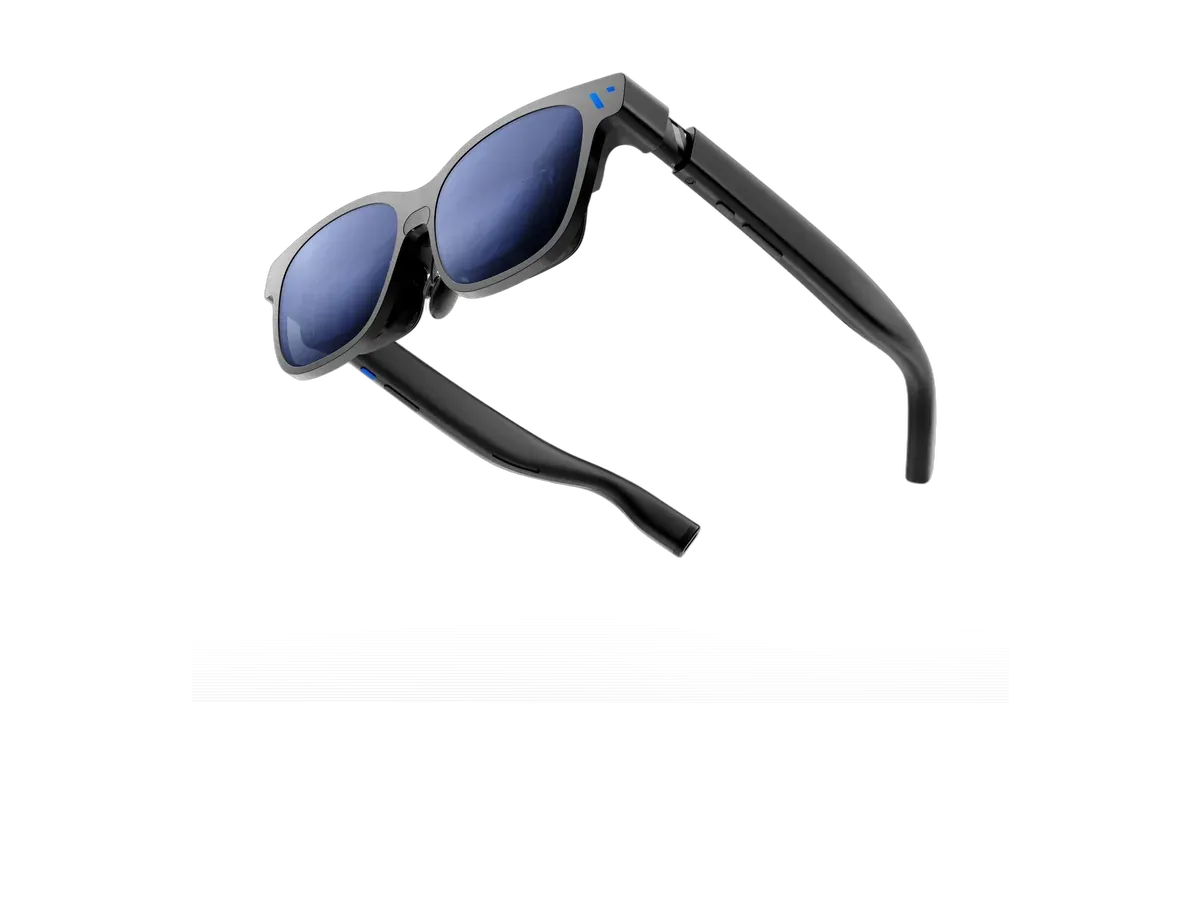
Our top pick for iPhone 17 owners is the VITURE Pro 2 XR Glasses at $299.

VITURE Pro 2 XR Glasses

Our top pick

VITURE Pro 2 XR Glasses · $299 at VITURE Store

Check price at Amazon See full ranking ↓

Product data last updated

The iPhone 17, 17 Pro and 17 Pro Max send video out of their USB-C port, so display glasses plug straight in with one cable and show the iPhone's screen in front of you. The iPhone Air and iPhone 17e can't do this: Apple's spec sheets list their USB-C ports for charging and data only, so wired glasses stay dark on them. Every pair below is one whose maker names the iPhone 17 as working. The ranking puts brightness and screen size first, then weight, price, a screen that stays put when you turn your head, and lenses that darken. Glasses sold new on Amazon get a few extra points.

This list gives a few extra points to glasses sold new on Amazon, the one store that pays us a commission. The points show under “Sold new on Amazon” in each pick’s score. How we rank

# Pick Price Best for
1 VITURE Pro 2 XR Glasses $299 Top pick overall
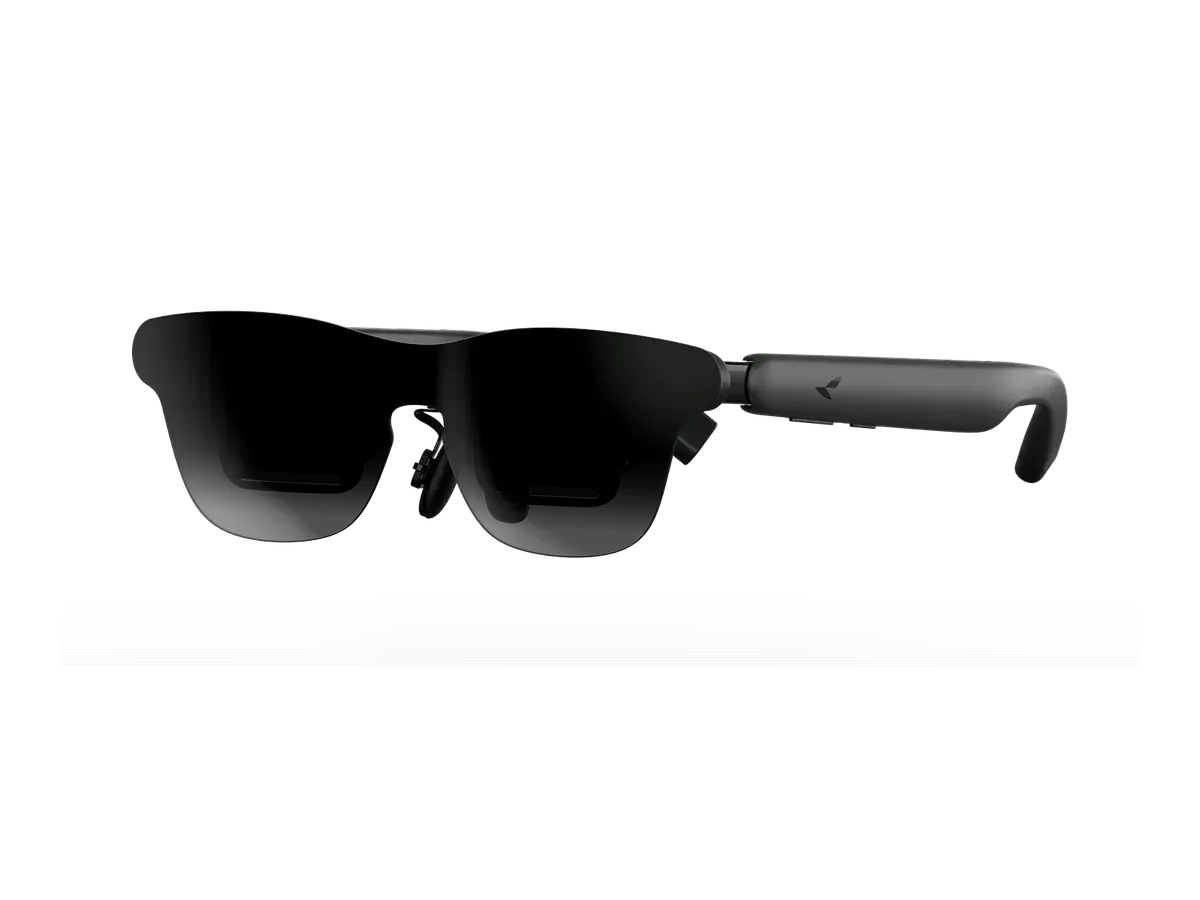
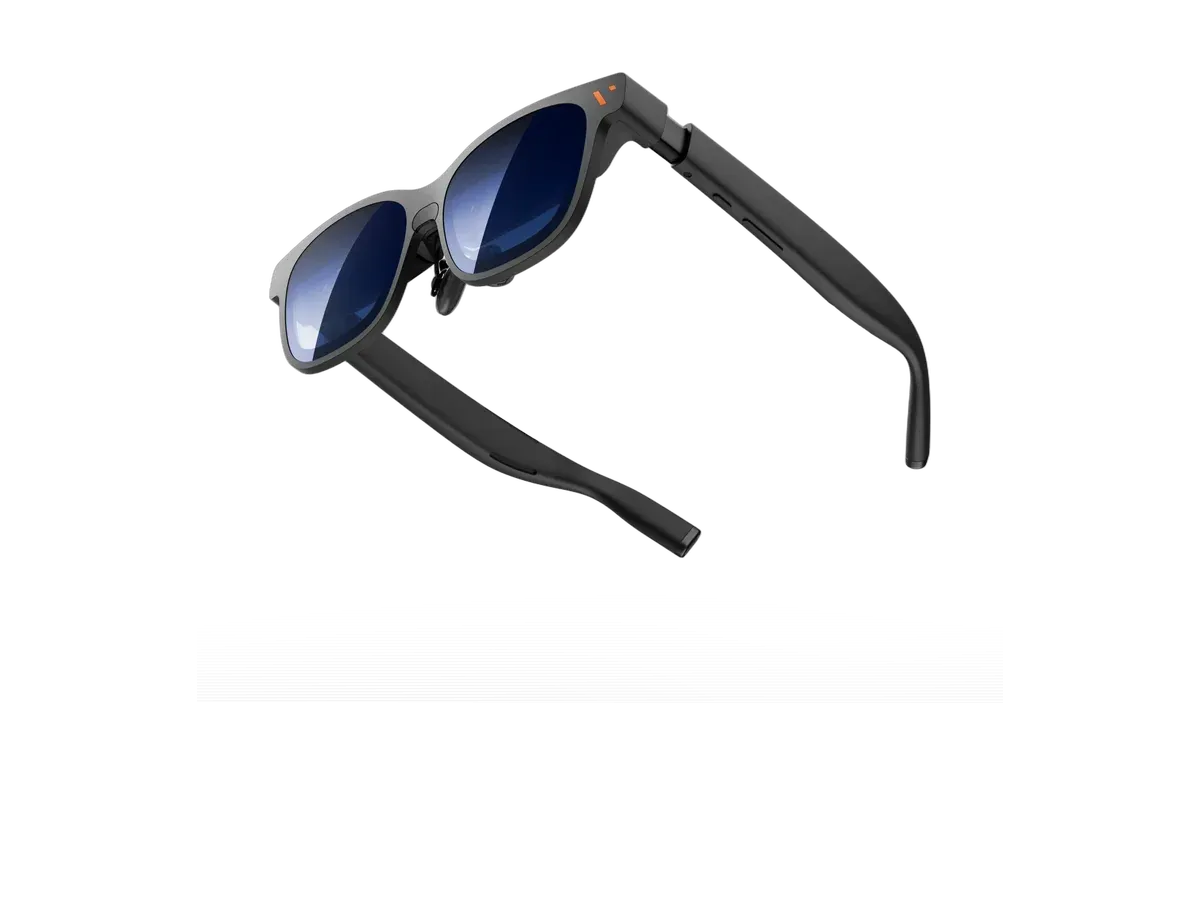
2 RayNeo GT Max $429 Widest view here
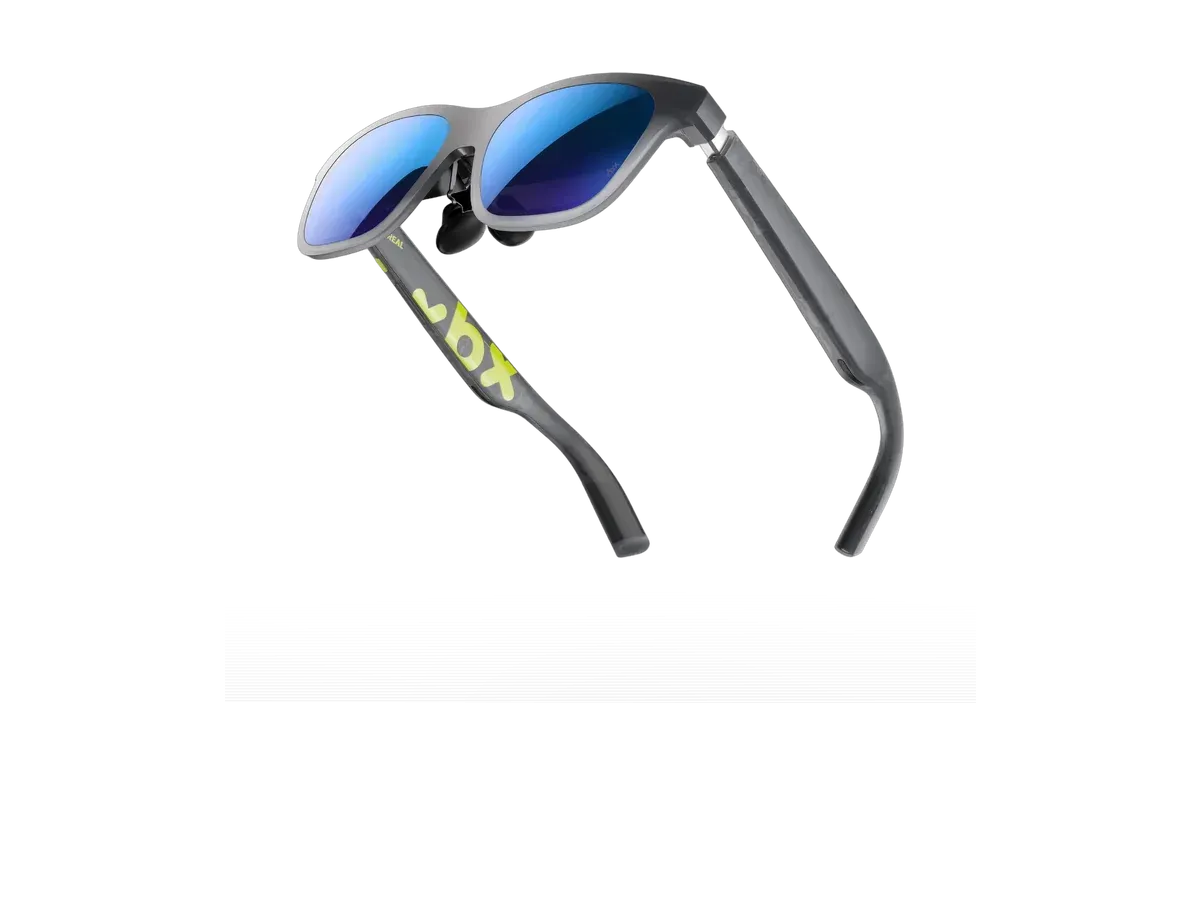
3 XREAL xbx a01+ $299 Lightest frame here
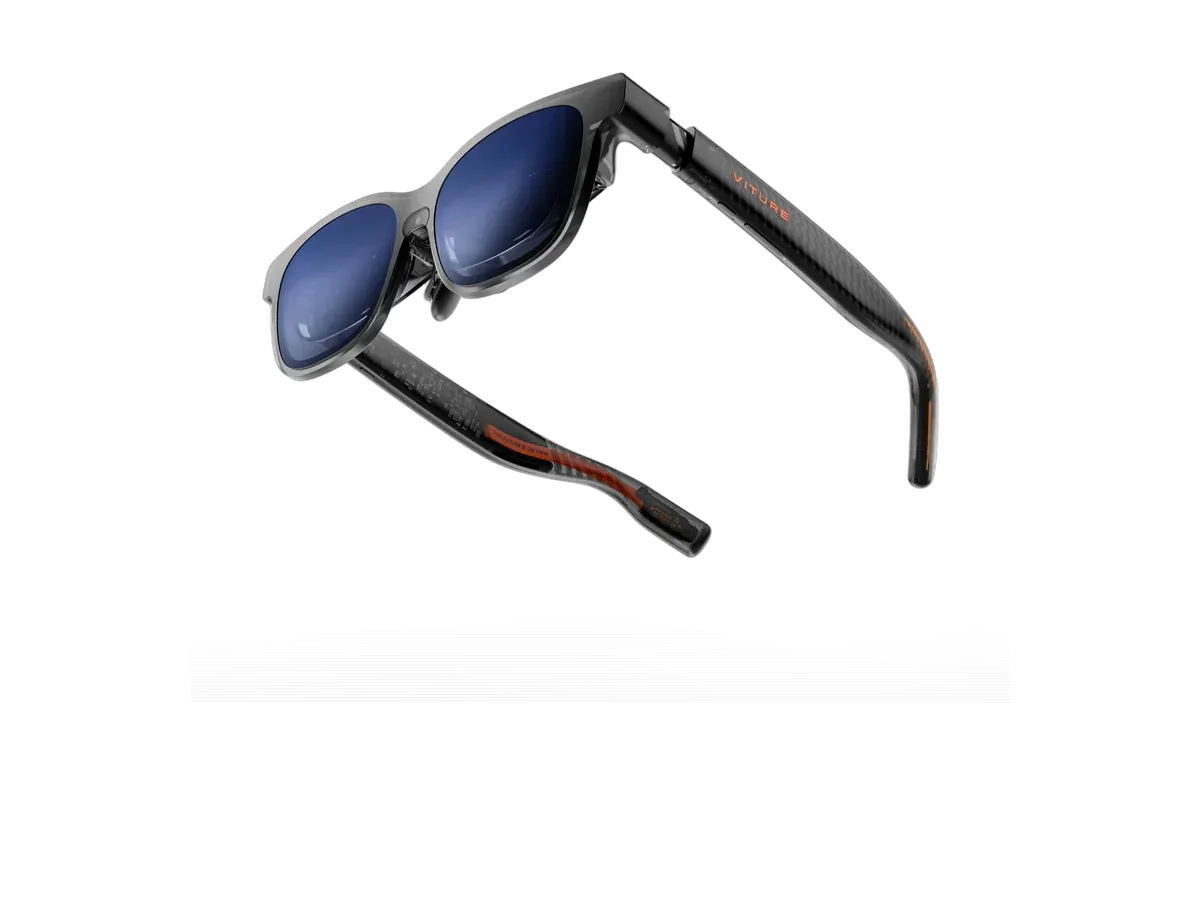
4 VITURE Luma XR $399 —
5 VITURE Luma Pro $499 —
6 VITURE Beast XR Glasses $549 —

Ranked by Brightness · Screen size · Weight · Price · Screen anchoring · Lens dimming · Sold new on Amazon. Prices verified at VITURE Store, RayNeo Store and XREAL Store.

Every pick is scored on the same criteria — a spec the maker doesn’t publish scores zero, and the Best for column marks where a pick leads this list. How we rank and check prices

Which iPhones work with display glasses

The glasses need an iPhone that sends video out of its USB-C port. Apple lists the iPhone 15, 16 and 17 models, the iPhone 18 Pro and the iPhone Duo. Three USB-C iPhones are the exception: the iPhone 16e, the iPhone 17e and the iPhone Air. Apple leaves the 16e and 17e off its list, and the spec sheets for the Air and 17e show a port for charging and data only. iPhones before the 15 have a Lightning port instead.

Phone Video out over USB-C
iPhone 18 Pro Yes
iPhone 18 Pro Max Yes
iPhone Duo Yes
iPhone 17 Yes
iPhone 17 Pro Yes
iPhone 17 Pro Max Yes
iPhone Air No Its USB-C port does charging and data only. Video goes out by AirPlay, not by cable.
iPhone 17e No Its USB-C port does charging and data only. Video goes out by AirPlay, not by cable.
iPhone 16 Yes
iPhone 16 Plus Yes
iPhone 16 Pro Yes
iPhone 16 Pro Max Yes
iPhone 16e No Apple leaves it off its list of iPhones that connect to a display.
iPhone 15 Yes
iPhone 15 Plus Yes
iPhone 15 Pro Yes
iPhone 15 Pro Max Yes
iPhone 14 and older No (Lightning port) Lightning port, not USB-C, so the glasses cannot plug straight in.

Source: Apple's support page and iPhone spec sheets, checked ( iPhone 18 Pro Max spec sheet , support page , iPhone 17 spec sheet , iPhone Air spec sheet , iPhone 17e spec sheet , iPhone 16 spec sheet , iPhone comparison page ).

On a phone that works, setup is one step: plug the glasses’ cable into the iPhone and its screen appears in the glasses. Video apps fill the screen in landscape. The glasses take their power from the phone, so for a long film use an adapter with a charging port, such as VITURE’s USB-C charging adapter or the XREAL Hub.

If you have an iPhone Air or 17e

No cable or setting adds the missing video output. You can still use display glasses with a laptop, a Steam Deck or a streaming box made for the glasses. Our guide to whether AR glasses work with your iPhone covers each model and the workarounds.

For every iPhone model in one ranking, including AI and audio glasses that connect by Bluetooth, see the best AR glasses for iPhone. Brand setup guides: XREAL with iPhone, VITURE with iPhone and RayNeo with iPhone.

How we rank: 7 scored criteria

Every eligible product is scored on the recorded specs below. Missing data scores zero — we never guess a value. Points shown next to each pick add up to its total score. Our full method

  • Brightnessup to 20 pts
  • Screen sizeup to 15 pts
  • Weightup to 15 pts
  • Priceup to 15 pts
  • Screen anchoringup to 10 pts
  • Lens dimmingup to 5 pts
  • Sold new on Amazonup to 5 pts

VITURE Pro 2 XR Glasses or RayNeo GT Max?

Buy the RayNeo GT Max if…

Buy the RayNeo GT Max if you want the wider 59° field of view (vs 50°), you want HDR support, and you want spatial audio.

Buy the VITURE Pro 2 XR Glasses if…

Buy the VITURE Pro 2 XR Glasses if you want to spend $130 less ($299 vs $429), you need the brighter 1600-nit display (vs 1200 nits), you want the lighter 63g fit (vs 78g), and you play on Nintendo Switch.

Also considered

Smart glasses FAQ

Do AR glasses work with the iPhone 17?

Yes. The iPhone 17, 17 Pro and 17 Pro Max send video over USB-C, which Apple calls DisplayPort output. Plug the glasses' USB-C cable into the phone and the iPhone's screen appears in the glasses. No app is needed for that; the maker's app adds extras such as more than one screen.

Do AR glasses work with the iPhone Air or iPhone 17e?

No. Apple's spec sheets list the USB-C port on both phones for charging and USB 2 data only, with no DisplayPort. VITURE and RayNeo both say the iPhone Air and 17e can't drive their glasses. The same goes for the iPhone 16e.

Can I charge my iPhone 17 while using the glasses?

Not through the single port on its own, because the glasses use it. You need an adapter with a charging port. VITURE sells a USB-C charging adapter for iPhones that keeps the phone powered while the glasses are plugged in, and XREAL sells a hub that does the same for its glasses.

Guides that go deeper

Plain-English explainers on the models and questions this ranking covers.

More guides on these picks

Keep researching

Provenance: use case derived from iPhone 17 owners: display glasses whose makers name the iPhone 17. Rankings are computed from recorded product specs only.