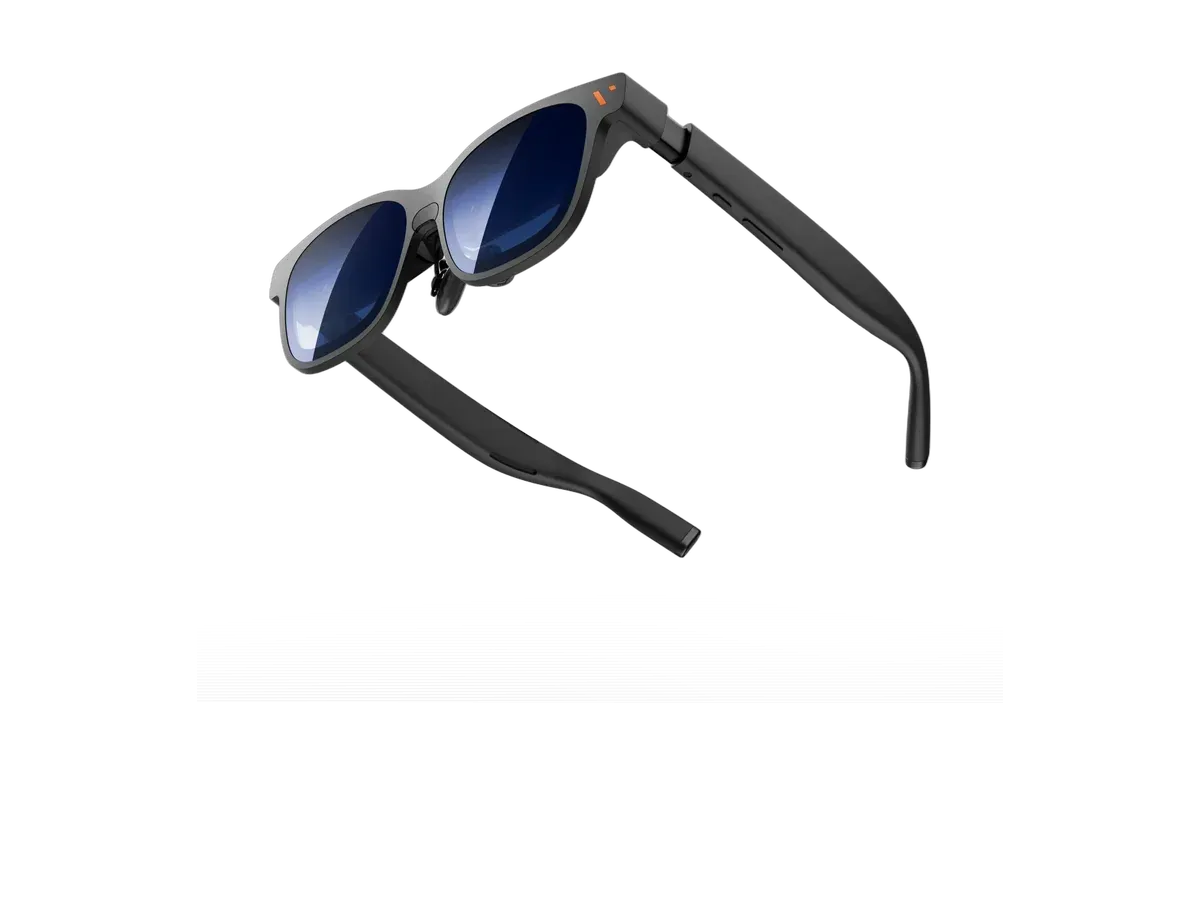
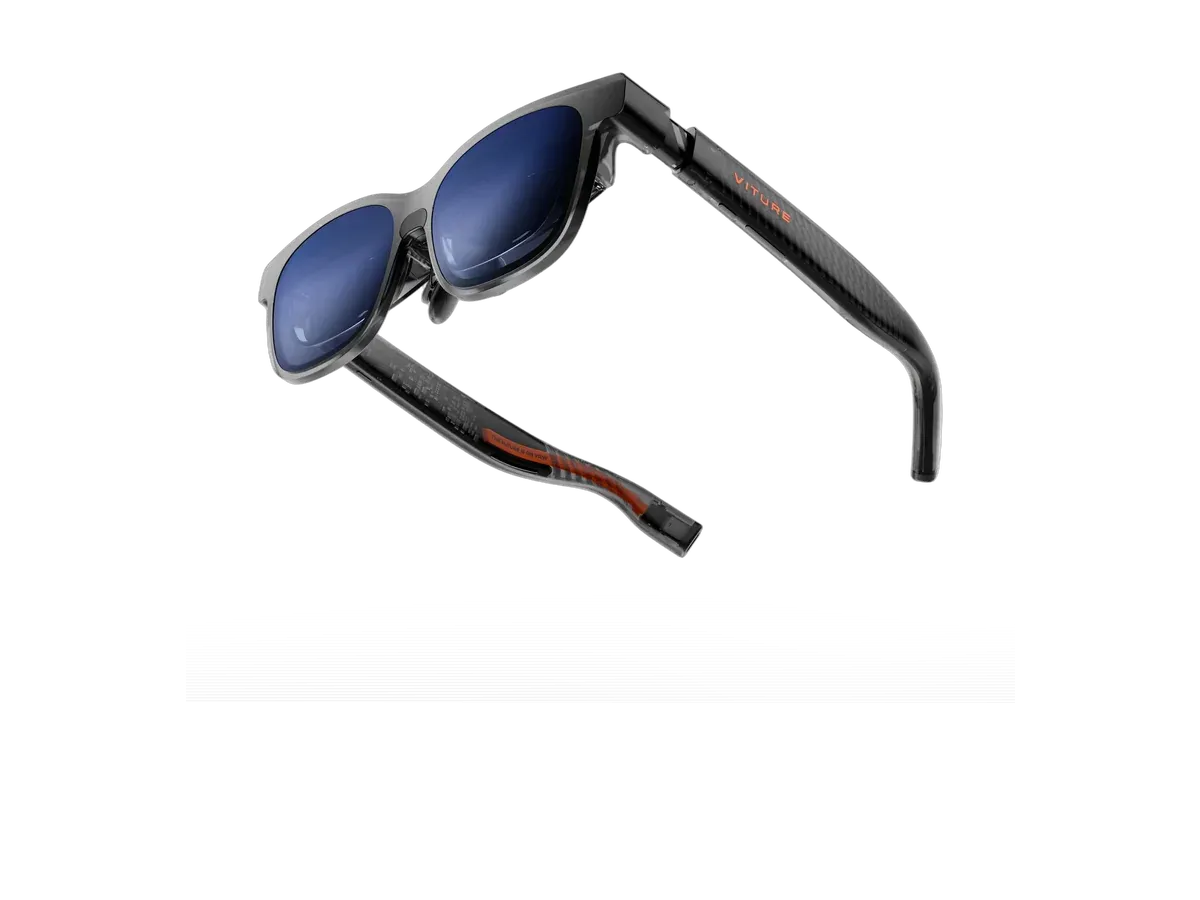
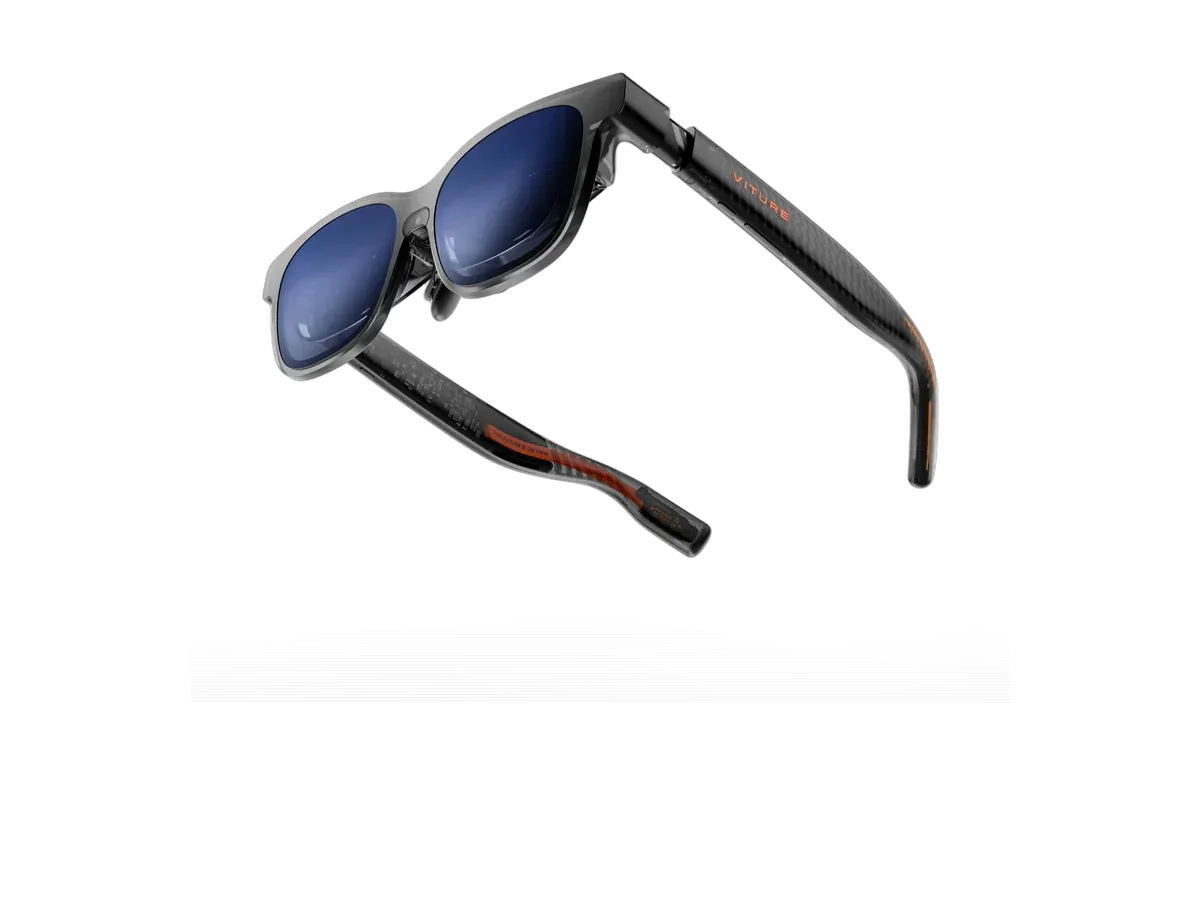
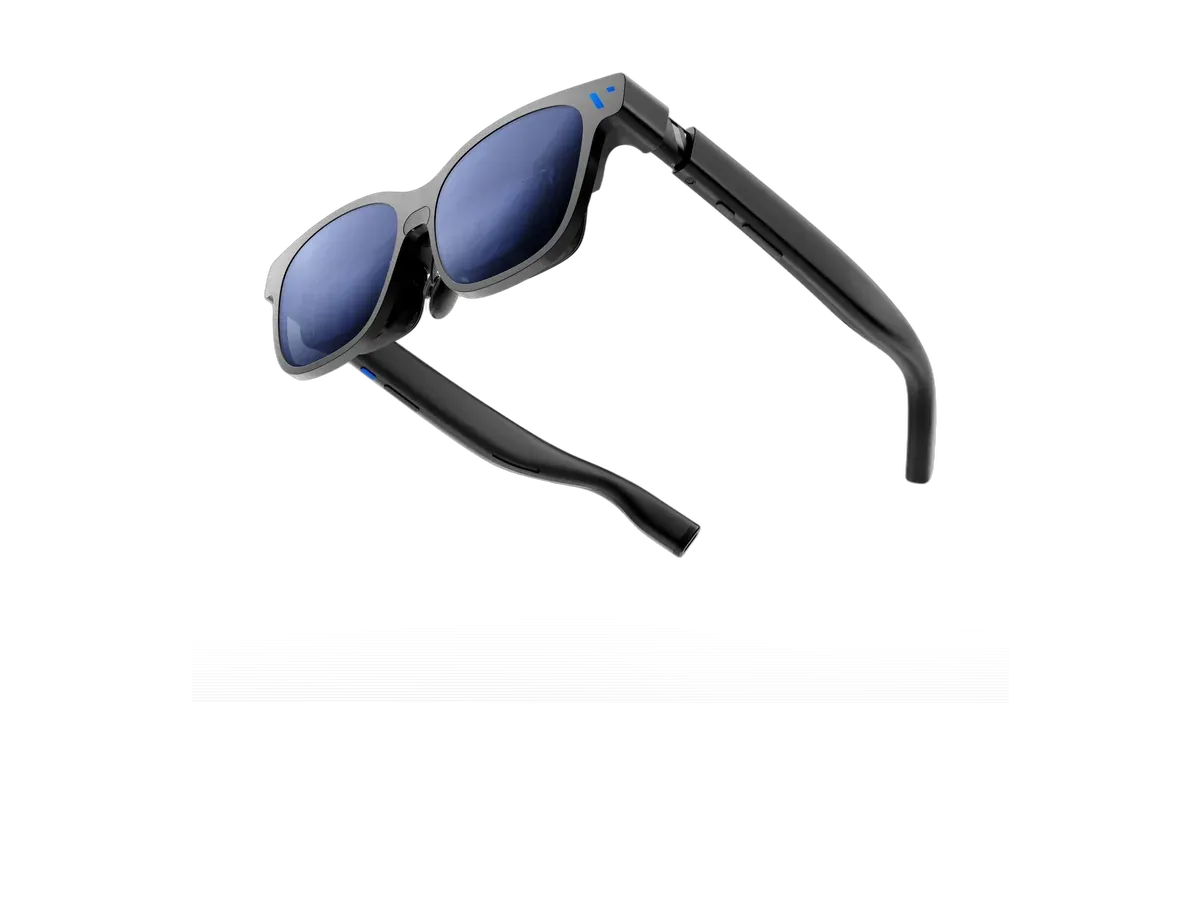
Google says the Pixel 8 and later can connect to a display with a USB-C cable and mirror the phone's screen, which is what display glasses need. Older Pixels aren't on Google's list, so plan on a Pixel 7 or earlier not working. Every pair below is one whose maker names Pixel phones on its compatibility list. The ranking puts brightness and screen size first, then weight, price, a screen that stays put when you turn your head, and lenses that darken. Glasses sold new on Amazon get a few extra points.
This list gives a few extra points to glasses sold new on Amazon, the one store that pays us a commission.
The points show under “Sold new on Amazon” in each pick’s score. How we rank
Ranked by Brightness · Screen size · Weight · Price · Screen anchoring · Lens dimming · Sold new on Amazon. Prices verified at Goovis Store for 1 of these picks; the other 5 were last verified on . Each product page shows its own date.
Every pick is scored on the same criteria — a spec the maker doesn’t
publish scores zero, and the Best for column marks where a pick leads this list. How we rank and check prices
Which Pixels work with display glasses
Google’s help page covers connecting a Pixel 8 or later to a display with a USB-C cable. The phone mirrors its whole screen, which is all display glasses need. Google doesn’t name older Pixels, so treat a Pixel 7 or earlier as not working.
Phone
Video out over USB-C
Pixel 8 and later
YesGoogle's own wording. It names no exceptions among newer Pixels.
Pixel 7 and older
Not on the listGoogle only covers the Pixel 8 and later, so plan on older Pixels not working.
Source: Google's Pixel help page, checked ( support page ).
VITURE’s own list names the Pixel 8, 8 Pro, 8a, 9, 9 Pro, 9 Pro XL, 10, 10 Pro and 10 Pro XL. It also notes that the Pixel 8 and 9 can’t switch its glasses into 3D mode, so 3D films play flat on those phones.
Using glasses with a Pixel
Plug the glasses in, accept the mirroring prompt on the phone, and turn the phone sideways for video. A Pixel shows a mirrored phone screen, not a desktop, so the glasses suit films, games and browsing more than office work. If you want a desktop from your phone, Samsung’s DeX does that; see the Samsung DeX page.
Every eligible product is scored on the recorded specs below.
Missing data scores zero — we never guess a value. Points
shown next to each pick add up to its total score. Our full method
Buy the VITURE Luma XR if you want spatial audio, you want adjustable lens dimming, and you play on Xbox.
Buy the VITURE Pro 2 XR Glasses if…
Buy the VITURE Pro 2 XR Glasses if you want to spend $100 less ($299 vs $399), you need the brighter 1600-nit display (vs 1000 nits), and you want the lighter 63g fit (vs 77g).
Smart glasses FAQ
Which Pixel phones work with AR glasses?
Google's help page covers connecting the Pixel 8 and later to a display over USB-C. VITURE's list names the Pixel 8, 8 Pro, 8a, 9, 9 Pro, 9 Pro XL, 10, 10 Pro and 10 Pro XL. Google doesn't list the Pixel 7 or older, so expect those not to work.
What will I see in the glasses?
The Pixel mirrors its screen, so the glasses show exactly what is on the phone, only much bigger. Google's page describes mirroring and presenting slides; it doesn't offer a separate desktop mode like Samsung DeX.
Does 3D mode work on a Pixel?
Not on every pair. VITURE says the Pixel 8 and 9 series don't support switching its glasses to 3D mode. Plain 2D mirroring works.
Guides that go deeper
Plain-English explainers on the models and questions this ranking covers.
Android Phones With USB-C Display Out (2026)Which Android phones can drive XREAL, VITURE or RayNeo glasses over USB-C: Samsung Galaxy, Google Pixel and Motorola, family by family, with maker sources.
Related rankings
Rankings that share the most top picks with this one.
Which VITURE Glasses Should You Buy?VITURE's whole range in one decision — One Lite, Pro 2, Pro XR, the Luma line, and the big-screen flagship — sorted by recorded specs and price.
Provenance: use case derived from Pixel owners: display glasses whose makers name Google Pixel phones. Rankings are
computed from recorded product specs only.