Skip to content

Best of

Virtual Monitor Glasses: The Big-Screen Ranking

Display glasses ranked as virtual monitors: claimed screen size, field of view, brightness, and host breadth.

Product data last updated

A virtual monitor is the floating big screen these glasses project: plug in one USB-C cable and your phone, laptop, or handheld treats the glasses as a display hanging a few feet in front of you. This ranking scores every available, priced display model that records a virtual screen size on the specs that decide how big and usable that screen feels — claimed screen size, field of view, brightness, refresh rate, host breadth, and weight. If your question is the work-duty one — sharpest text for a day of spreadsheets — the monitor glasses ranking weighs the same catalog PPD-first; this page answers the screen-immersion question.

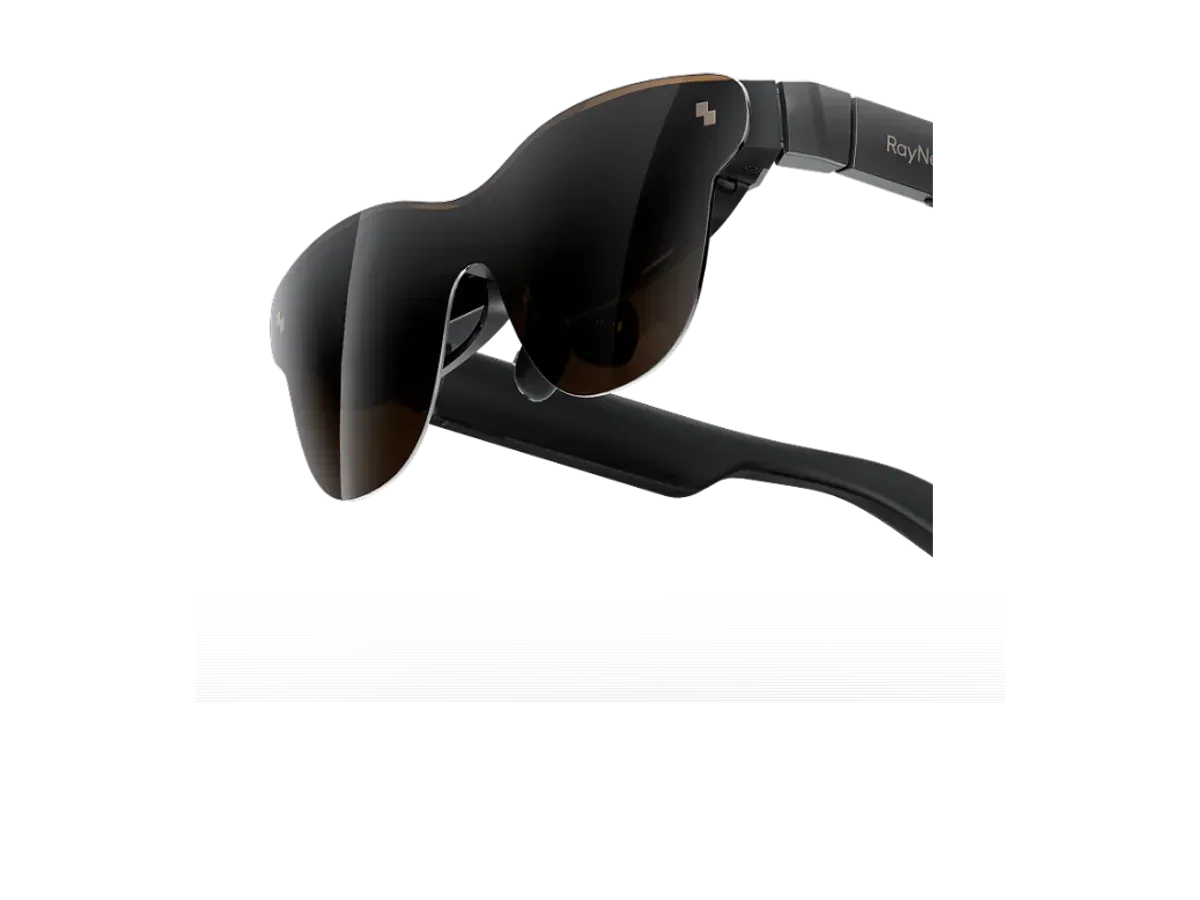
Our top pick for a virtual monitor is the RayNeo Air 3s Pro AR/XR Glasses at $299.

RayNeo Air 3s Pro AR/XR Glasses

Our top pick

RayNeo Air 3s Pro AR/XR Glasses · $299

Check price at Amazon See full ranking ↓
Jump to the picks ↓
# Pick Price Best for
1 RayNeo Air 3s Pro AR/XR Glasses $299 Top pick overall
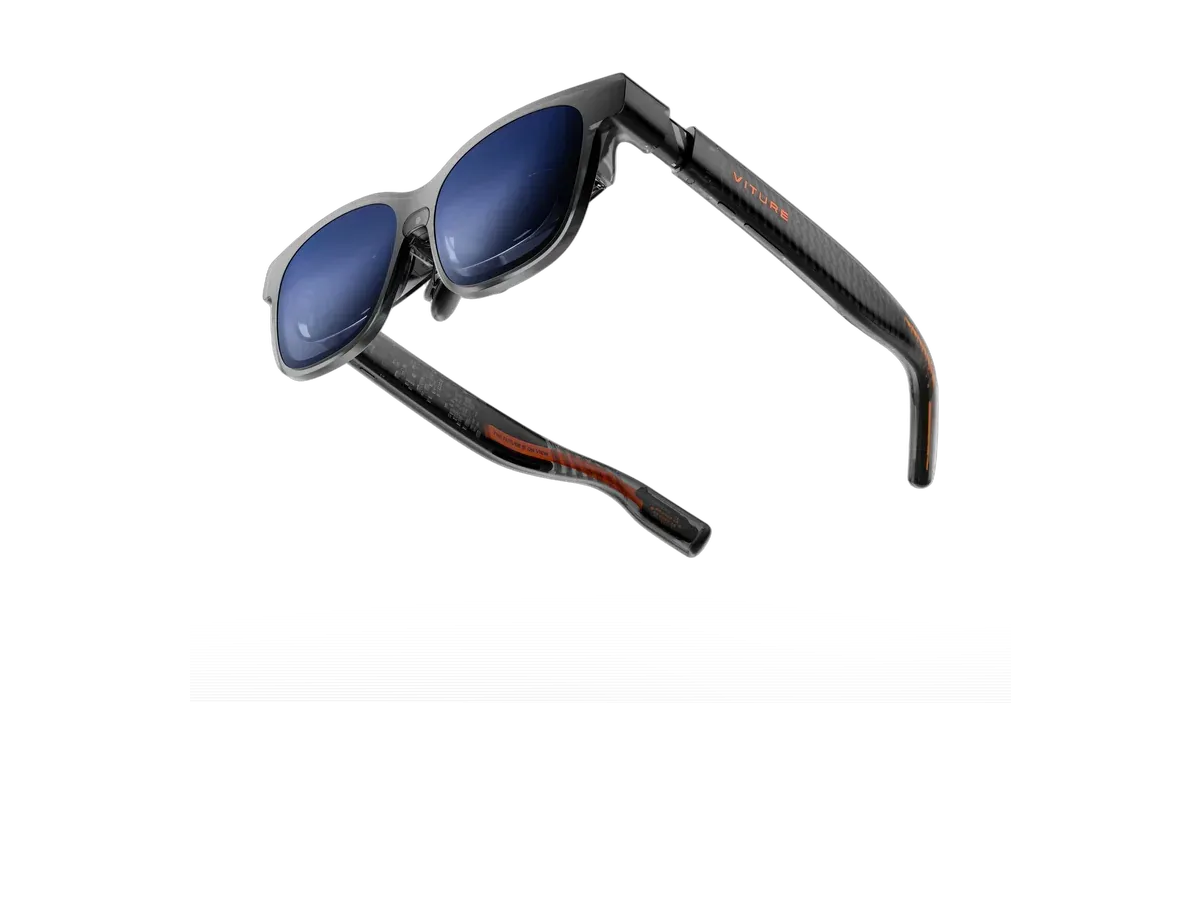
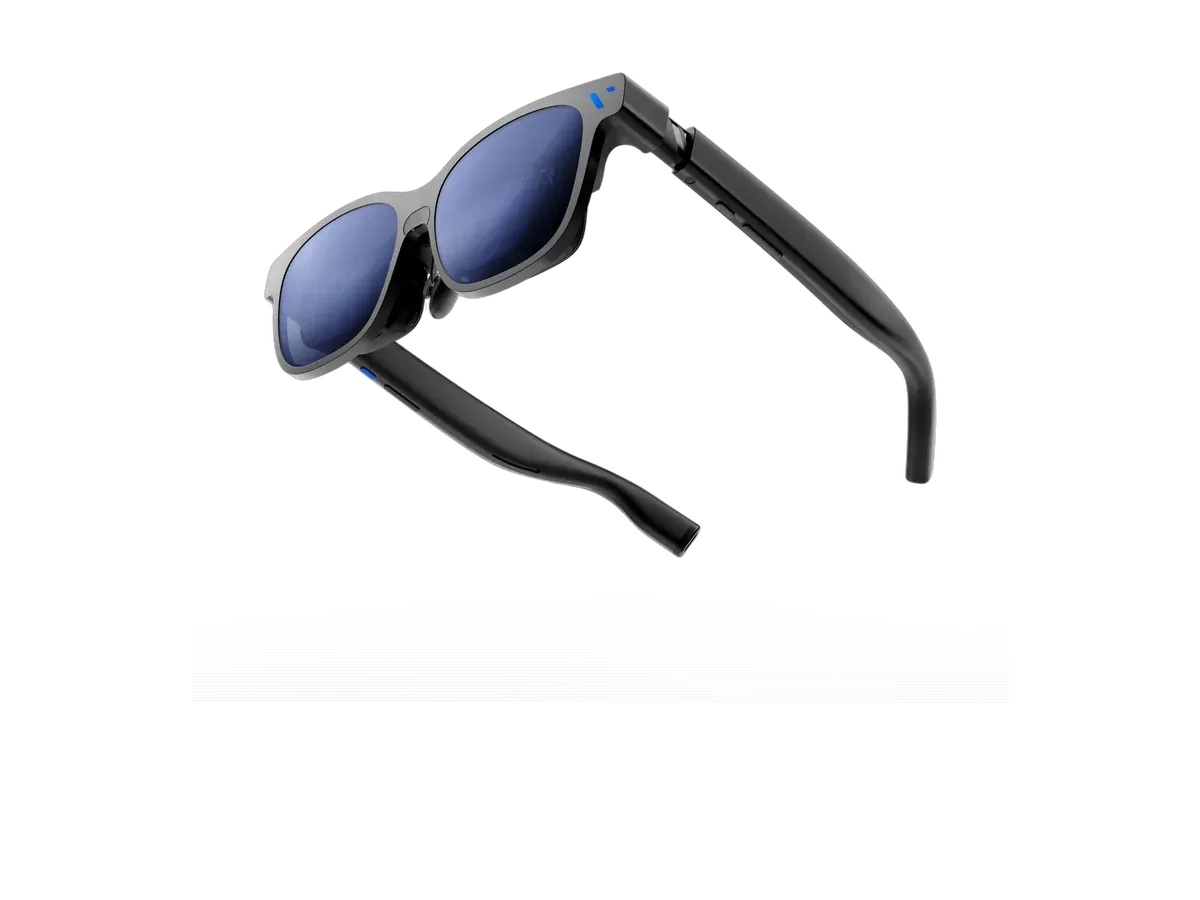
2 VITURE Beast XR Glasses $549 Brightest display here
3 VITURE Luma Pro $499 —
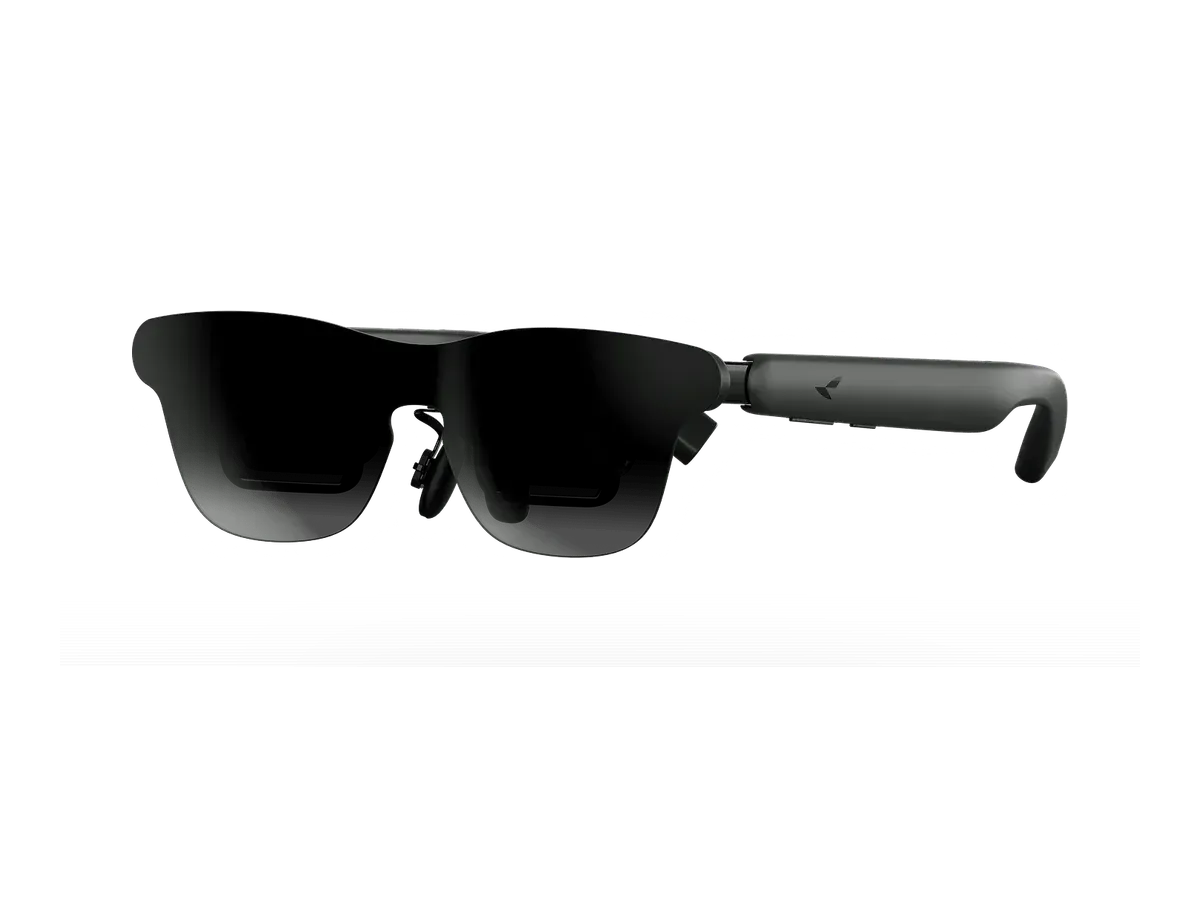
4 RayNeo GT Max $399 Widest view here
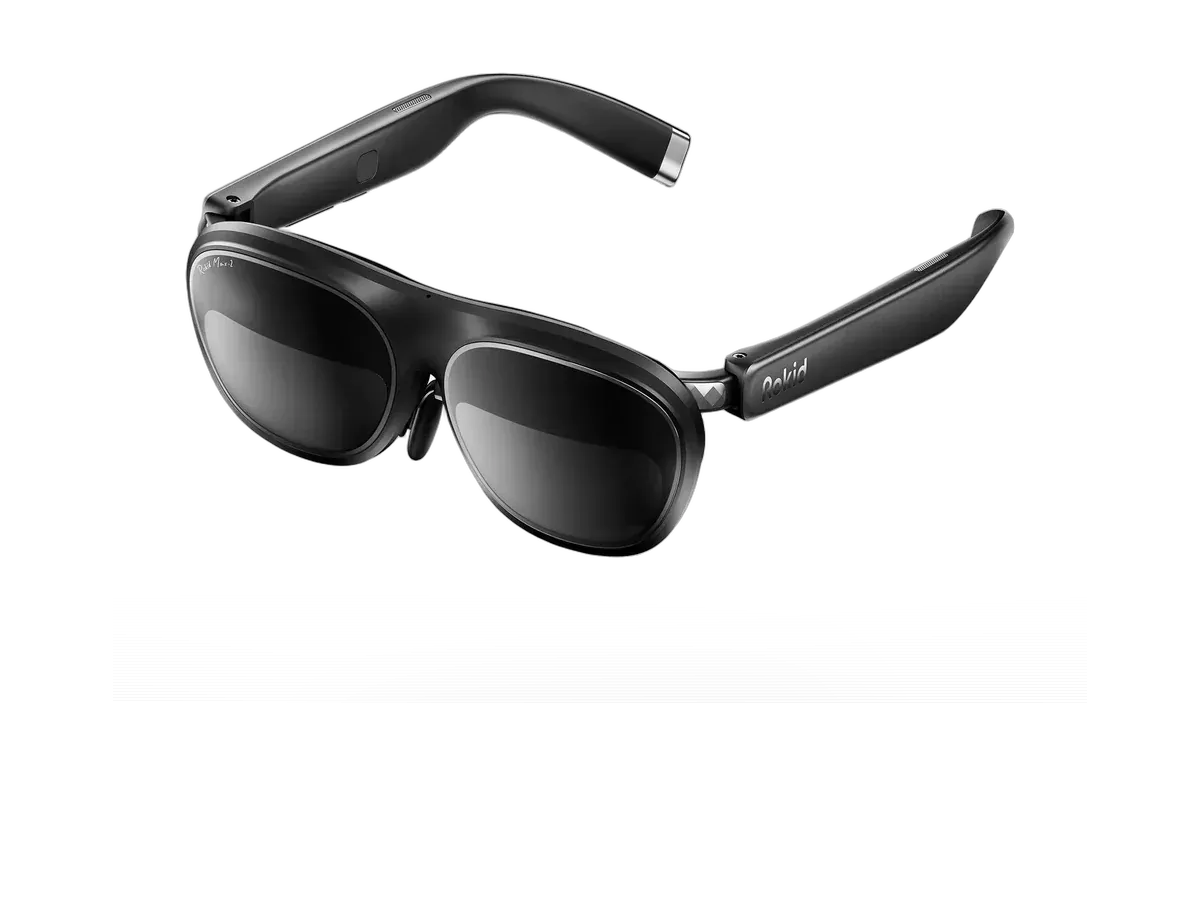
5 Rokid Max 2 $429 Lightest frame here
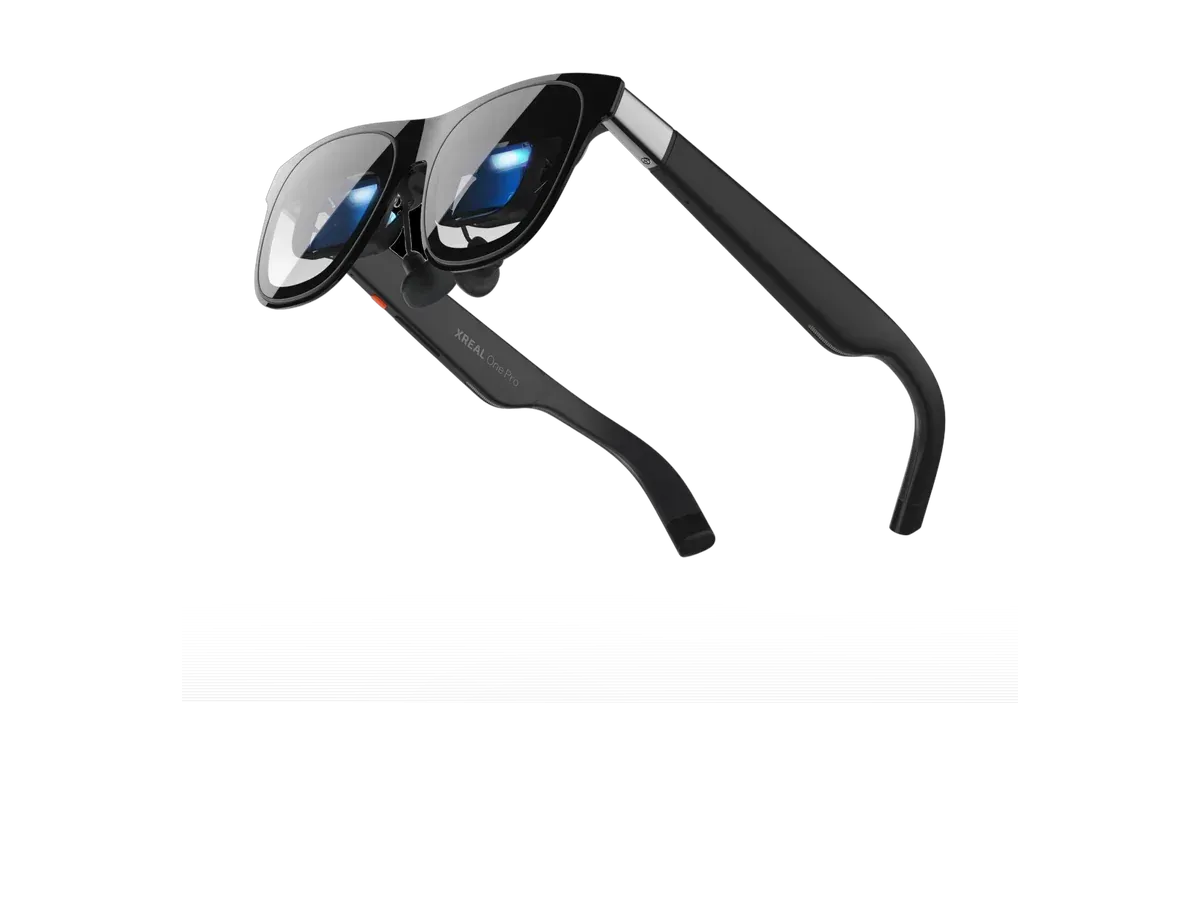
6 XREAL One Pro $599 —

Ranked by Claimed virtual screen · Field of view · Brightness · Refresh rate · host breadth · Weight · Lens dimming. Prices verified .

Every pick is scored on the same criteria — a spec the maker doesn’t publish scores zero, and the Best for column marks where a pick leads this list.

How we rank: 7 scored criteria

Every eligible product is scored on the recorded specs below. Missing data scores zero — we never guess a value. Points shown next to each pick add up to its total score.

  • Claimed virtual screenup to 25 pts
  • Field of viewup to 20 pts
  • Brightnessup to 15 pts
  • Refresh rateup to 10 pts
  • Recorded host breadthup to 12 pts
  • Weightup to 10 pts
  • Lens dimmingup to 8 pts

A virtual monitor earns its name by doing one thing a physical panel cannot: existing wherever you sit. The image is drawn by two micro-OLED panels and magnified by the optics into a screen that hangs a few feet ahead of you — private, weightless on the desk, and sized by geometry rather than glass. The ranking above scores every priced display model we track that has a claimed virtual screen size, and every number in it comes from the maker’s own spec sheet, not a measurement of ours: we have not lab-tested these pairs, and the host-compatibility lists are the makers’ own declarations, presented as exactly that.

Reading the two size numbers

Claimed screen size is marketing arithmetic — the diagonal a flat screen would measure at a stated simulated distance. It is real information, but two catches live in it: makers choose the distance, and a bigger claim does not always mean a bigger-feeling screen. Field of view is the number your eyes actually experience: how many degrees of your vision the image spans. That is why the ranking scores both, and why the per-pick table on this page prints them side by side with pixels per degree — how much detail lands in each degree of your view — because a huge image with soft text is the category’s classic disappointment. The virtual monitor glasses guide is the full reference on how the claims are constructed, and our optics explainer covers the lens architecture doing the magnifying.

Immersion duty and work duty are different questions

This hub weighs the catalog for the big-screen experience: claimed size and field of view lead, brightness and refresh follow. If your actual question is a day of spreadsheets and terminals, text sharpness should lead instead — and that is a different ranking on the same catalog: the monitor glasses ranking scores pixels per degree first, and the machine-specific cuts go deeper still on the Mac ranking and the PC and Windows ranking. Buyers wanting the broadest display-category view, including models whose makers publish no screen-size claim at all, have the display glasses ranking.

The plug-in reality

Every pair in this ranking is tethered: the virtual monitor is only as available as a host that outputs video over USB-C DisplayPort Alt Mode. Recent laptops, iPads, and the big gaming handhelds mostly qualify; phones split by model; HDMI-only consoles and desktop towers need a powered adapter in between. The host chips in the per-pick table restate each maker’s own documented list — a chip’s absence means the maker documents no route, not that one cannot exist. And if your ambition is several floating displays rather than one big one, that is host-software territory, documented platform by platform in the virtual monitor glasses guide.
Text sharpness, pick by pick

Readable text is the whole reason to work in glasses, and it comes down to pixels per degree (PPD) — how much detail lands in each degree of your view. Here is every ranked pick’s recorded PPD, the virtual screen size it projects, its brightness, and the work machines it plugs into. Where a maker publishes no PPD figure, the cell says “not recorded” rather than guessing. Planning a multi-monitor setup? Spreading work across several virtual screens is done by host software, not the glasses alone — our virtual monitor glasses guide walks through what each setup needs.

ProductSharpness (PPD)Virtual screenBrightnessWorks with
RayNeo Air 3s Pro AR/XR Glasses42201-inch1200 nits
MacPC
VITURE Beast XR Glassesnot recorded174-inch1250 nits
MacPCDeXiPad
VITURE Luma Pronot recorded152-inch1000 nits
MacPCiPad
RayNeo GT Maxnot recorded267-inch1200 nits
MacPC
Rokid Max 238215-inch600 nits
MacPC
XREAL One Pronot recorded171-inch700 nits
MacPCDeXiPad

RayNeo Air 3s Pro AR/XR Glasses or VITURE Beast XR Glasses?

Buy the RayNeo Air 3s Pro AR/XR Glasses if…

Buy the RayNeo Air 3s Pro AR/XR Glasses if you want to spend $250 less ($299 vs $549), you want the lighter 76g fit (vs 88g), and you want spatial audio.

Buy the VITURE Beast XR Glasses if…

Buy the VITURE Beast XR Glasses if you want the wider 58° field of view (vs 46°) and you want a built-in camera.

Also considered

Show all 19 considered models

Smart glasses FAQ

What are virtual monitor glasses?

Display glasses doing a monitor's job: two micro-OLED panels project a fixed virtual screen that your device drives over USB-C DisplayPort Alt Mode, exactly as it would an external display. The screen is private to you, sized by optics rather than inches of glass, and goes wherever the glasses go. Makers quote the result as a cinema-style equivalent — a 147-inch or 330-inch image at a stated distance — and this ranking scores those recorded claims alongside the specs that decide how the screen actually feels.

How big is the virtual screen really?

The quoted inches are an equivalence, not a measurement: a claimed 330-inch screen at a far stated distance can span the same slice of your vision as a claimed 147-inch screen at a near one. The spec that tracks perceived size is field of view — how many degrees of your vision the image fills — which is why this ranking scores both and prints both. When two picks are close on claimed inches, trust the field-of-view number.

Can virtual monitor glasses replace a physical monitor?

For solo focused work, travel, and small desks, the recorded specs say they can carry the job; for shared screens or color-critical work a physical panel still wins. The honest checklist is text sharpness (pixels per degree, shown per pick in the table on this page), brightness against your room, and weight for session length. The monitor glasses ranking weighs this same catalog with text sharpness first if work duty is your whole question.

What do virtual monitor glasses plug into?

Any host whose USB-C port outputs video over DisplayPort Alt Mode — most recent laptops, many tablets and phones, and the big-name gaming handhelds. Desktop towers and HDMI-only consoles need a powered adapter in between. Each pick's host chips in the table below restate what its maker actually documents, and the product pages record the full declared device lists.

Can you get more than one virtual monitor?

Only through software, and the honest answer is platform-by-platform: every pair here receives a single video stream, and multi-display workspaces are a feature of the maker's host software or on-glasses screen modes, not the hardware. Our virtual monitor glasses guide documents which platforms each maker's route actually supports, straight from the two makers' own compatibility lists.

Keep researching

Provenance: use case derived from our remote-professional and entertainment buyer profiles, narrowed to the virtual-screen question (recorded virtual-screen claims). Rankings are computed from recorded product specs only.