#1
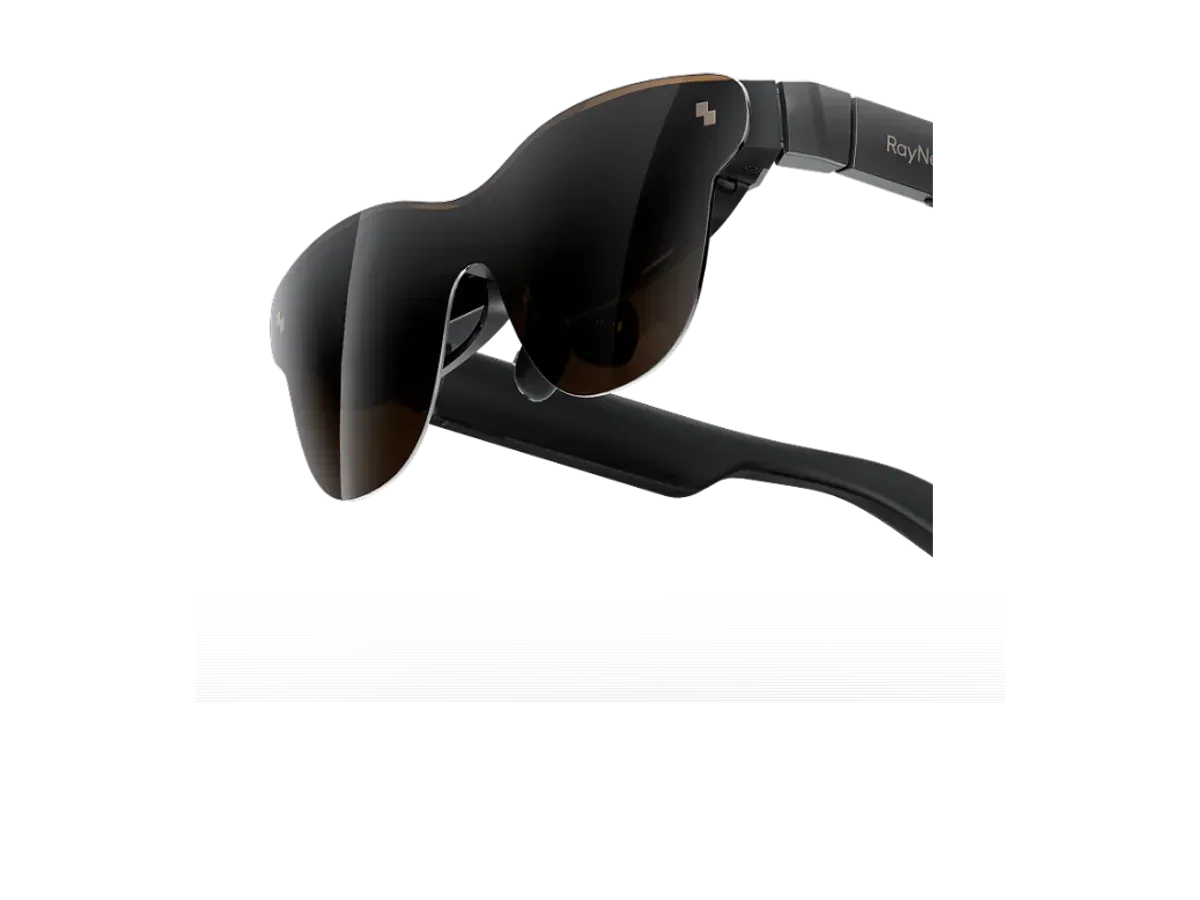
RayNeo
Why it ranks here:
- 120Hz refresh rate (+25)
- 46° field of view (+10)
- 76g weight (+15)
- $299 price (+15)
- spatial audio recorded (+5)
- gaming listed in recorded use cases (+10)
- adjustable lens dimming (+5)
Best of
Only glasses with recorded Nintendo Switch 2 compatibility, ranked for handheld play.
Product data last updated
The Switch 2 can put its picture on display glasses — but not with a bare cable. Nintendo gates the console's USB-C video output behind its own docked-mode handshake, so the working setups all run through a dock or adapter that performs it, and that is exactly what the glasses makers build and document. Every pair on this page records Nintendo Switch 2 compatibility in its catalog data through those documented routes, and we rank them on the specs that matter in a handheld session: refresh rate, field of view, weight, and price. The connection notes below state each maker's documented route, honestly.
Our top pick for Nintendo Switch 2 is the RayNeo Air 3s Pro AR/XR Glasses at $299.
The Nintendo Switch 2 is the first Nintendo handheld that display glasses can realistically join in a plane seat — with one Nintendo-shaped catch worth understanding before you buy anything. The console does output video over USB-C, but only from its bottom port and only to hardware that performs Nintendo’s own docked-mode handshake; a bare cable into a pair of glasses gets a black screen, and Nintendo itself makes no compatibility promises about display glasses. What changed the category is that the glasses makers built for exactly this: their docks and adapters perform the handshake, feed the console power, and hand the glasses a standard video signal. The result — by the documented accessory route, not a magic cable — is a 7.9-inch handheld putting its picture on a private screen the size of a cinema wall without waking the person next to you.
Every pair ranked above records Nintendo Switch 2 compatibility in our catalog. One honesty note before the details, because our data policy requires it: those compatibility records are maker-declared — they come from each manufacturer’s own published device lists and FAQ pages, not from lab testing we have run ourselves — and every declared route runs through the maker’s dock or adapter, because that is the only class of hardware the console releases video to.
The load-bearing fact: the Switch 2 releases video only through its bottom USB-C port, and only after a proprietary handshake that plain displays and bare cables cannot perform. So the working route is the handshake dock: a powered accessory from a glasses maker that sits between console and glasses, performs Nintendo’s negotiation, charges the console from a wall adapter or power bank, and outputs a standard video signal — typically 1080p-class — that any of the ranked pairs can display. Several makers sell one; some double as HDMI docks for other consoles, and our adapter and dock guide inventories them brand by brand. A generic USB-C hub, however good, is not a substitute unless it specifically implements the console’s handshake — the honest buying rule is that the accessory is part of the purchase, chosen from the maker’s documented list.
The fallback is the official-dock route: Nintendo’s own dock outputs HDMI in TV mode, and an active HDMI-to-USB-C converter turns that into a glasses signal. It works, needs wall power, and is a desk setup rather than a seat-pocket one — with handshake docks on the market, it is the route you use only when one is not to hand.
The modules below cover every product in our catalog whose maker declares Switch 2 support. Each links to the full product page, where the recorded spec sheet, price history, and buy links live. Two brand routes are searched often enough to have earned standalone deep dives — VITURE on the Switch 2 and XREAL on the Switch 2, with the One Pro pairing specifically covered on its own page — and the original-Switch story is a different one entirely.
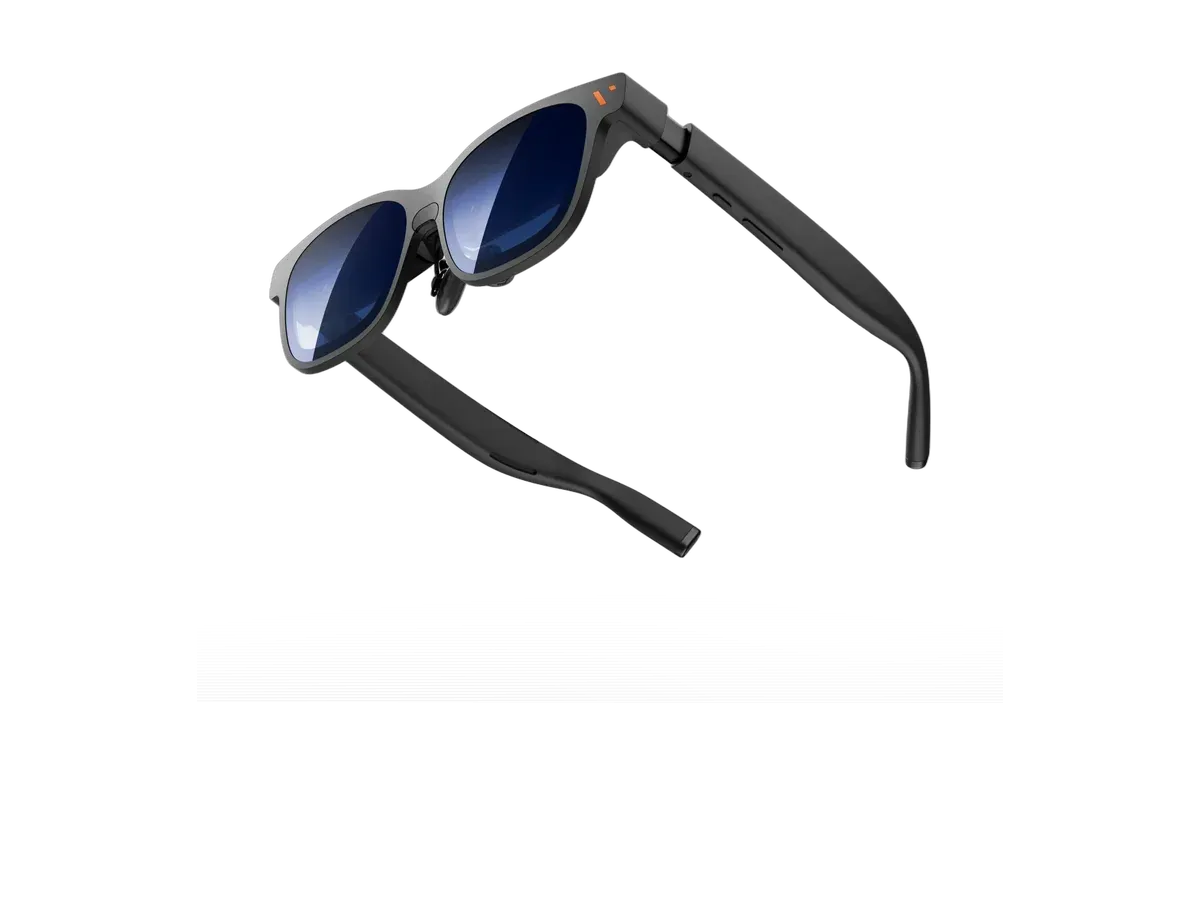
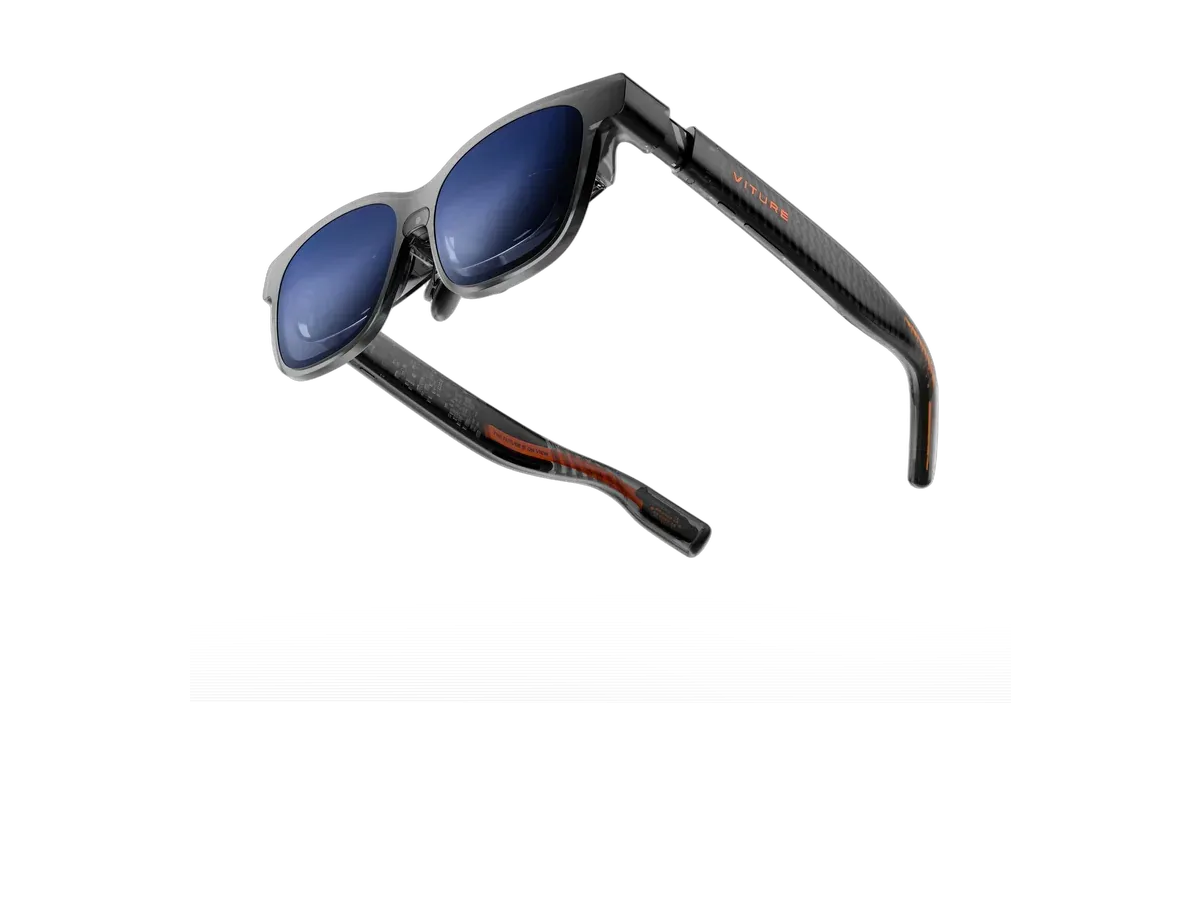
The lightest declared option at a recorded 63 g, with a 50° field of view and the brightest panel of the declared set at a recorded 1600 nits. VITURE publishes an official compatibility table that lists the Switch 2 as supported through its own mobile dock — the handshake-capable accessory this console requires — with pass-through charging built in: the setup built for exactly the long-haul-flight case. Full specs and current price on the VITURE Pro 2 product page.
The value entry of the declared set: a recorded 46° field of view, 1200-nit panel, 120 Hz refresh, and 76 g weight, with electrochromic dimming recorded for bright rooms. RayNeo’s own pages document Switch and Switch 2 connection through its JoyDock accessory, which handles power while the glasses take the picture. See the RayNeo Air 3s Pro product page for the full recorded sheet.
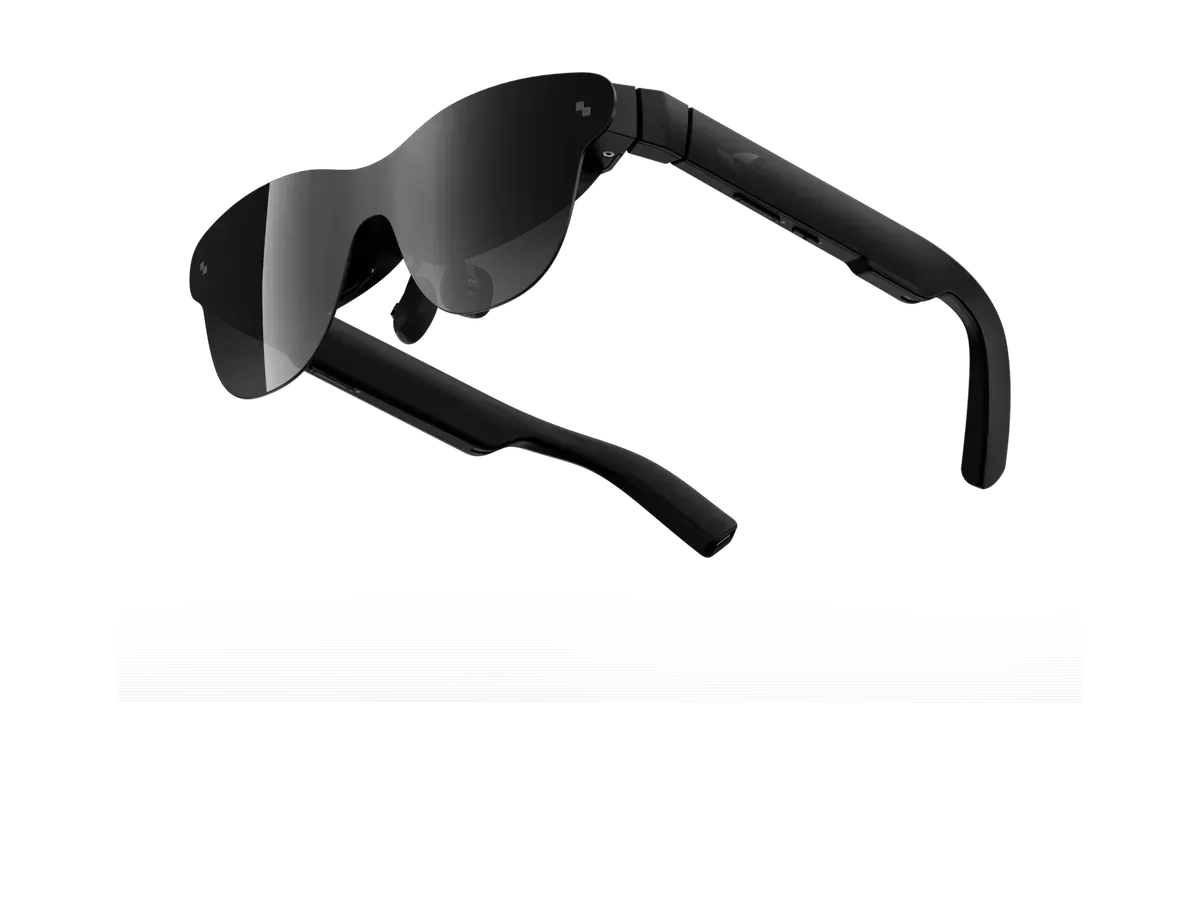
Sibling to the Air 3s Pro with a recorded 47° field of view and the only HDR10 flag in the declared set, at the same recorded 76 g. Maker documentation records Switch 2 support; the JoyDock route applies here the same way. Recorded specs and price history on the RayNeo Air 4 Pro product page.
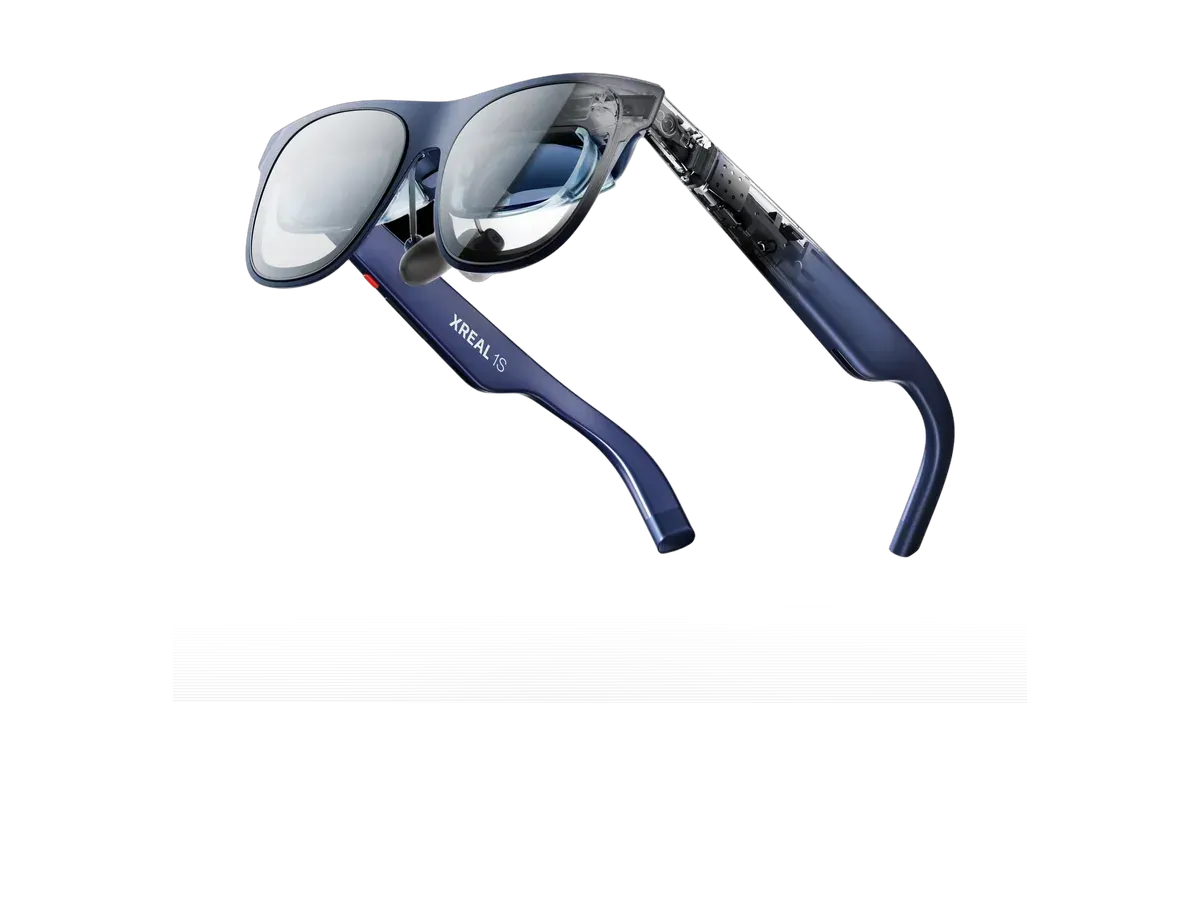
XREAL’s mainstream pair records a 52° field of view, 120 Hz, and on-glasses electrochromic dimming at 82 g, with the X1 chip anchoring the screen in place — useful on a train, where a head-locked screen can wander with every bump. XREAL documents Switch-family connection — Switch, Switch 2, and OLED — through its own Hub accessory, which adds pass-through charging while it performs the console’s negotiation. Details on the XREAL 1S product page.
A recorded 52° field of view at 1000 nits and 79 g, sitting in VITURE’s official dock-supported compatibility table alongside the rest of the Luma family — the maker’s dock is the documented route here as everywhere on this console, with charge-while-playing included. Full sheet on the VITURE Luma Pro product page.
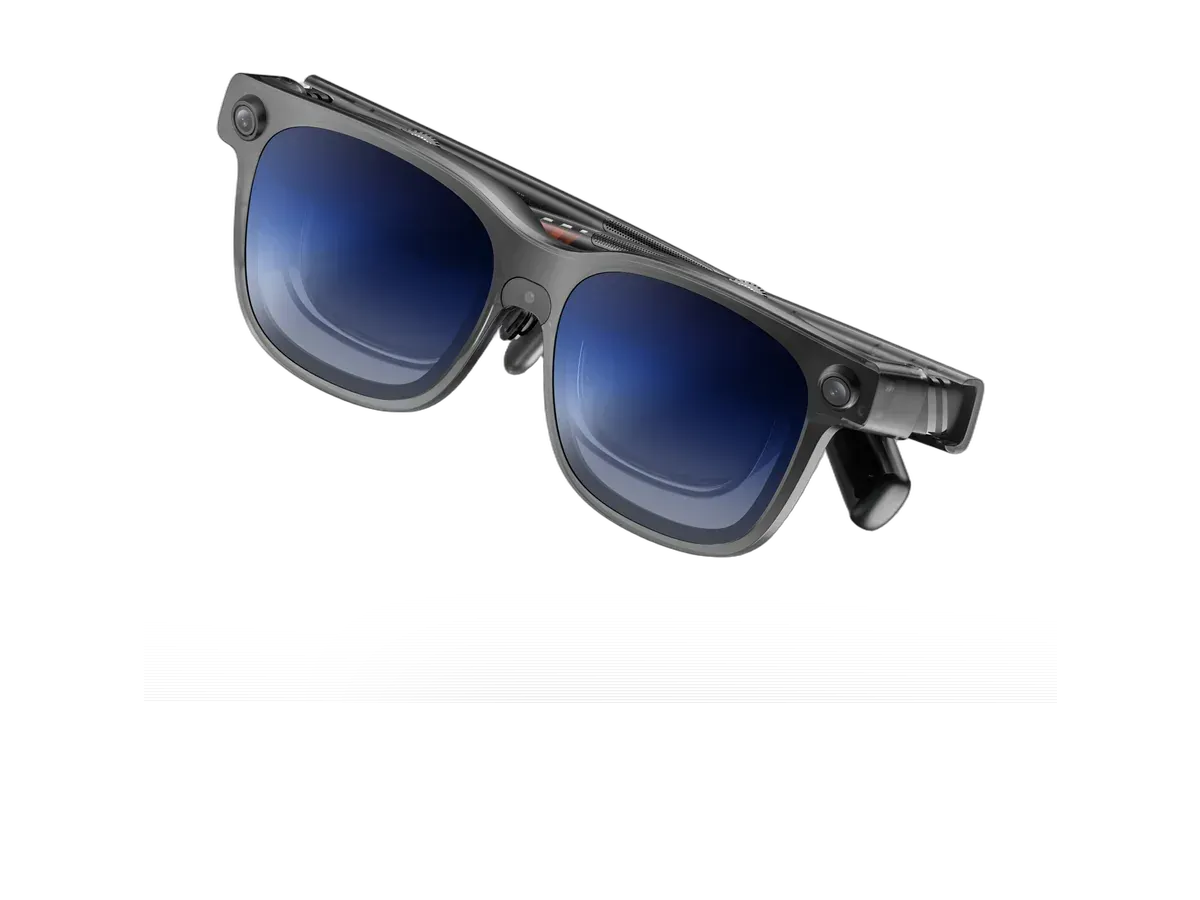
The sensor-heavy member of the declared set: a recorded 52° field of view at 1500 nits with camera-based 6DoF tracking aimed at spatial software on phones and PCs. On a Switch 2 it behaves as a plain — and very bright — external display over the same declared dock-supported route. Recorded specs on the VITURE Luma Ultra product page.
The widest recorded field of view of the declared set at 58°, with a recorded 1250-nit panel at 88 g — the pick of the declared list for screen-size-first players, per the recorded numbers. VITURE’s compatibility table declares Switch 2 support through its dock, as with the rest of the lineup. Full recorded sheet on the VITURE Beast product page.
Still the hard case, and worth stating plainly: the original Switch does not output video from its own USB-C port to arbitrary displays, so no pair of glasses — these or any others — plugs straight into it. The working setups route through the official dock’s HDMI output into a powered HDMI-to-USB-C converter, or through a vendor dock that documents original-Switch support explicitly. It works on a desk; it defeats the point in a plane seat. If your handheld is an original Switch and portability is the goal, the honest advice is that the Switch 2’s documented dock routes — or a Steam Deck, which has carried true bare-cable DisplayPort Alt Mode output since day one — are what actually deliver it.
Refresh rate is a level playing field here — every declared pair records 120 Hz, matching the console’s fastest per-title output modes, with the actual rate in any game set by Nintendo and the dock route — so the ranking above turns on field of view, weight, brightness, and price. Wider field of view makes the virtual screen fill more of your vision; dimming or a brighter panel decides how the picture holds up in a bright cabin; weight decides hour three. The full gaming ranking scores the whole catalog beyond the Switch-declared set, the Steam Deck hub covers the other great handheld pairing, and any two candidates can go head-to-head in a full spec comparison before you commit.
Every eligible product is scored on the recorded specs below. Missing data scores zero — we never guess a value. Points shown next to each pick add up to its total score.
RayNeo
Why it ranks here:
RayNeo
Why it ranks here:
VITURE
Why it ranks here:
XREAL
Why it ranks here:
VITURE
Why it ranks here:
VITURE
Why it ranks here:
Buy the RayNeo Air 3s Pro AR/XR Glasses if…
Buy the RayNeo Air 3s Pro AR/XR Glasses if you want adjustable lens dimming and you play on Xbox.
Buy the RayNeo Air 4 Pro if…
Buy the RayNeo Air 4 Pro if you want HDR support.
Yes, but only on Nintendo's terms. Video leaves the console's bottom USB-C port behind a proprietary docked-mode handshake, so a plain USB-C display or a bare cable to glasses gets no picture. The accessories that work — glasses makers' docks and adapters — perform that handshake and hand the glasses a standard video signal, typically at 1080p. It is still a major upgrade over the original Switch, which had no glasses-capable output at all without its TV dock; it is just a dock-shaped upgrade, not a bare-cable one.
In practice, yes — a dock or adapter built for the console. Because the Switch 2 only releases video to hardware that performs its handshake, the glasses makers' own docks and adapters are the documented routes, and most add pass-through charging at the same time, which a long session needs anyway. Each pick's product page records the documented connection path for that model, and the honest shopping rule is to treat the accessory as part of the purchase.
Only indirectly. The original Switch never output video over its own USB-C port to arbitrary displays — video only left the console through the official dock's HDMI port. So glasses need the dock plus a powered HDMI-to-USB-C adapter, or a vendor dock built for exactly that route. It works, but it is a desk setup rather than a portable one, which is why the Switch 2's seat-friendly dock routes matter so much.
The display path itself is a wired video connection, the same class of link as a USB-C monitor, so added latency is small — this is not wireless streaming. What can differ by model is the glasses' own display mode: panels running at their native refresh rate with head-anchoring features switched off give the most direct picture, and the recorded refresh-rate spec in this ranking is the number that bounds how smooth fast motion can look.
Provenance: use case derived from our gaming buyer profile, narrowed to Switch 2 owners (recorded compatibility). Rankings are computed from recorded product specs only.