Skip to content

Best of

Best AR Glasses for MSI Claw

Glasses that VITURE and RayNeo list for the MSI Claw, ranked for handheld play.

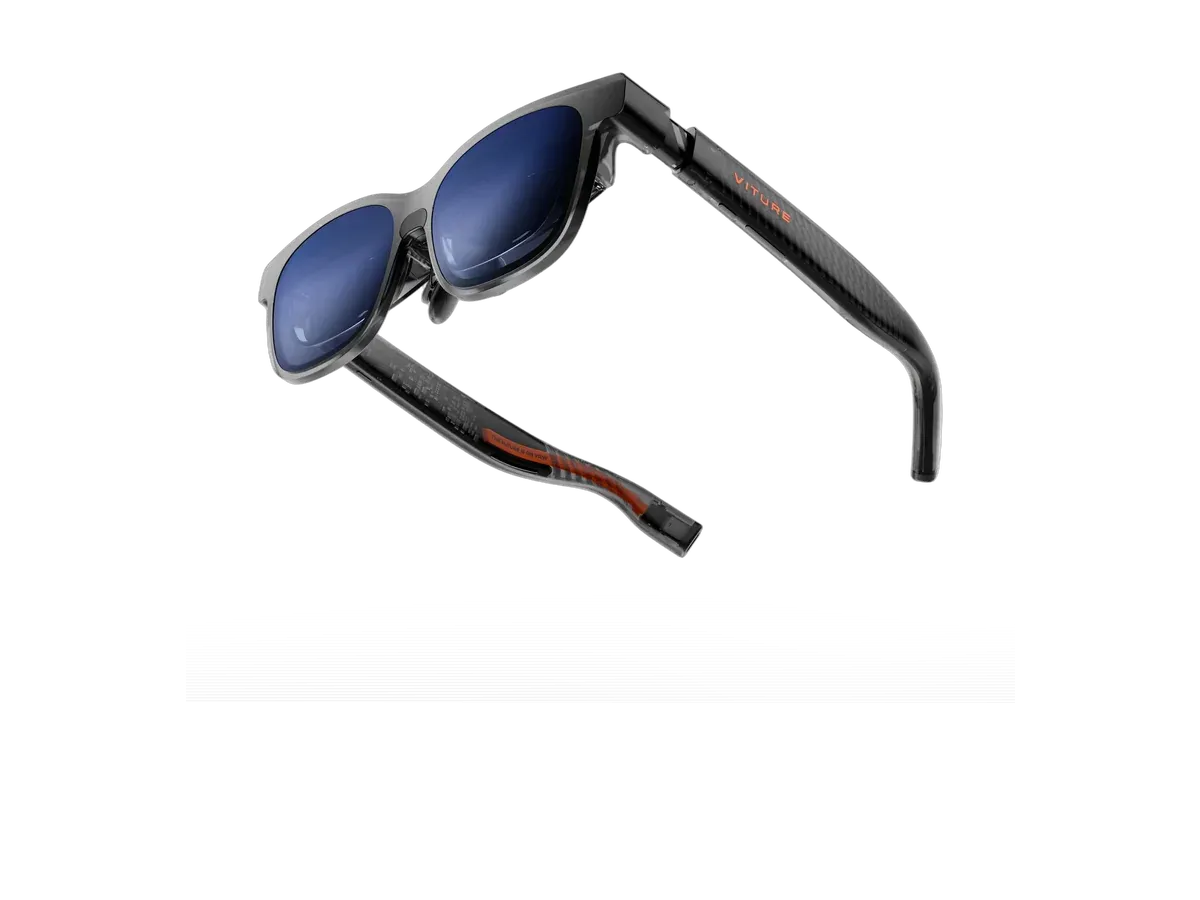
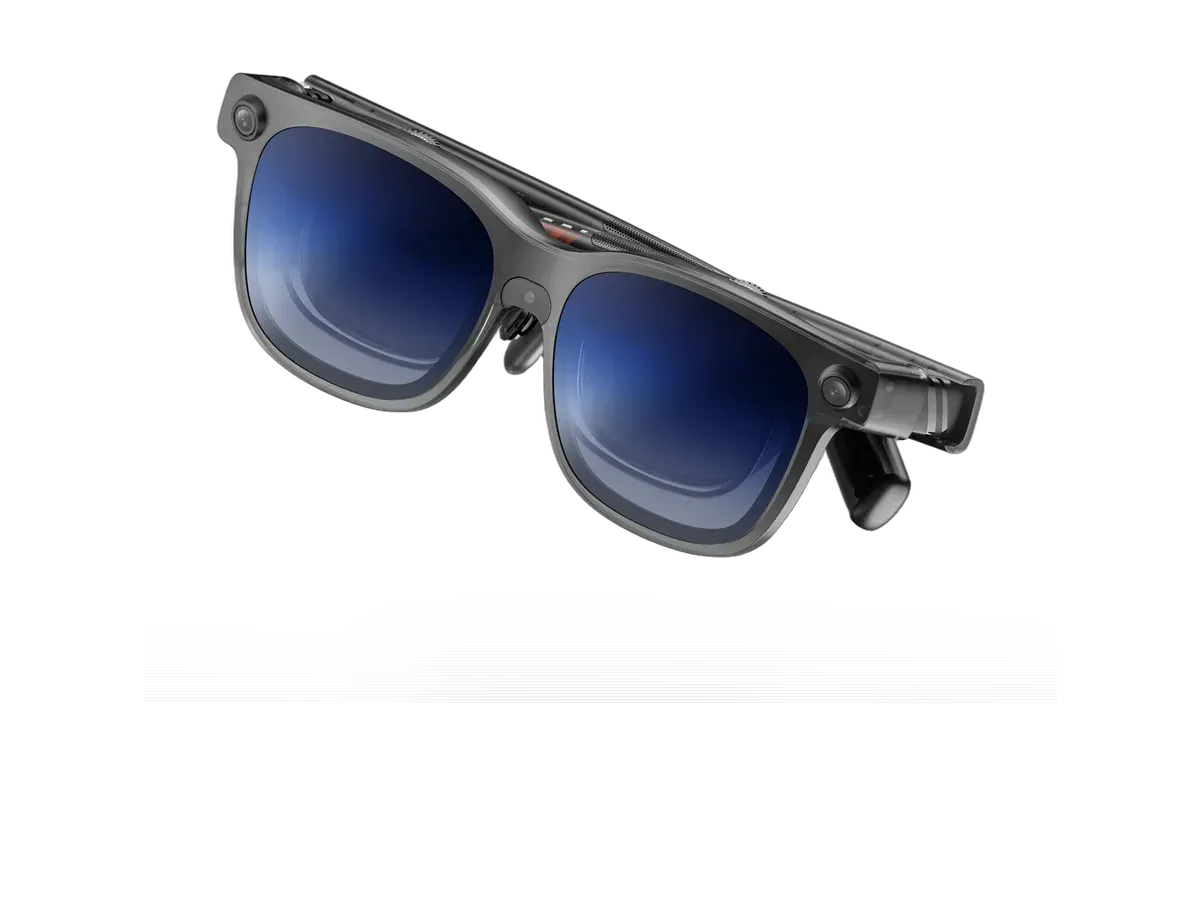
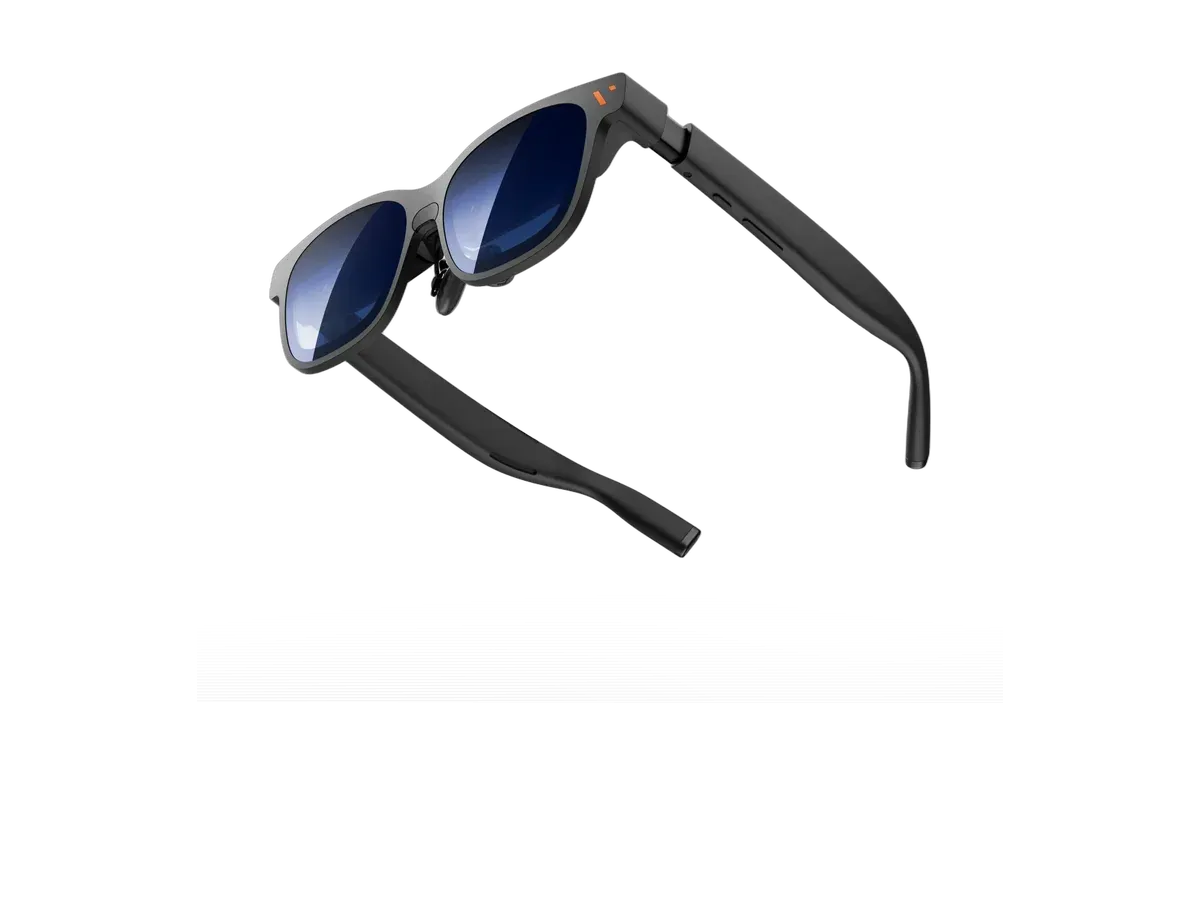
Our top pick for MSI Claw owners is the VITURE Pro 2 XR Glasses at $299.

VITURE Pro 2 XR Glasses

Our top pick

VITURE Pro 2 XR Glasses · $299 at VITURE Store

Check price at Amazon See full ranking ↓

Product data last updated

The best AR glasses for an MSI Claw plug into its USB-C port and show the game on a big private screen in front of your eyes. Every pair below comes from VITURE or RayNeo, the two glasses makers that name the Claw 8 AI+ and the original Claw A1M on their compatibility lists. The Claw's USB-C ports are Thunderbolt 4, which carries video, so no adapter is needed. The Claw 8 AI+ has two of them, so you can charge from one while the glasses use the other. The ranking scores refresh rate, field of view (how much of your vision the screen fills), weight and price.

# Pick Price Best for
1 VITURE Pro 2 XR Glasses $299 Top pick overall
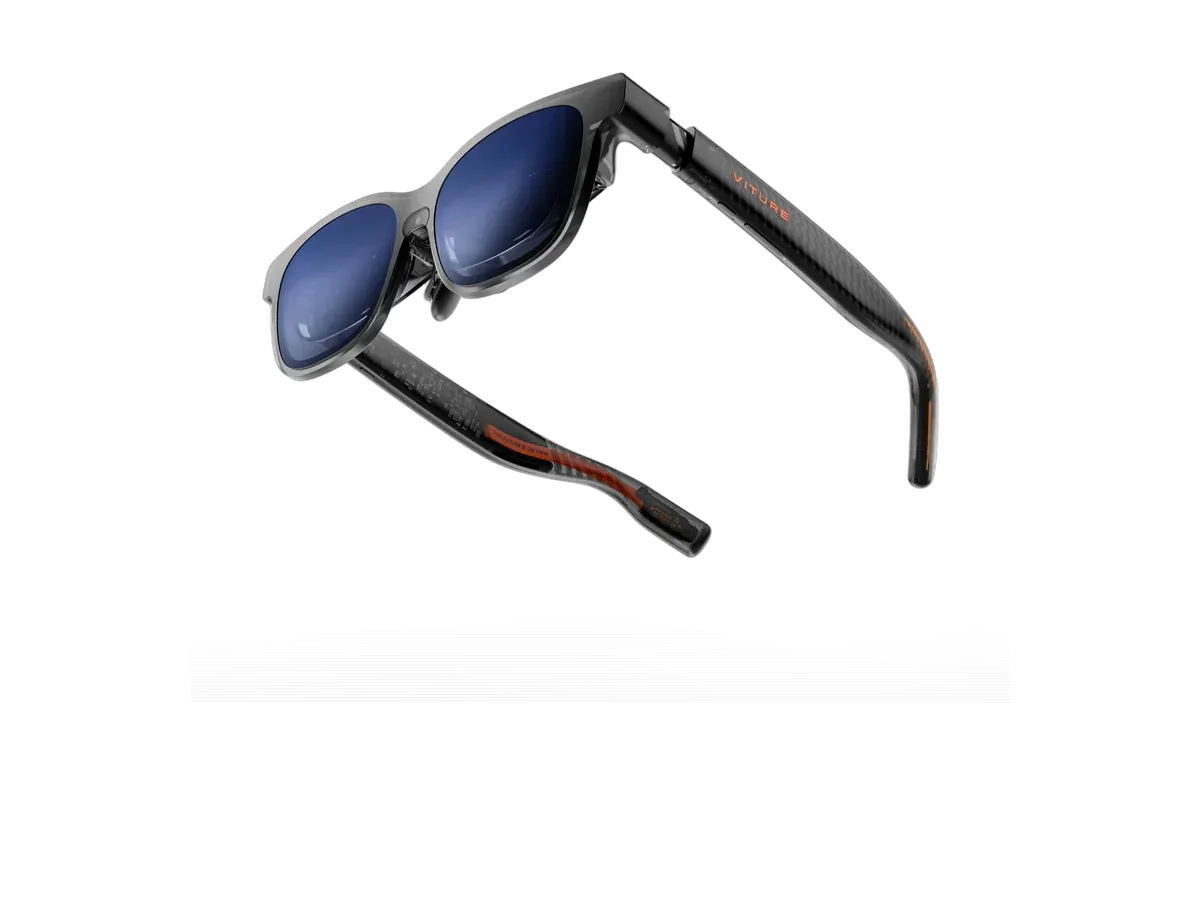
2 VITURE Luma XR $399 —
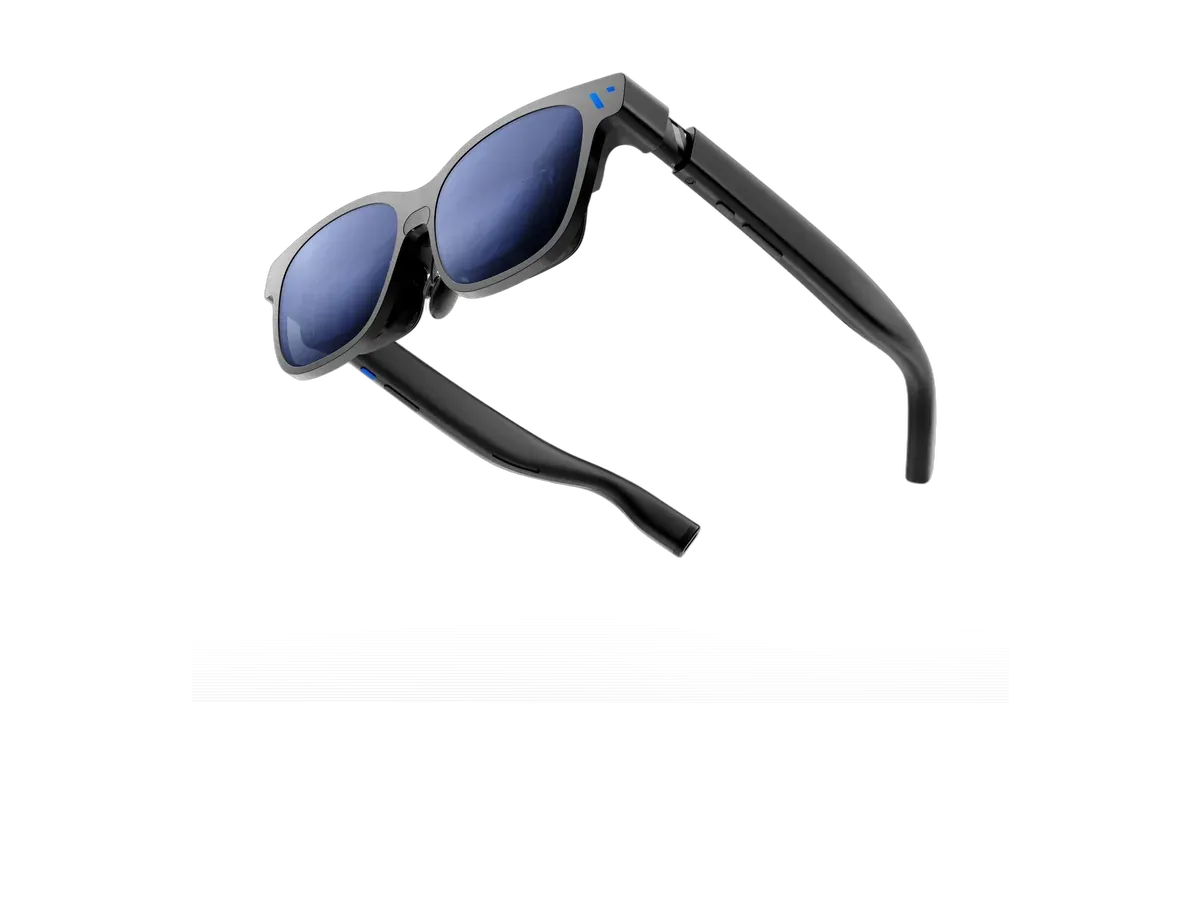
3 VITURE Luma Pro $499 —
4 VITURE Beast XR Glasses $549 Widest view here
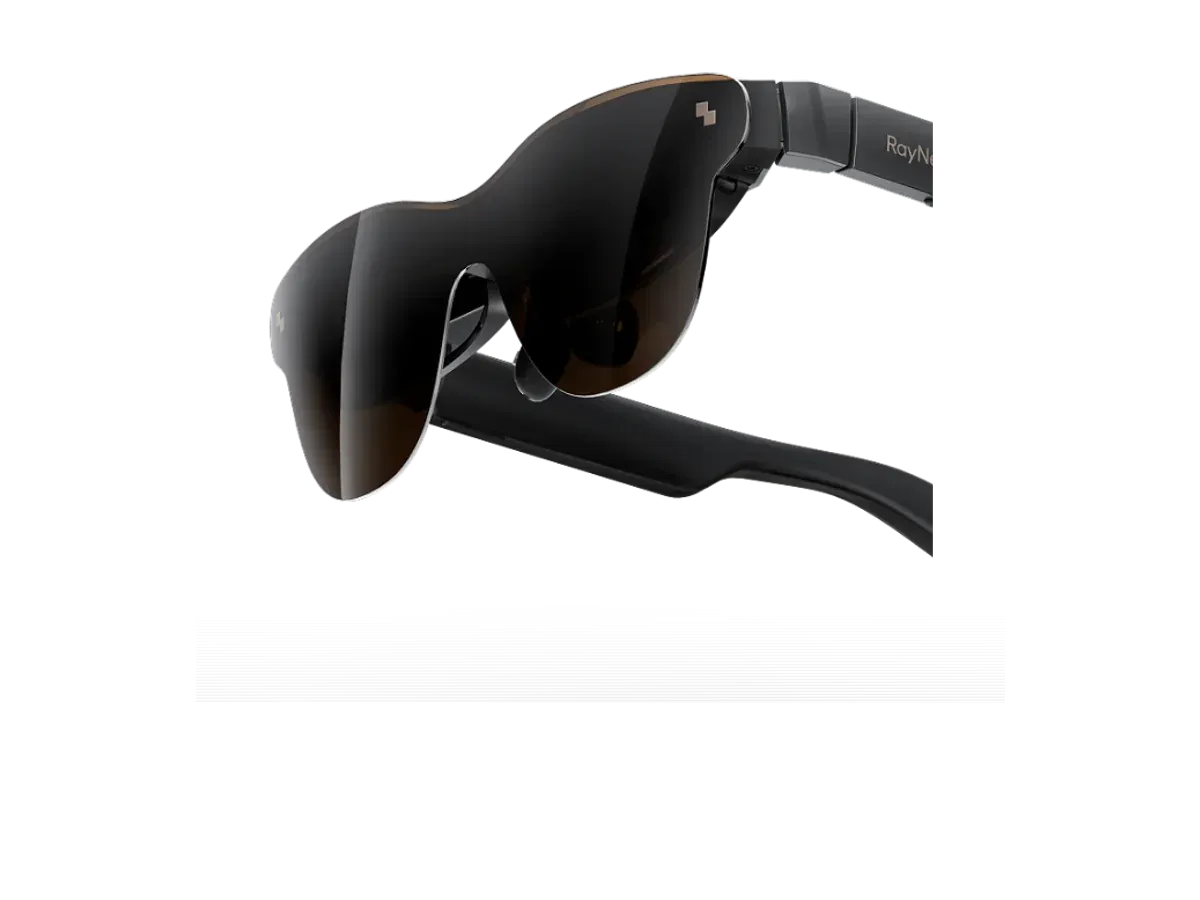
5 RayNeo Air 3s Pro AR/XR Glasses $299 Sharpest text here
6 VITURE Luma Ultra XR/AR Glasses $599 —

Ranked by Refresh rate · Field of view · Weight · Price · Screen anchoring · Brightness · HDR · Lens dimming. Prices verified at VITURE Store and RayNeo Store.

Every pick is scored on the same criteria — a spec the maker doesn’t publish scores zero, and the Best for column marks where a pick leads this list. How we rank and check prices

How we rank: 8 scored criteria

Every eligible product is scored on the recorded specs below. Missing data scores zero — we never guess a value. Points shown next to each pick add up to its total score. Our full method

  • Refresh rateup to 20 pts
  • Field of viewup to 20 pts
  • Weightup to 15 pts
  • Priceup to 15 pts
  • Screen anchoringup to 10 pts
  • Brightnessup to 10 pts
  • HDRup to 5 pts
  • Lens dimmingup to 5 pts

VITURE Pro 2 XR Glasses or VITURE Luma XR?

Buy the VITURE Luma XR if…

Buy the VITURE Luma XR if you want spatial audio, you want adjustable lens dimming, and you play on Xbox.

Buy the VITURE Pro 2 XR Glasses if…

Buy the VITURE Pro 2 XR Glasses if you want to spend $100 less ($299 vs $399), you need the brighter 1600-nit display (vs 1000 nits), and you want the lighter 63g fit (vs 77g).

Also considered

Smart glasses FAQ

Do AR glasses work with the MSI Claw?

Yes. The Claw's USB-C ports are Thunderbolt 4, which carries a DisplayPort video signal, so display glasses plug in with their own cable and Windows sees them as a second monitor. VITURE lists the Claw 8 AI+ and Claw A1M for all its XR glasses, and RayNeo lists both for its Air 2, Air 2s, Air 3s and Air 3s Pro.

Can I charge the Claw while playing on glasses?

On the Claw 8 AI+, yes: it has two Thunderbolt 4 ports, so the charger goes in one and the glasses in the other. The original Claw A1M has a single USB-C port, so you need a USB-C hub or dock that passes power through and also carries video.

Which Claw models are on the makers' lists?

VITURE and RayNeo both name the Claw 8 AI+ and the Claw A1M. Neither list names the newer Claw A8, so check with your glasses maker before you buy for that model.

Do I need special software on the Claw?

No. The glasses work as a plain external monitor in Windows. To pin the screen in place or split it into several screens, install the glasses maker's Windows app if it has one, such as VITURE's SpaceWalker.

Guides that go deeper

Plain-English explainers on the models and questions this ranking covers.

More guides on these picks

Keep researching

Provenance: use case derived from handheld gamers: display glasses whose maker compatibility list names an MSI Claw model (0060). Rankings are computed from recorded product specs only.