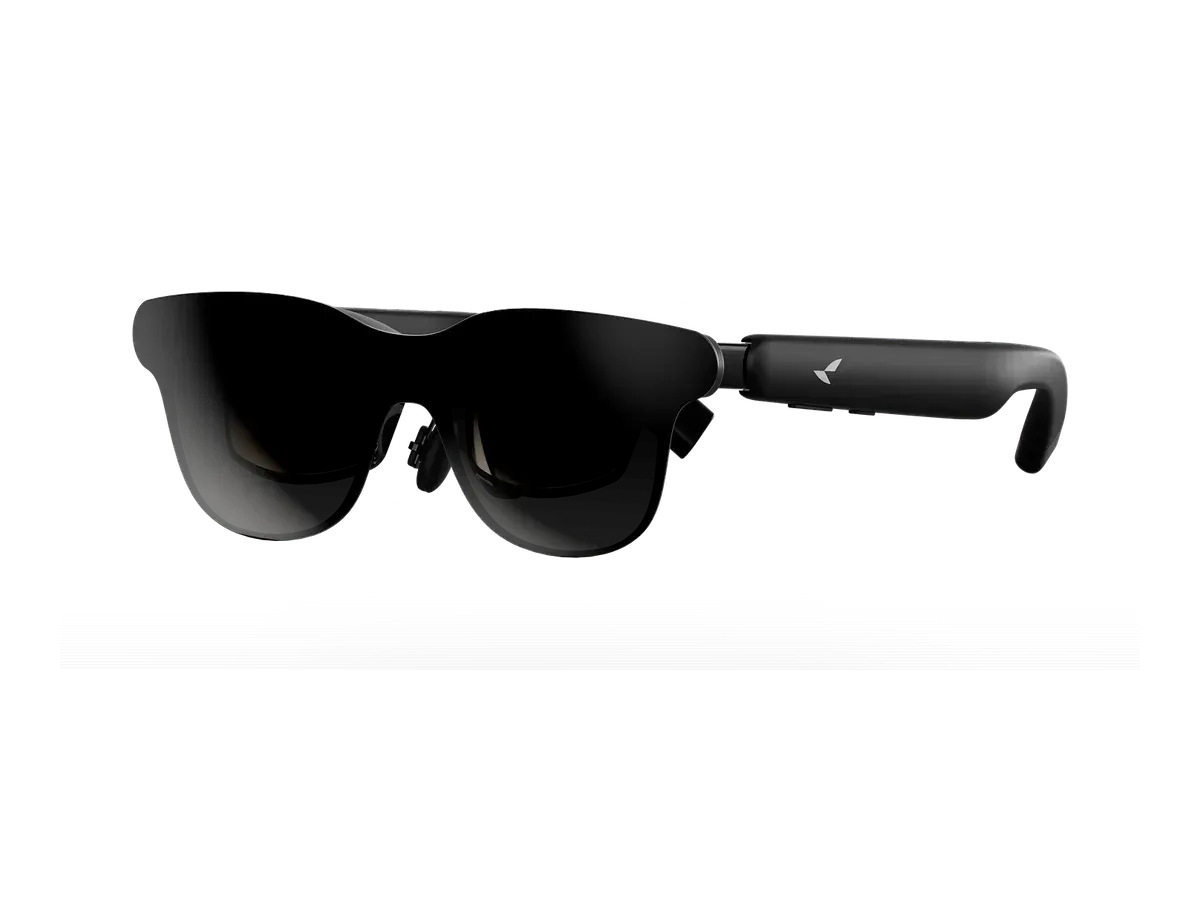
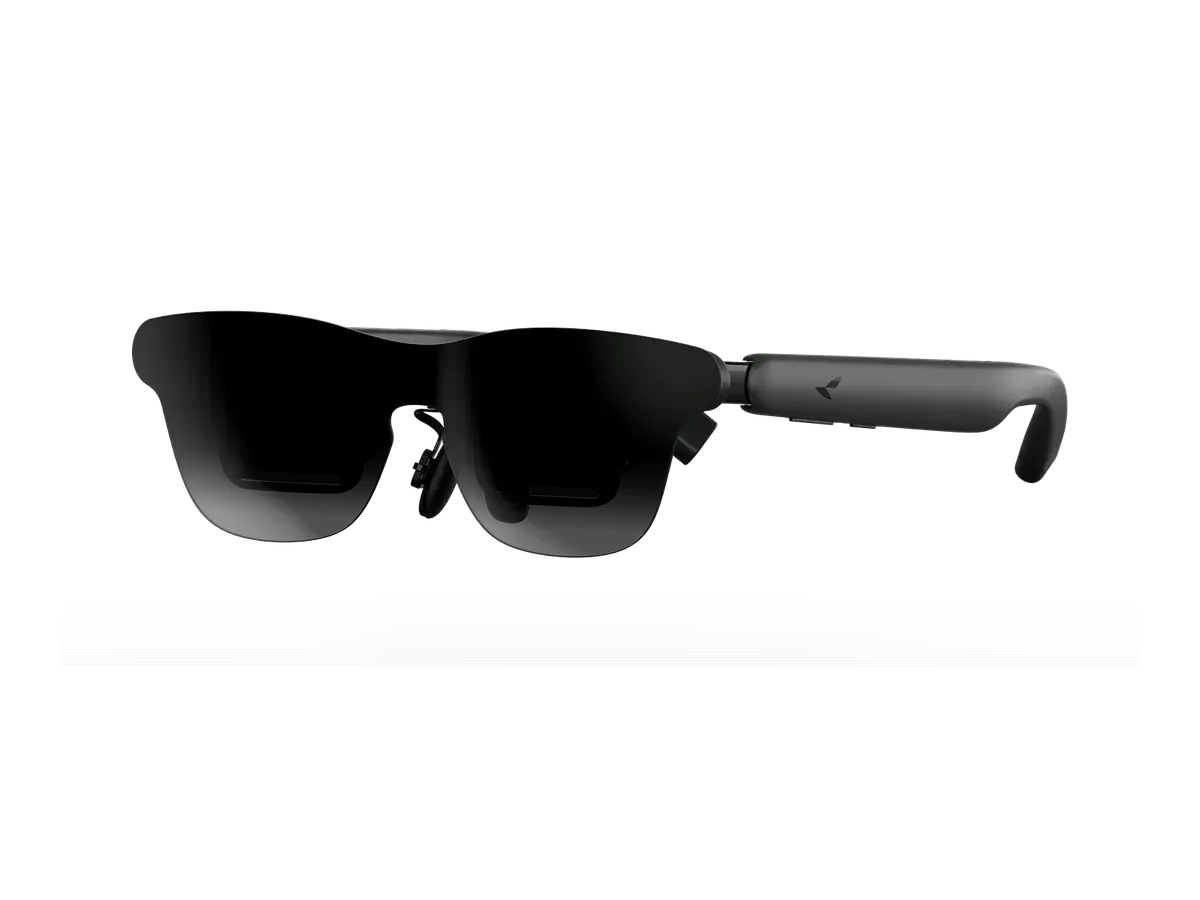
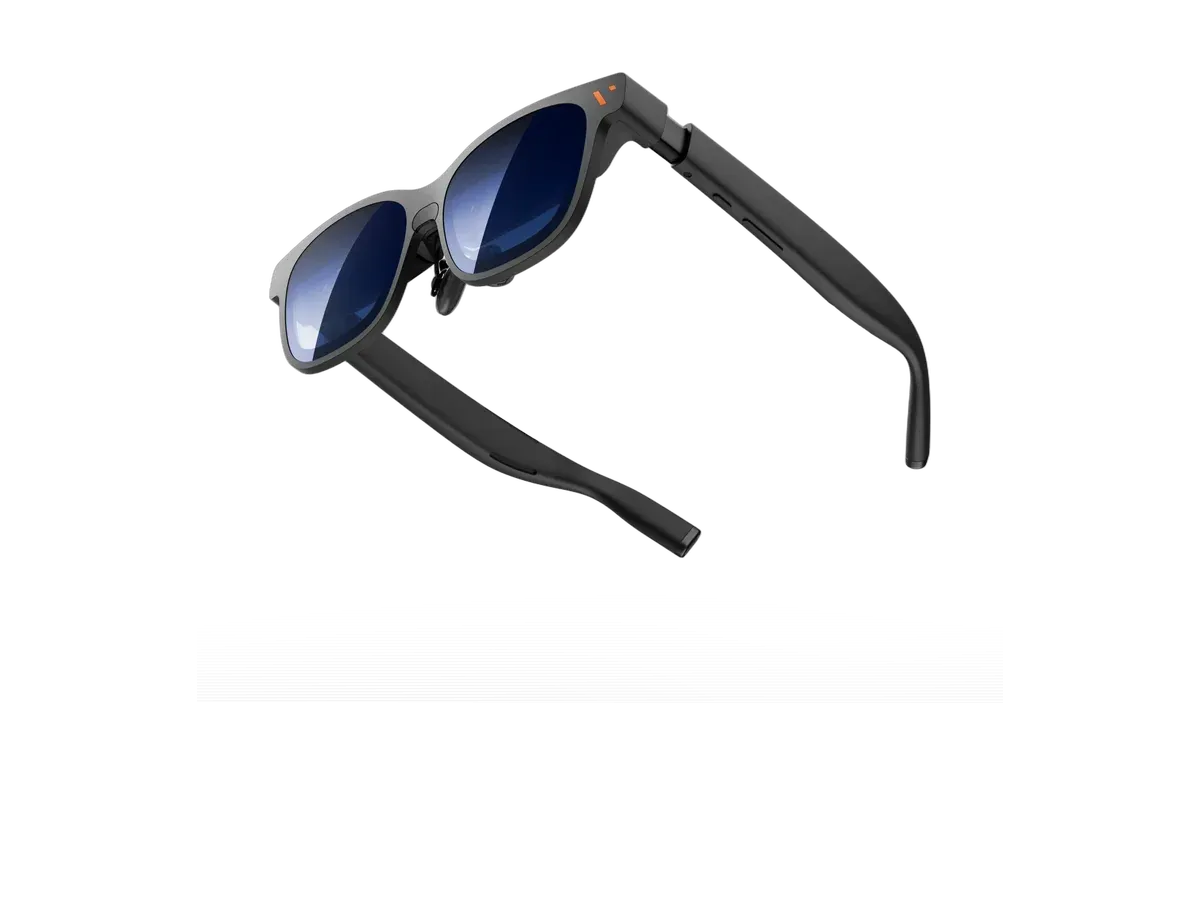
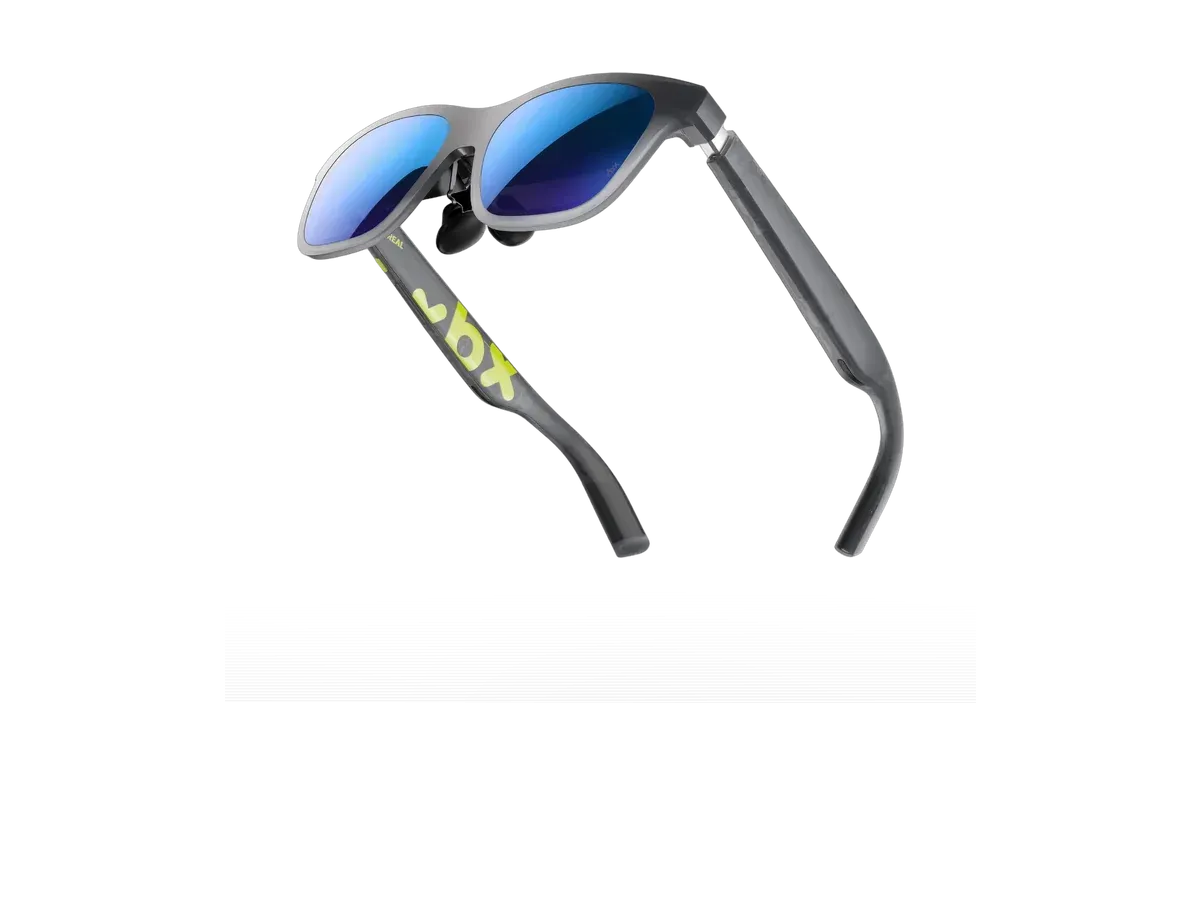
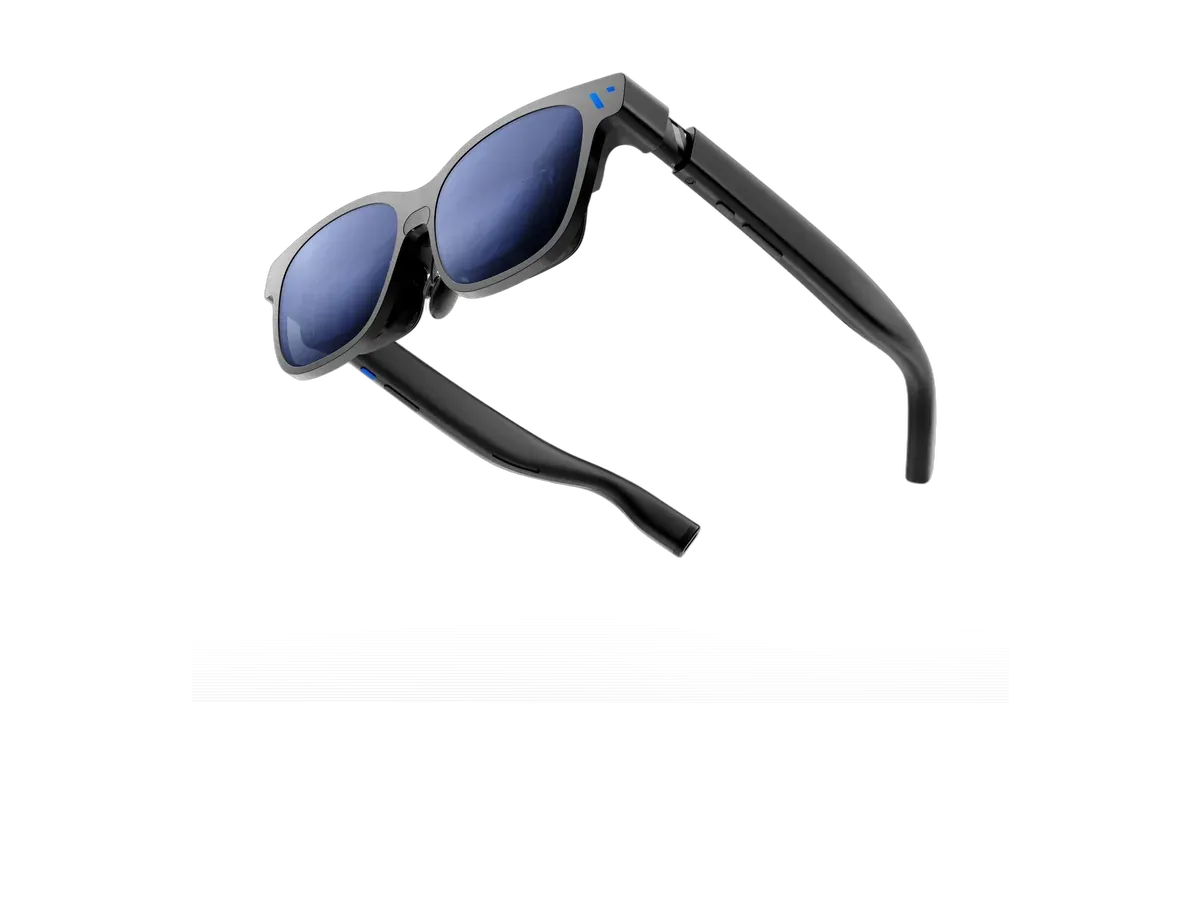
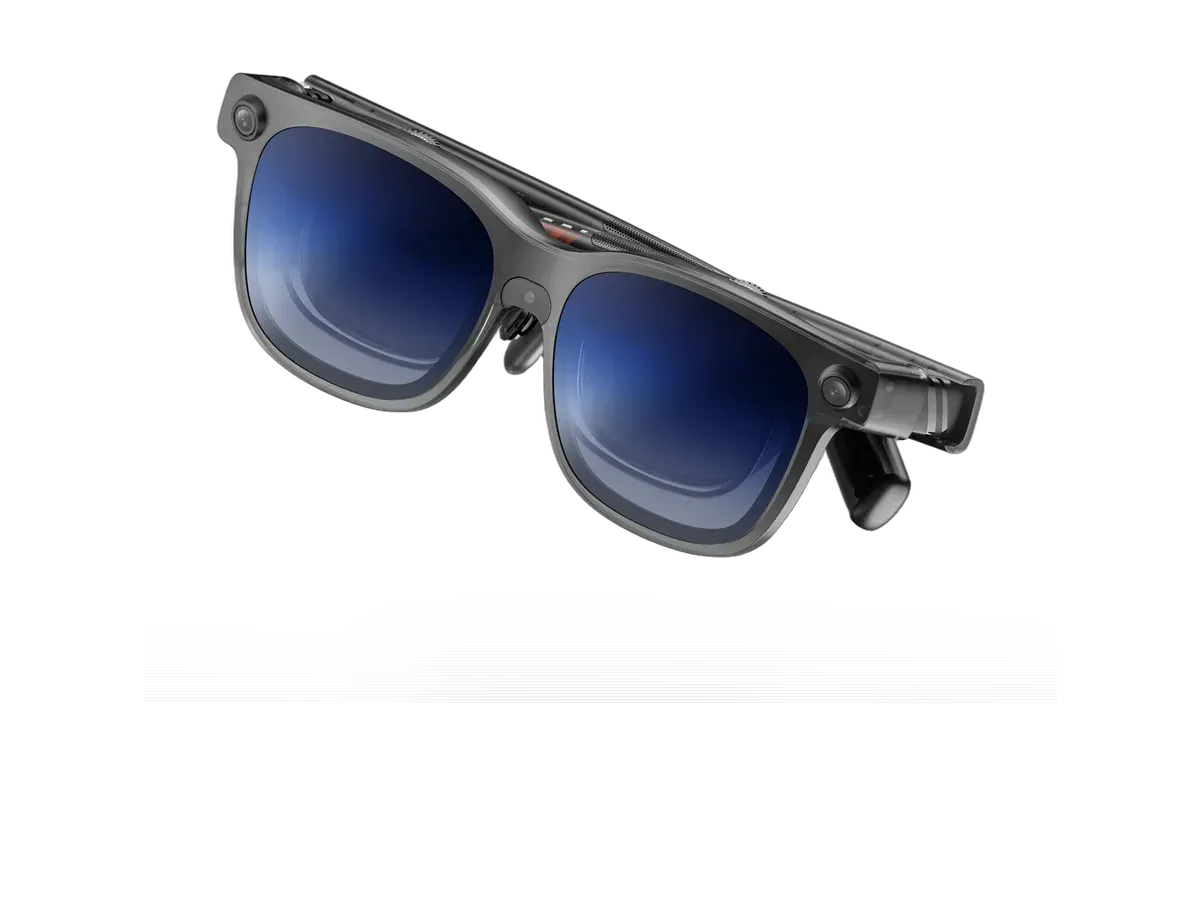
Every pick above tethers to its host the same way: one USB-C cable that carries video, audio, and power together. That single fact decides whether your PC can drive a pair at all, so it is worth getting right before comparing field-of-view numbers.
The port rule that decides everything
The glasses do not plug into “a USB-C port” — they plug into a USB-C port that outputs DisplayPort video. XREAL states the requirement plainly on its own product page: the device must have a USB-C DP port and support DP output. The same rule holds across every brand in the ranking, because they all receive video the same way. On a gaming laptop, check the spec sheet for “DisplayPort Alt Mode” or a DP symbol beside the USB-C port; ports wired only for data or charging will power the glasses but show nothing.
Desktop graphics cards: the adapter honesty
Most desktop GPUs ship HDMI and full-size DisplayPort outputs and no USB-C at all. Those cards cannot drive any pair on this page with a bare cable. The fix is a powered converter that takes HDMI or DisplayPort in and feeds USB-C video plus power out — XREAL sells its own hub accessory for hosts without the right port (its One Pro page names the Hub as the route for such devices), and equivalent third-party boxes serve the other brands. Two practical notes: the converter must supply power, not just convert the signal, and its output ceiling becomes your refresh ceiling, so buy one rated for 1080p at 120Hz if you want what these panels can do.
What the panels actually deliver on a PC
All twenty-plus ranked pairs run micro-OLED panels at 120Hz — XREAL’s own spec table lists the One at 50° field of view, 600 nits and 84 grams, and the One Pro at 57°, 700 nits and 87 grams, both at 120Hz, which is representative of what the class looks like plugged into a desktop. Field of view is the immersion number; pixel density is the text-clarity number; brightness decides how well the picture holds up in a lit room. The ranking scores all four plus weight, and the per-pick score breakdowns show exactly which recorded spec earned each point, so you can re-weight them against your own priorities.
Laptop players: one cable, no drama
A gaming laptop with DisplayPort over USB-C is the no-friction host in this category: plug in, pick a refresh rate in your GPU’s control panel, and the glasses behave like an external 120Hz monitor. The glasses draw their power from the port, which on battery costs you runtime — plan on mains power for long sessions. If your laptop routes its USB-C port through the integrated GPU rather than the discrete one, games still run; the discrete card renders and hands frames across, exactly as it does for many built-in laptop displays.
Consoles are a different page
This page is deliberately PC-only. Console players have their own rules — the PS5 ranking and the Xbox ranking cover the HDMI-first reality of those machines, including the hardware each one needs in between. If your question is desk work rather than play, the monitor glasses ranking scores the same catalog for text sharpness instead of immersion.