#1
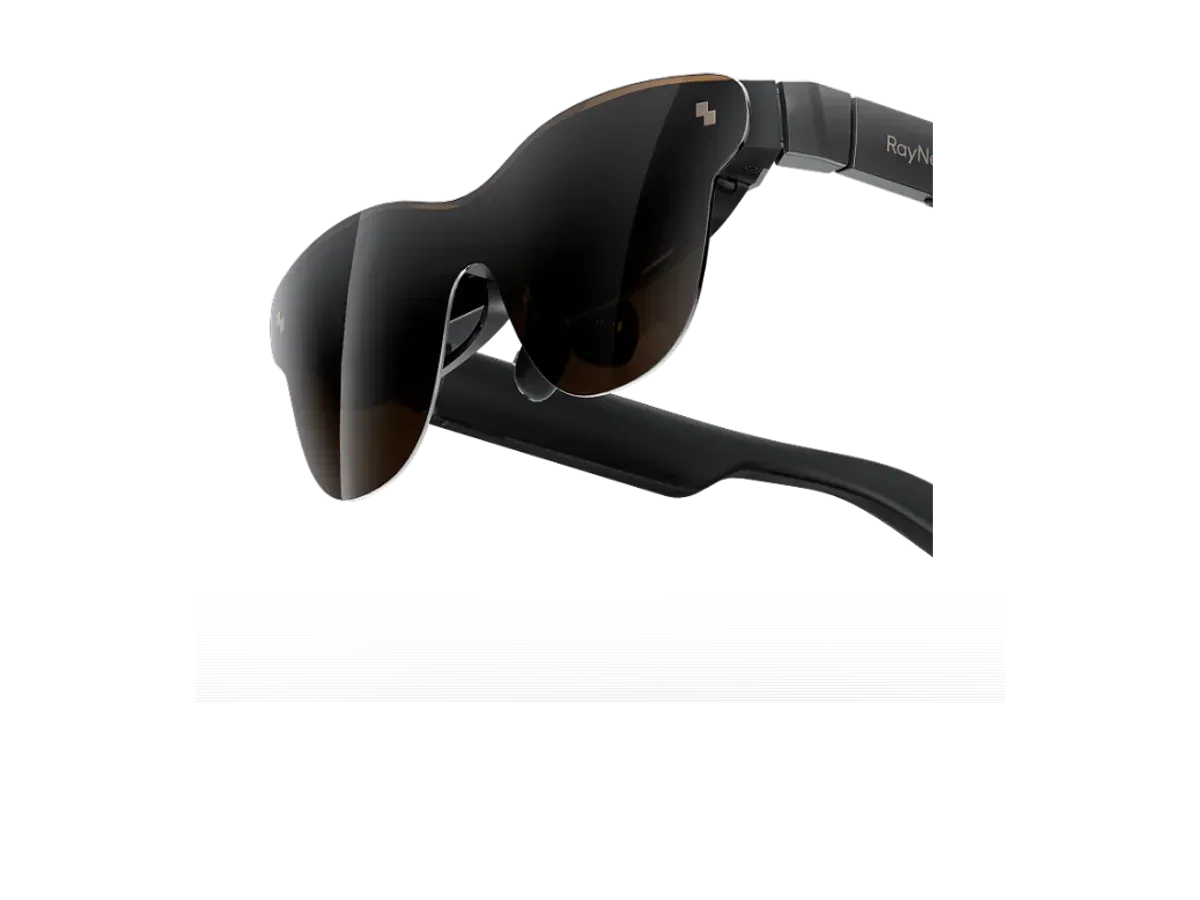
RayNeo
Why it ranks here:
- 120Hz refresh rate (+25)
- 46° field of view (+10)
- 1200 nits brightness (+10)
- $299 price (+15)
- spatial audio recorded (+5)
- gaming listed in recorded use cases (+10)
- adjustable lens dimming (+10)
Best of
Only glasses with recorded PlayStation compatibility, ranked — the adapter route explained.
Product data last updated
The PS5 outputs video over HDMI only, and display glasses expect a USB-C DisplayPort signal — so every working PS5 setup puts one powered HDMI-to-USB-C adapter between console and glasses, drawing power from the console's USB port. That accessory is the whole trick, and it works the same across this page. Every pair ranked below records PlayStation compatibility in its catalog data, scored on the specs that matter from a couch: refresh rate, field of view, brightness against living-room light, and price.
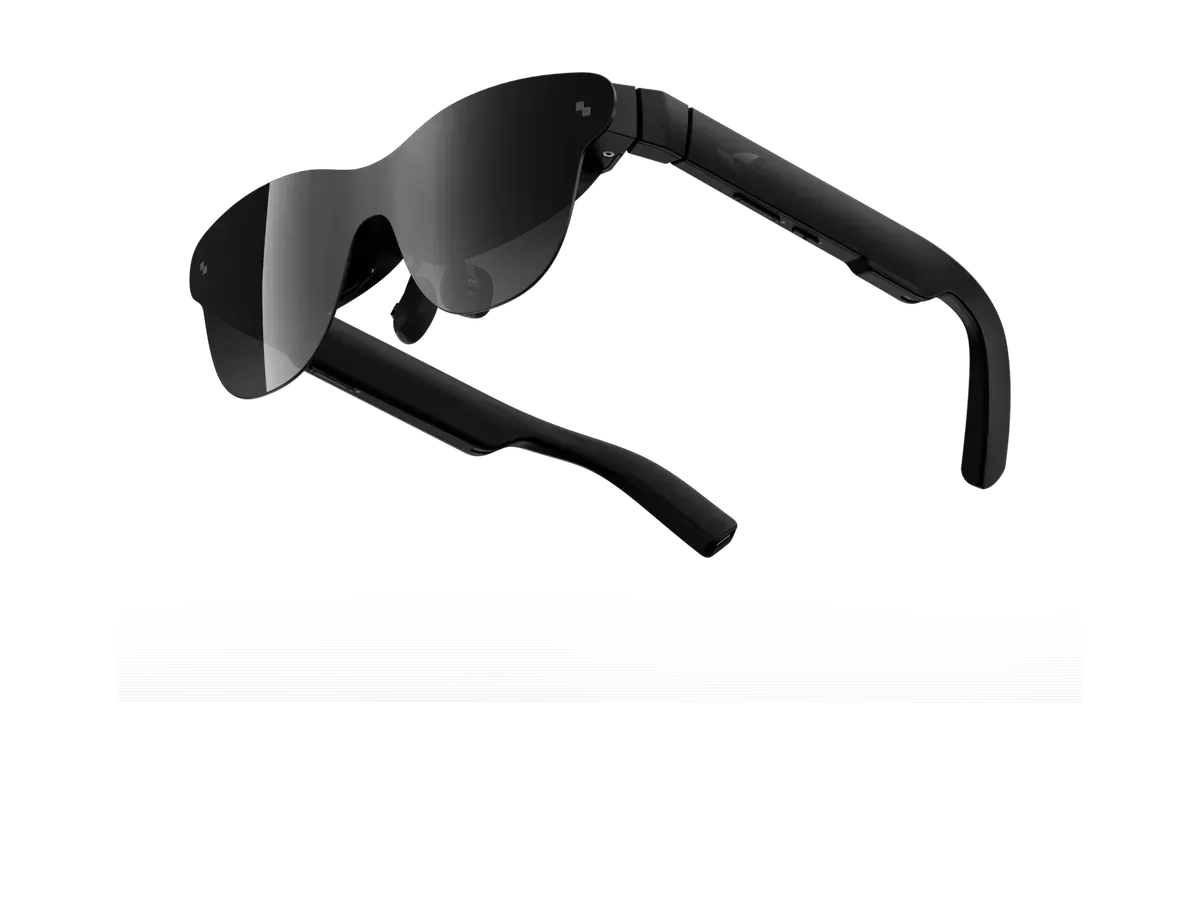
Our top pick for PS5 is the RayNeo Air 3s Pro AR/XR Glasses at $299.
Every eligible product is scored on the recorded specs below. Missing data scores zero — we never guess a value. Points shown next to each pick add up to its total score.
RayNeo
Why it ranks here:
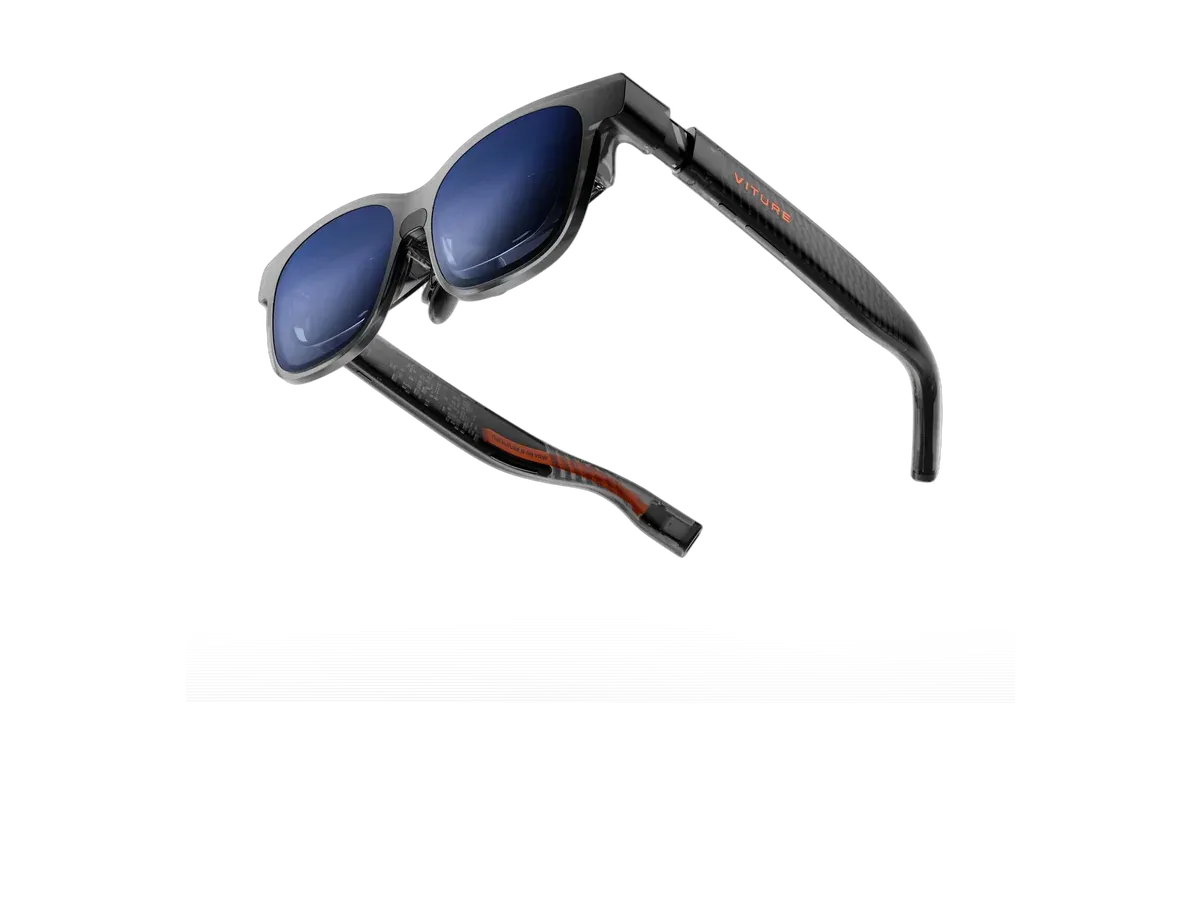
VITURE
Why it ranks here:
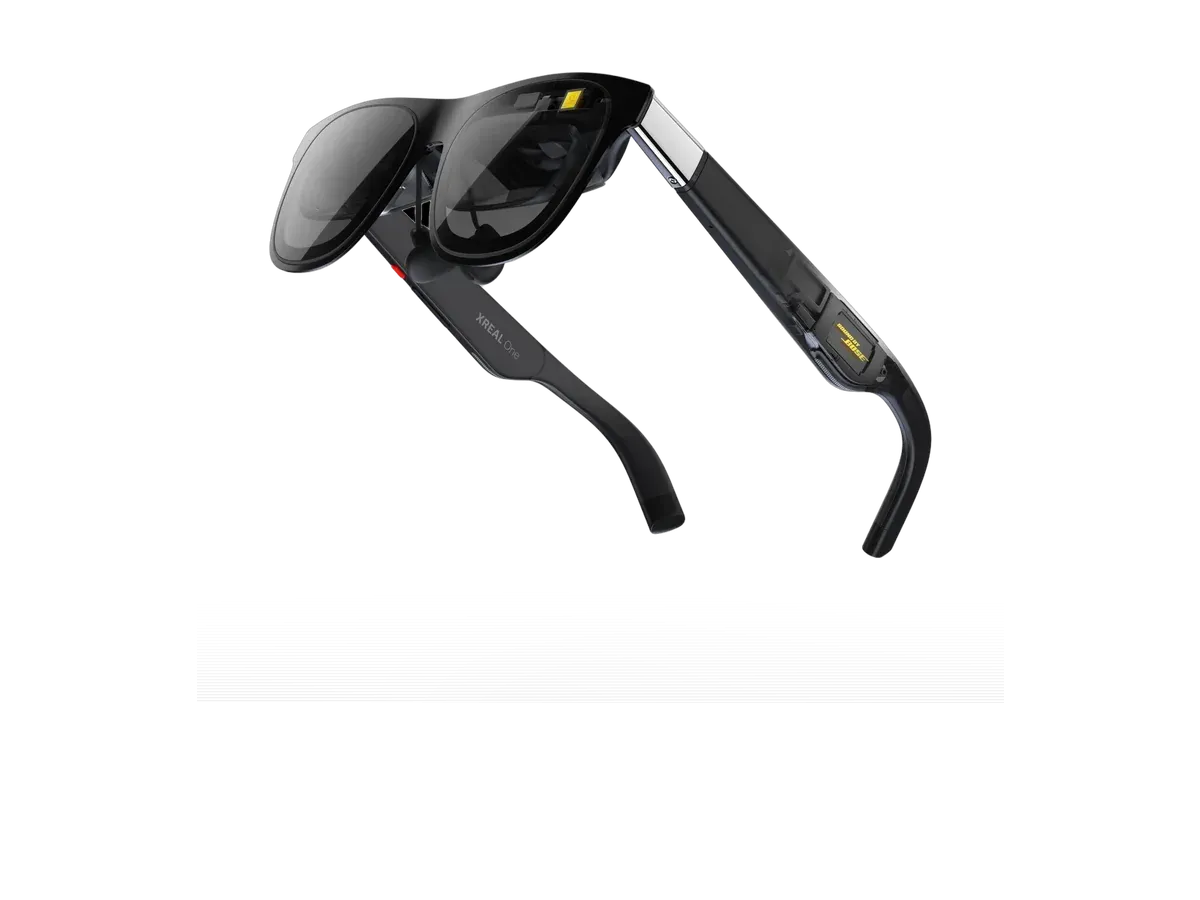
XREAL
Why it ranks here:
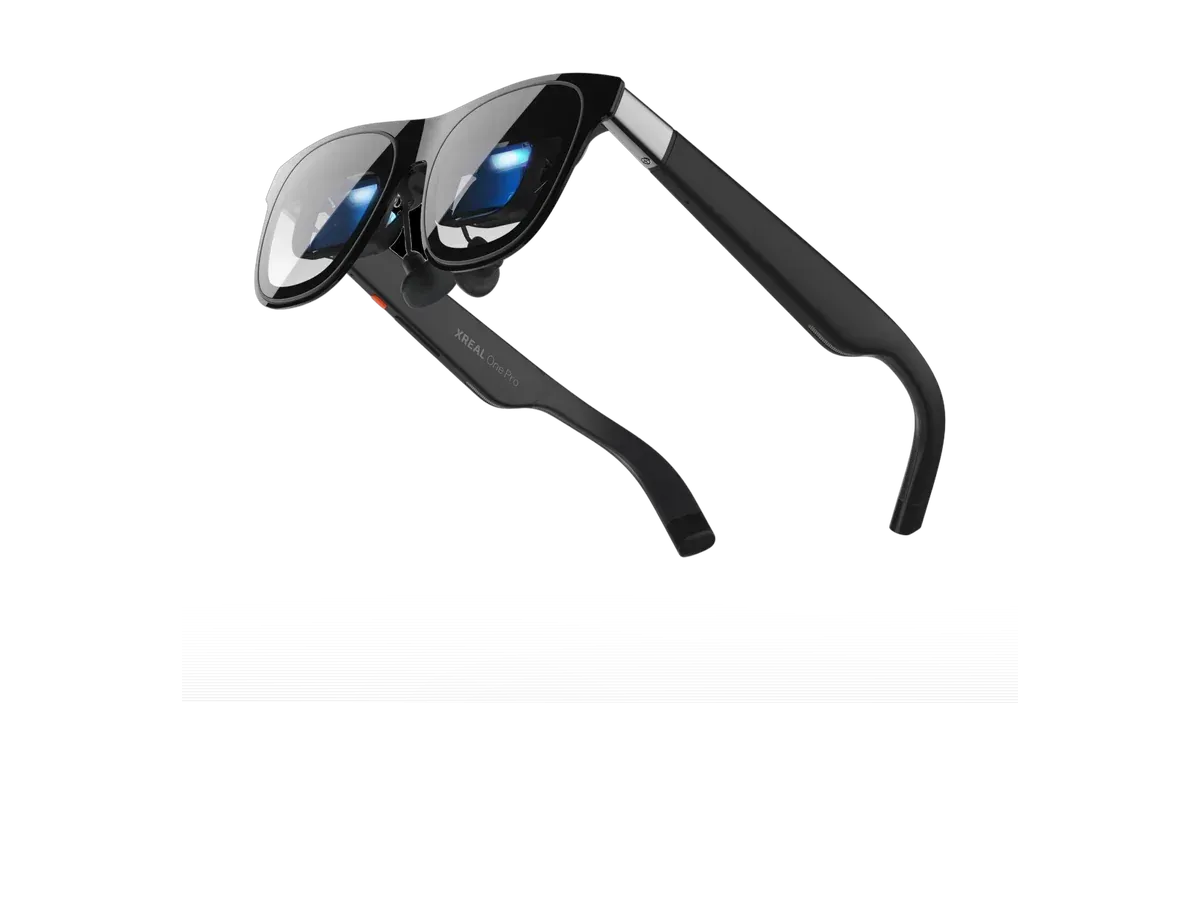
XREAL
Why it ranks here:
RayNeo
Why it ranks here:
XREAL
Why it ranks here:
Every PS5-and-glasses setup that works is the same setup: the console’s HDMI output into a powered HDMI-to-USB-C adapter, and the adapter into the glasses. The PS5 speaks HDMI only; glasses listen for USB-C DisplayPort Alt Mode; the adapter is the translator, drawing its power from the console’s own USB port. Our adapter and dock guide covers the accessory class — what to buy, why passive cables cannot do this job, and the small setup rituals some glasses add. One PS5-specific ritual is worth stating here because it catches so many people: if the picture stays black, switch off HDCP in the console’s HDMI settings. Content protection confuses many converters, and the toggle is the documented fix.
The compatibility records behind this ranking are maker-declared: manufacturers publish PlayStation in their device lists because the adapter route is standard, and our catalog records those declarations as declarations — we have not lab-tested the pairs. What the recorded specs then decide is the experience itself. The console happily drives a 1080p-class picture into any ranked panel, so refresh rate bounds smoothness, field of view sets how much of your vision the game fills, and — because PS5 sessions happen in living rooms rather than dark cabins — brightness and recorded dimming decide whether an afternoon session competes with the window behind the couch. Maker-documented PlayStation support in our catalog spans the VITURE Luma Pro, the XREAL One Pro, and the Rokid Max 2, among the rest of the ranked list above.
Glasses do not replace the living-room TV for a household — they replace the argument over it. A cinema-scale private screen means the console stops holding the room hostage: one person raids at midnight without lighting the wall, a partner sleeps beside a boss fight, a shared apartment stops scheduling around the big screen. The tradeoff is social play: couch co-op belongs to the TV, because only one head wears the screen. For travel, the console stays home but the games need not — stream via Remote Play to a phone whose USB-C port outputs video, plug the glasses into the phone, and unhurried genres play well anywhere the connection holds. Weight matters more than any other spec for those long sessions, which is why it is scored explicitly above.
The other way to liberate a PS5 is a folding panel, and it is the right answer for some buyers — shared visibility, no adjustment period, familiar ergonomics. Our PS5 portable monitor guide makes that case and inventories the hardware; the honest comparison against glasses comes down to bag space, privacy, and whether anyone else needs to see the screen. If your gaming spreads beyond one console, the full gaming ranking scores this same catalog across every host with a compatibility matrix, the Xbox ranking tells the other HDMI console’s story — including the one adapter-free path in the category — and when two finalists remain, the comparison engine settles them spec by spec from the recorded data.
Buy the RayNeo Air 3s Pro AR/XR Glasses if…
Buy the RayNeo Air 3s Pro AR/XR Glasses if you want to spend $100 less ($299 vs $399) and you need the brighter 1200-nit display (vs 1000 nits).
Buy the VITURE Luma XR if…
Buy the VITURE Luma XR if you want the wider 50° field of view (vs 46°).
With one accessory: a powered HDMI-to-USB-C adapter. The console's HDMI output feeds the adapter, the adapter feeds the glasses the DisplayPort signal they expect, and a short USB lead from the console's USB port powers the conversion. Setup is a few minutes the first time and instant after that. The adapter is generic — it is converting standard signals — so the same unit works across the glasses ranked on this page.
Almost always one of three things, in this order. First, HDCP: the console's content-protection handshake confuses many converters, and switching HDCP off in the system's HDMI settings is the standard fix. Second, power: the adapter must be fed from a USB port or it cannot convert at all. Third, display mode: some glasses need to be toggled into their external-display mode after each replug, usually with a button sequence the adapter or glasses maker documents.
The chain is wired — HDMI into a signal converter into USB-C — which keeps it in the same latency class as a monitor connection, not remote streaming. Conversion adds a small fixed cost that fast single-player and casual play absorb without notice. Competitive shooter players chasing every millisecond will still prefer a low-latency monitor, and that is an honest boundary of the category rather than a flaw of any particular pick.
Yes, and it suits travel: stream the console to a phone whose USB-C port outputs video, plug the glasses into the phone, and the game appears on the big virtual screen anywhere your connection reaches. The tradeoff is that streaming latency and compression replace the wired path's directness, so it plays best for unhurried genres. At home, the adapter route remains the sharper, more responsive way to put the console on glasses.
Not at full resolution — current display glasses run panels in the full-HD-per-eye class, so the console's output is scaled to what the panel draws. In practice the picture still reads as a large sharp screen because pixels per degree, not raw resolution, decides perceived clarity at these fields of view. HDR is recorded per model in this ranking, and whether it survives the adapter conversion depends on the adapter's own capabilities, so treat HDR-through-adapter claims with care.
Provenance: use case derived from our gaming buyer profile, narrowed to PlayStation owners (recorded compatibility). Rankings are computed from recorded product specs only.