#1

XREAL
Why it ranks here:
- 120Hz refresh rate (+25)
- 46° field of view (+10)
- $249 price (+15)
- spatial audio recorded (+5)
- gaming listed in recorded use cases (+10)
- 75g weight (+10)
- adjustable lens dimming (+5)
Best of
Only glasses with recorded Xbox compatibility, ranked — adapter and direct-HDMI routes explained.
Product data last updated
The Xbox Series X and Series S speak HDMI only, so glasses connect through a powered HDMI-to-USB-C adapter — with one notable exception this ranking scores explicitly: hardware that records its own HDMI input and takes the console's cable directly, no adapter in the chain. Every pair below records Xbox compatibility in its catalog data, ranked on refresh rate, field of view, weight, and price, with the connection route each maker documents stated plainly.
Our top pick for Xbox Series X & S is the XREAL Air 2 Pro at $249.
Every eligible product is scored on the recorded specs below. Missing data scores zero — we never guess a value. Points shown next to each pick add up to its total score.
XREAL
Why it ranks here:
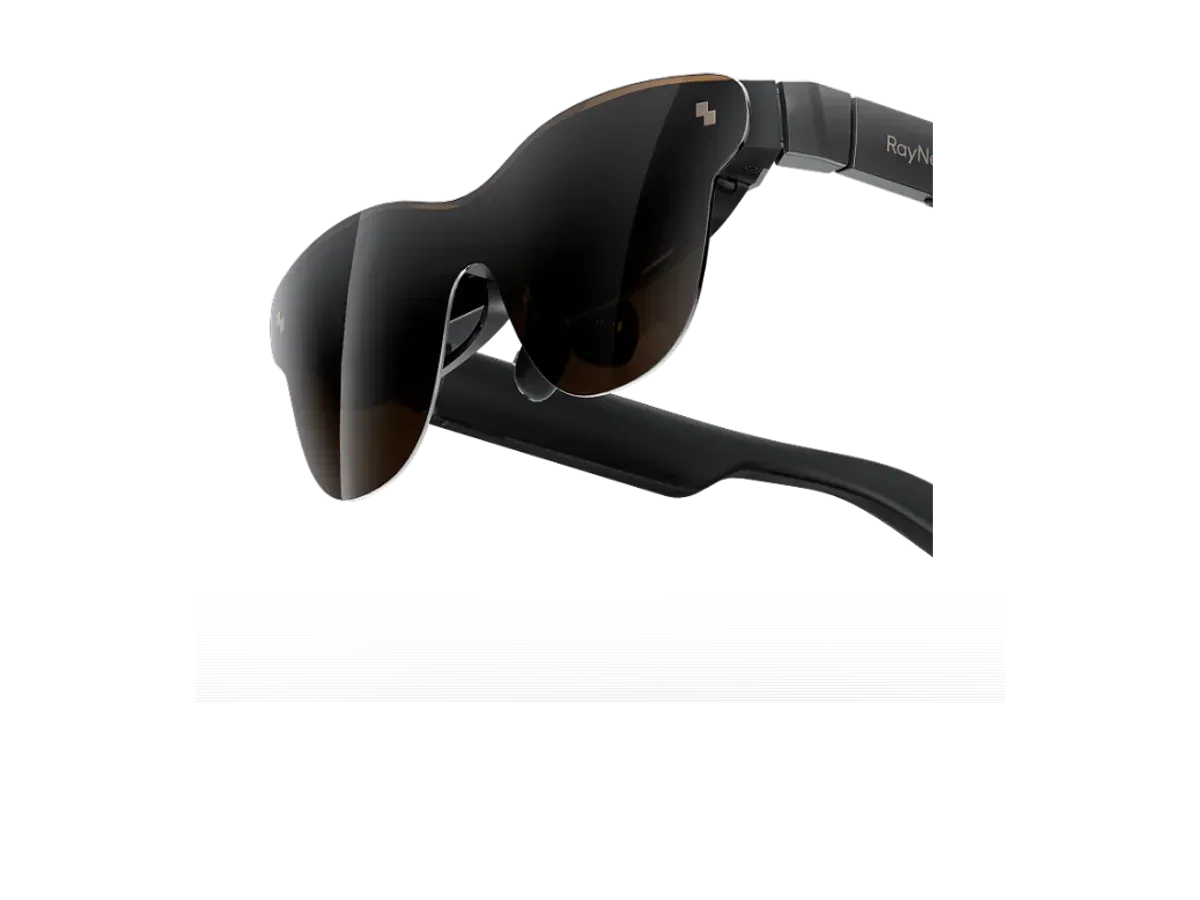
RayNeo
Why it ranks here:
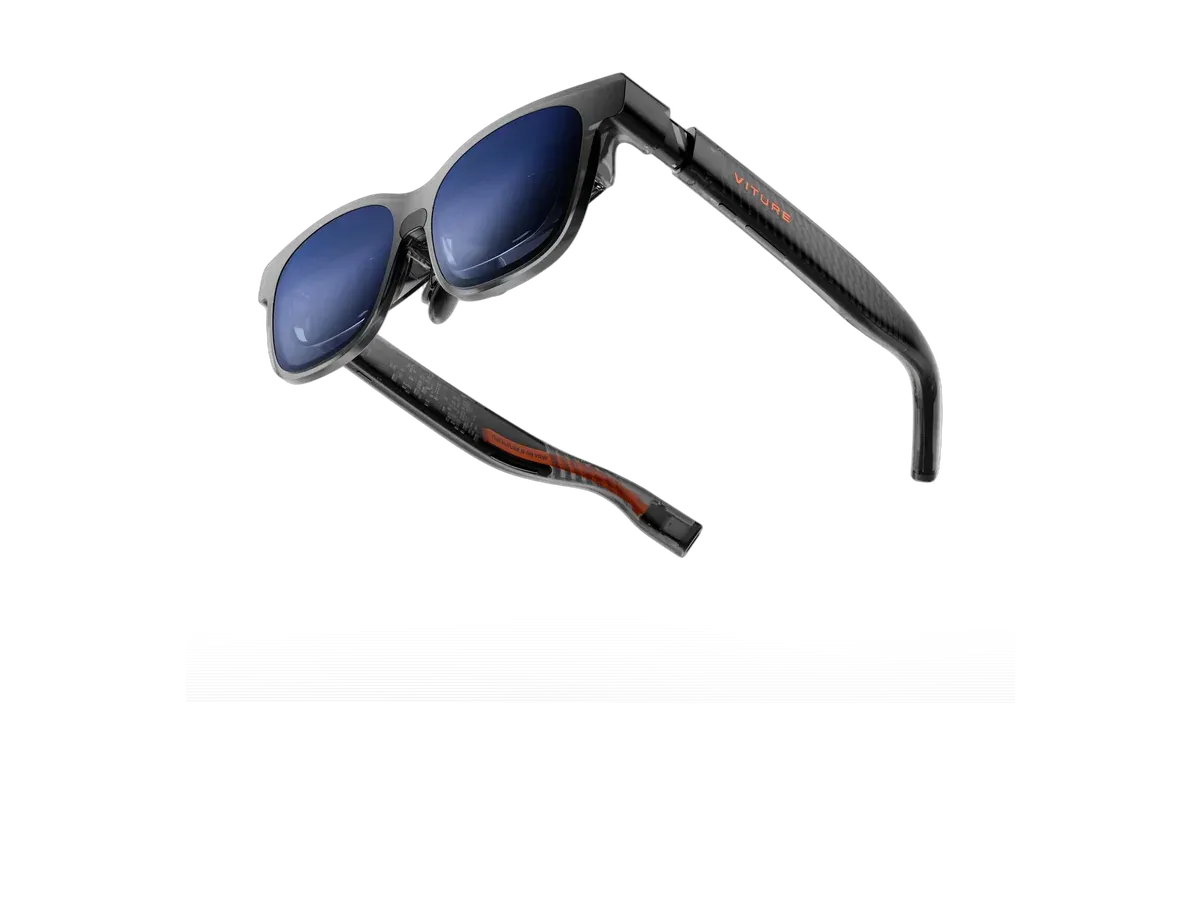
VITURE
Why it ranks here:
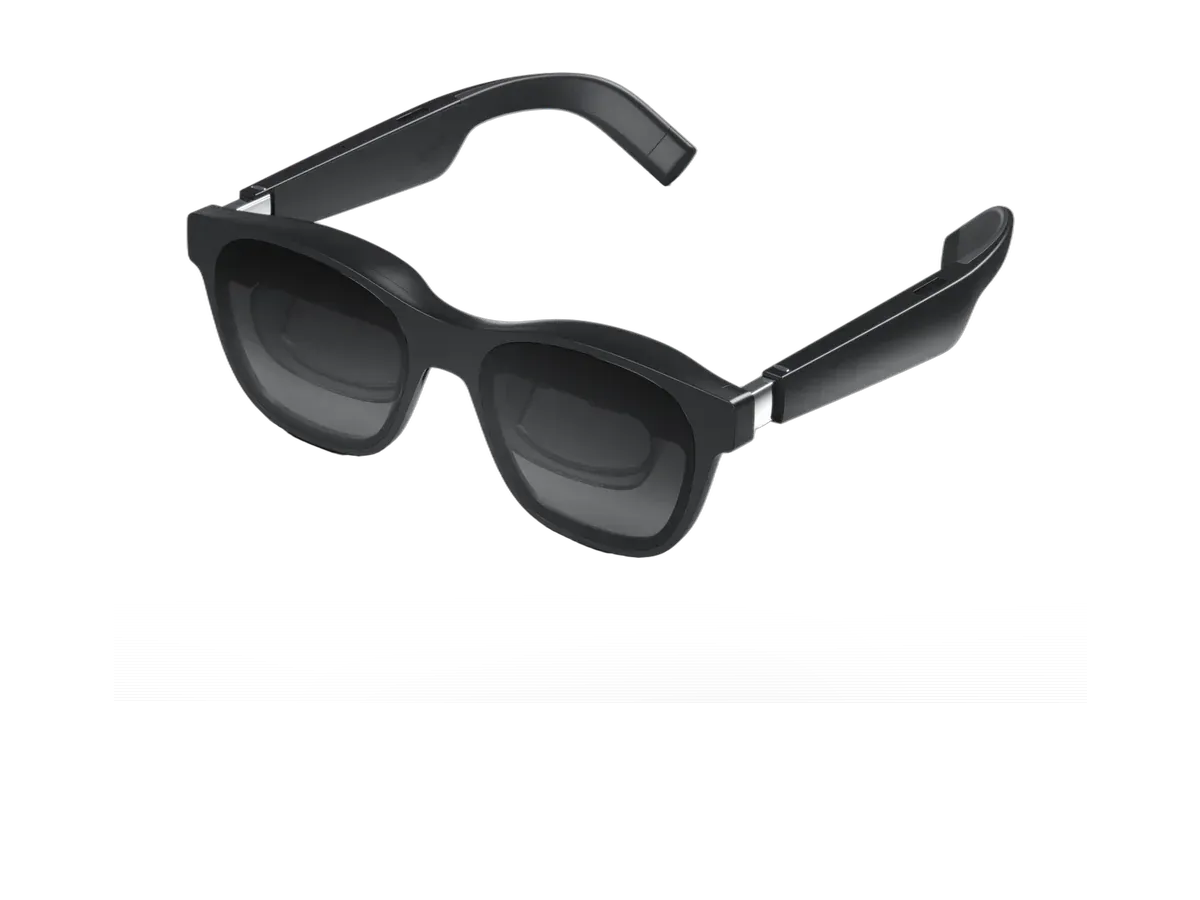
XREAL
Why it ranks here:
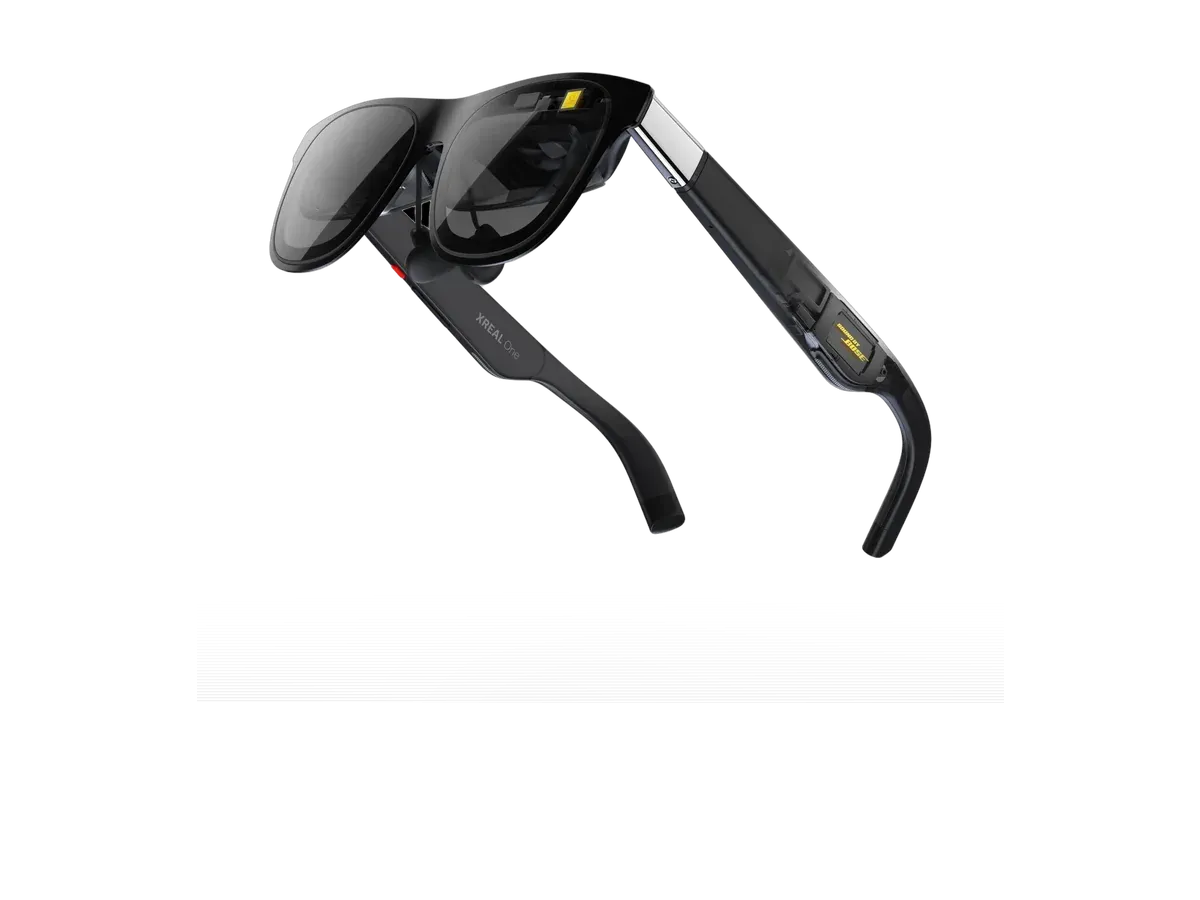
XREAL
Why it ranks here:
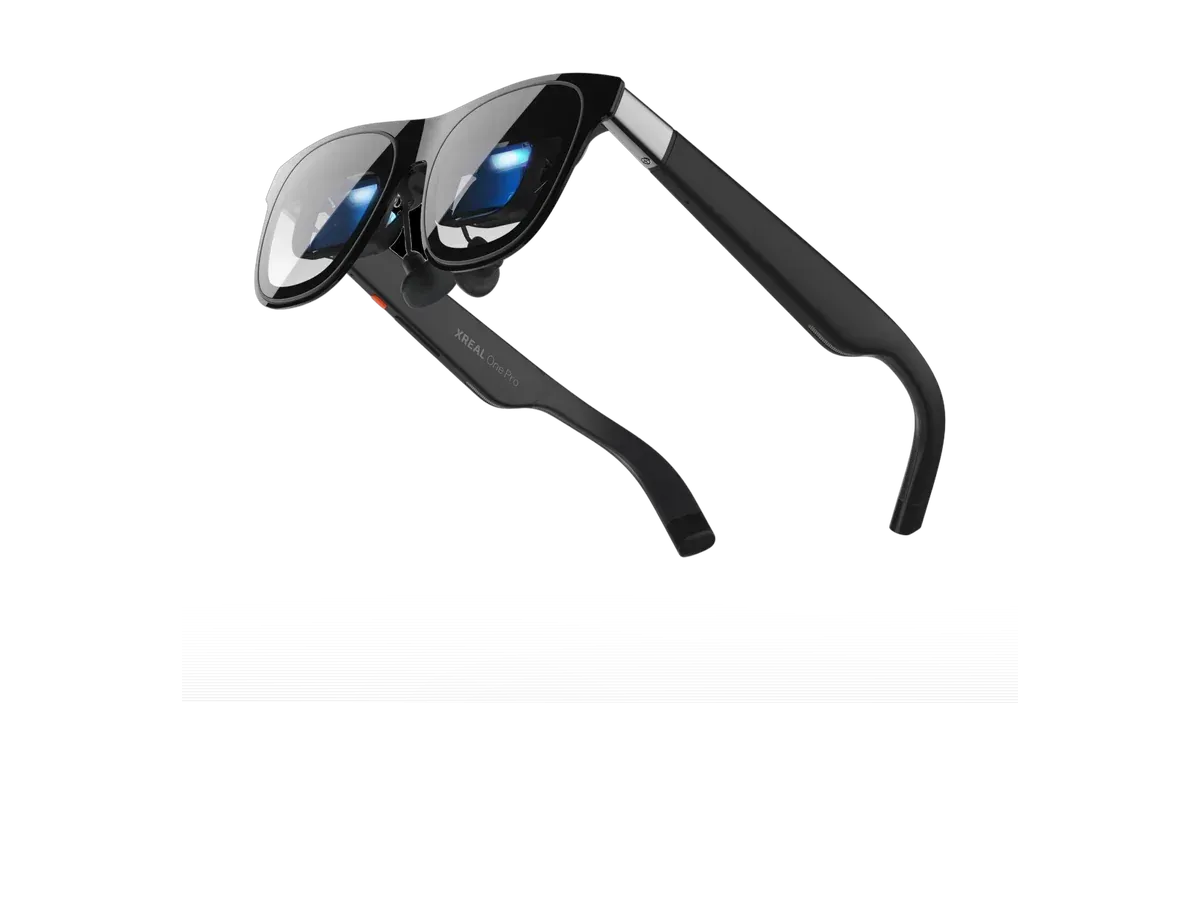
XREAL
Why it ranks here:
The Xbox Series X and Series S are HDMI machines in a USB-C category, so the standard glasses route is the same translator the PS5 uses: a powered HDMI-to-USB-C adapter between console and glasses, fed from one of the console’s USB ports. Our adapter and dock guide covers that accessory class end to end. Two Xbox-flavored notes save most of the troubleshooting: some glasses need switching into their external-display mode after each replug — a documented button sequence, usually on the brightness keys — and once the console sees a display it behaves exactly as it would with a TV, including its resolution and frame-rate options.
What makes this page more than a mirror of the PS5 one is a piece of recorded hardware: the category now includes a gaming pair with its own HDMI input. The ASUS ROG XREAL R1 records an HDMI connection in its catalog entry, which means the console’s cable can plug straight in with no adapter anywhere in the chain — and this ranking scores that adapter-free path as an explicit criterion, derived from the product’s recorded ports rather than from marketing copy. For everything else ranked above, the powered adapter remains the documented route; the compatibility lists behind all of it are maker-declared, and we present them as declarations rather than lab-tested results.
An Xbox session on glasses is a lit-room, long-evening affair, which puts unglamorous specs in charge. Brightness and recorded dimming decide whether a sunny afternoon washes out a dark game. Weight decides whether a three-hour session ends because the game did or because your nose did. Refresh rate is the ceiling on smoothness, and the recorded 120Hz panels across most of the ranked list sit comfortably above what the console asks of them. Field of view then does what it always does: sets how much of your vision the game owns. Maker-documented Xbox support in our catalog runs from the VITURE Luma Ultra to the XREAL One — each product page states its documented connection path plainly.
Xbox has the strongest cloud-gaming story of the consoles, and it pairs unusually well with glasses: stream through a phone or tablet whose USB-C port outputs DisplayPort video, plug the glasses into that device, and your library plays on a cinema-scale private screen with no console in the room. Latency belongs to the service and your network rather than the glasses, so it favors unhurried genres — but as a hotel-room or commute setup it turns hardware you already carry into the whole console experience. The Android ranking covers which phones clear the video-output bar for exactly this trick.
If shared visibility matters more than privacy, a folding panel is the honest alternative — our Xbox portable monitor guide makes that case. For the wider field, the full gaming ranking scores every host with a compatibility matrix, the PS5 ranking tells the other HDMI console’s story, and the comparison engine settles any two finalists spec by spec from the same recorded data this page runs on.
Buy the RayNeo Air 3s Pro AR/XR Glasses if…
Buy the RayNeo Air 3s Pro AR/XR Glasses if you need the brighter 1200-nit display (vs 500 nits).
Buy the XREAL Air 2 Pro if…
Buy the XREAL Air 2 Pro if you want to spend $50 less ($249 vs $299).
Through the same accessory the PS5 uses: a powered HDMI-to-USB-C adapter that converts the console's HDMI output into the DisplayPort signal glasses expect, powered from one of the console's USB ports. One setup detail is worth knowing in advance — some glasses need switching into their external-display mode after each replug, usually a documented button sequence — after which the console simply sees a display and plays normally.
In one recorded case, yes. Most display glasses only accept USB-C, which is why the adapter exists, but the category now includes gaming hardware that records its own HDMI input — the console's cable plugs straight in with nothing between. This ranking scores that adapter-free path as its own criterion because it removes the one fiddly link in the chain. For every other pick, the powered adapter remains the documented, reliable route.
Indirectly and quite well: stream through a phone or tablet whose USB-C port outputs video, plug the glasses into that device, and the stream plays on the big virtual screen — no console in the room at all. Latency is set by the streaming service and your network rather than the glasses, so it favors unhurried genres. It is also the honest answer for glasses that record phone compatibility but not the console itself.
The adapter route is a wired signal conversion, so the added delay sits in the monitor class rather than anything you would attribute to streaming. Casual and single-player play will not notice it; competitive players chasing frame-perfect inputs will still want a low-latency monitor, which is a boundary of the whole category rather than of any one pick. The recorded refresh-rate spec bounds smoothness, and the console's output sits comfortably inside every ranked panel's ceiling.
None that changes the shopping decision. Both consoles output over HDMI only, both power an adapter from their USB ports, and both work with every route described on this page. The Series X's higher output ceiling matters to a 4K television more than to glasses, whose panels draw a full-HD-class image either way — perceived sharpness on glasses comes from pixels per degree, not from the console's maximum resolution mode.
Provenance: use case derived from our gaming buyer profile, narrowed to Xbox owners (recorded compatibility). Rankings are computed from recorded product specs only.