#1
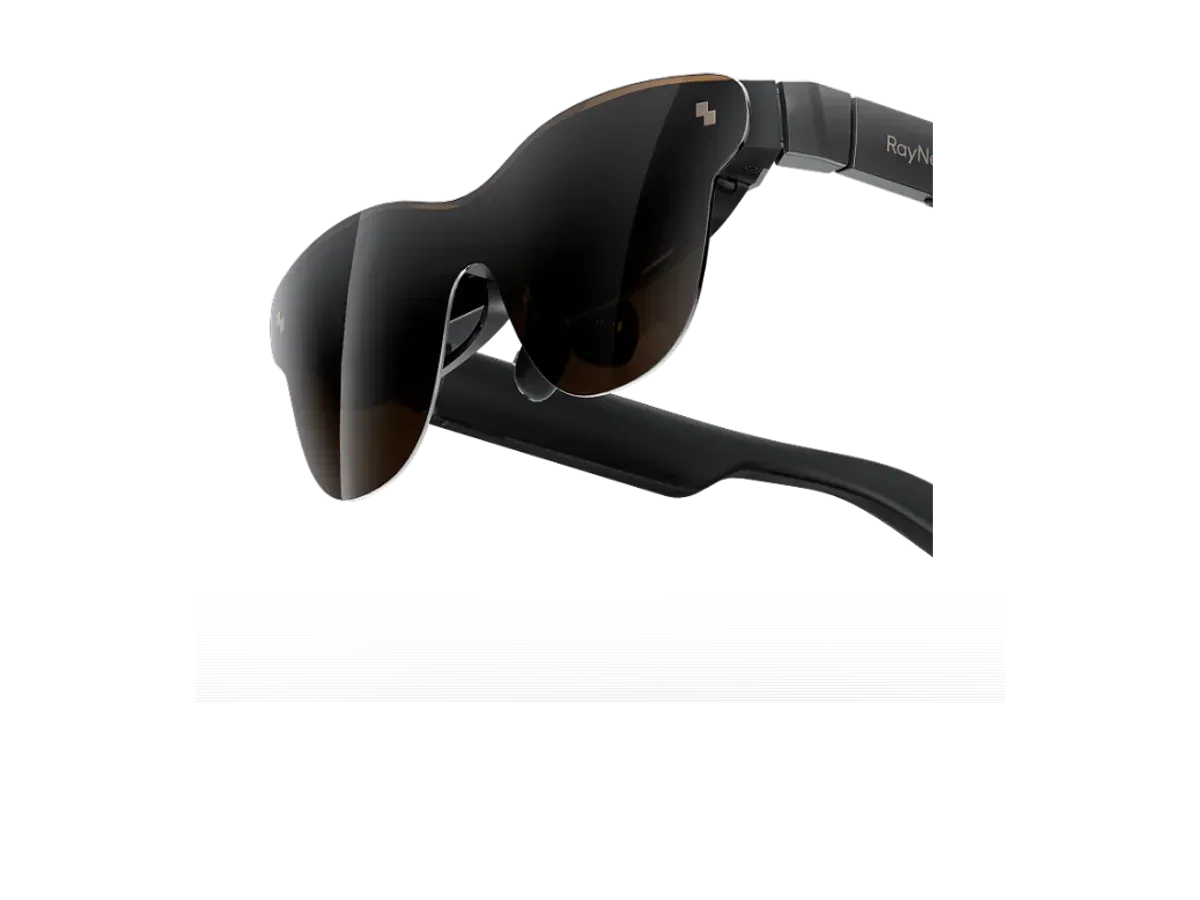
RayNeo
Why it ranks here:
- 120Hz refresh rate (+25)
- 46° field of view (+10)
- 76g weight (+15)
- $299 price (+15)
- spatial audio recorded (+5)
- gaming listed in recorded use cases (+10)
- adjustable lens dimming (+5)
Best of
Only glasses with recorded ROG Ally compatibility, ranked for handheld play.
Product data last updated
The ROG Ally is one of the easiest hosts in gaming: its USB-C port outputs DisplayPort Alt Mode video, so display glasses plug in with a single cable and Windows treats them as a monitor — and because the Ally runs full Windows, the makers' multi-screen desktop apps mostly work here too, which no console can offer. Every pair ranked below records ROG Ally compatibility in its catalog data, scored on refresh rate, field of view, weight, and price for handheld sessions.
Our top pick for ROG Ally & Ally X is the RayNeo Air 3s Pro AR/XR Glasses at $299.
Every eligible product is scored on the recorded specs below. Missing data scores zero — we never guess a value. Points shown next to each pick add up to its total score.
RayNeo
Why it ranks here:
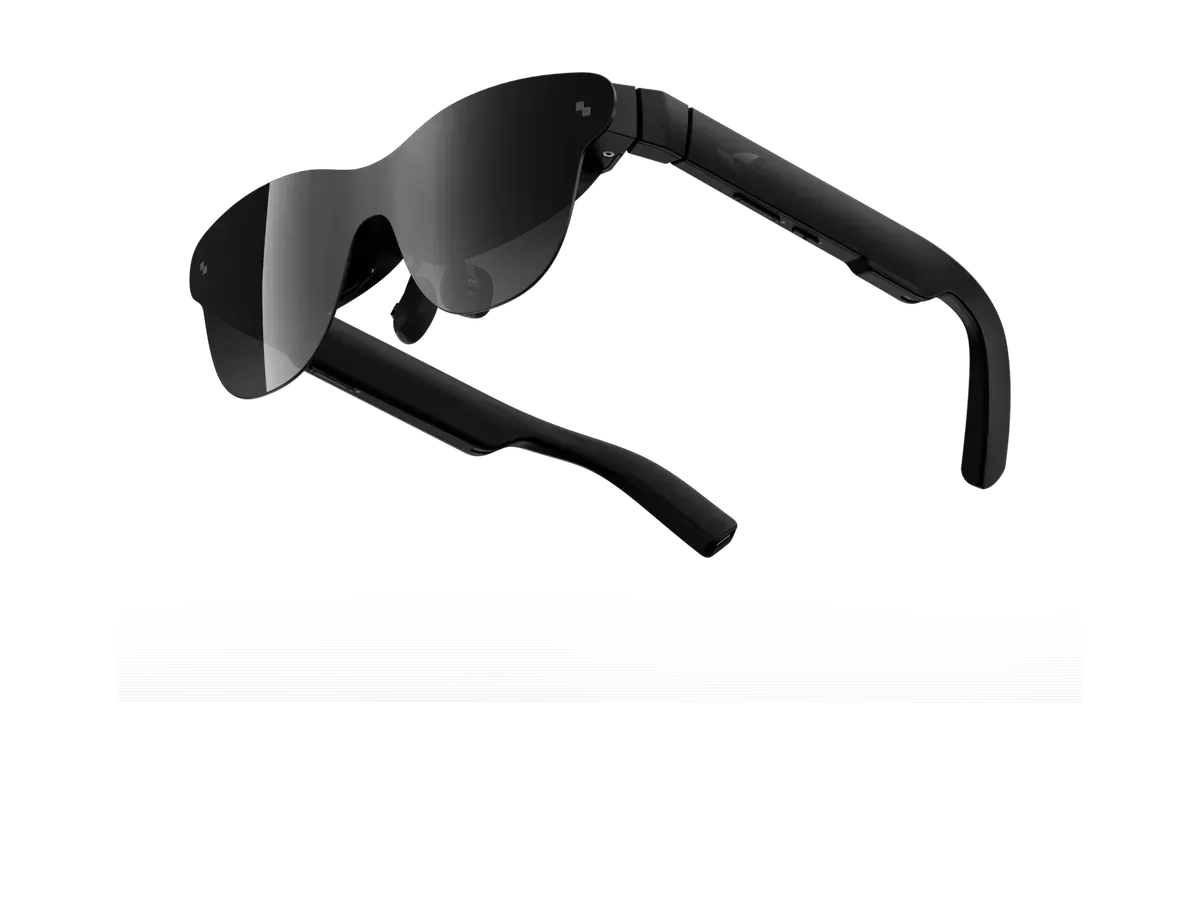
RayNeo
Why it ranks here:
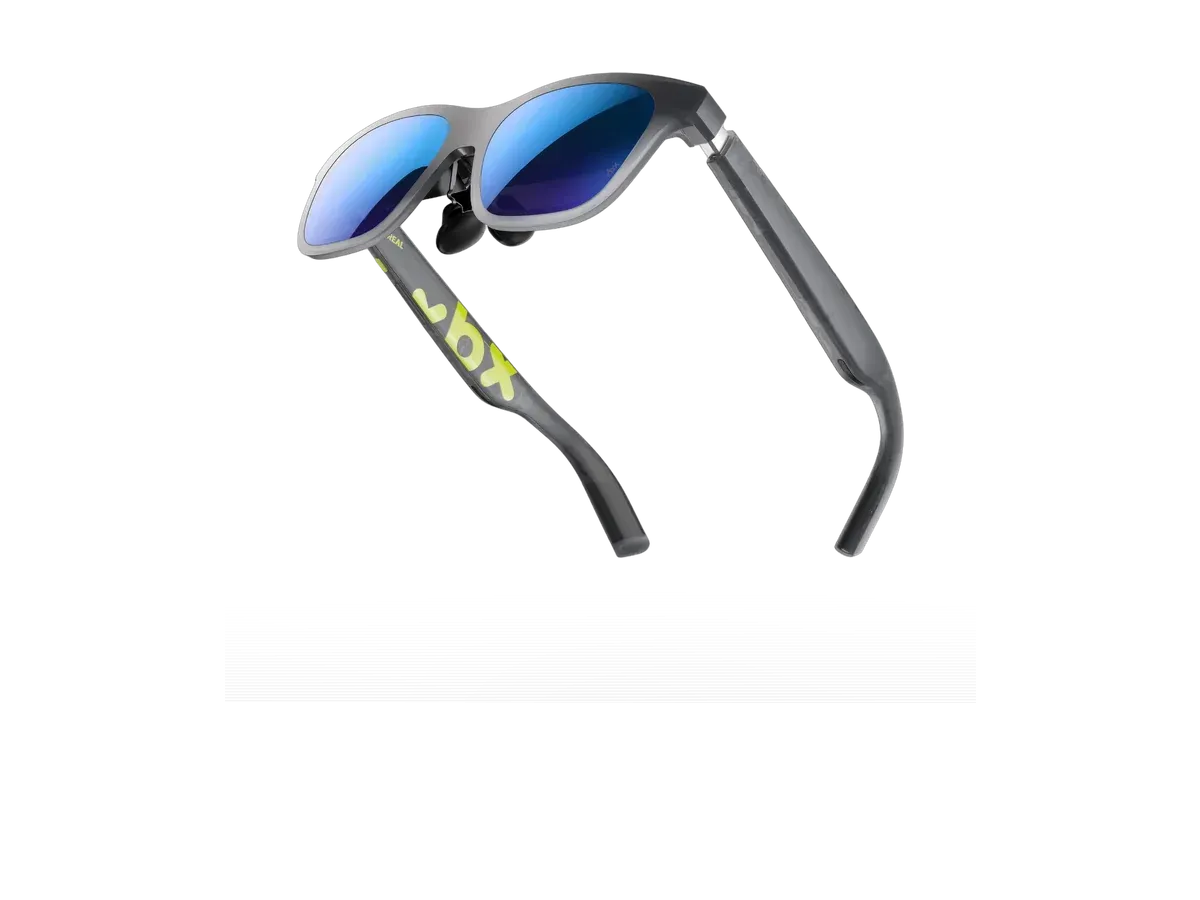
XREAL
Why it ranks here:

XREAL
Why it ranks here:
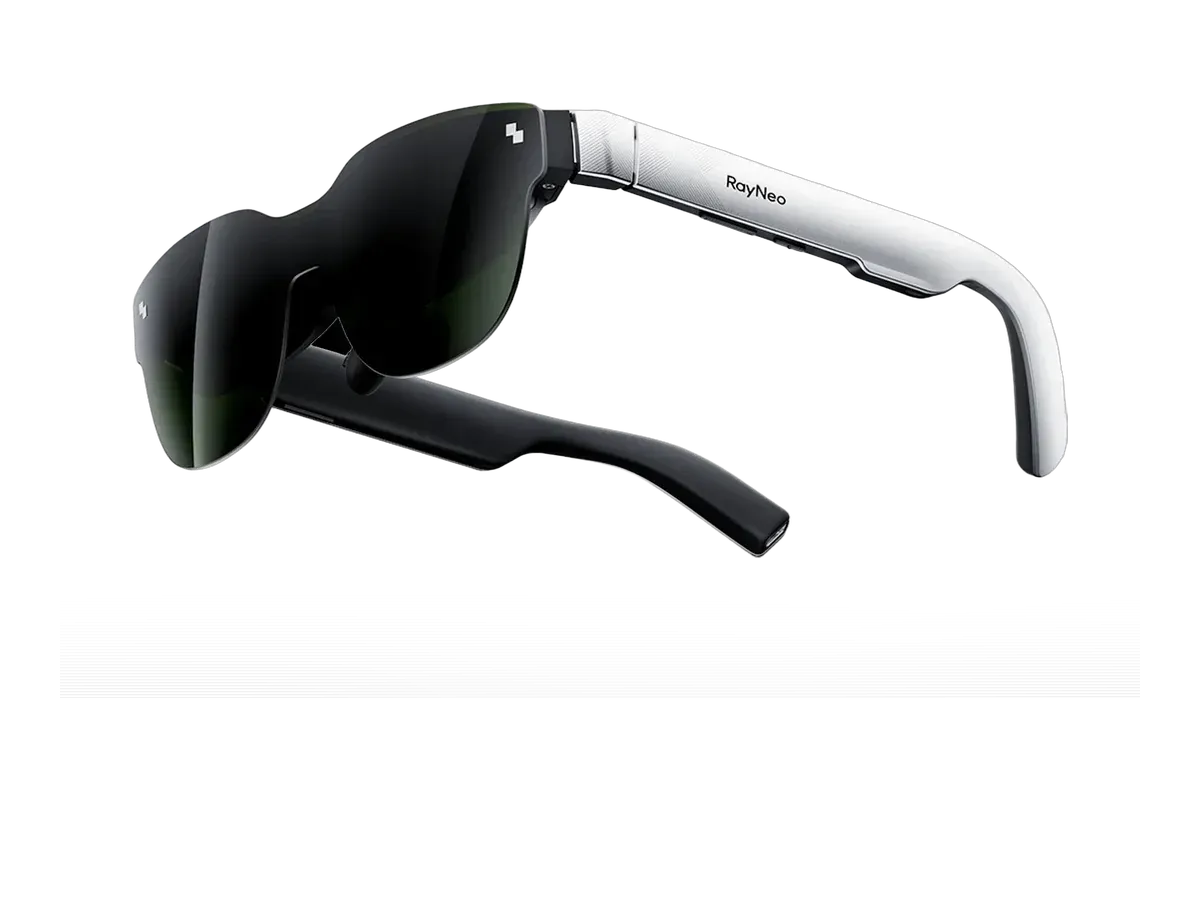
RayNeo
Why it ranks here:
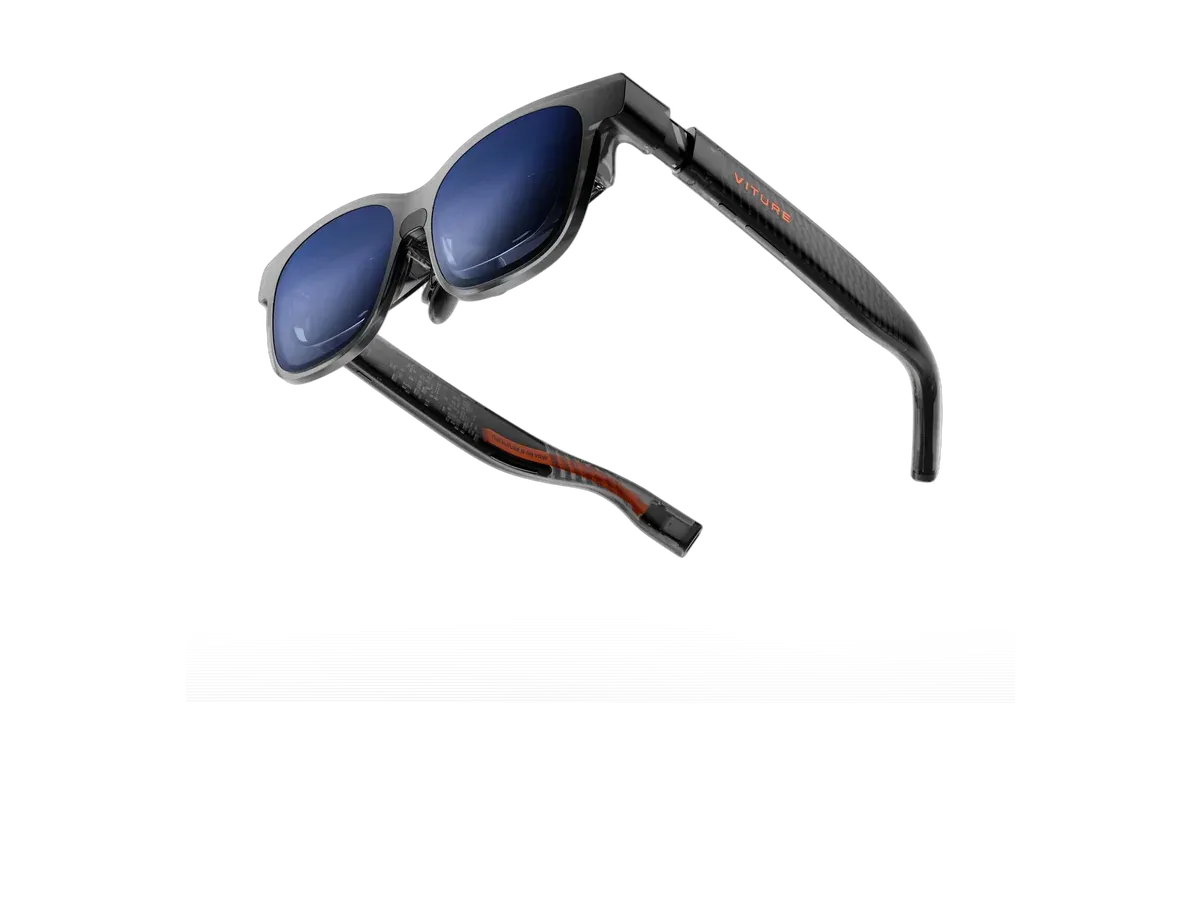
VITURE
Why it ranks here:
The ROG Ally belongs to the easy camp of glasses hosts: its USB-C port outputs DisplayPort Alt Mode video, so a ranked pair connects with one cable, no dock and no adapter, and Windows enumerates it as an external monitor within seconds. That puts the Ally in the same effortless class as the Steam Deck for raw connection — and then hands it an advantage the Deck cannot match, because the Ally runs full Windows. The multi-screen desktop software that several glasses makers ship — ultrawide workspaces, independently pinned virtual displays, head tracking — targets Windows first, which means the demos you see on laptops mostly run on this handheld too. Our virtual monitor glasses guide tracks which makers document which platforms.
The compatibility records behind this ranking are maker-declared device lists — twenty catalog records name the Ally, from the co-branded ASUS ROG XREAL R1 to the Rokid Max 2 and the RayNeo Air 3s Pro — and we present them as declarations, not lab-tested results. With this host the declaration is about as low-risk as the category gets, because the link is a plain DisplayPort monitor connection; the differences that matter live in the recorded display specs, not the cable.
Handheld sessions punish weight twice — once on your face, once in your bag — so the weight criterion deserves the attention this ranking gives it. Field of view sets how much bigger than the built-in screen the game feels; the recorded 120Hz refresh ceilings sit above what most handheld power budgets deliver, so smoothness is set by your settings rather than the panel. And because the Ally travels, recorded dimming earns its keep on planes and trains, where cabin light is the enemy of dark games — our gaming on a plane guide covers that whole scenario, seat by seat.
Battery is the honest cost. The handheld powers its own screen, the game, and the glasses at once, so unplugged sessions shorten noticeably. The mitigations are cumulative: minimum brightness on the built-in panel while the glasses carry the picture, a frame cap — which saves an Ally more battery than almost any other setting — and, for long hauls, a powered USB-C hub with passthrough charging seated between handheld and glasses so the machine charges while it drives the display.
Both Ally generations output video over USB-C, so everything above applies across the family; the Ally X simply buys longer unplugged sessions with its bigger battery. If you are still choosing a handheld, the same catalog wears different rankings per machine: the Steam Deck ranking for the SteamOS world and its plain-monitor honesty, the Legion Go ranking for Lenovo’s heavyweight, and the full gaming ranking for the view across every console and host, compatibility matrix included. When two pairs survive your shortlist, the comparison engine settles them line by line — field of view, brightness, weight, and current price, straight from the recorded data.
Buy the RayNeo Air 3s Pro AR/XR Glasses if…
Buy the RayNeo Air 3s Pro AR/XR Glasses if you want adjustable lens dimming and you play on Xbox.
Buy the RayNeo Air 4 Pro if…
Buy the RayNeo Air 4 Pro if you want HDR support.
Yes — one USB-C cable, no dock, no adapter. The Ally's port outputs DisplayPort Alt Mode video, which is exactly the signal display glasses are built to receive, so Windows detects them as an external monitor the moment they connect. You can mirror the handheld's screen or extend the desktop from the normal Windows display settings, and the glasses draw their power from the handheld over the same cable.
Both generations output video over USB-C, so the one-cable story holds across the family — the Ally X's larger battery simply absorbs the cost of driving a second display for longer. As with every host on this site, the honest check is the maker's own compatibility list for your exact glasses, which is what our catalog records; those lists are maker declarations rather than lab results, and the product pages present them as exactly that.
Driving glasses costs real battery — the handheld is powering its own screen, the game, and an external display at once. Expect noticeably shorter unplugged sessions, with the exact cost depending on the game and both screens' brightness. The mitigations are the usual handheld tricks: drop the built-in panel's brightness while playing on the glasses, cap the frame rate, or seat a powered USB-C hub with passthrough charging between handheld and glasses for long sessions.
Mostly yes, and it is this handheld's quiet advantage: the Ally runs full Windows, so the vendor software that adds ultrawide and multi-display virtual workspaces — features that skip Linux-based handhelds — generally installs and runs here. Support is still per-maker and per-model rather than a category guarantee, so verify your pick's Windows app support alongside its recorded specs. The plain one-monitor mode needs no software at all.
Weight, space, and where you can use them. A portable monitor needs a surface, a stand, and its own power bank on most trips; glasses ride in a coat pocket, work in an economy seat or a bed, and show no picture to anyone around you. The tradeoff runs the other way at a desk, where a physical panel is effortless to share and needs no adjustment period. For a handheld that travels, the glasses case wins most bags.
Provenance: use case derived from our gaming buyer profile, narrowed to ROG Ally owners (recorded compatibility). Rankings are computed from recorded product specs only.