#1
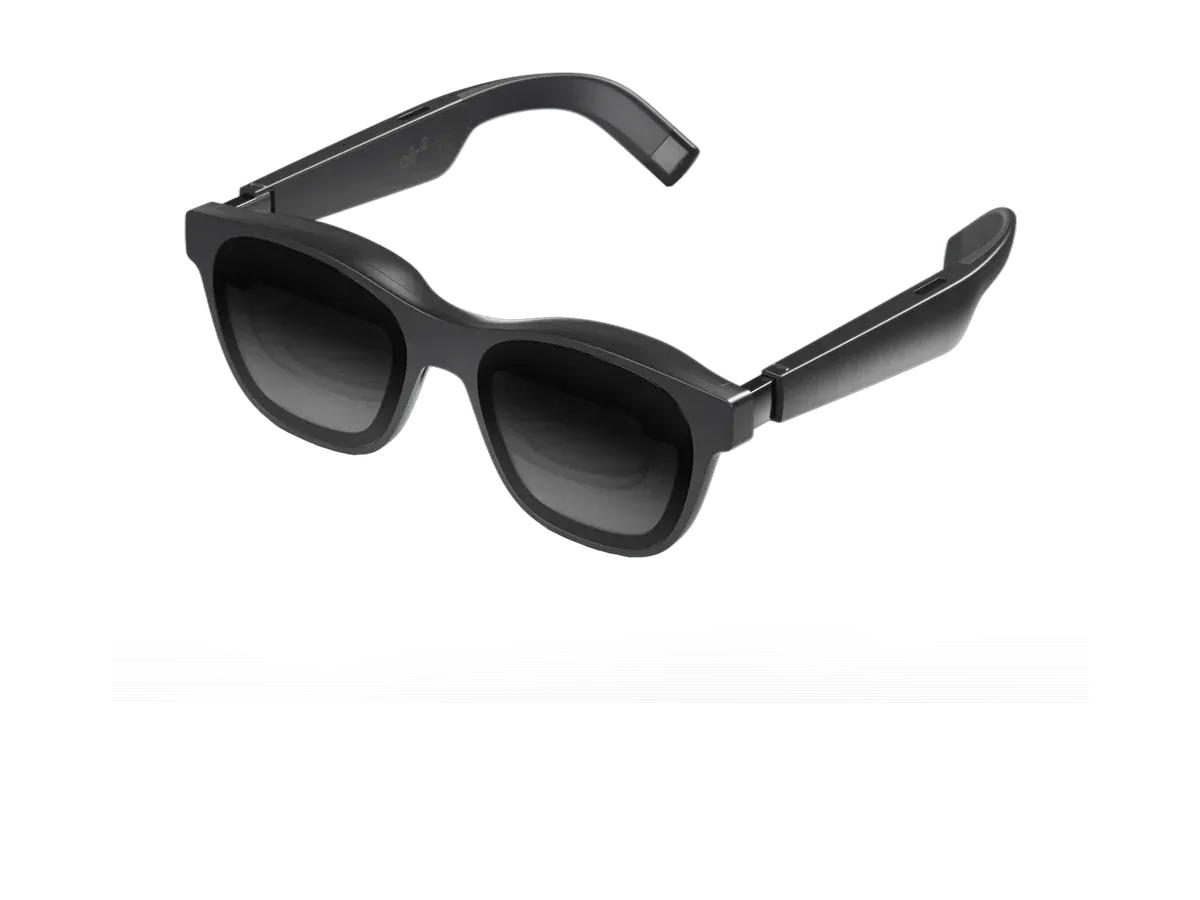
XREAL
Why it ranks here:
- 120Hz refresh rate (+25)
- 46° field of view (+10)
- 75g weight (+15)
- $249 price (+15)
- spatial audio recorded (+5)
- gaming listed in recorded use cases (+10)
- adjustable lens dimming (+5)
Best of
Only glasses with recorded original-Switch compatibility, ranked — dock routes explained honestly.
Product data last updated
The original Nintendo Switch never sends video out of its own USB-C port to a display — the picture only leaves through the dock's HDMI socket. So every working glasses setup for this console runs through that dock plus a powered HDMI adapter, or through a maker's dock built for exactly this job, and honest shopping means treating that accessory as part of the purchase. Every pair ranked below records Nintendo Switch compatibility in its catalog data through those documented routes, scored on refresh rate, field of view, weight, and price.
Our top pick for Nintendo Switch is the XREAL Air 2 Pro at $249.
Every eligible product is scored on the recorded specs below. Missing data scores zero — we never guess a value. Points shown next to each pick add up to its total score.
XREAL
Why it ranks here:
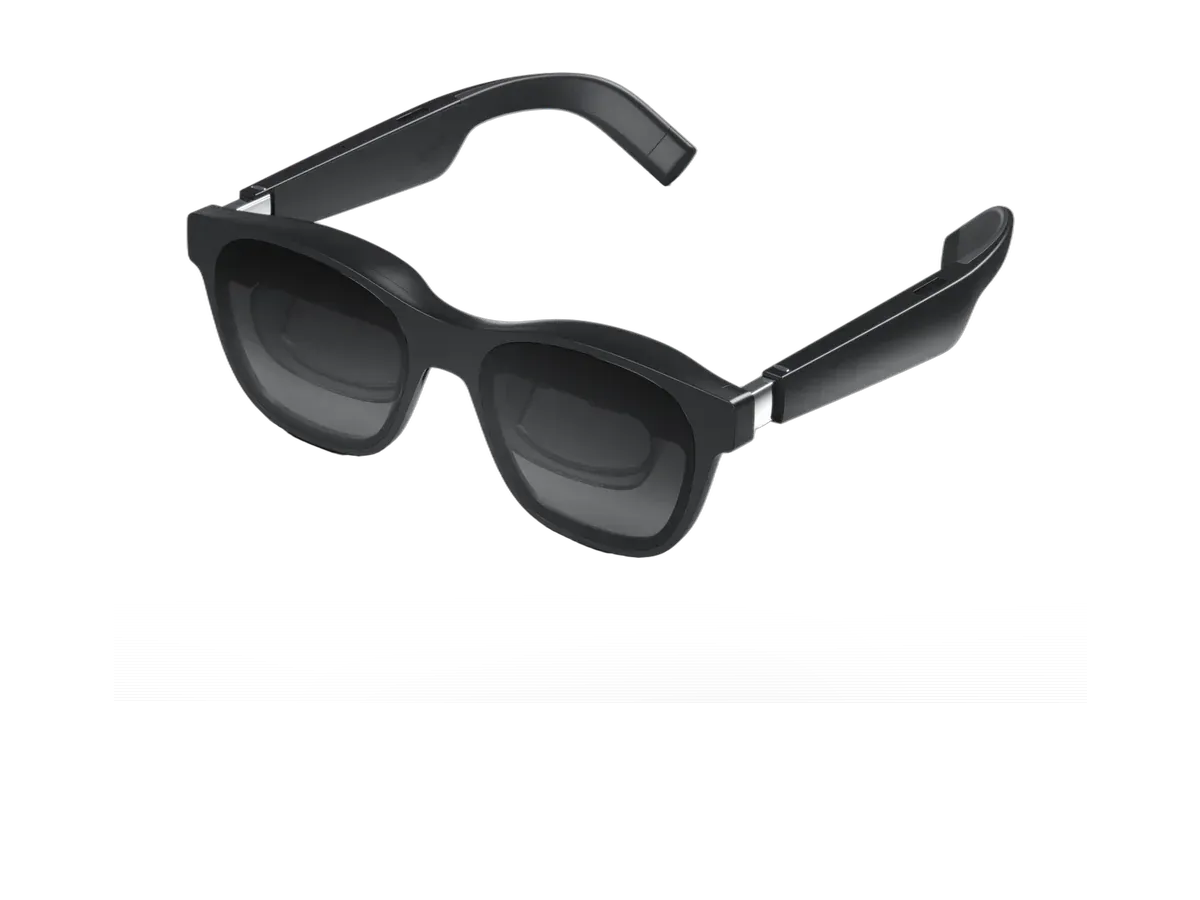
XREAL
Why it ranks here:
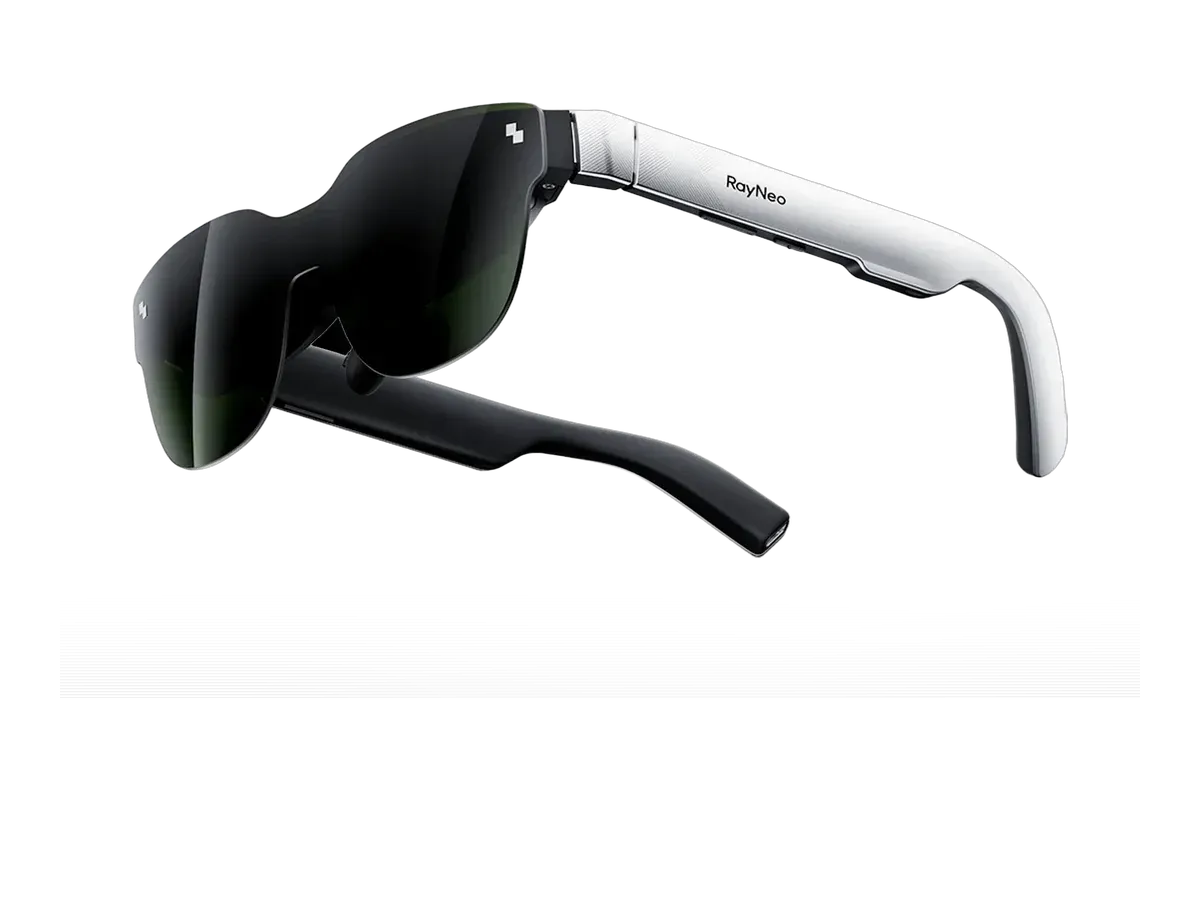
RayNeo
Why it ranks here:
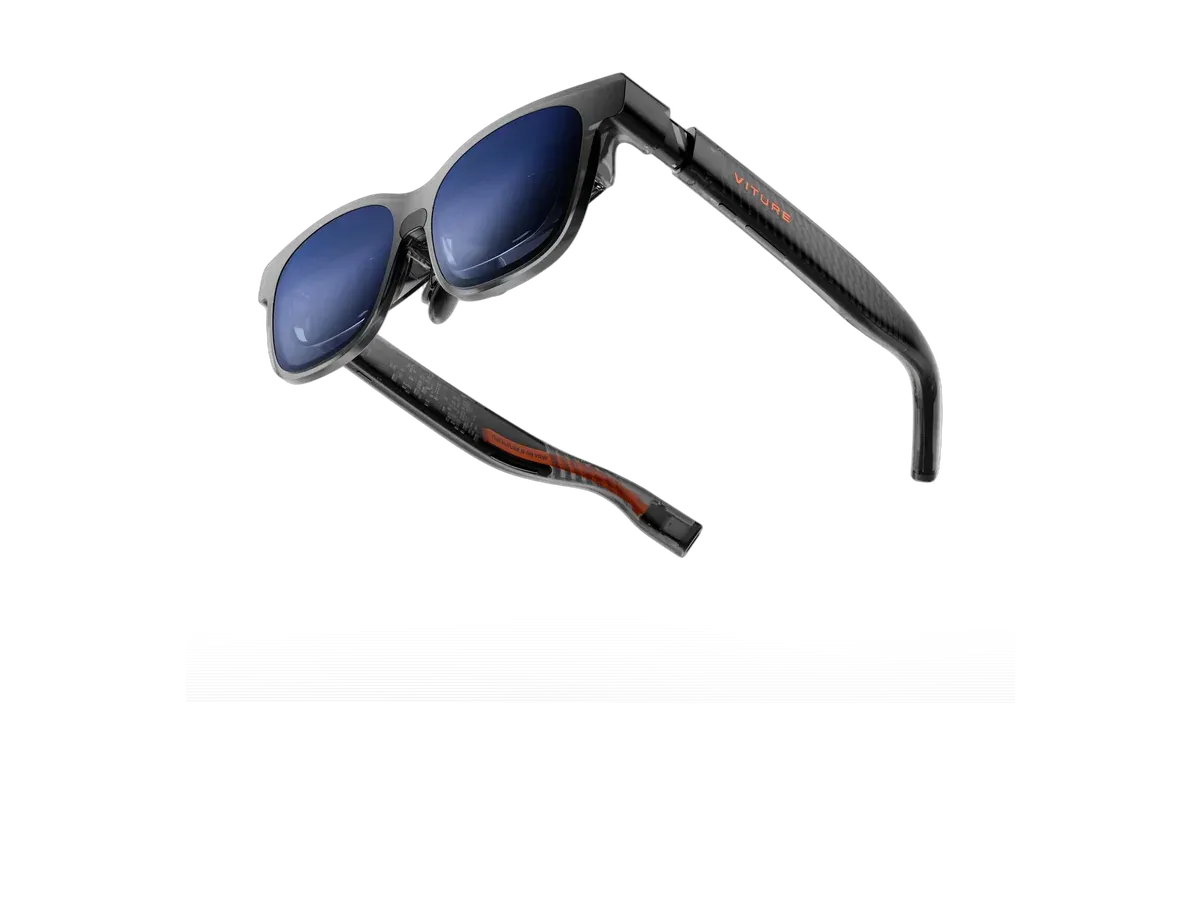
VITURE
Why it ranks here:
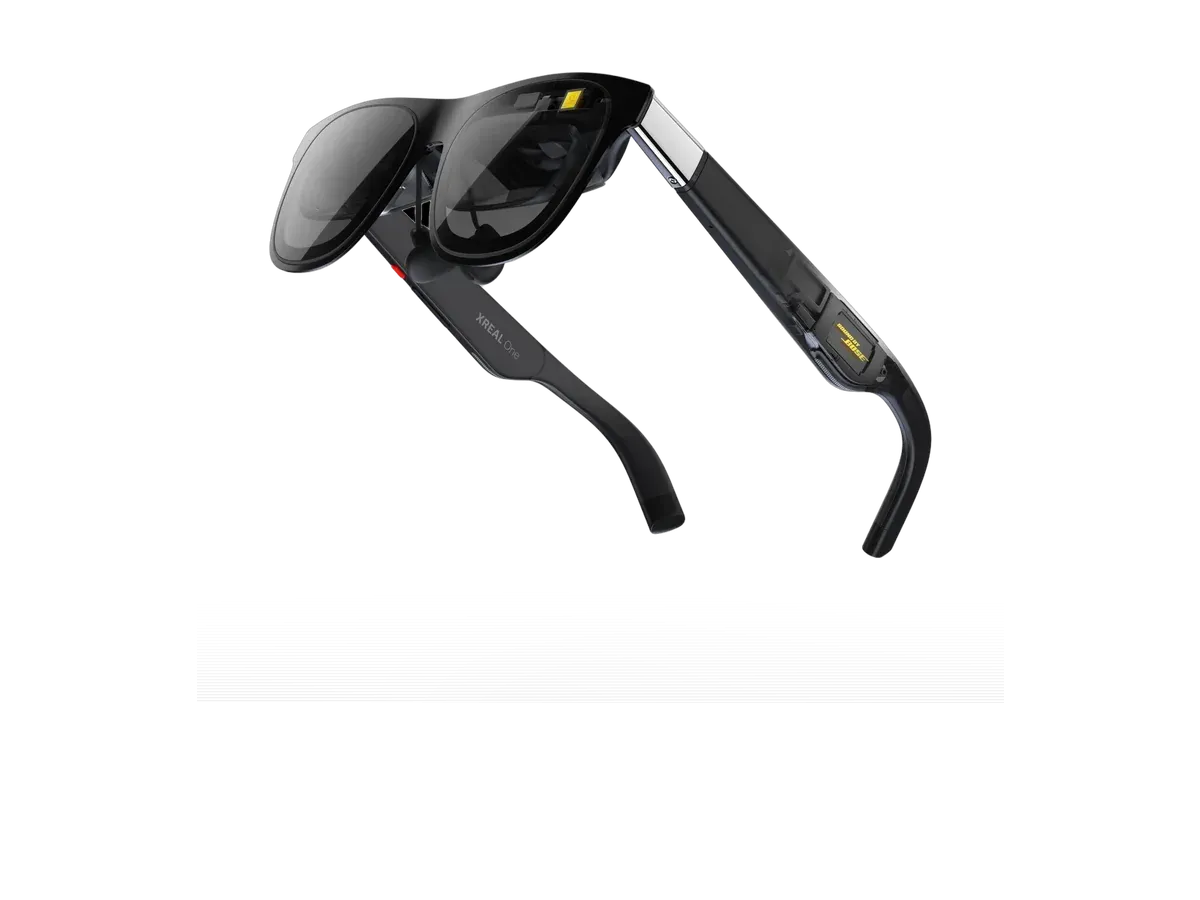
XREAL
Why it ranks here:
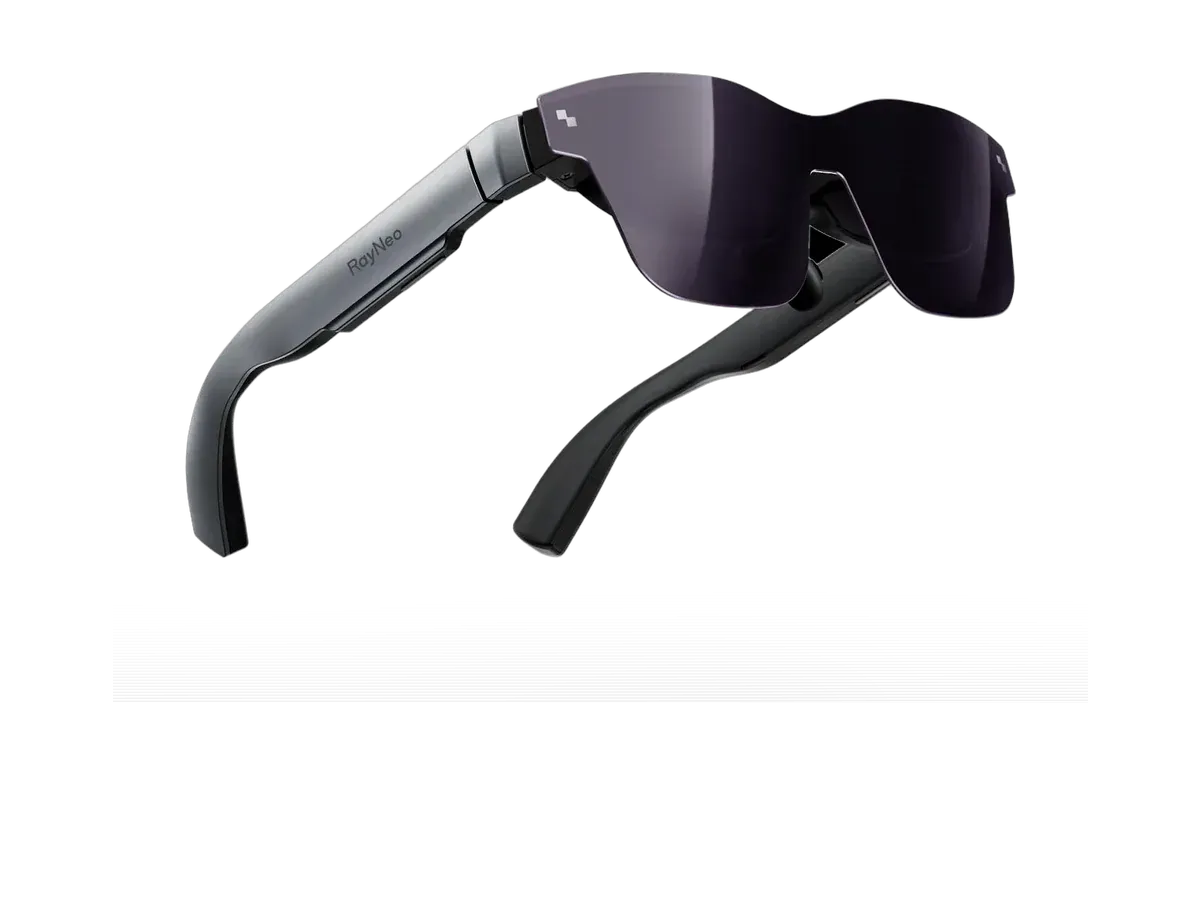
RayNeo
Why it ranks here:
The original Nintendo Switch is the console that makes people discover, mid-purchase, how display glasses actually connect. Glasses are USB-C monitors expecting a DisplayPort Alt Mode signal; the Switch’s own USB-C port never offers one — video leaves this console exclusively through the dock’s HDMI socket, by Nintendo’s design. So every honest setup on this page is a chain: console into dock, dock’s HDMI into a powered HDMI-to-USB-C adapter, adapter into glasses. Our adapter and dock guide walks the accessory class in detail, including why the adapter must draw its own power and what to check when a first connection shows black.
That chain shapes what the setup is for. A docked Switch on glasses is a stationary arrangement — a hotel room, a dorm bed, a shared living room where the TV is taken — rather than the bare-cable portability a Steam Deck offers. It works, and at cinema scale it is a genuinely lovely way to play, but the honest framing is a private TV you assemble, not a screen you carry. The compatibility records behind the ranking are maker-declared device lists — several makers document the dock route for this console explicitly, and some sell their own dock hardware that collapses the chain into one box — and we present those declarations as declarations, not lab-tested results.
The console outputs up to 1080p at 60 frames from the dock, which every ranked panel’s recorded refresh ceiling comfortably clears — smoothness is set by the game, not the glasses. That frees the buying decision to hang on comfort and picture: field of view for how big the game feels, weight for how long an evening session stays pleasant, and recorded dimming for bright rooms. Pairs with maker-documented Switch support in our catalog include the VITURE Pro XR, the XREAL One, and the Rokid Max 2, each of whose product pages records its documented connection path.
The family splits three ways for glasses purposes. The Switch Lite sits fully outside this page: it has no TV output, so there is no signal anywhere in its chain to convert. The standard and OLED models behave identically here — the OLED’s nicer built-in panel is irrelevant once the picture is on your face, and both use the same dock route. And the successor console changes the story properly: the Switch 2 ranking covers a machine that does push video out of its USB-C port, gated behind a handshake that maker docks and adapters perform — a seat-friendly arrangement this original console never offered. If you are choosing between generations partly for glasses use, that difference is worth more than any spec on this page.
Where to go next: the full gaming ranking opens the field to every console and handheld with a compatibility matrix across hosts, our VITURE and Nintendo Switch guide documents one maker’s dock ecosystem for this console in depth, and when your shortlist is down to two pairs, the comparison engine settles it line by line from recorded data.
Buy the XREAL Air 2 if…
Buy the XREAL Air 2 if you want to spend $50 less ($199 vs $249).
Buy the XREAL Air 2 Pro if…
Buy the XREAL Air 2 Pro if you want spatial audio.
Yes, but only through a dock. The console's own USB-C port charges and docks — it does not output video to arbitrary displays — so the working chain is the official dock's HDMI output into a powered HDMI-to-USB-C adapter, or a glasses maker's own dock that performs the same conversion in one box. It is a desk-or-table setup rather than a bare-cable one, and each ranked pick's product page records the route its maker documents.
Because the two handhelds ship different USB-C hardware. The Steam Deck's port outputs DisplayPort Alt Mode video, the standard that display glasses are built for, so one cable carries the picture. The original Switch reserves video for its dock protocol and never exposes a standard signal on the port. That single hardware difference is the entire reason Switch setups need converter hardware while most other handhelds plug straight in.
No. The Switch Lite is the handheld-only member of the family: it does not support the dock's TV output at all, which means there is no video signal to convert anywhere in the chain. Since every glasses route for this console family starts at a video output, the Lite has nowhere to start from. If glasses-on-a-Switch matters to you, it needs to be the standard or OLED model — both share the same dock route.
Not meaningfully. The chain is wired end to end — console to dock over its connector, dock to adapter over HDMI, adapter to glasses over USB-C — and each hop is a standard video conversion of the kind monitors and capture setups use every day. The result sits in the same latency class as playing on a TV in game mode. What the recorded specs do bound is smoothness: the console outputs up to 60 frames, comfortably inside every ranked panel's refresh ceiling.
Yes — the successor console can send video out of its USB-C port, though it gates that output behind a handshake that only dock-class accessories perform, so it is a seat-friendly dock setup rather than a bare cable. If you own or plan to own the newer machine, our dedicated ranking for it covers those routes and the pairs whose makers document them. For the original console this page is the accurate story: dock plus adapter, honestly accounted.
Provenance: use case derived from our gaming buyer profile, narrowed to original-Switch owners (recorded compatibility). Rankings are computed from recorded product specs only.