#1
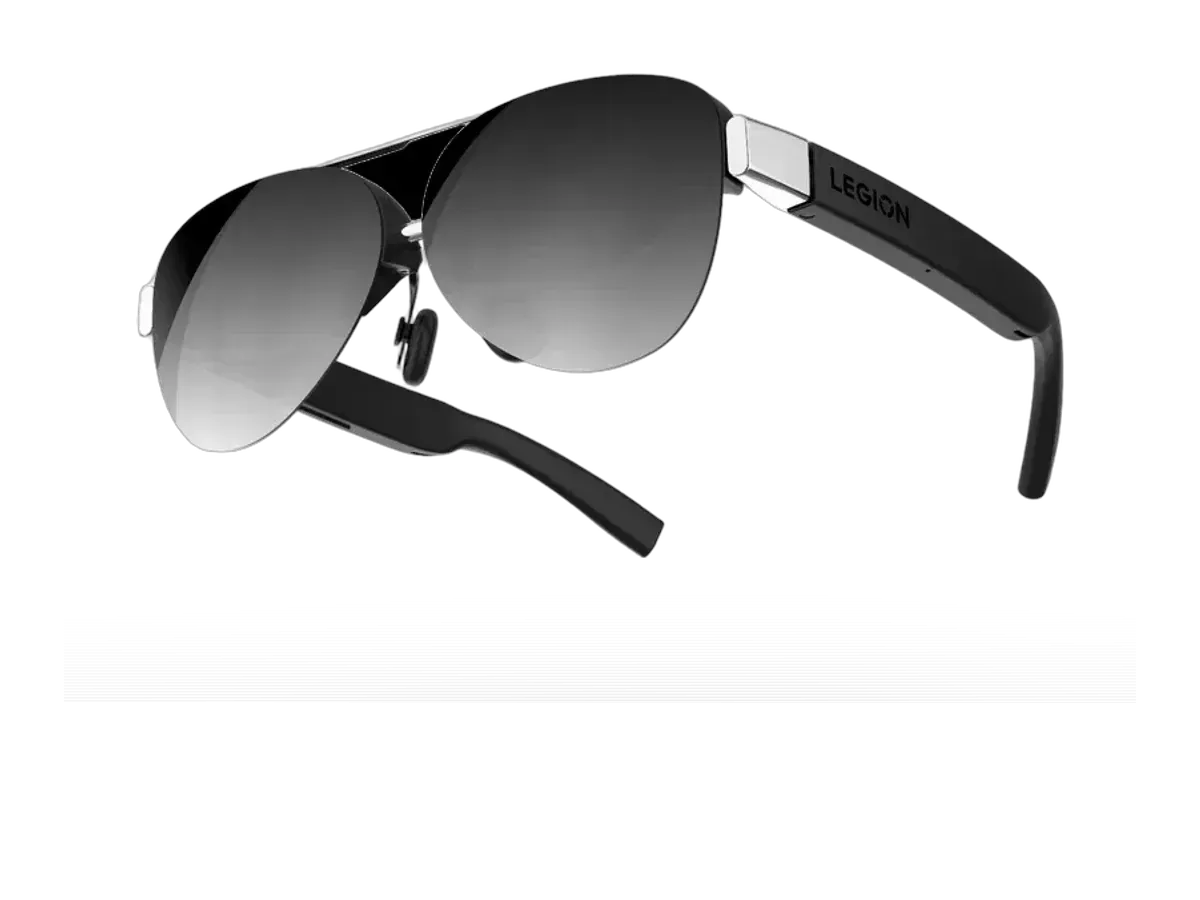
Lenovo
Why it ranks here:
- 120Hz refresh rate (+25)
- 43.5° field of view (+5)
- 65g weight (+15)
- $250 price (+15)
- gaming listed in recorded use cases (+10)
- adjustable lens dimming (+5)
Best of
Only glasses with recorded Legion Go compatibility, ranked for handheld play.
Product data last updated
The Legion Go is a natural glasses host: its USB-C ports output DisplayPort Alt Mode video, so display glasses connect with one cable and Windows treats them as a monitor — welcome relief for the heaviest mainstream handheld, which is far more comfortable resting in your lap while the picture floats at eye level. Every pair ranked below records Lenovo Legion Go compatibility in its catalog data, scored on refresh rate, field of view, weight, and price.
Our top pick for Lenovo Legion Go is the Lenovo Legion Glasses 2 at $250.
Every eligible product is scored on the recorded specs below. Missing data scores zero — we never guess a value. Points shown next to each pick add up to its total score.
Lenovo
Why it ranks here:
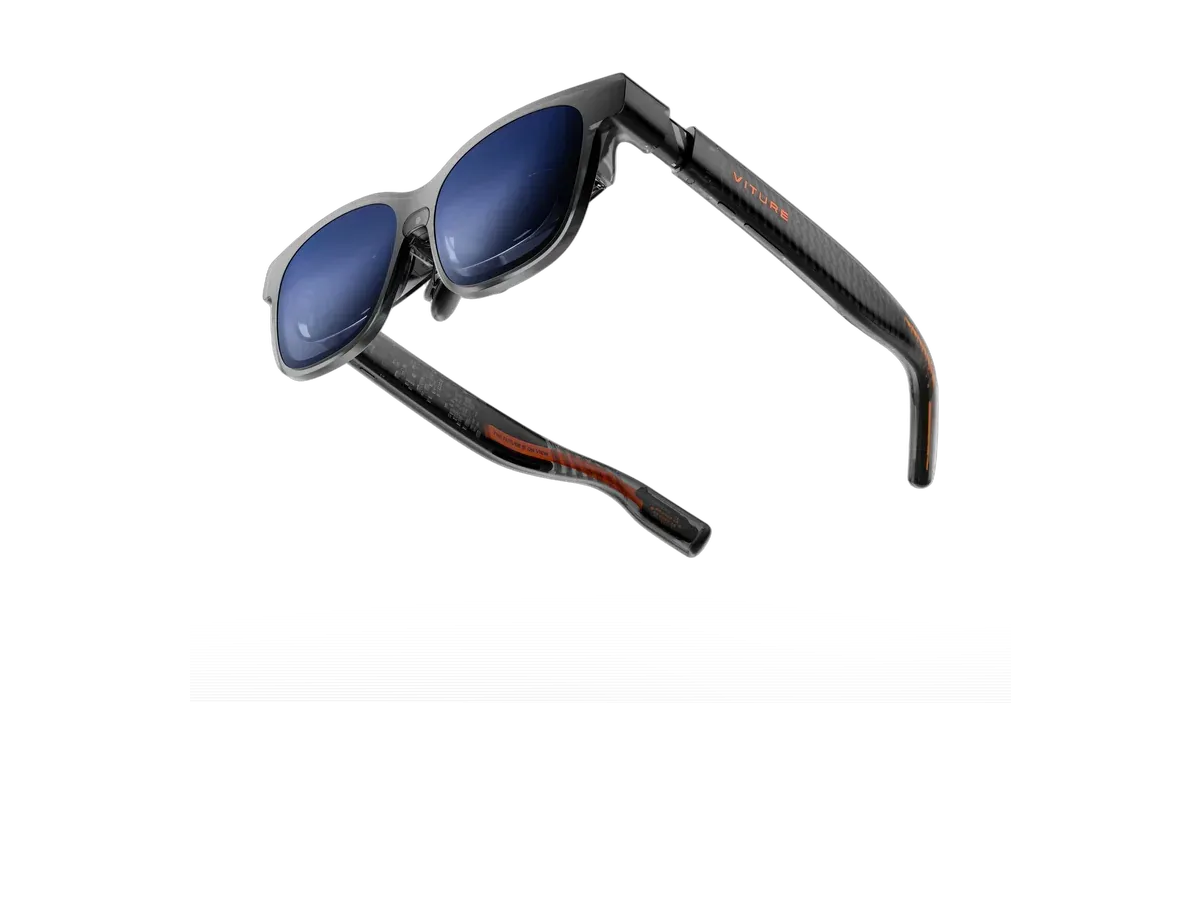
VITURE
Why it ranks here:
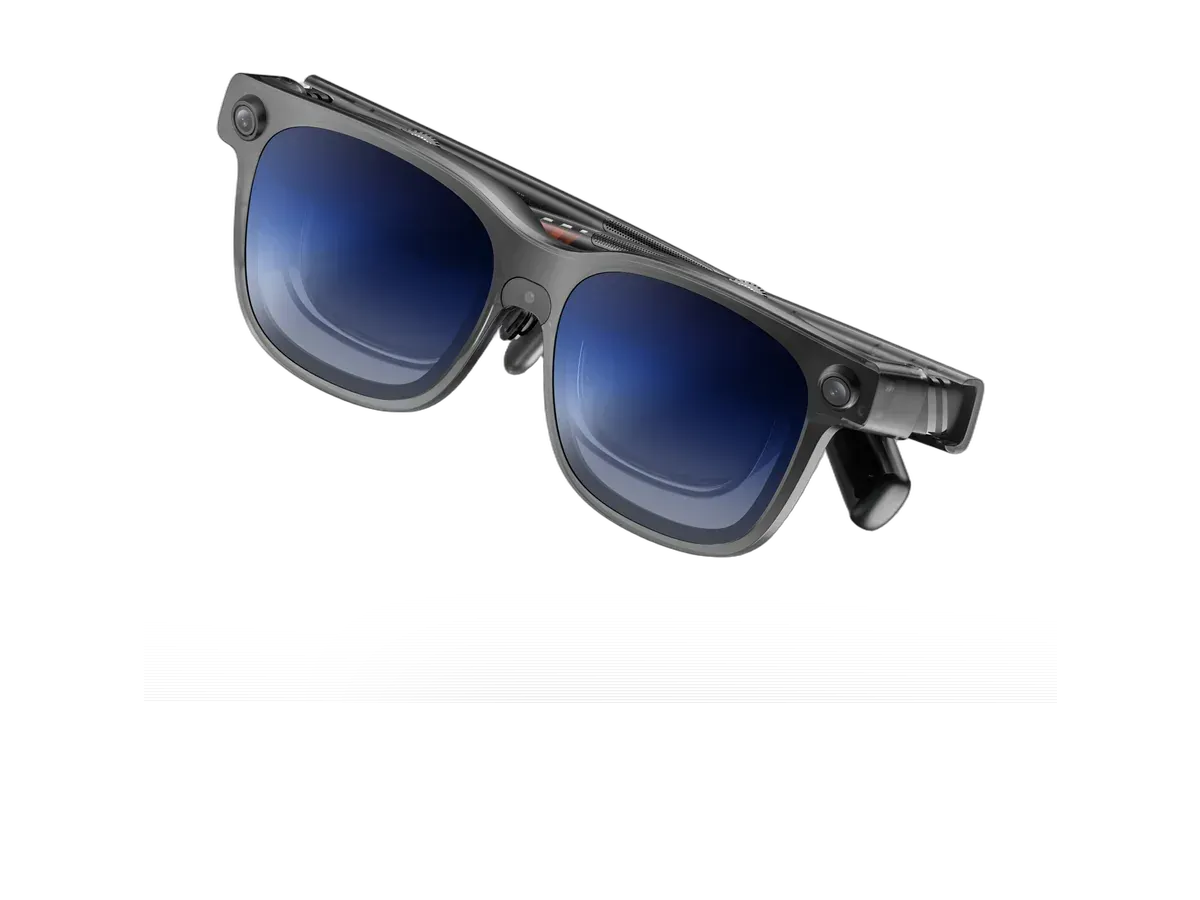
VITURE
Why it ranks here:
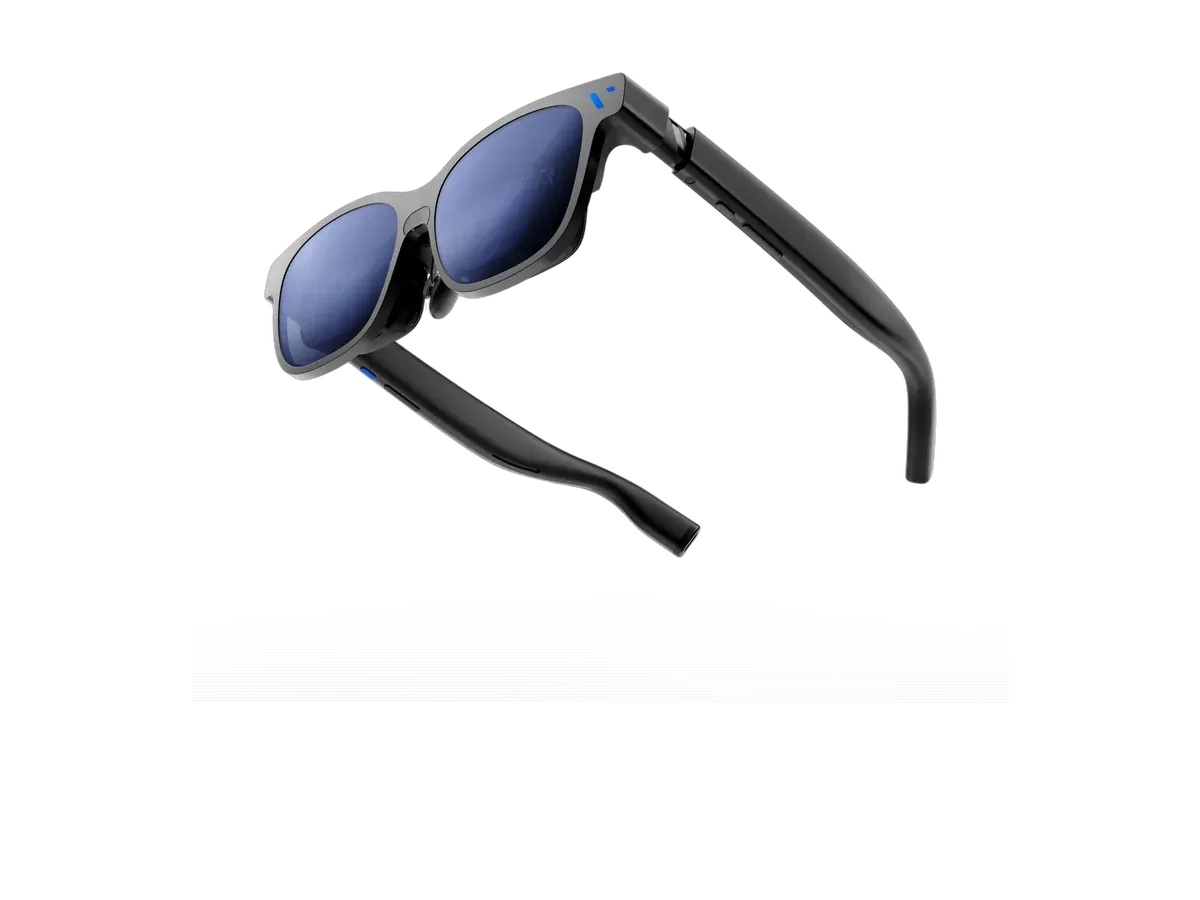
VITURE
Why it ranks here:
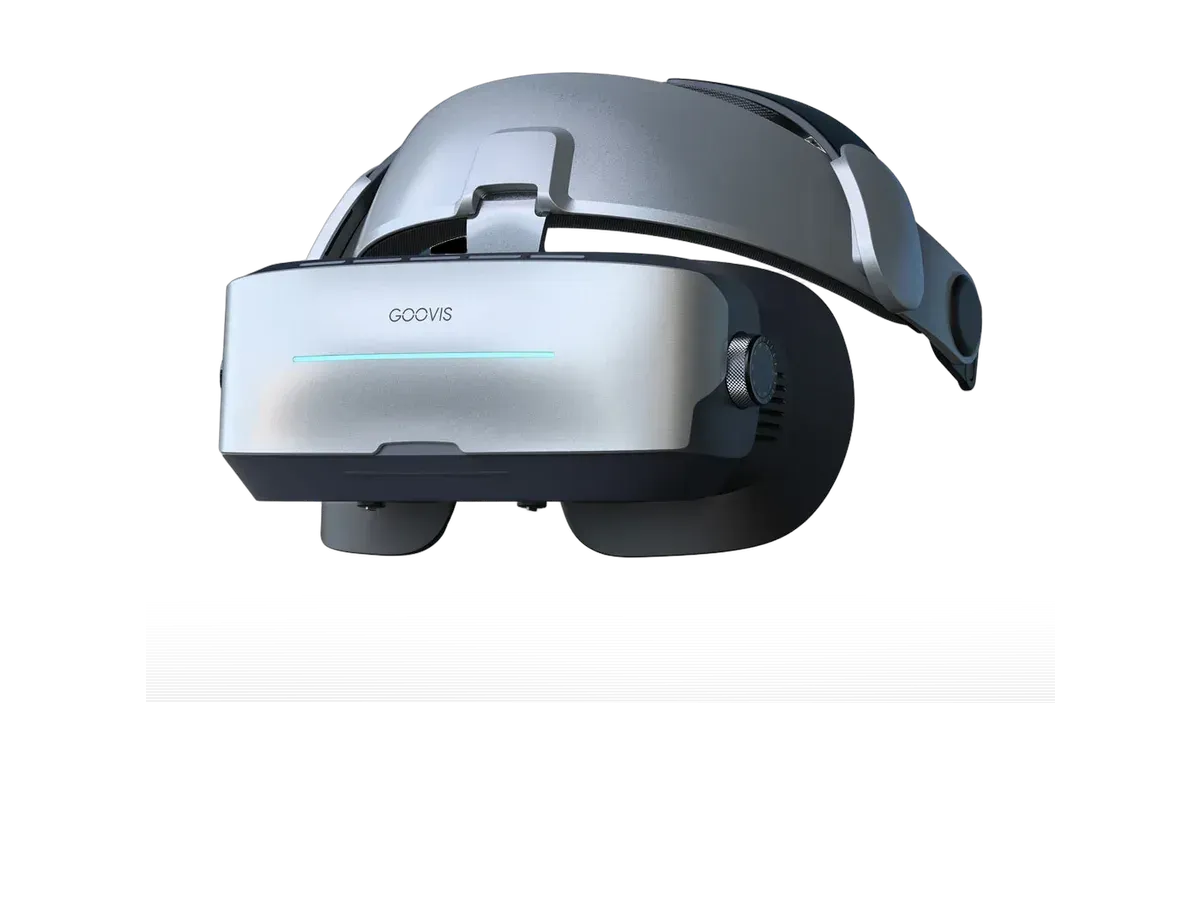
Goovis
Why it ranks here:
The Legion Go makes the strongest ergonomic case for glasses of any mainstream handheld, for a blunt reason: it is the heaviest of them. Holding a big-screened, controller-flanked machine at eye level is a forearm exercise; resting it in your lap while the picture floats at eye level is not. The connection could not be simpler — the Legion Go’s USB-C ports output DisplayPort Alt Mode video, so a ranked pair plugs in with one cable and Windows treats it as an external monitor immediately. And this handheld adds a party trick the others cannot: its detachable controllers come off, so the machine sits on a table like a tiny console while you play from across the room, glasses on, nothing in your hands but the controls.
Five available products in our catalog record the Lenovo Legion Go by name, and that recorded list is the entire membership of the ranking above — the Lenovo Legion Glasses Gen 2 from Lenovo’s own accessory line, the VITURE Luma Pro, VITURE Luma Ultra, and VITURE Beast, and the headset-style GOOVIS G3 Max. As everywhere on this site, those compatibility records are maker-declared device lists rather than lab-tested results, and each product page states the documented route plainly. The declaration is low-risk here — the link is a standard DisplayPort monitor connection — but it is a declaration, and we label it as one.
Lenovo selling glasses under its own gaming brand tends to make Legion Go owners assume a proprietary pairing. The truth is friendlier: the handheld outputs a standard signal, so the first-party option competes on its recorded specs — a light frame and a 120Hz panel among them — rather than on exclusivity, and the other ranked makers connect over exactly the same cable. Buy on the recorded numbers that matter for handheld sessions: weight first, field of view for how much bigger the game feels, brightness with recorded dimming for planes and bright rooms.
Because the Legion Go runs full Windows, the glasses makers’ desktop software — ultrawide and multi-display virtual workspaces — generally installs here the way it does on a laptop, which Linux-based handhelds cannot offer; our virtual monitor glasses guide tracks the per-maker platform support. The dual USB-C ports pull one more practical weight: on long sessions, one port drives the glasses while the other charges the machine, no hub required — the setup that other handhelds need an accessory to achieve.
If you are still deciding between handhelds, the same catalog wears a different ranking per machine: the Steam Deck ranking covers the SteamOS world, the ROG Ally ranking the other Windows handheld, and the full gaming ranking the entire field across consoles and hosts, compatibility matrix included. The Legion-family comparison pages are among the most-read on this site — the Legion Glasses Gen 2 vs RayNeo Air 4 Pro comparison settles the question our readers ask most — and for any two finalists, the comparison engine runs the same spec-by-spec treatment from recorded data.
Buy the Lenovo Legion Glasses 2 if…
Buy the Lenovo Legion Glasses 2 if you want to spend $249.01 less ($249.99 vs $499) and you want the lighter 65g fit (vs 79g).
Buy the VITURE Luma Pro if…
Buy the VITURE Luma Pro if you want the wider 52° field of view (vs 43.5°) and you need the brighter 1000-nit display (vs 800 nits).
Yes, directly: the Legion Go's USB-C ports output DisplayPort Alt Mode video, so display glasses plug in with a single cable and Windows recognizes them as an external monitor immediately. There is no dock requirement and no adapter in the chain. Every product ranked on this page records the Legion Go in its maker's compatibility list, and each product page states that documented route rather than a guessed one.
No. Lenovo sells glasses under its own gaming brand and they are a natural fit, but the handheld outputs a standard video signal, so any display glasses whose maker records Legion Go support connect the same way — this ranking includes several makers precisely because the port is standard. Compatibility records are maker declarations rather than lab results, and the ranking treats them exactly as that, scored alongside each pair's recorded display specs.
Weight distribution. The Legion Go is the heaviest of the mainstream handhelds, and holding it at eye level for long sessions is a forearm workout; with glasses the machine rests in your lap or on a table — or its detachable controllers come off entirely — while the picture hangs in front of you at cinema scale. The handheld's screen advantage matters less on a couch or plane than its computing does, and glasses let the computing travel without the posture.
A real but manageable amount: the handheld powers the glasses over the same USB-C cable that carries video, on top of running the game. Sessions shorten noticeably unless you compensate — dim or disable the built-in screen while playing on the glasses, cap the frame rate, or use a powered USB-C hub with passthrough charging, which the Legion Go's dual-port design makes especially convenient: one port drives the glasses while the other charges.
Generally yes — the Legion Go runs full Windows, so the glasses makers' desktop apps for ultrawide and multi-display virtual workspaces install here just as they do on a laptop, something Linux-based handhelds cannot offer. Support remains per-maker and per-model, so verify the Windows app support for your specific pick. Even without any app, the plain external-monitor mode works out of the box over the standard DisplayPort Alt Mode link.
Provenance: use case derived from our gaming buyer profile, narrowed to Legion Go owners (recorded compatibility). Rankings are computed from recorded product specs only.