Skip to content

Best of

Best AR Glasses for iPad

Only glasses whose makers list iPad support, ranked for watching and working on a big virtual screen.

Our top pick for iPad owners is the VITURE Luma Pro at $499.

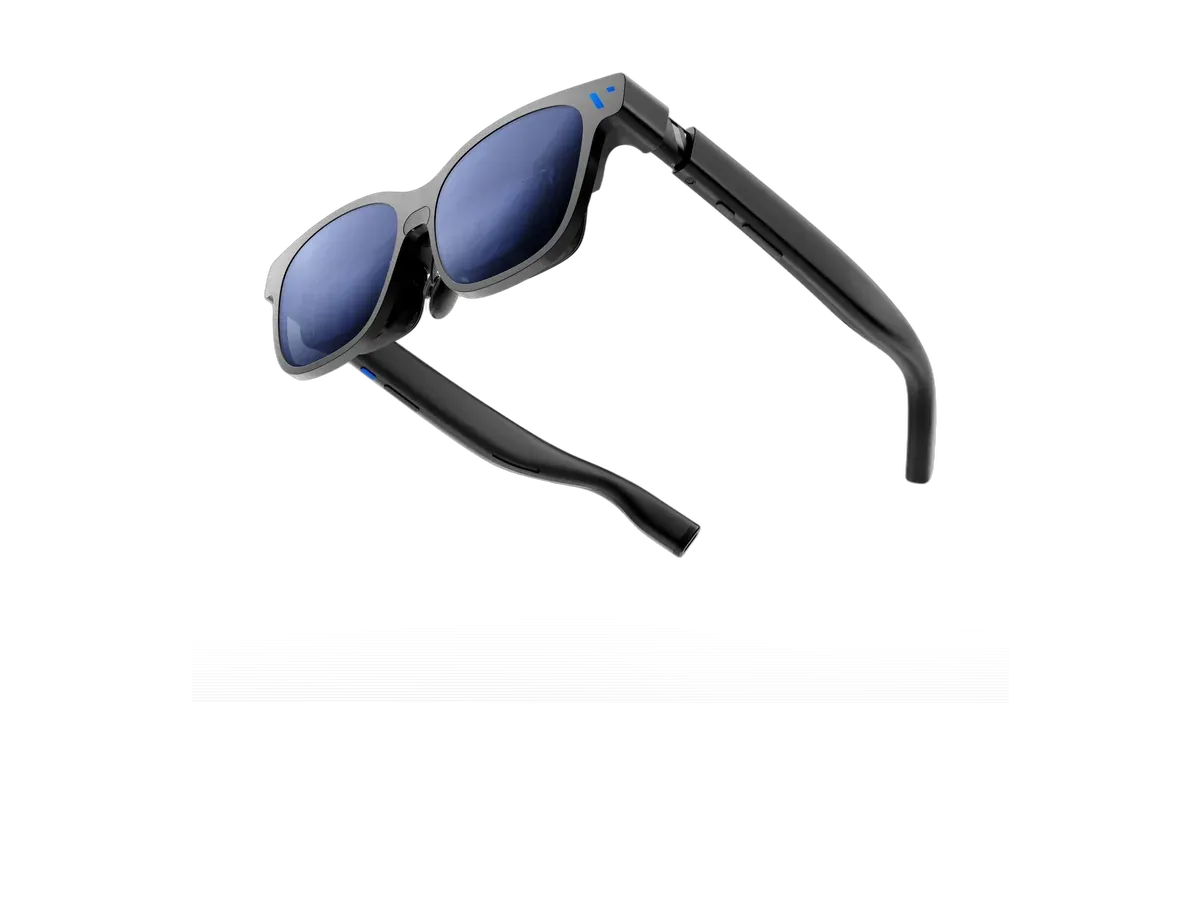
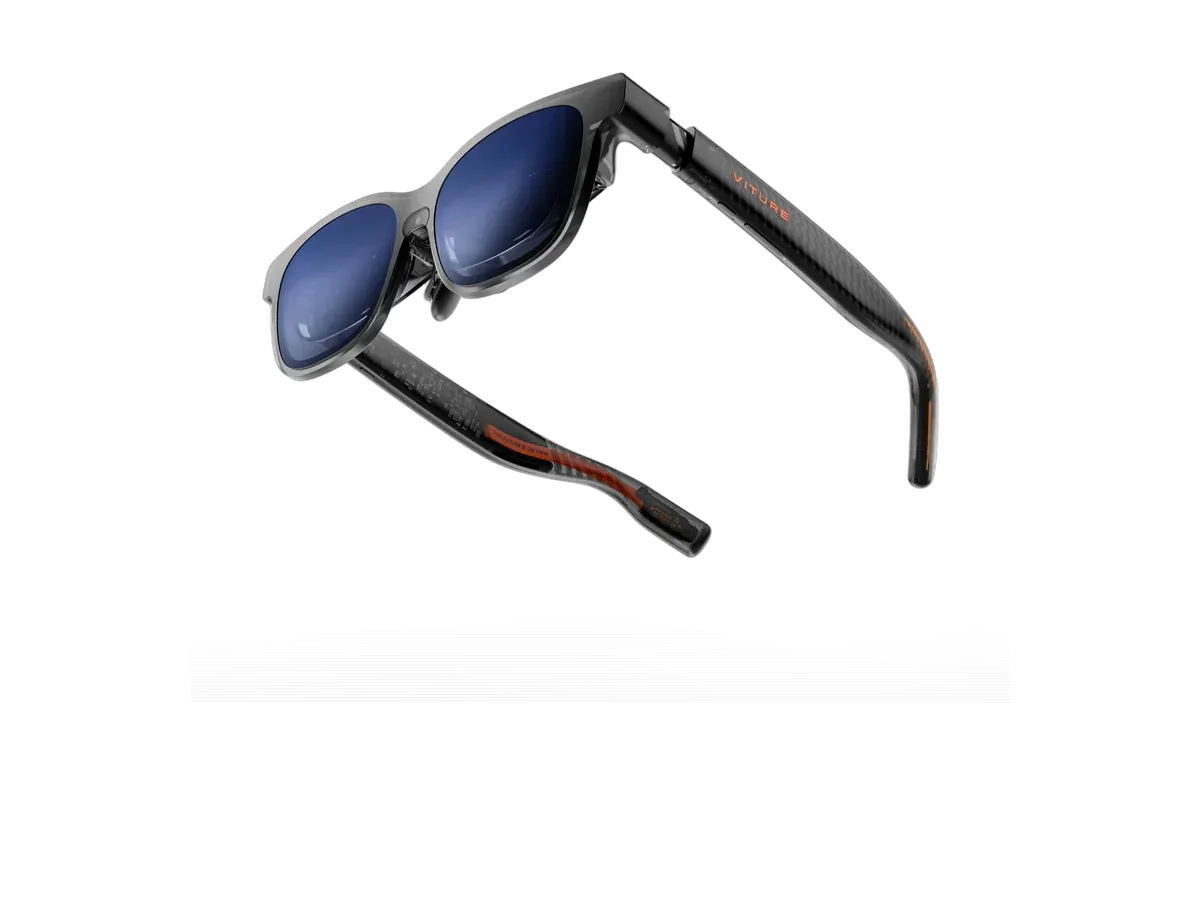
VITURE Luma Pro

Our top pick

VITURE Luma Pro · $499 at VITURE Store

Check price at Amazon See full ranking ↓

Product data last updated

The best AR glasses for iPad are the ones whose makers list the iPad as supported, and every pair below does. iPads with a USB-C port send video out through that port, so these glasses plug straight in with one cable and show the iPad on a big virtual screen. Older iPads with a Lightning port can't do that on their own: they need Apple's Lightning Digital AV Adapter plus a powered HDMI-to-USB-C adapter for the glasses. The ranking scores field of view (how much of your vision the screen fills), brightness, screen anchoring, weight and price.

# Pick Price Best for
1 VITURE Luma Pro $499 Top pick overall
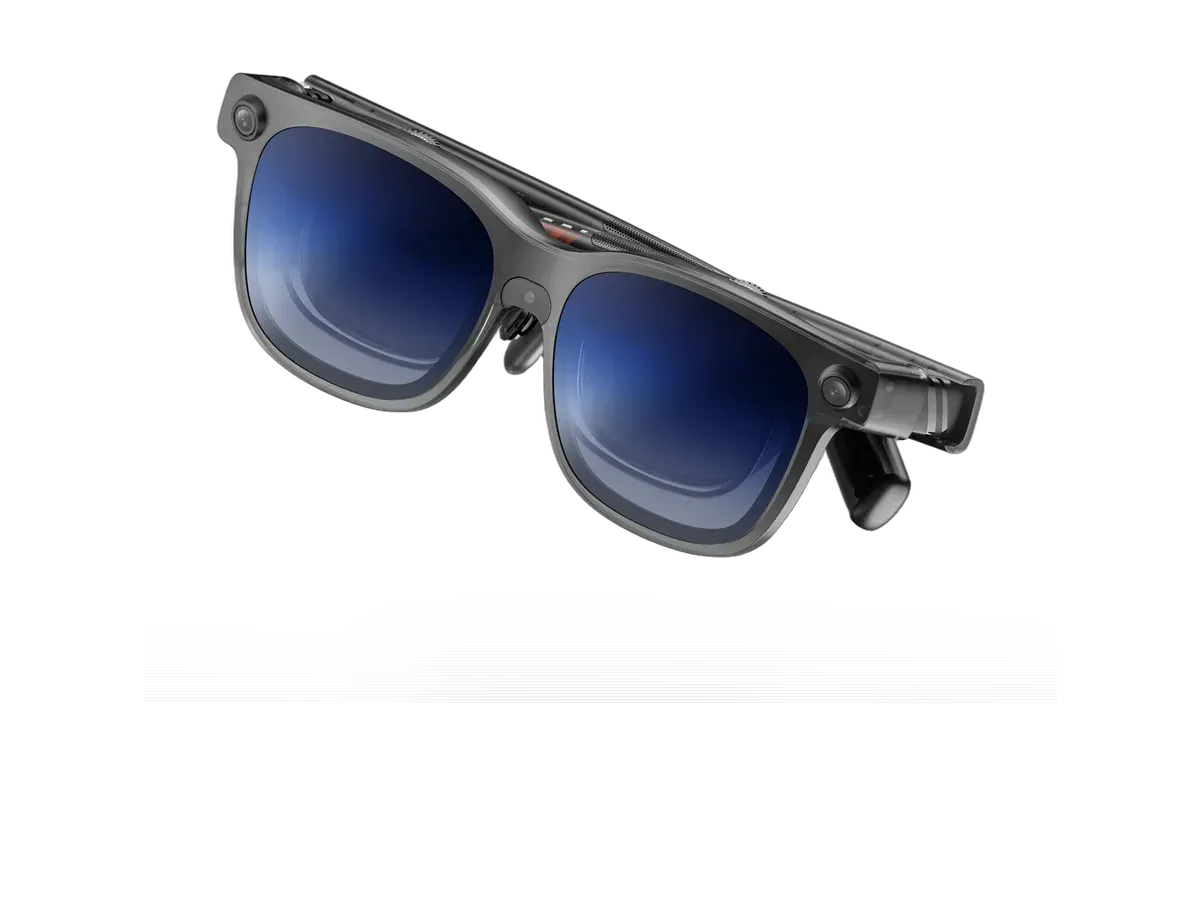
2 VITURE Luma Ultra XR/AR Glasses $599 Brightest display here
3 VITURE Beast XR Glasses $549 —
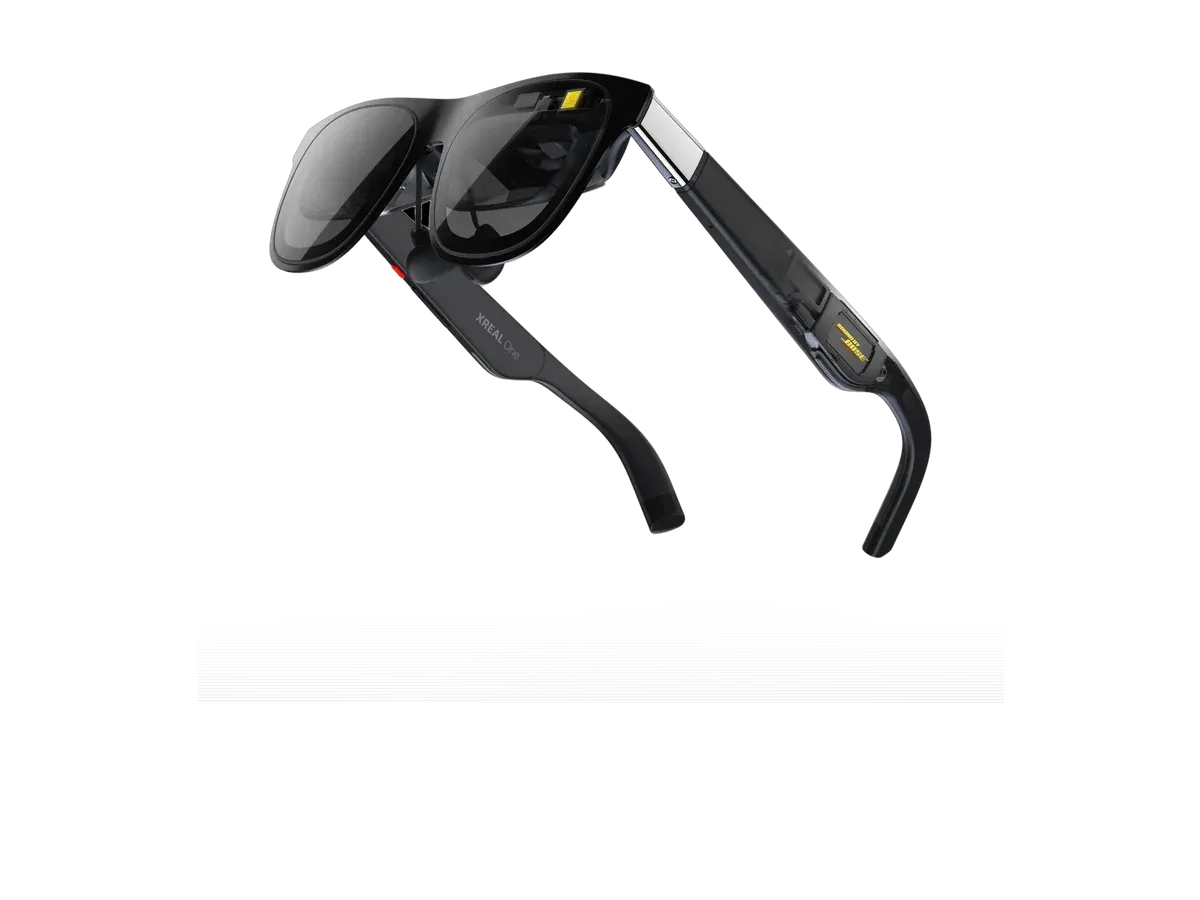
4 XREAL One $399 Lowest price here
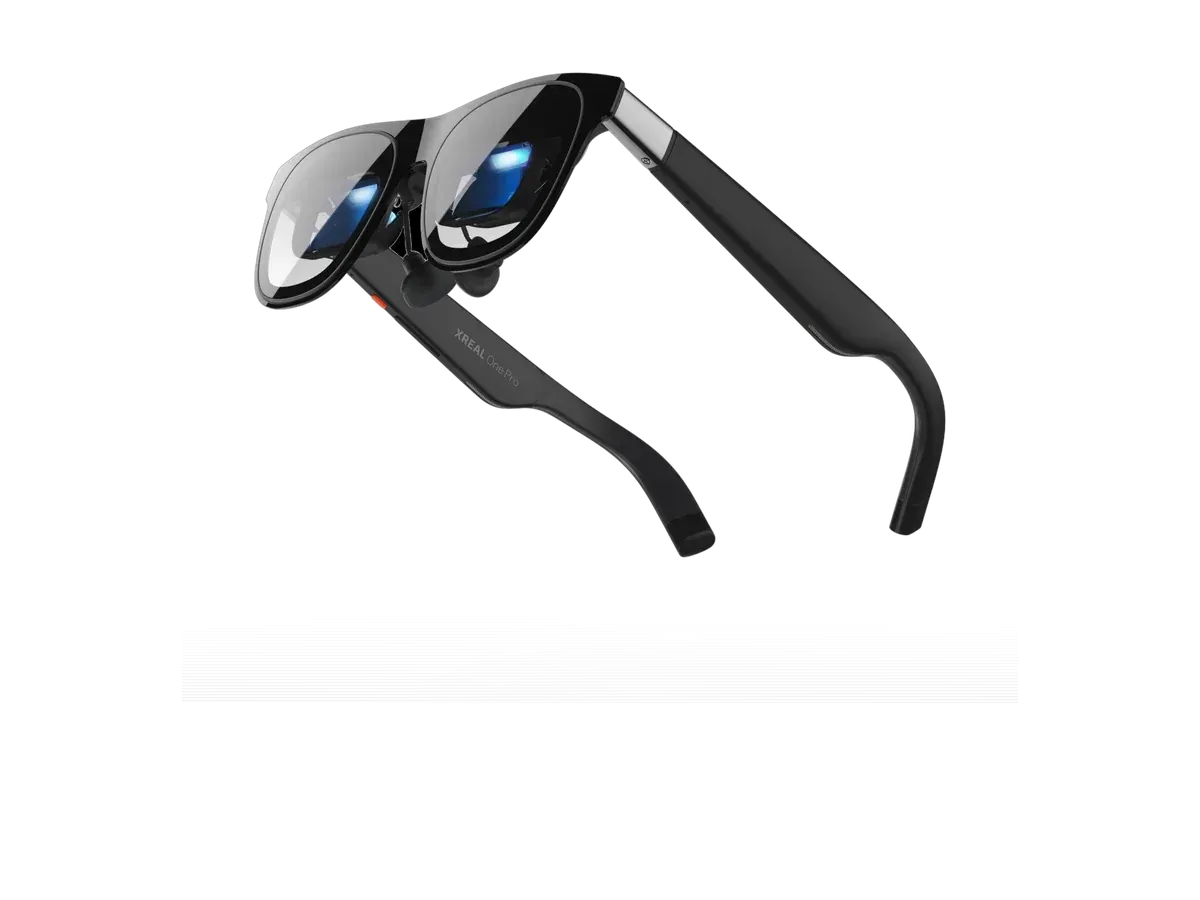
5 XREAL One Pro $599 —
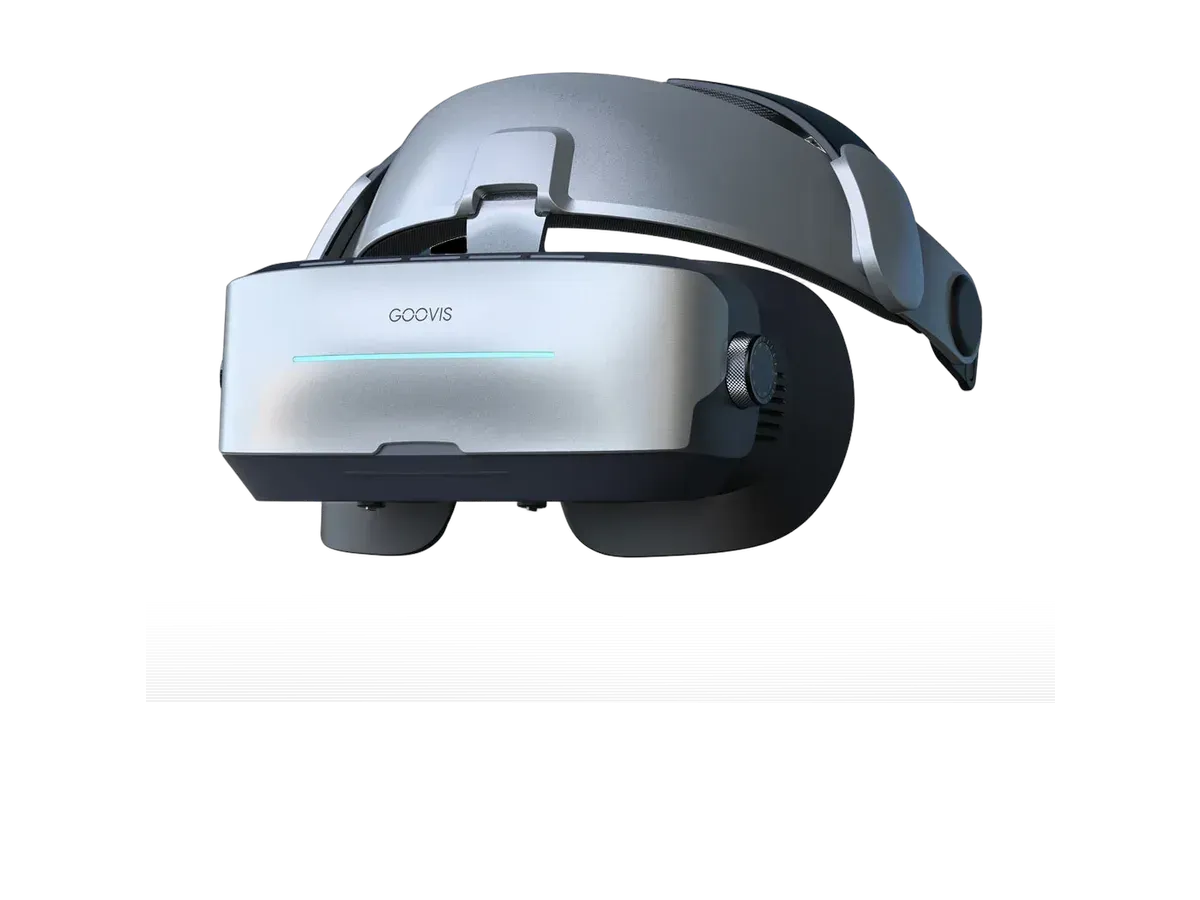
6 GOOVIS G3 Max 3D Head Mounted Display $1,199 Widest view here

Ranked by Field of view · Brightness · Screen anchoring · Weight · Price · Lens dimming. Prices verified at Goovis Store for 1 of these picks; the other 5 were last verified on . Each product page shows its own date.

Every pick is scored on the same criteria — a spec the maker doesn’t publish scores zero, and the Best for column marks where a pick leads this list. How we rank and check prices

How we rank: 6 scored criteria

Every eligible product is scored on the recorded specs below. Missing data scores zero — we never guess a value. Points shown next to each pick add up to its total score. Our full method

  • Field of viewup to 25 pts
  • Brightnessup to 20 pts
  • Screen anchoringup to 15 pts
  • Weightup to 15 pts
  • Priceup to 15 pts
  • Lens dimmingup to 5 pts

VITURE Luma Pro or VITURE Luma Ultra XR/AR Glasses?

Buy the VITURE Luma Pro if…

Buy the VITURE Luma Pro if you want to spend $100 less ($499 vs $599).

Buy the VITURE Luma Ultra XR/AR Glasses if…

Buy the VITURE Luma Ultra XR/AR Glasses if you need the brighter 1500-nit display (vs 1000 nits), you need full 6DoF positional tracking, and you want a built-in camera.

Smart glasses FAQ

Do AR glasses work with every iPad?

Every iPad with a USB-C port can send video to display glasses over one cable. iPads with a Lightning port need two adapters: Apple's Lightning Digital AV Adapter, which turns the port into HDMI, and a powered HDMI-to-USB-C adapter, which many glasses makers sell for game consoles. The glasses on this page list the iPad as supported by their makers.

What will I see in the glasses?

By default the iPad mirrors its own screen to the glasses, so you see exactly what is on the tablet, only much bigger. That works well for films, streaming apps and reading. Glasses that pin the screen in place when you turn your head make longer sessions more comfortable, which is why screen anchoring scores in this ranking.

Do the glasses drain the iPad battery?

Yes. The glasses take their power from the iPad over the same cable, so the iPad runs down faster than usual. Turn the iPad's own screen brightness down while you watch, and for long sessions use a USB-C hub with pass-through charging so the iPad can charge while the glasses are plugged in.

More guides on these picks

Keep researching

Provenance: use case derived from glasses whose makers list the iPad among supported devices. Rankings are computed from recorded product specs only.