TCL NxtWear S vs VITURE Luma Ultra XR/AR Glasses
Side-by-side comparison of specs, features, and pricing
Specs updated
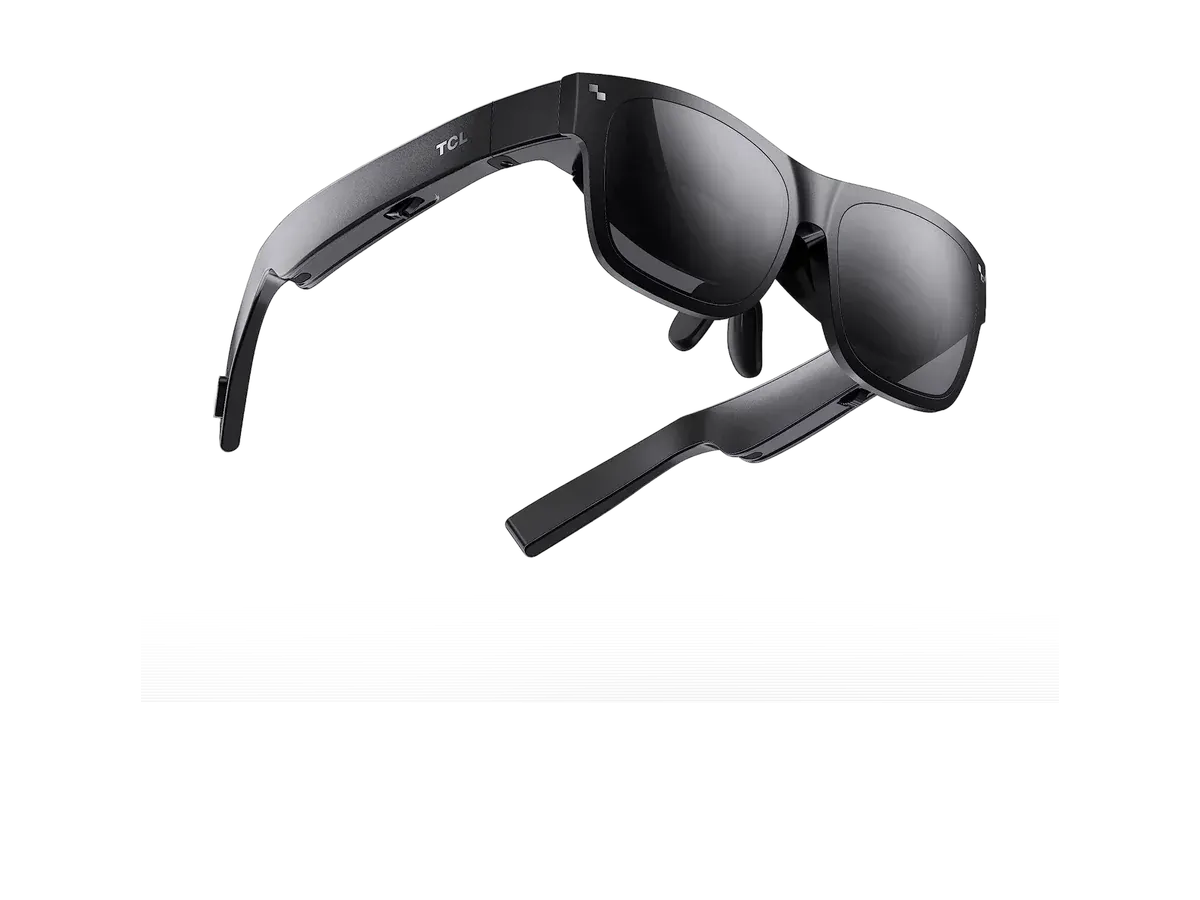
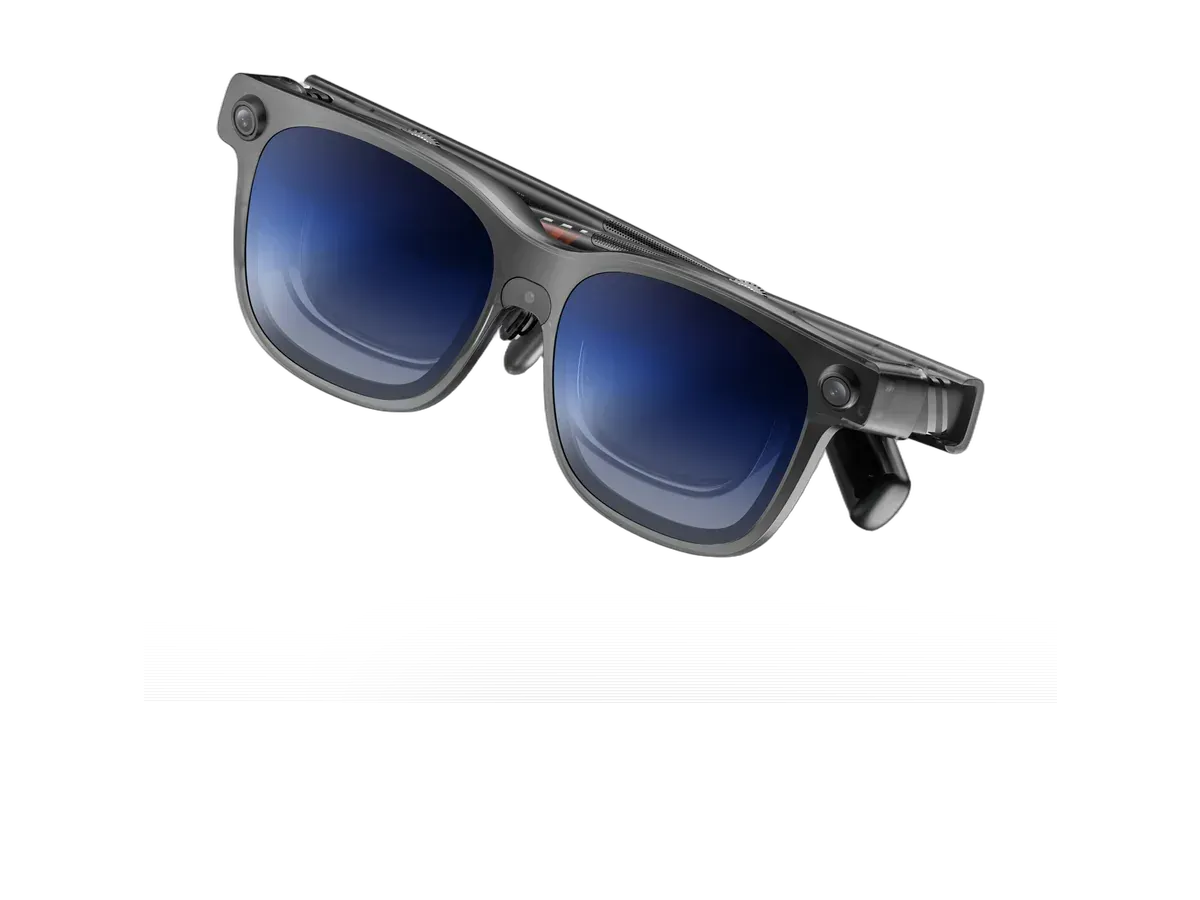
Which should you buy?
Bottom line: the TCL NxtWear S is the better buy for most people at $200 less, unless you need the wider field of view.
We may earn a commission on purchases made through links on this page.
Buy the TCL NxtWear S if…
- You want to spend $200 less ($399 vs $599)
Buy the VITURE Luma Ultra XR/AR Glasses if…
- You want the wider 52° field of view (vs 45°)
- You need the brighter 1500-nit display (vs 400 nits)
- You want the lighter 83g fit (vs 89g)
- You want smoother 120Hz motion (vs 60Hz)
Verdict generated from the recorded spec differences shown in the table below — when a spec is missing for either product, it is left out rather than guessed.
See the full rankings
Specs Comparison
Specs last verified
| Specification |  TCL NxtWear S $399 TCL NxtWear S $399 |  VITURE Luma Ultra XR/AR Glasses $599 VITURE Luma Ultra XR/AR Glasses $599 |
|---|---|---|
| Price | ||
| Price | $399 | $599 |
| Display | ||
| Display type | Sony Micro-OLED | Sony Micro-OLED (latest-gen panels) |
| Resolution | 1920x1080 | 1920x1200 |
| Pixels per degree | 49 | — |
| Field of view (°) | 45 | 52 |
| Refresh rate (Hz) | 60 | 120 |
| Brightness (nits) | 400 | 1500 |
| Virtual screen size (in) | 130 | 152 |
| HDR support | ✕ No | — |
| Color support | Full color | Full color |
| Optics | ||
| Optics type | birdbath | birdbath |
| Dimming control | ✓ Yes | ✓ Yes |
| Transparency level | electrochromic (adjustable tint) | — |
| Prescription support | ✓ Yes | ✓ Yes |
| Diopter range | Prescription inserts available | Built-in myopia adjustment up to -4.0D; clip-on Rx frame for astigmatism/hyperopia (SPH -16 to +12, CYL 6) |
| Physical | ||
| Weight (g) | 89 | 83 |
| Frame style | wraparound | — |
| Color options | Dark Gray | — |
| Foldable | ✓ Yes | ✕ No |
| Battery & power | ||
| Charging method | USB-C (powered by connected device) | — |
| Connectivity | ||
| Connectivity | USB-C | USB-C (DP Alt Mode) |
| Tethered | ✓ Yes | — |
| Compatible devices | Android, iOS, PC, Mac, Steam Deck, ROG Ally, PlayStation, Xbox, Nintendo Switch | Android, iOS, PC, Mac, Steam Deck, Nintendo Switch 2, PlayStation, Xbox, ROG Ally, Lenovo Legion Go, iPad |
| Computing | ||
| Processing type | tethered | — |
| Operating system | — | iPhone, Android, Mac, PC, Switch/Switch 2, Steam Deck |
| Chipset | — | Host-powered (6DoF works on Pro Neckband, macOS, Windows via SpaceWalker) |
| Sensors & input | ||
| Camera | ✕ No | ✕ No |
| Microphones | 2 | — |
| Speakers | open-ear | open-ear |
| Tracking | — | 6DoF |
Buy the TCL NxtWear S
Buy the VITURE Luma Ultra XR/AR Glasses
Keep shopping
Jump straight to full specs and where to buy either model, or keep exploring related picks.
More ways to decide
TCL NxtWear S vs VITURE Luma Ultra XR/AR Glasses: FAQs
Which is newer: the TCL NxtWear S or the VITURE Luma Ultra XR/AR Glasses?
The VITURE Luma Ultra XR/AR Glasses is newer, released August 2025, versus June 2023 for the TCL NxtWear S.
Which is cheaper: the TCL NxtWear S or the VITURE Luma Ultra XR/AR Glasses?
The TCL NxtWear S costs $399 and the VITURE Luma Ultra XR/AR Glasses costs $599, making the TCL NxtWear S $200 cheaper.
Which has the larger field of view: the TCL NxtWear S or the VITURE Luma Ultra XR/AR Glasses?
The VITURE Luma Ultra XR/AR Glasses has the larger field of view: TCL NxtWear S measures 45 degrees vs 52 degrees for the VITURE Luma Ultra XR/AR Glasses.
Which is lighter: the TCL NxtWear S or the VITURE Luma Ultra XR/AR Glasses?
The VITURE Luma Ultra XR/AR Glasses is lighter at 83g. The TCL NxtWear S weighs 89g and the VITURE Luma Ultra XR/AR Glasses weighs 83g.
Which has the brighter display: the TCL NxtWear S or the VITURE Luma Ultra XR/AR Glasses?
The VITURE Luma Ultra XR/AR Glasses is brighter at 1500 nits (TCL NxtWear S: 400 nits, VITURE Luma Ultra XR/AR Glasses: 1500 nits).
What is the main difference between the TCL NxtWear S and the VITURE Luma Ultra XR/AR Glasses?
Based on recorded specs, the TCL NxtWear S leads on price ($200 cheaper) while the VITURE Luma Ultra XR/AR Glasses leads on weight (6g lighter).