Meta Ray-Ban Display vs VITURE Luma XR
Side-by-side comparison of specs, features, and pricing
Specs updated
The VITURE Luma XR shows the bigger picture than the Meta Ray-Ban Display: a 50° field of view against 20° — how much of your vision the screen fills, per the makers' spec sheets. The Meta Ray-Ban Display has the brighter screen: 5,000 nits against 1,000 — nits measure how bright the screen can get. Specs updated October 7, 2026.
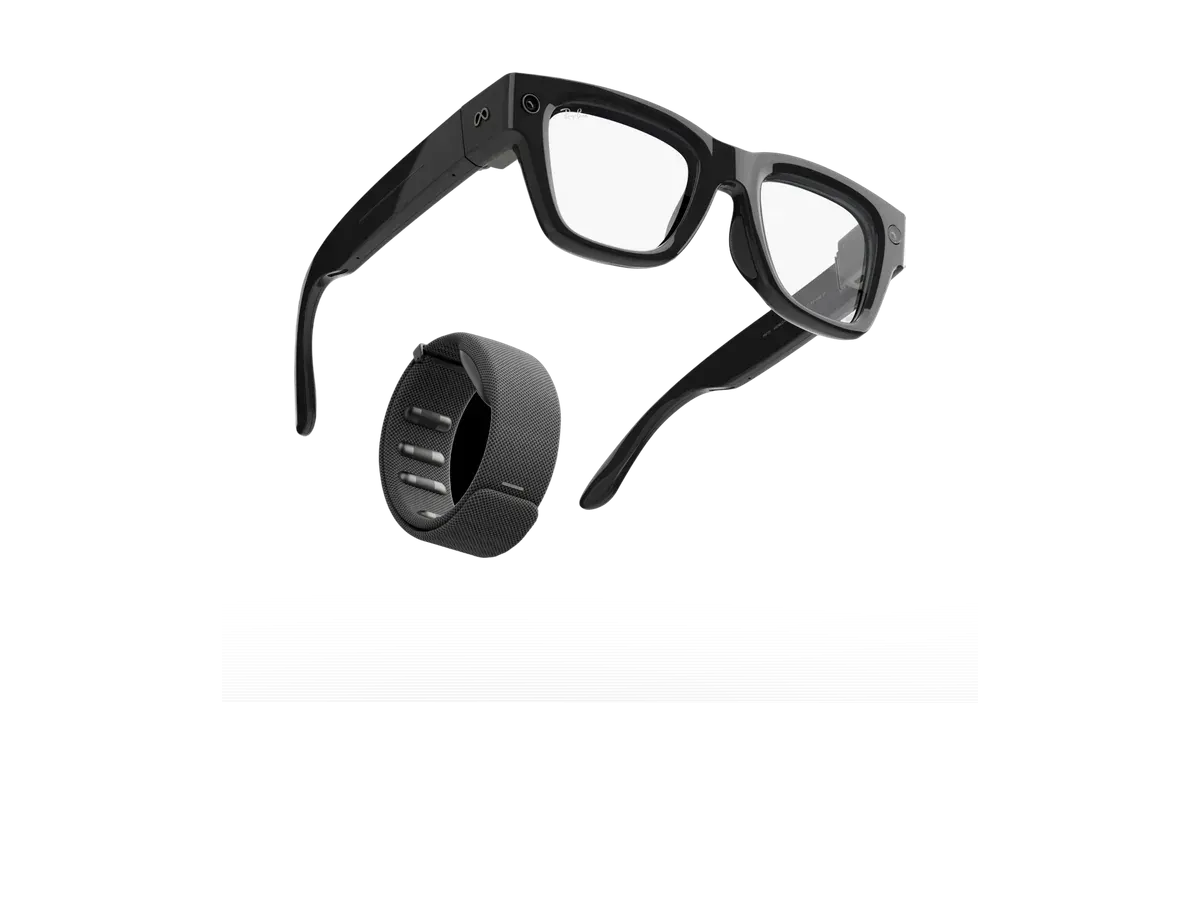
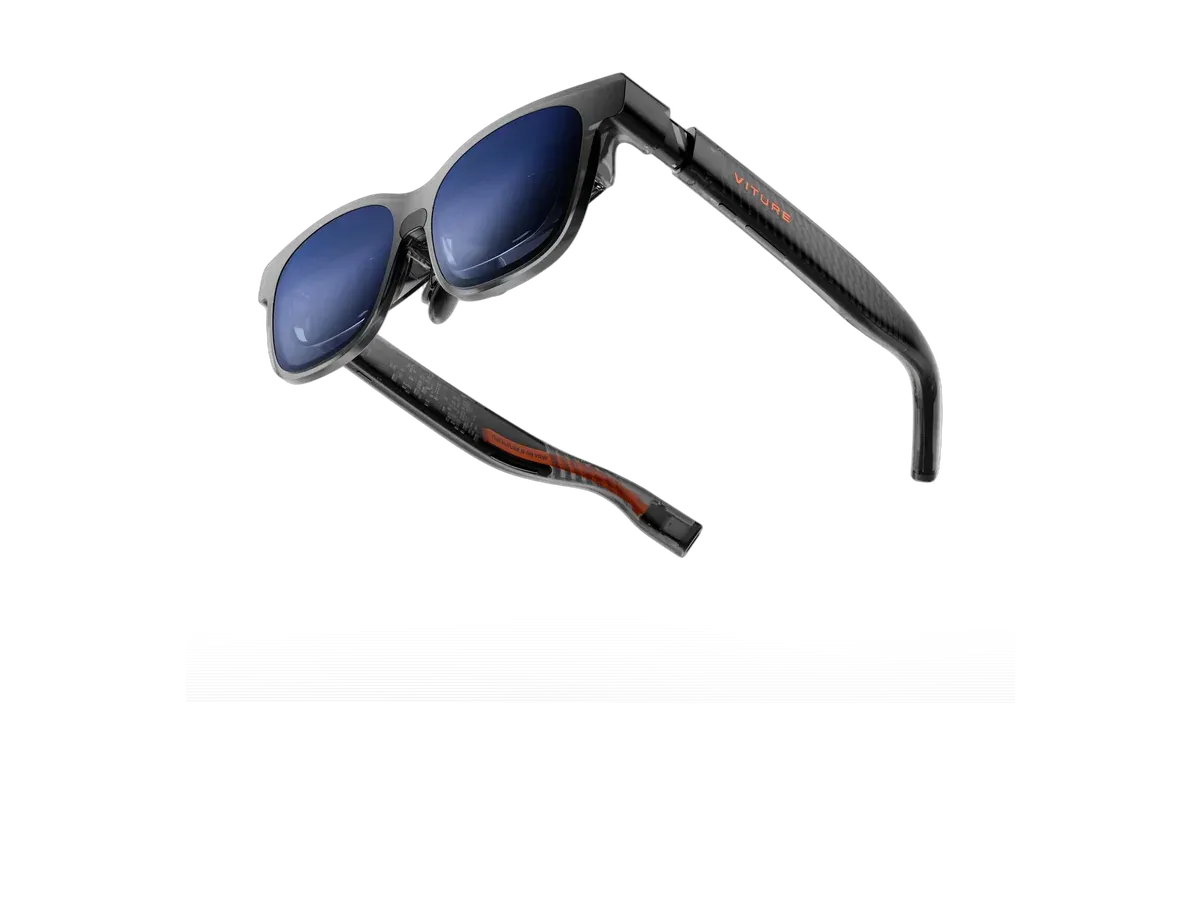
Which should you buy?
Bottom line: the VITURE Luma XR is the better buy for most people at $400 less, unless you need the brighter display.
We may earn a commission on purchases made through links on this page.
Buy the Meta Ray-Ban Display if…
- You need the brighter 5000-nit display (vs 1000 nits)
- You want the lighter 69g fit (vs 77g)
- You want a built-in camera
Buy the VITURE Luma XR if…
- You want to spend $400 less ($399 vs $799)
- You want the wider 50° field of view (vs 20°)
- You want smoother 120Hz motion (vs 90Hz)
- You want spatial audio
Verdict generated from the recorded spec differences shown in the table below — when a spec is missing for either product, it is left out rather than guessed.
See the full rankings
Specs Comparison
| Specification |  Meta Ray-Ban Display $799 Meta Ray-Ban Display $799 |  VITURE Luma XR $399 VITURE Luma XR $399 |
|---|---|---|
| Price | ||
| Price | $799 | $399 |
| Display | ||
| Display type | full-color monocular waveguide display (right eye), LCoS light engine | Sony Micro-OLED (enhanced panels, 50% sharper than VITURE Pro) |
| Resolution | 600x600 | 1920x1200 |
| Pixels per degree | 42 | — |
| Field of view (°) | 20 | 50 |
| Refresh rate (Hz) | 90 | 120 |
| Brightness (nits) | 5000 | 1000 |
| Virtual screen size (in) | — | 146 |
| HDR support | ✕ No | ✕ No |
| Color support | Full color | Full color |
| Optics | ||
| Optics type | waveguide | birdbath |
| Dimming control | ✓ Yes | ✓ Yes |
| Transparency level | — | electrochromic film (0.5-40% transmittance) |
| Prescription support | ✓ Yes | ✓ Yes |
| Diopter range | -4.00 to +4.00 SPH+CYL, up to 4.00 CYL | 0.00 to -6.00 |
| Physical | ||
| Weight (g) | 69 | 77 |
| Frame style | wayfarer | wraparound |
| Color options | Black, Sand | Translucent Black |
| Foldable | ✓ Yes | ✓ Yes |
| IP rating | IPX4 | — |
| Battery & power | ||
| Battery life (hours) | 6 | — |
| Charging method | folding charging case (USB-C) | USB-C (powered by connected device) |
| Connectivity | ||
| Connectivity | Bluetooth 5.3, Wi-Fi 6 | USB-C |
| Tethered | ✕ No | ✓ Yes |
| Compatible devices | iOS, Android | Android, iOS, PC, Mac, Steam Deck, Nintendo Switch, PlayStation, Xbox, ROG Ally |
| Computing | ||
| Processing type | on-device | tethered |
| Operating system | Meta AI app (iOS/Android companion) | iPhone, Android, Mac, PC, Steam Deck, Switch/Switch 2 (via adapters) |
| Chipset | Qualcomm Snapdragon AR1 Gen 1 | None on-device (host-powered; SpaceWalker app ecosystem) |
| Sensors & input | ||
| Camera | 12 MP, 1440x1920 video @30fps, 3X zoom | ✕ No |
| Microphones | 6 | 2 |
| Speakers | open-ear | directional · spatial audio |
| Tracking | — | 3DoF |
| Gesture control | ✓ Yes | — |
| Voice control | ✓ Yes | — |
| AI assistant | Meta AI | — |
Buy the Meta Ray-Ban Display
Buy the VITURE Luma XR
Keep shopping
Jump straight to full specs and where to buy either model, or keep exploring related picks.
More ways to decide
Meta Ray-Ban Display vs VITURE Luma XR: FAQs
Which is cheaper: the Meta Ray-Ban Display or the VITURE Luma XR?
The Meta Ray-Ban Display costs $799 and the VITURE Luma XR costs $399, making the VITURE Luma XR $400 cheaper.
Which has the larger field of view: the Meta Ray-Ban Display or the VITURE Luma XR?
The VITURE Luma XR has the larger field of view: Meta Ray-Ban Display measures 20 degrees vs 50 degrees for the VITURE Luma XR.
Which is lighter: the Meta Ray-Ban Display or the VITURE Luma XR?
The Meta Ray-Ban Display is lighter at 69g. The Meta Ray-Ban Display weighs 69g and the VITURE Luma XR weighs 77g.
Which has the brighter display: the Meta Ray-Ban Display or the VITURE Luma XR?
The Meta Ray-Ban Display is brighter at 5000 nits (Meta Ray-Ban Display: 5000 nits, VITURE Luma XR: 1000 nits).
What is the main difference between the Meta Ray-Ban Display and the VITURE Luma XR?
Based on recorded specs, the Meta Ray-Ban Display leads on weight (8g lighter) while the VITURE Luma XR leads on price ($400 cheaper).