Skip to content

Best of

Best smart glasses for video calls

Calls carried on your face, ranked — and the display half for seeing a call large, answered honestly.

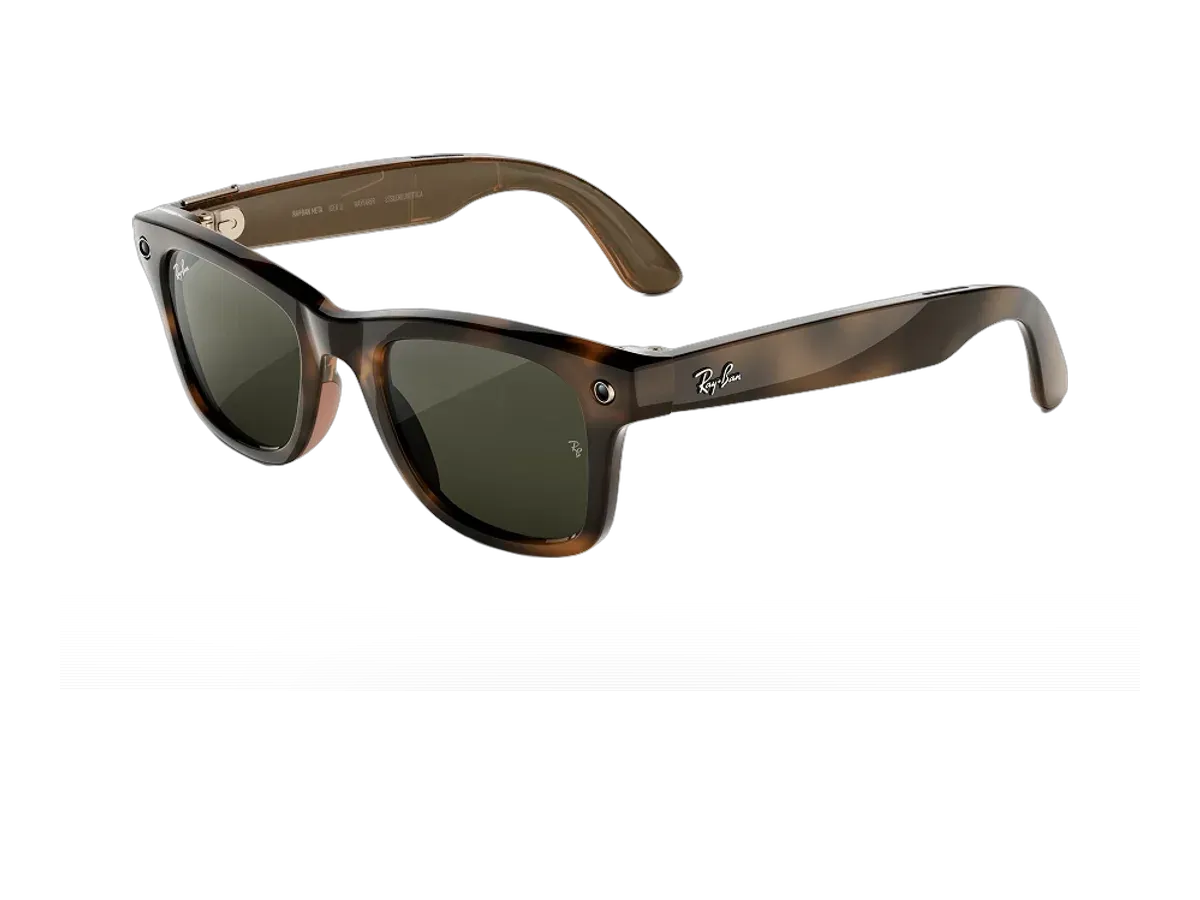
Our top pick for video calls on your face is the Ray-Ban Meta Gen 2 at $379.

Ray-Ban Meta Gen 2

Our top pick

Ray-Ban Meta Gen 2 · $379

Check price at Amazon See full ranking ↓

Product data last updated

Smart glasses for video calls splits into two honest halves. The ranked list covers calls carried ON the glasses: Meta's documented line shares your view on a WhatsApp or Messenger video call completely hands-free, with open-ear speakers and multi-microphone pickup doing the call work. The other half — wearing a big virtual screen to SEE a Zoom or Meet window from your laptop — is a display-glasses job, and the guide below the picks routes it to the right pages rather than mixing the two products into one dishonest list. Scoring rewards what decides call quality on your face: recorded microphones, speakers, battery through a meeting block, splash rating, voice control and weight.

# Pick Price Best for
1 Ray-Ban Meta Gen 2 $379 Top pick overall
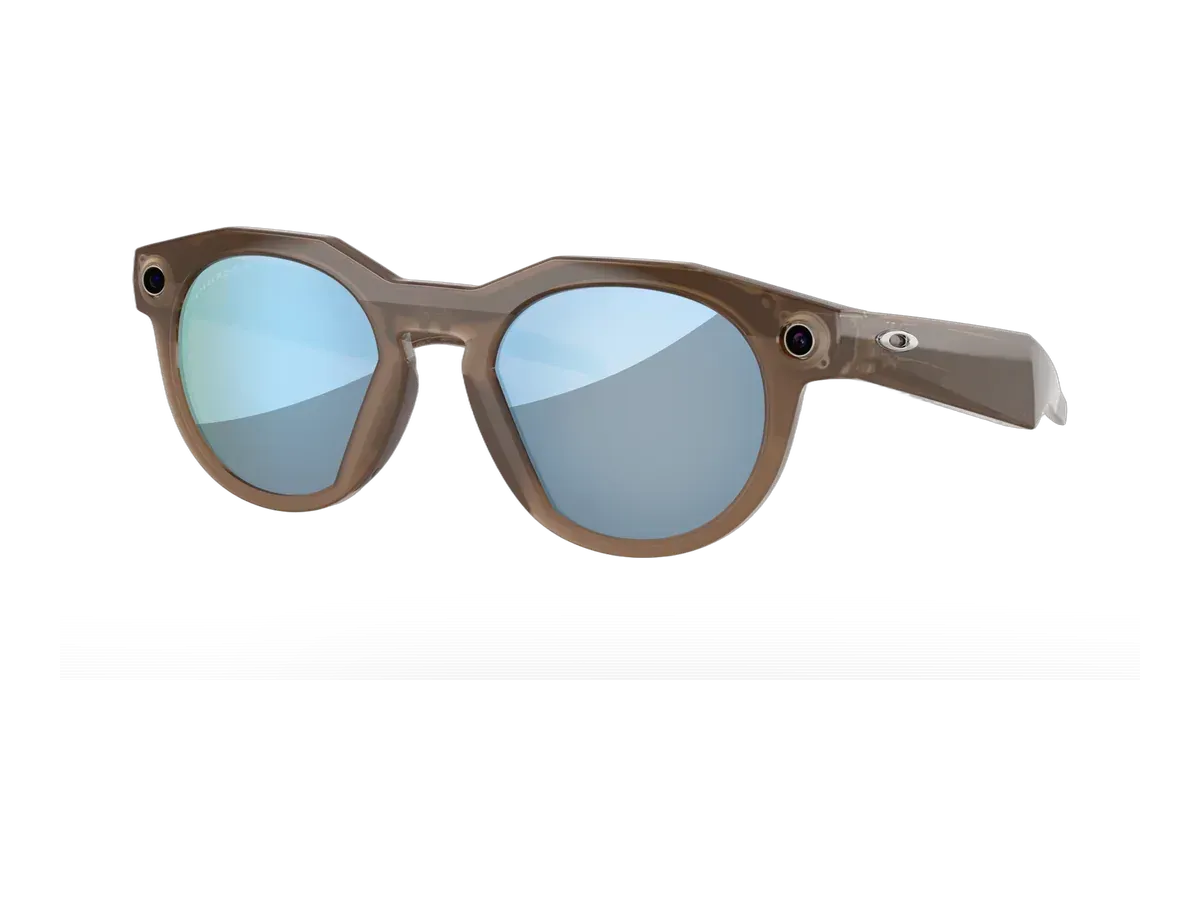
2 Oakley Meta HSTN Performance AI Glasses $399 —
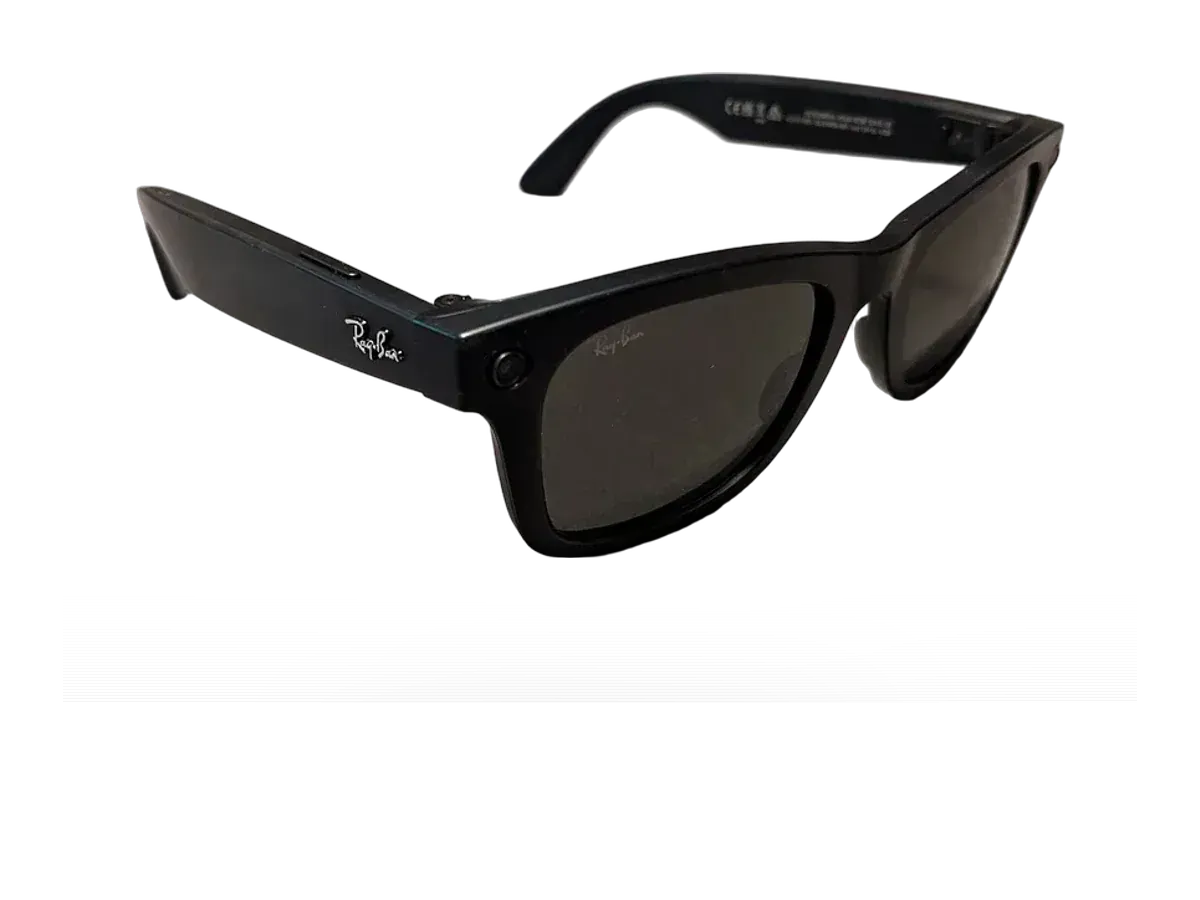
3 Ray-Ban Meta (Gen 3) $449 Longest battery life here
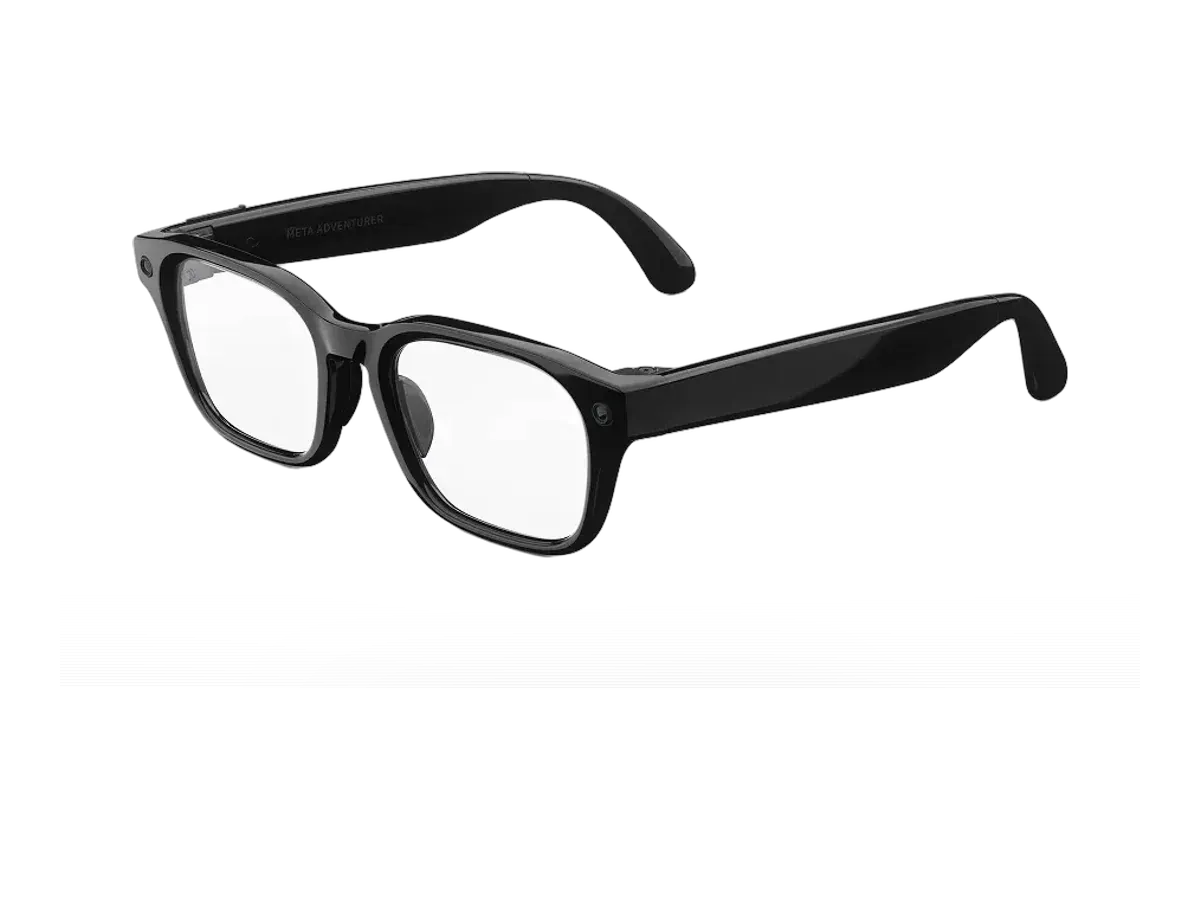
4 Meta Adventurer $299 Lowest price here
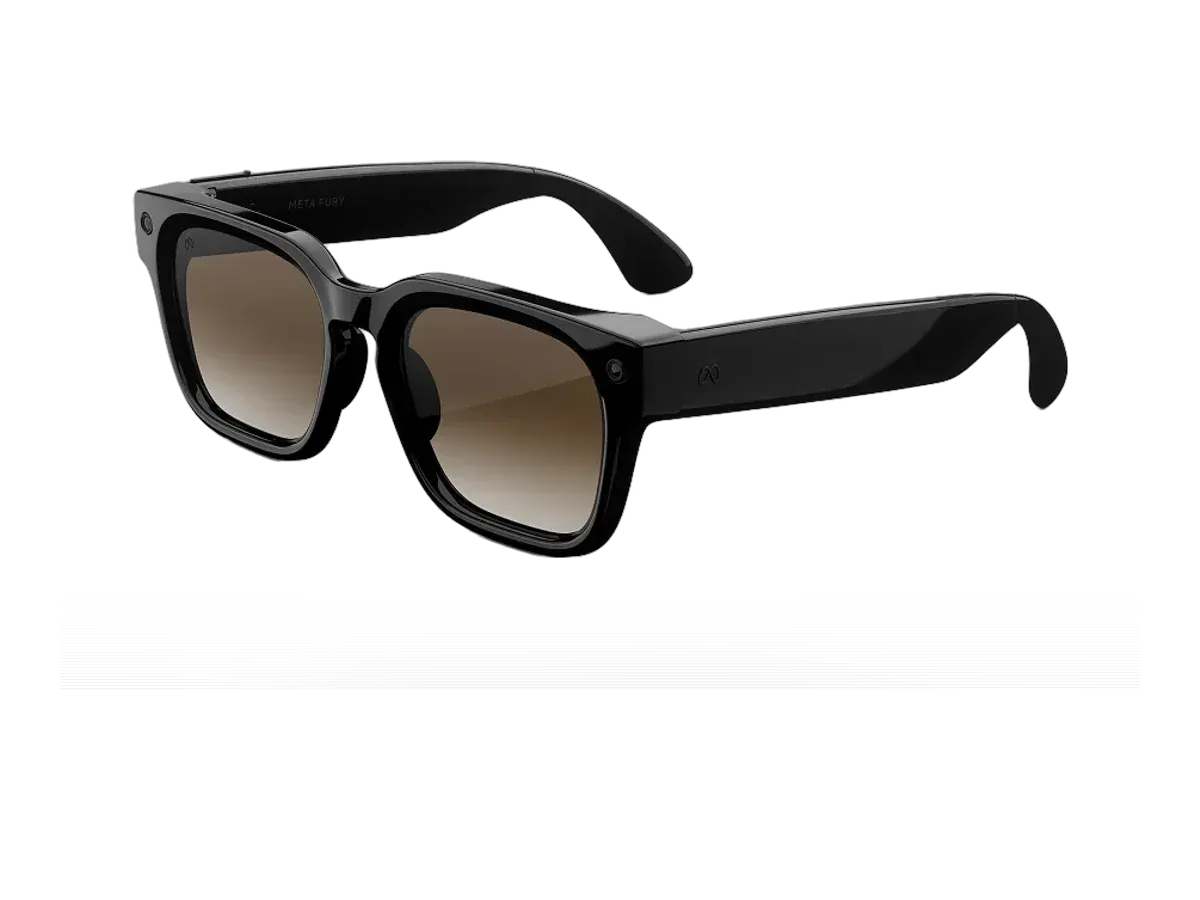
5 Meta Fury $299 —

Ranked by Calls use case · Microphones · Built-in audio · Battery life · Splash rating · Voice control · Weight. Prices verified at Amazon, except Meta Adventurer (last verified at Meta Store) and Meta Fury (last verified at Meta Store). Oakley Meta HSTN Performance AI Glasses has no verified price date.

Every pick is scored on the same criteria — a spec the maker doesn’t publish scores zero, and the Best for column marks where a pick leads this list. How we rank and check prices

Nobody typing this search means one thing. Half want to take a call from their glasses while their hands stay busy; half want a bigger screen to see a call on. Both get a straight answer here, and only one of them is the ranked list above.

Half one: the call rides on your face

Every ranked pick is from Meta’s documented calling line, because that is where the capability actually ships: Meta’s own announcement commits to “the ability to share your view on a video call via WhatsApp and Messenger, completely hands-free” (Meta newsroom). On a call, the person you ring sees your point of view while the open-ear speakers and the recorded microphone arrays — five on the Ray-Ban Meta Gen 2, six recorded on the Gen 3 — carry the conversation. Meta’s Gen 2 launch post also set the battery expectation honestly: “up to eight hours with typical use,” which is why battery sits high in the scoring. The practical picture: cooking with both hands while a parent watches the pan, walking a problem on a job site past a colleague, calling someone into a concert. You are the viewpoint, not the audience.

Half two: seeing a call on a big screen

If your actual wish is a large private window for Zoom or Meet, that is a display-glasses job and no pick above does it. Tethered display pairs plug into the laptop that is already running your meeting — the XREAL One’s product page describes exactly this desk reality, a 50-degree, 120Hz private screen that testers used as “three spatial monitors in a virtual workspace” from a MacBook — and your laptop keeps supplying the view of you while the glasses replace the monitor. Ranked by text sharpness and session comfort, that category lives at the monitor glasses ranking, with the full how-it-works reference in the virtual monitor guide. Zoom on a 150-inch private screen is a real and slightly absurd pleasure; it is simply a different purchase than a call you carry.

The honest limits of half one

Three things the ranked picks will not do. They will not show you the other person — there is no screen in these lenses, so the call’s video flows one way, from you. They will not replace a headset for marathon back-to-back meetings — the recorded batteries run four to nine hours of mixed use, and a long video share draws harder than that average. And they will not make a loud room quiet — open-ear speakers keep you present in your surroundings by design, which is exactly right on a street and exactly wrong beside a jackhammer. The microphone arrays, recorded per pick in the ranking, are the reason callers consistently hear you better than you would expect.

Choosing in one minute

Buy the Gen 2 if you want the proven middle: five recorded microphones, eight recorded hours, a splash rating, and the full WhatsApp and Messenger view-sharing stack at $379. Step to the Gen 3 for the six-microphone array and nine recorded hours, or to the Oakley Meta HSTN if the call happens mid-activity and you want the sport fit. The Adventurer and Fury trade recorded microphone counts for price, and the Gen 1 at $224 is the cheapest documented door into glasses calling — with the shortest recorded battery, which its score shows plainly.
How we rank: 7 scored criteria

Every eligible product is scored on the recorded specs below. Missing data scores zero — we never guess a value. Points shown next to each pick add up to its total score. Our full method

  • Calls use caseup to 12 pts
  • Microphonesup to 15 pts
  • Built-in audioup to 10 pts
  • Battery lifeup to 15 pts
  • Splash ratingup to 8 pts
  • Voice controlup to 8 pts
  • Weightup to 10 pts

Ray-Ban Meta Gen 2 or Oakley Meta HSTN Performance AI Glasses?

Buy the Ray-Ban Meta Gen 2 if…

Buy the Ray-Ban Meta Gen 2 if you want to spend $20 less ($379 vs $399) and you want spatial audio.

Smart glasses FAQ

Can you actually take a video call on smart glasses?

On the ranked picks, yes — Meta documents sharing your view on a video call via WhatsApp and Messenger, completely hands-free. The person you call sees what you see, from your point of view, while the open-ear speakers and microphone array carry the conversation. You are not watching them on a screen in your lens on these picks; you are the live view.

Can smart glasses show me the other person on a Zoom call?

That is the other half of this page, and it is a display-glasses job: tethered pairs plug into your laptop over USB-C and float your meeting window on a large private screen, with your laptop still supplying the view of you. No ranked pick here does that — the display-glasses pages cover which pairs do it best for text sharpness and comfort.

What matters most for call quality on glasses?

Microphones first — the recorded arrays here run up to six — then speakers your ears do not wear, battery across a meeting block, and weight if calls fill your day. The ranking scores exactly those recorded fields, and each pick's breakdown shows the values behind its points.

More guides on these picks

Keep researching

Provenance: use case derived from the call job; membership = the maker-documented hands-free video-calling line. Rankings are computed from recorded product specs only.